Introduction

faucet-stream wires 23 source and 18 sink connectors together with a single
faucet binary that runs pipelines declaratively from a YAML/JSON file — no Rust
code required. Or skip the binary and embed the same engine in your own service
through the typed Source / Sink traits.
cargo install faucet-cli
faucet init my_pipeline --source postgres --sink bigquery
faucet validate pipeline.yaml
faucet run pipeline.yaml
Why faucet-stream
Fast & reliable by default
Native streaming with bounded memory, connection pooling, multi-row inserts, bulk APIs, and parallel I/O — performance is the reason the library exists.
Config-driven or embeddable
Run faucet run pipeline.yaml, or call Pipeline::new(&source, &sink).run().await? from Rust. Same engine either way.
A runtime, not just connectors
Incremental + resumable replication, change-data-capture, exactly-once delivery, dead-letter queues, retries, quality checks, and built-in metrics + tracing — with zero per-connector code.
Pay only for what you use
Every connector is a Cargo feature. Build a slim binary with just the source and sink you need.
How this book is organized
- Getting Started — install, run your first pipeline in five minutes, and (if you like) learn the whole architecture as a story.
- Tutorials — end-to-end walkthroughs of real pipelines (incremental REST → BigQuery, Postgres CDC, DAGs, embedding).
- Cookbook — short, task-oriented recipes for pagination, auth, state, upserts, dead-letter queues, secrets, and more.
- Reference — the connector catalog, CLI commands, and config-file grammar.
- Operations — deploying, observability, performance tuning, and troubleshooting.
- Extending — author and publish your
own
faucet-source-*/faucet-sink-*crate.
Where else to look
- API docs: every crate is on docs.rs, rendered with all features so optional connectors are visible.
- Source & issues: github.com/PawanSikawat/faucet-stream.
- Runnable examples: the
cli/examples/directory ships a config for nearly every connector pair, andexamples/has adocker-composestack so they run locally.
Installation
The faucet CLI
Prebuilt binaries (no Rust required)
Every faucet-cli release ships prebuilt binaries for macOS (Apple Silicon +
Intel) and Linux (x86_64 + aarch64), so you don’t need a Rust toolchain to try
it.
Homebrew (macOS / Linux):
brew install PawanSikawat/faucet-stream/faucet-cli
(The formula is named after the faucet-cli package; it installs the faucet
binary.)
Shell installer (macOS / Linux):
curl -LsSf https://github.com/PawanSikawat/faucet-stream/releases/latest/download/faucet-cli-installer.sh | sh
Direct download: grab the archive for your platform from the latest
faucet-cli GitHub Release
(e.g. faucet-cli-aarch64-apple-darwin.tar.xz), verify it against the
published .sha256 checksum, and put faucet on your PATH.
The prebuilt binary includes the CLI default feature set (every first-party
connector, transforms, quality checks, contracts, masking, compression) plus
serve (with the embedded web console), schedule, and lineage. Not
included — build from source for these: transform-sql (embedded DuckDB),
otel, triggers, catalog, and the serve-history-* backends.
macOS Gatekeeper: the binaries are not currently notarized. If macOS blocks the downloaded binary, clear the quarantine attribute:
xattr -d com.apple.quarantine $(which faucet). Homebrew installs are not affected.
From source (crates.io)
For the full feature set, or any custom combination, install from crates.io:
cargo install faucet-cli                     # the default feature set
cargo install faucet-cli --features full     # everything (DuckDB, otel, triggers, …)
This gives you a faucet binary with every first-party connector compiled in,
so it can run any of the published example configs out of the box.
Choose your build (feature flags)
Every connector and runtime capability is a Cargo feature, so you can build exactly the
binary you need. Connector features are named source-<name> and sink-<name>.
Bare minimum — the smallest useful binary (REST in, JSON Lines out):
cargo install faucet-cli --no-default-features --features "source-rest,sink-jsonl"
Add a source or sink — list the connectors you want (plus transforms if you need in-flight shaping):
cargo install faucet-cli --no-default-features \
  --features "source-postgres,sink-bigquery,transforms"
Add a runtime capability — compose any of serve, serve-ui, schedule, lineage,
transform-sql (embedded DuckDB), triggers, catalog, otel, compression, quality,
contract, masking:
cargo install faucet-cli --features "serve,schedule,transform-sql,lineage"
Run faucet list to see which sources, sinks, and transforms are compiled into your binary,
and the connector catalog for every feature name.
The library
To embed pipelines in your own Rust program, depend on the umbrella crate and enable the connectors you need:
[dependencies]
# Default features include the REST source only.
faucet-stream = "1.0"

# Or enable specific connectors:
faucet-stream = { version = "1.0", features = ["source-rest", "sink-postgres", "sink-s3"] }

# Or everything:
faucet-stream = { version = "1.0", features = ["full"] }
Feature groups: source (all sources), sink (all sinks), state (all
state-store backends), full (everything), and compression (gzip/zstd on the
file-shaped connectors you’ve enabled).
You can also depend on individual connector crates directly
(faucet-source-rest, faucet-sink-bigquery, …) — each depends only on
faucet-core.
Requirements
- A recent stable Rust toolchain (see the repo’s
rust-toolchain.tomlfor the current MSRV). - Some connectors link native libraries — the Kafka connectors build
librdkafkaand needcmakeand a C toolchain available at compile time.
Next: run your first pipeline.
Your first pipeline
This walkthrough moves a local CSV file to JSON Lines — no external services
required, so it works immediately after cargo install faucet-cli.
1. Create some input
mkdir -p data out
cat > data/input.csv <<'CSV'
id,name,city
1,Ada,London
2,Grace,New York
3,Linus,Helsinki
CSV
2. Write a config
Create pipeline.yaml:
version: 1
name: csv_to_jsonl

pipeline:
  source:
    type: csv
    config:
      path: ./data/input.csv
  sink:
    type: jsonl
    config:
      path: ./out/records.jsonl
faucet run auto-discovers a faucet.yaml / faucet.yml / faucet.json in the
current directory (and a sibling .env), so you can also name the file
faucet.yaml and just run faucet run.
3. Validate, then run
faucet validate pipeline.yaml
faucet run pipeline.yaml
$ cat out/records.jsonl
{"id":"1","name":"Ada","city":"London"}
{"id":"2","name":"Grace","city":"New York"}
{"id":"3","name":"Linus","city":"Helsinki"}
4. Preview without writing
To see what a source emits without touching a sink, use preview — it runs the
source and prints records to stdout:
faucet preview pipeline.yaml --limit 5
5. Scaffold from a connector’s schema
faucet init generates a commented config skeleton from any connector’s JSON
schema, marking required fields and commenting out optional ones:
faucet init my_pipeline --source rest --sink postgres
Add a transform
Insert a transforms: list between source and sink to reshape records. For
example, normalize keys to snake_case:
pipeline:
  source: { type: csv, config: { path: ./data/input.csv } }
  transforms:
    - type: snake_case
  sink: { type: jsonl, config: { path: ./out/records.jsonl } }
Built-in config transforms are flatten, rename_keys, and snake_case.
Next: core concepts.
Try it locally (interactive demo)
The repo ships a single script — scripts/try-local.sh —
that builds the faucet CLI, generates a throwaway demo workspace, exercises a
broad slice of the toolkit against file-only connectors (no Docker, no cloud,
no databases), and then leaves the web console
running so you can browse the results visually.
It’s the fastest way to see pipelines, transforms, data-quality, masking, lineage, the Data Movement Catalog, and dead-letter-queue replay working end-to-end on your machine.
Prerequisites
The default build is light and pure-Rust — it needs only:
- rustup with the toolchain pinned in
rust-toolchain.toml(the script resolves it automatically, even if a Homebrewrustcis on yourPATH). - A C toolchain for a couple of transitive crates — on macOS that’s the Xcode
Command Line Tools (
xcode-select --install); on Linux,build-essential.
sqlite3 and curl are used by a few steps if present (both ship on macOS and
most Linux distros); missing ones are skipped gracefully.
The optional
--fullbuild additionally compiles Kafka, gRPC, the cloud connectors, and the DuckDB SQL transform from source, which requires CMake and takes ~15–30 minutes. The light default builds in a few minutes.
Running it
# From the repo root — builds the light feature set, runs the battery,
# then starts the web console and leaves it up (Ctrl+C to stop).
./scripts/try-local.sh
Useful flags:
| Flag | Effect |
|---|---|
| (none) | Light build → run battery → keep the web console running |
--full | Build every feature (Kafka, gRPC, cloud, DuckDB SQL); needs CMake |
--release | Optimised build (slower to compile, faster to run) |
--no-serve | Run the battery and exit — no console (for CI / a quick check) |
--serve-only | Skip the build + battery; just (re)launch the populated console |
--clean | Wipe the demo workspace (faucet-local-demo/) first |
--no-build | Reuse an already-built binary |
--port N | Console / serve port (default 8899) |
What it exercises
Everything below runs against generated CSV data in faucet-local-demo/:
- Core: CSV → JSONL, record transforms (
set/cast/redact/flatten/filter/explode/value_case),preview,validate,doctor. - Governance: data-quality checks + DLQ quarantine, data contracts
(
quarantineandfailpolicies), PII masking (redact / hash / partial / tokenize). - Round-trips: CSV ↔ SQLite, CSV ↔ Parquet.
- Runtime: matrix fan-out,
depends_onordering,--from-env, config composition (extends:+profiles:), JSON-format configs, schema-driftevolve(SQLiteADD COLUMN). - Observability: SLA monitoring, file-based OpenLineage emission, the Data Movement Catalog.
- Ops: offline
faucet test,dlq inspect/replay, and theserveHTTP control plane.
With --full, the embedded DuckDB SQL transform step is included too.
The web console
When the battery finishes, the script submits a handful of demo runs through the HTTP API and then keeps the server up, so the console arrives already populated — you can open it and immediately browse Runs, Datasets, Lineage, and the per-run dead-letter-queue panel. See Web console for a screenshot tour.
The run-history database (faucet-local-demo/faucet-meta.db) is not wiped
between invocations, so run history accumulates over time. Use --clean to
reset the whole workspace.
The
faucet-local-demo/workspace is disposable — delete it any time withrm -rf faucet-local-demo. It is git-ignored.
Core concepts
faucet-stream is built from a handful of small pieces. Understanding them makes both the YAML config and the Rust API obvious.
Source
A source fetches records from an external system (a REST API, a database, a
Kafka topic, an object store, …) and yields them as JSON values. Sources stream
in batches via stream_pages, so memory stays bounded no matter how much data
flows through.
Sink
A sink writes records to an external system. Sinks accept batches and most
expose a batch_size knob that controls the natural unit of work (a multi-row
INSERT, a _bulk body, an insertAll request, and so on).
Transform
An optional transform reshapes each record between source and sink. The
config-exposed transforms are flatten, rename_keys, and snake_case;
additional custom transforms are available from Rust.
Pipeline
The pipeline connects a source to a sink. It drives the source’s
stream_pages, applies transforms, and writes each page to the sink as it
arrives — then flushes and records progress. Memory is bounded at one
batch_size page on both sides regardless of total volume.
let result = Pipeline::new(&source, &sink).run().await?;State store & bookmarks
For incremental and resumable runs, a state store persists a bookmark after
each page the sink confirms. On the next run the source resumes from that
bookmark. Built-in backends are memory and file (in faucet-core); redis
and postgres backends live in their own crates.
This is what makes change-data-capture safe: the PostgreSQL CDC source only tells Postgres it can recycle write-ahead log up to a bookmark that has actually been persisted.
Dead-letter queue (DLQ)
A pipeline can attach a DLQ sink. When a sink reports per-row failures, the
failing rows are wrapped in a fixed-shape envelope and routed to the DLQ before
the page’s bookmark advances — so a few bad records don’t abort the whole run.
The on_batch_error policy (propagate vs dlq_all) decides what happens when
a sink can’t report per-row results.
Matrix & DAGs
A single config can fan out into many invocations with a matrix: block — either
independent rows or a parent/child DAG where a child runs once per record
produced by its parent. See the matrix DAG tutorial.
Observability
Every source, sink, transform, and state operation is automatically wrapped to
emit tracing spans and metrics counters/histograms — no per-connector code.
See Observability.
Learn the architecture
Two ways to understand how faucet-stream works. Pick the one that fits you — the switch remembers your choice as you browse.
- 🎓 Beginner’s guide builds the whole system up as a story, one idea at a time.
- 🏛 Architect reference is the condensed, subsystem-by-subsystem view for people who already have the mental model.
The buttons above switch this page in place on the published documentation site. If you’re reading the raw Markdown on GitHub (which doesn’t run the site’s scripts), both sections simply appear one after the other below.
The one-sentence idea
faucet-stream moves data from one place to another.
Picture a kitchen faucet: water comes from a pipe (the source), flows through the tap, and out into the sink. faucet-stream is the tap — you say where the data comes from and where it goes, and it moves the data reliably, without losing or scrambling it.
flowchart LR
    S["Source"] -->|records| P["faucet pipeline"] -->|records| K["Sink"]
Everything else — pages, bookmarks, retries, exactly-once — exists to keep that one sentence true even when things go wrong. We’ll add those ideas one at a time.
Chapter 1 — The two characters: Source and Sink
The whole system is built from two roles:
- A Source knows how to read records from somewhere (a database, an API, a file, a queue).
- A Sink knows how to write them somewhere else.
A connector is just a Source or Sink for one system (faucet-source-postgres,
faucet-sink-bigquery, …). They all speak the same two-role language, which is
why any source can feed any sink.
Records are just JSON. A database row, an API response, a file line — they all become plain JSON objects flowing through the pipe. At its simplest, a Source is one function (“give me your records”) and a Sink is one function (“here are records, write them”). That’s a working connector; everything else is optional.
Chapter 2 — Moving data once
Connect a Source to a Sink and you have a pipeline: read everything, write everything.
flowchart LR
    A["source.fetch<br/>read all"] --> B["sink.write"] --> C["done — wrote N records"]
For a one-time copy, this is all you need. Two real-world problems push us further: you don’t want to re-copy everything every run (Chapter 3), and your data might be too big for memory (Chapter 4).
Chapter 3 — Only the new stuff (incremental)
To avoid re-reading everything each run, the Source leaves itself a note — a bookmark — saying “I got up to here” (a timestamp, a log position, an offset). Next run it resumes from that note instead of the beginning.
Here’s the single most important rule in the whole project, and it’s just common sense:
The bookmark is saved only after the data is safely written.
If we saved “got to row 1000” first and then crashed before writing those rows, they’d be lost forever. So the order is always write → make sure it’s really saved → then save the bookmark. Crash in between, and the worst case is redoing a little work (safe) — never skipping data (catastrophic). Keep this rule in your pocket; every advanced feature respects it.
Chapter 4 — Bigger than memory (streaming)
Reading a billion rows into memory won’t work. So instead of “all the data,” the Source produces a stream of pages — chunks of, say, 1,000 records at a time — and the pipeline handles one page at a time:
flowchart LR
    P1["page 1"] --> W1["write"] --> P2["page 2"] --> W2["write"] --> P3["page 3<br/>+ bookmark"] --> W3["write"] --> F["flush"] --> CK["save bookmark"]
Only one page is ever in memory, so a thousand rows or a billion, memory stays flat. The bookmark rides along on the pages, and it’s still saved after the page is safely written — Chapter 3’s rule, now per-page.
Chapter 5 — The production toolbox (reach for these when you need them)
You now understand the spine: a source streams pages, the pipeline writes each page and checkpoints safely, so you can resume after a crash. Everything below is optional — a toolbox you pull from the day you hit the problem a tool solves. Find your situation, then follow the tool to its how-to. The family almost every real pipeline reaches for — shaping the data — comes first.
Shaping the data
| The situation you’re in | The tool you reach for |
|---|---|
| The data isn’t in the shape the destination wants | Transforms |
| You need joins, aggregates, or real query power | SQL transform |
Guarding the data
| The situation you’re in | The tool you reach for |
|---|---|
| Some incoming rows are garbage (nulls, out-of-range) | Quality checks |
| Downstream must never get a surprise shape | Contracts |
| The data has PII you must never leak | Masking |
| The incoming shape drifts from the destination’s | Schema drift |
Moving it reliably
| The situation you’re in | The tool you reach for |
|---|---|
| A few bad rows keep killing the whole run | Dead-letter queue |
| The network or endpoint is flaky | Retries & resilience |
| You must never write a row twice, even after a crash | Exactly-once |
| You need a destination table kept mirrored (upserts, deletes) | Upsert / write modes |
Getting data in and out at scale
| The situation you’re in | The tool you reach for |
|---|---|
| One source is too big for a single worker | Sharding |
| Bootstrap a table, then follow its changes with no gap | Replication |
| Replay a bounded slice of history | Backfill |
| Auto-generate configs from a live catalog | Discovery |
| Read or write compressed files | Compression |
Running & operating it
| The situation you’re in | The tool you reach for |
|---|---|
| Run on a cron schedule | Scheduling |
| Run as a long-lived HTTP service | Serve |
| Spread runs across many machines | Cluster |
| Start runs on events (a file lands, a webhook, a queue fills) | Triggers |
| Turn one config into many pipelines (a DAG) | Matrix & composition |
| Pull credentials from a secrets manager | Secrets |
Seeing what happened
| The situation you’re in | The tool you reach for |
|---|---|
| Get metrics and traces | Observability |
| See where data came from and went | Lineage |
| Alert when data goes stale or volume looks wrong | SLA monitoring |
| Browse every dataset your pipelines have touched | Data Movement Catalog |
| Get paged (Slack / PagerDuty) when something breaks | Notifications |
When several of the data-guarding tools are on, each page runs them in a fixed, safe order — mask first (so PII can’t leak), then validate (so bad data never lands), then write, then save the bookmark last:
flowchart LR
    PAGE["page"] --> M["mask"] --> Q["quality"] --> C["contract"] --> D["drift"] --> W["write"] --> FL["flush"] --> CK["save bookmark"]
The golden rule never bends, no matter how many tools you add.
The one rule that ties it all together
A bookmark is saved only after the sink has durably written and flushed the page. Write → flush → checkpoint. Always.
Every failure mode, retry, and exactly-once guarantee is a consequence of that one ordering.
Where to go next
- Run a real pipeline: Your first pipeline.
- The concepts, precisely: Core concepts.
- The full story with diagrams and code: the beginner guide on GitHub.
- Flip this page to 🏛 Architect reference for the condensed deep view.
Architecture at a glance
faucet-core is a lean library: it knows how to move one source to one sink and
checkpoint safely. All orchestration (matrix DAGs, scheduling, the HTTP control
plane, clustering) is CLI-layer code built on top. The full reference lives in the
repository under docs/architecture/; this is the condensed view.
How a run is assembled
flowchart LR
    cfg["config"] --> comp["compose"] --> interp["interpolate"] --> sec["secrets"] --> parse["parse"] --> exp["expand"] --> exe["executor"] --> pipe["Pipeline"] --> rs["run_stream"]
expand is where a config becomes runnable and where the load-time gates run
(exactly-once, write-mode × sink, quarantine-requires-DLQ) — an impossible
topology fails faucet validate before any record moves. Deep dive:
execution model.
The pipeline loop
run_stream consumes one StreamPage { records, bookmark } at a time and, per
page, runs the fixed-order passes then one of three write paths:
flowchart LR
    PAGE["page"] --> M["mask"] --> Q["quality"] --> C["contract"] --> D["drift"] --> WR["write path"] --> FL["flush"] --> CK["checkpoint"]
- Default (at-least-once):
write_batch→ flush → persist bookmark. - Exactly-once (atomic watermark):
write_batch_idempotent(scope, token)→ flush → persist(bookmark, seq); a replayed token-stamped write is a no-op. - DLQ:
write_batch_partialroutes per-row failures aside → flush → persist.
Deep dive: pipeline engine, stream pages.
The load-bearing invariant
A page’s bookmark is persisted only after the sink has durably written and flushed that page. Write → flush → checkpoint, in all three paths.
The state store is therefore never ahead of the sink, so recovery can only ever replay attempted work — never skip it. Deep dive: design invariants, recovery.
Delivery guarantees
| Guarantee | Requires | On the crash window |
|---|---|---|
| At-least-once (default) | nothing | replays the page — may duplicate |
| Effectively-once / atomic-watermark | idempotent sink + deterministic-replay source + durable state + no DLQ | skips or re-anchors — no duplication |
| Effectively-once / keyed-upsert | upsert-capable sink + write_mode: upsert|delete + key | re-upsert is a no-op — no duplication |
Retry safety
A non-idempotent write_batch is retried only when the sink advertises
idempotence — otherwise a lost response could silently duplicate every row. Deep
dive:
retries,
resilience.
The subsystems
| Area | Reference |
|---|---|
Connector SDK (Source/Sink traits) | connector-sdk |
| State & bookmarks | state-management |
| Batching & adaptive control | batching |
| Schema / quality / contracts / masking | schema |
| Observability | observability |
| Security model | security |
| Performance & extensibility | performance · extensibility |
Decision history lives in the ADRs; proposals in the RFCs.
Flip this page to 🎓 Beginner’s guide if you’d like the same story from zero.
REST API → BigQuery (incremental)
This tutorial pulls records from a paginated REST API and streams them into a BigQuery table, then converts it to an incremental pipeline that only fetches new rows on each run.
Full-table version
version: 1
name: rest_to_bigquery

pipeline:
  source:
    type: rest
    config:
      base_url: https://api.example.com
      path: /v1/events
      method: GET
      name: events
      auth:
        type: basic
        config:
          username: ${env:API_USER}
          password: ${env:API_PASS}
      records_path: $.events[*]
      pagination:
        type: PageNumber
        param_name: page
        start_page: 1
        page_size: 500
        page_size_param: per_page
      max_pages: 200
      timeout: 45
      max_retries: 5
      retry_backoff: 2
      tolerated_http_errors: [404]
      replication_method:
        type: FullTable
      primary_keys: [event_id]
      schema_sample_size: 100

  sink:
    type: bigquery
    config:
      project_id: my-gcp-project
      dataset_id: analytics
      table_id: events
      auth:
        type: service_account_key_path
        config:
          path: service-account.json
      batch_size: 1000
Secrets come from the environment via ${env:VAR} — keep credentials out of the
config file. Put them in a sibling .env or export them before running.
export API_USER=… API_PASS=…
faucet run rest_to_bigquery.yaml
The records_path is a JSONPath that selects the array of records inside each
response body; pagination walks pages until an empty page or max_pages. See
the pagination cookbook for the other styles.
Make it incremental
Switch replication_method from FullTable to a key-based incremental method
and attach a state store so progress survives between runs:
pipeline:
  source:
    type: rest
    config:
      # … as above …
      replication_method:
        type: Incremental
        cursor_field: updated_at
      primary_keys: [event_id]
  sink:
    # … as above …
  state:
    type: file
    config:
      path: ./state
Now each run records the maximum updated_at it saw; the next run resumes from
that bookmark. Swap the file state store for redis or postgres for shared,
durable state across machines — see state.
Tip: run
faucet schema source restandfaucet schema sink bigqueryto see every available config field with its type and default.
PostgreSQL CDC → JSONL
Change data capture (CDC) streams every INSERT/UPDATE/DELETE from a
PostgreSQL table by reading its write-ahead log via logical replication — no
polling, no updated_at column required.
Prepare Postgres
CDC needs logical replication enabled (wal_level = logical) and a publication
for the tables you want to follow:
CREATE TABLE IF NOT EXISTS users (id int4 PRIMARY KEY, name text);
CREATE PUBLICATION faucet_pub FOR TABLE users;
The bundled examples/docker-compose.yml
starts a Postgres already configured for logical replication.
Config
version: 1
pipeline:
  source:
    type: postgres-cdc
    config:
      connection_url: postgres://faucet:faucet@localhost:5432/appdb
      slot_name: faucet_slot
      publication_name: faucet_pub
      create_slot_if_missing: true
      idle_timeout: 30
  sink:
    type: jsonl
    config:
      path: ./out/changes.jsonl
      append: true
  state:
    type: file
    config:
      path: ./state
faucet run postgres_cdc_to_jsonl.yaml
Open a psql session and INSERT/UPDATE/DELETE some rows — the connector
drains them every fetch cycle until idle_timeout fires.
Why the state store matters here
The CDC source advances Postgres’s confirmed_flush_lsn (the point up to which
Postgres may recycle WAL) only from a durable bookmark — i.e. after the
pipeline has persisted the position. It never confirms WAL for changes that
haven’t been written to the sink. That means a crash mid-run cannot lose data:
on restart the source resumes from the last persisted bookmark. The tradeoff is
that WAL is retained until the next run advances the bookmark, so don’t point a
CDC slot at a table and then never run it.
The state key is postgres-cdc:<slot>. Use a durable backend (redis /
postgres) in production so the bookmark survives the loss of the local disk.
Slot lifecycle
slot_type: temporarydrops the slot when the connection closes — good for experiments.permanent(the default) keeps it, which retains WAL until you drop it.- Free an abandoned slot’s WAL with
PostgresCdcSource::drop_slot()(library) or by dropping the replication slot in Postgres. tls: disable | require | verify_ca | verify_fullconfigures the replication connection (defaultdisable= plaintext; useverify_fullover untrusted networks).
Multi-pipeline DAGs with matrix
A single config can drive many pipeline invocations. The matrix: block lists
rows that are each deep-merged onto the base pipeline:. Rows can be independent
(fan-out) or form a parent/child DAG where a child runs once per record the
parent produced.
Independent fan-out
Each row overrides part of the pipeline and runs independently, bounded by
execution.max_concurrent:
version: 1
name: multi_region
pipeline:
  source: { type: rest, config: { base_url: https://api.example.com, method: GET } }
  sink:   { type: jsonl, config: {} }
execution:
  max_concurrent: 4
  on_error: continue   # or `stop`
matrix:
  - id: us
    source: { config: { path: /v1/us/events } }
    sink:   { config: { path: us.jsonl } }
  - id: eu
    source: { config: { path: /v1/eu/events } }
    sink:   { config: { path: eu.jsonl } }
Parent/child DAG
A row with parent: runs once per record produced by the parent. Tokens like
${parent_id.dotted.path} are resolved per parent record at runtime:
version: 1
name: dag_users_posts
pipeline:
  source: { type: rest, config: { base_url: https://api.example.com, method: GET, records_path: $.data[*] } }
  sink:   { type: jsonl, config: { append: false } }
matrix:
  # Root: fetch the users list once.
  - id: users
    source: { config: { path: /v1/users, name: users } }
    sink:   { config: { path: users.jsonl } }
  # Child: for each user record, fetch that user's posts.
  - id: posts
    parent: users
    parent_key: id
    source: { config: { path: /v1/users/${users.id}/posts, name: posts } }
    sink:   { config: { path: posts-${users.id}.jsonl } }
The child’s state key is suffixed with the parent record’s key, so each per-user fetch resumes independently.
Completion ordering with depends_on
A row with depends_on: [row_id, …] starts only after every listed row’s
invocations finish successfully. Unlike parent:, no records are handed off —
it is pure run ordering, typically with the downstream row’s source reading
what the upstream row’s sink wrote:
version: 1
name: dims_then_facts
pipeline:
  source: { type: postgres, config: { connection_url: "postgres://localhost/src" } }
  sink:   { type: postgres, config: { connection_url: "postgres://localhost/dst", column_mapping: auto_map } }
matrix:
  - id: dims
    source: { config: { query: "SELECT * FROM src_dims" } }
    sink:   { config: { table_name: dims } }
  - id: facts
    depends_on: [dims]     # waits for dims to succeed
    source: { config: { query: "SELECT * FROM src_facts" } }
    sink:   { config: { table_name: facts } }
A failed or skipped dependency skips the dependent row (and its own children
and dependents). Unknown ids, self-dependencies, and cycles through any mix of
parent: / depends_on: edges are rejected by faucet validate. parent:
and depends_on: compose on the same row.
Merge semantics
A row is deep-merged onto the base pipeline: scalars replace, objects merge
recursively, and arrays replace wholesale. That single rule defines all override
behavior.
Named templates (DRY)
For many heterogeneous rows, define reusable source/sink templates under
pipeline.sources / pipeline.sinks and a top-level vars: block, then select
them per row with ref:. See cli/README.md
for the full grammar.
Error handling
execution.on_error: continue lets sibling subtrees finish when one fails (the
failed subtree is skipped); stop aborts pending and in-flight work on the first
failure. stop cancels in-flight tasks at their next await, which can leave
partial sink state — acceptable for idempotent sinks, something to know for
others.
Embedding faucet as a Rust library
The faucet CLI is a thin wrapper over the same library you can use directly.
Embedding gives you typed configs, compile-time connector selection, and the
ability to build a Source or Sink from your own code.
Add the dependency
[dependencies]
faucet-stream = { version = "1.0", features = ["source-rest", "sink-bigquery"] }
tokio = { version = "1", features = ["macros", "rt-multi-thread"] }
Build and run a pipeline
use faucet_stream::source::rest::{RestStream, RestStreamConfig, Auth, PaginationStyle};
use faucet_stream::sink::bigquery::{BigQuerySink, BigQuerySinkConfig};
use faucet_stream::Pipeline;

#[tokio::main]
async fn main() -> Result<(), Box<dyn std::error::Error>> {
    let source = RestStream::new(RestStreamConfig {
        base_url: "https://api.example.com".into(),
        path: "/v1/events".into(),
        auth: Auth::Bearer { token: std::env::var("API_TOKEN")? },
        ..Default::default()
    })?;

    let sink = BigQuerySink::new(/* BigQuerySinkConfig { .. } */).await?;

    let result = Pipeline::new(&source, &sink).run().await?;
    println!("moved {} records", result.records_written);
    Ok(())
}
Exact field names and constructors are documented per crate on docs.rs (rendered with all features, so every connector’s API is visible). Treat the snippet above as the shape, not the literal field list.
Applying transforms
faucet_stream::TransformingSource is the library entry point for attaching
transforms to any source. It wraps a Box<dyn Source> with a flat list of
RecordTransforms applied to every record emitted via fetch_* and
stream_pages.
use faucet_stream::{
    KeyCaseMode, Labels, RecordTransform, Source, TransformingSource,
};

let inner: Box<dyn Source> = Box::new(my_source);
let source = TransformingSource::new(
    inner,
    vec![
        RecordTransform::Flatten { separator: "__".into() },
        RecordTransform::KeysCase { mode: KeyCaseMode::Snake },
        RecordTransform::custom(|mut record| {
            if let serde_json::Value::Object(ref mut map) = record {
                map.insert("_ingested_at".into(), serde_json::json!("2026-05-28T00:00:00Z"));
            }
            record
        }),
    ],
    Labels::for_named("my-source"),
)?;
// `source` is now a `Source` that streams the inner source's pages with
// transforms applied per page — memory stays bounded by `batch_size` even on
// large result sets.
Transforms compile eagerly inside new() — an invalid regex in RenameKeys
surfaces immediately as FaucetError::Transform, not at first record.
Labels::for_named(name) is the convenient constructor for library callers
(the CLI uses its own Labels carrying the pipeline / row / run-id triple).
The wrapper emits faucet_transform_records_in_total /
faucet_transform_records_out_total (use the out/in ratio for filter drop
rate or explode fan-out), faucet_transform_duration_seconds, and
faucet_transform_errors_total per page through the standard observability
stack.
For configuration-driven users (the faucet binary), transforms are declared
in YAML — see the transforms cookbook for the
three-layer model and per-layer opt-out.
Durable state and streaming
Wire a state store for resumable runs, and use the streaming entry point when you want to control batching explicitly:
use std::sync::Arc;
use faucet_stream::{Pipeline, FileStateStore};

let state = Arc::new(FileStateStore::new("./state")?);
let result = Pipeline::new(&source, &sink)
    .with_state_store(state)
    .run()
    .await?;
The pipeline reads the bookmark before fetching and persists a new one only after the sink confirms each page — so a crash never loses unwritten data.
Why embed instead of shelling out to the CLI?
- Typed configs — config structs implement
serde+JsonSchema, so you get compile-time checking and can generate UIs/forms from the schema. - Custom connectors — implement the
Source/Sinktraits for systems we don’t ship, and run them through the samePipeline. See authoring a connector. - One process — no subprocess, no temp config files; integrate pipelines into an existing service, job runner, or test harness.
Pagination styles (REST source)
The REST source walks multi-page responses automatically. Set pagination.type
to one of the styles below. max_pages is a hard cap across all of them, and
every style has a loop/termination guard so a misbehaving API can’t loop forever.
| Style | Stops when |
|---|---|
None | after the first page |
Cursor | the next-token JSONPath is null/absent (or repeats) |
PageNumber | a page returns zero records (or an identical body repeats) |
Offset | the offset reaches total (via total_path) or a short page arrives |
LinkHeader | there’s no rel="next" in the Link response header |
NextLinkInBody | the next-page URL in the body is absent, null, or empty |
Cursor
pagination:
  type: Cursor
  next_token_path: $.meta.next_cursor  # JSONPath to the next-page token
  param_name: starting_after           # query param to send it back as
Page number
pagination:
  type: PageNumber
  param_name: page
  start_page: 1
  page_size: 500
  page_size_param: per_page
Offset / limit
pagination:
  type: Offset
  limit: 1000
  limit_param: limit
  offset_param: offset
  total_path: $.meta.total             # optional; enables an exact stop
Link header
pagination:
  type: LinkHeader      # follows the RFC 5988 `Link: <…>; rel="next"` header
Next link in body
pagination:
  type: NextLinkInBody
  next_link_path: $.links.next         # JSONPath to the absolute next-page URL
Use
faucet schema source restto see the exact fields and defaults for each style in your installed version.
Authentication
Every connector’s auth: block uses one consistent shape — a type:
discriminator plus a nested config: map:
auth:
  type: <method>
  config:
    <method-specific fields>
Always pull secrets from the environment with ${env:VAR} (or ${file:PATH} /
${secret:VAR}) rather than hard-coding them.
API key / header
auth:
  type: api_key
  config:
    header: Authorization
    value: "Bearer ${env:API_TOKEN}"
Bearer token
auth:
  type: bearer
  config:
    token: ${env:API_TOKEN}
Basic auth
auth:
  type: basic
  config:
    username: ${env:API_USER}
    password: ${env:API_PASS}
OAuth2 client credentials
The source fetches and refreshes the token automatically (before expiry):
auth:
  type: oauth2
  config:
    token_url: https://auth.example.com/oauth/token
    client_id: ${env:CLIENT_ID}
    client_secret: ${env:CLIENT_SECRET}
    scopes: ["read:events"]
Custom token endpoint
For non-standard token endpoints, token_endpoint lets you describe the request
and point at the access-token and expiry fields in the response. See
faucet schema source rest for the full field list.
Shared auth providers (auth: { ref })
When several connectors authenticate against the same system — e.g. four
matrix rows reading four endpoints of one API, or four Snowflake tables — define
the credential once in the top-level auth: catalog and reference it with
auth: { ref: <name> }. faucet builds a single provider and shares it across
every row, so there is one token fetch and one refresh cycle
(single-flight) instead of each row racing to refresh a single-active / rotating
token:
auth:
  api:
    type: oauth2_refresh        # rotating refresh token captured centrally
    config:
      token_url: ${env:API_TOKEN_URL}
      client_id: ${secret:API_CLIENT_ID}
      client_secret: ${secret:API_CLIENT_SECRET}
      refresh_token: ${secret:API_REFRESH_TOKEN}
pipeline:
  sources:
    ep:
      type: rest
      config:
        base_url: ${env:API_BASE_URL}
        auth: { ref: api }      # every row sharing this template shares ONE token
  sink: { type: stdout, config: {} }
matrix:
  - { id: customers, source: { ref: ep, config: { path: /customers } } }
  - { id: orders,    source: { ref: ep, config: { path: /orders } } }
Provider type: values (catalog only): static, oauth2 (client-credentials),
oauth2_refresh (with rotation), token_endpoint. A connector’s auth: is
either an inline definition or a { ref } — never both. See
cli/examples/shared_auth_rest.yaml for a full four-row example.
Shared providers are supported by the bearer/header-based connectors (rest, graphql, xml, grpc, websocket, http sink, elasticsearch, snowflake-OAuth).
Library use: build one faucet_auth provider, wrap it in an Arc, and pass
it to each source/sink with .with_auth_provider(provider.clone()).
Connector-specific inline auth
Each connector also has its own inline auth methods, all under the auth: key
and all in { type, config } form:
- BigQuery —
service_account_key_path,service_account_key(inline JSON), orapplication_default. - Snowflake —
key_pair(JWT) oroauth. - Kafka —
sasl_plain/sasl_scram/ssl/sasl_ssl. - Elasticsearch —
basic,api_key,bearer, ornone. - GCS —
service_account_json_file,service_account_json_inline,application_default, oranonymous.
Inspect any connector’s auth shape with faucet schema source <name> /
faucet schema sink <name>.
Secret interpolation
${env:VAR} and ${file:PATH} are resolved at config-load time, so secrets
never need to appear in the file. A sibling .env is loaded automatically (use
--no-env-file to disable, or --env-file PATH to point elsewhere).
Incremental replication & state
For pipelines that run repeatedly, you usually want to fetch only what’s new. That requires two things: an incremental replication method on the source and a state store to persist the bookmark between runs.
Replication methods
FullTable— fetch everything every run.Incremental— track a high-water mark on acursor_field(e.g.updated_at, an auto-increment id) and only emit records past the last seen value.
source:
  type: rest
  config:
    # …
    replication_method:
      type: Incremental
      cursor_field: updated_at
    primary_keys: [id]
State stores
Attach a state: block so the bookmark survives between runs:
state:
  type: file          # built into faucet-core
  config:
    path: ./state
Available backends:
| Backend | Crate | Use when |
|---|---|---|
memory | faucet-core | tests, one-shot runs (not persistent) |
file | faucet-core | single host; one JSON file per key, atomic writes |
redis | faucet-state-redis | shared/ephemeral state across hosts |
postgres | faucet-state-postgres | shared, durable, transactional state |
# Redis
state:
  type: redis
  config:
    url: redis://localhost:6379
    namespace: faucet

# Postgres
state:
  type: postgres
  config:
    url: postgres://user:pass@localhost/faucet
    table: faucet_state     # optional, default `faucet_state`
    ensure_table: true      # optional, run CREATE TABLE IF NOT EXISTS on startup
    max_connections: 10     # optional, default 5 — pool size for the state store
max_connections sizes the Postgres state-store connection pool (default 5).
Raise it when many concurrent matrix rows share one state store; lower it
against a connection-limited managed Postgres. A value of 0 is rejected at
config-load time.
Encryption at rest (file backend)
Bookmarks can embed source positions and key values. On a shared or
compliance-scoped host, seal the file backend’s bookmark files with
AES-256-GCM (requires a build with the encryption feature — included in
--features full):
state:
  type: file
  config:
    path: ./state
    encryption:
      key: ${vault:secret/faucet#state-key}   # or ${env:FAUCET_STATE_KEY}
      # previous_keys: ["${env:OLD_KEY}"]     # rotation: read-only candidates
      # algorithm: aes-256-gcm                # default (and only) option
- Key handling — the 32-byte AES key is derived as SHA-256 of the key
string. That is a derivation, not a stretching KDF: use high-entropy
material from a secrets manager, not a human password. The
state:block is covered by the secrets pass, so${vault:…}/${aws-sm:…}keys work and are redacted from faucet’s logs. - Rotation — move the old key into
previous_keysand set the newkey: old files stay readable and every write re-seals with the new key. - Backward compatible — plaintext bookmarks written before encryption was enabled remain readable and are sealed on their next write.
- Failure behavior — a wrong/rotated-away key or a tampered file is a
typed error, never a silent “no bookmark” (which would trigger a full
re-sync); an encrypted file read by a store with no
encryptionblock errors with instructions rather than parsing garbage. The atomic temp-file + fsync + rename write path is unchanged.
For the Redis / Postgres backends, rely on the backend’s own at-rest encryption. To seal a file-backed DLQ the same way, see Dead-letter queues.
How bookmarks advance
The pipeline reads the bookmark before fetching, and persists a new one only after the sink confirms the page. Most sources emit a bookmark on the final page; CDC-style sources emit one per committed transaction and get per-transaction durability automatically. Either way, a crash can never advance the bookmark past data that wasn’t written — the next run re-fetches from the last confirmed point.
State keys
Each invocation has a state key so concurrent matrix rows don’t collide:
{name}::{row_id} for roots and {name}::{row_id}::{parent_record_key} for DAG
children. The CDC source uses postgres-cdc:<slot>.
Effectively-once delivery
What the guarantee is — and is not. faucet provides effectively-once delivery: each record is observably applied exactly once. This is idempotent at-least-once — it is not distributed-consensus exactly-once (there is no cross-system two-phase commit or consensus protocol). The config key is spelled
delivery: exactly_oncefor the mode, but the honest description of the resulting guarantee is effectively-once.Two mechanisms can provide it, and
faucet validatereports which one a pipeline actually gets (delivery=effectively-once (atomic watermark)/(keyed upsert)on each row line):
- Atomic watermark — the sink commits each page’s records and a monotonic commit token in one transaction (SQL sinks, Iceberg, BigQuery, Kafka, Snowflake, Redis, MongoDB), paired with a source that resumes positionally from a per-page bookmark (CDC, Kafka).
- Keyed upsert — the sink is configured with
write_mode: upsert(ordelete) and akey, so re-applying a record converges on the same keyed row instead of duplicating. Works with any source.Failure-mode boundary (atomic watermark). The atomicity is per-sink-transaction: the records and the commit token commit together or not at all. The committed token also embeds the page’s resume bookmark, so if the process crashes after the sink transaction commits but before the state store persists, the next run recovers the exact stream position from the sink’s watermark and re-anchors the source there — nothing is re-written and nothing is skipped, even for sources (like Kafka) whose page boundaries differ on replay. Pre-existing watermarks written before bookmarks were embedded fall back to count-based skip-on-resume.
The at-least-once crash window
By default (delivery: at_least_once) the pipeline persists the bookmark
after the sink confirms the write. A crash in the small window between
“sink durably wrote the page” and “state store persisted the bookmark” causes the
page to be re-delivered on the next run. For most workloads, duplicates in the
destination can be handled by upsert logic or deduplication downstream.
For CDC pipelines landing into SQL databases or Iceberg, faucet can close that window entirely.
How effectively-once closes the gap
When delivery: exactly_once, the pipeline issues a monotonic commit token for
every bookmark-carrying page. Instead of a plain write_batch, it calls
write_batch_idempotent(records, scope, token). The sink commits both the
records and the token atomically inside its own transaction:
-
SQL sinks (postgres, mysql, mssql, sqlite) — an in-transaction
UPSERTinto a_faucet_commit_token(scope TEXT, token TEXT)watermark table. -
Iceberg sink — the token is written as snapshot summary properties
faucet.commit-scopeandfaucet.commit-tokenon the committed snapshot. -
BigQuery sink — the rows and the token are written in one BigQuery multi-statement transaction (a typed
INSERT … SELECT FROM UNNEST(JSON_QUERY_ARRAY(@payload))plus aMERGEinto the_faucet_commit_tokenwatermark table in the target dataset), so both land atomically. -
Kafka sink — a transactional producer writes each page’s records plus a commit-token record into a compacted side-topic (default
__faucet_commit_token, auto-created withcleanup.policy=compact) inside one Kafka transaction, so the data and the watermark commit atomically. Thetransactional.idis auto-derived from the pipeline scope. Downstream consumers should read the destination withisolation.level=read_committed. -
Snowflake sink — one multi-statement SQL API request (
BEGIN; INSERT …; MERGE INTO _faucet_commit_token …; COMMIT;) commits the page and the watermark in a single Snowflake transaction. -
Redis sink — one
MULTI/EXECtransaction appends the page’s commands plus aSET _faucet_commit_token:<scope> <token>. -
Cloud Spanner sink — one read-write transaction buffers the page’s mutations plus an
InsertOrUpdateon thefaucet_commit_tokentable (no leading underscore — Spanner identifiers must start with a letter), so data and watermark commit atomically (the client retriesABORTEDcommits automatically). -
MongoDB sink — one multi-document transaction (replica set required) commits the page plus a
{_id: scope, token}watermark document in the_faucet_commit_tokencollection.
On the next run, the pipeline reads the sink’s last_committed_token for the
current scope. The token embeds the committed page’s bookmark: when the
sink is ahead of the state store (the crash window), the pipeline re-anchors
the source at that exact position and continues — no page is re-written and no
record is skipped. For tokens written before bookmarks were embedded, the
count-based path applies: a page whose token is ≤ the stored token is already
durably committed, so the pipeline skips the write and advances the state
store. Zero duplicates result from a crash at any point in the sequence.
Supported sources and sinks
Only certain connectors are allowed in an effectively-once (delivery: exactly_once) pipeline:
| Role | Allowed connectors | Why others are excluded |
|---|---|---|
| Source | postgres-cdc, mysql-cdc, mongodb-cdc, kafka | The source must emit a complete resume position (bookmark) on every page, over an immutable log, so resuming from a bookmark continues the record stream at exactly that position. Query-based sources (REST, SQL query, etc.) can return different data on replay — the pipeline would silently skip records it never wrote. |
| Sink | sqlite, postgres, mysql, mssql, iceberg, bigquery, kafka, snowflake, redis, mongodb, spanner | The sink must be able to commit data and a watermark token atomically in a single transaction or snapshot. Sinks without transaction support cannot provide this guarantee (they can still reach effectively-once via keyed upsert, below). The MongoDB sink requires a replica set (or sharded cluster) — multi-document transactions are unavailable on a standalone server. |
Keyed upsert relaxes the source restriction entirely: any source feeding an
upsert-capable sink (postgres, sqlite, mysql, mssql, mongodb,
elasticsearch, bigquery, spanner) configured with write_mode: upsert + key is
accepted under delivery: exactly_once and reported as
effectively-once (keyed upsert). There is no watermark in this mode — the
idempotence comes from the sink converging on the keyed row.
A durable state store is required: delivery: exactly_once rejects
state: { type: memory } at config-load. The commit-token watermark must survive
a restart for the resume-and-skip logic to work — an in-memory store loses it on
process exit, so a crash would silently re-deliver an already-committed page. Use
file, redis, or postgres (see State stores).
A DLQ (dlq: block) is incompatible with exactly_once in this version.
Hard gate at config-load time
delivery: exactly_once means “require at least effectively-once”: the config
is accepted when either mechanism is achievable and rejected otherwise. The
atomic-watermark requirements (positional-replay source, idempotent sink, a
durable state store — not memory — and no DLQ) are validated when the
config is loaded — faucet validate reports a clear config error naming the
limiting side (and suggests the keyed-upsert alternative when the sink supports
it) before any run starts. There is no runtime fallback.
Example: PostgreSQL CDC → PostgreSQL sink
version: 1
name: cdc_exactly_once

pipeline:
  source:
    type: postgres-cdc
    config:
      connection_url: postgres://faucet:faucet@localhost:5432/appdb
      slot_name: faucet_slot
      publication_name: faucet_pub
      create_slot_if_missing: true
      idle_timeout: 30
  sink:
    type: postgres
    config:
      connection_url: postgres://writer:pass@localhost:5432/warehouse
      table_name: change_events
      column_mapping: auto_map
      batch_size: 1000
  state:
    type: file
    config:
      path: ./state

delivery: exactly_once
Validate the config before the first run:
faucet validate pipeline.yaml
Monitoring
The faucet_pipeline_pages_skipped_total{pipeline,row} counter increments
each time the pipeline skips a page on resume because the sink already
committed it. A non-zero value on the first run after a crash is expected; a
persistently non-zero value on steady-state runs may indicate a state-store
or sink connectivity issue worth investigating.
Upsert / mirror tables
By default every sink appends — each record becomes a new row. That is the right behaviour for event logs and immutable history, but it is wrong for a mirror: a destination table that should stay an exact, up-to-date replica of a source table, where an updated source row updates the mirror in place and a deleted source row disappears from the mirror.
Upsert-capable sinks add two more write modes — upsert and delete — keyed by
a configurable key, so faucet can keep a destination in sync with a changing
source instead of only ever growing it.
Write modes
Each upsert-capable sink config carries three flattened fields (they appear at
the top level of the sink’s config, alongside table_name etc.):
| Field | Default | Purpose |
|---|---|---|
write_mode | append | append, upsert, or delete |
key | [] | Key columns. Required and non-empty for upsert/delete; ignored for append |
delete_marker | (none) | upsert only — { field: <name>, values: [<str>, …] }; rows whose field matches one of values become deletes instead of upserts |
append— insert every record (the default; today’s behaviour).upsert— insert-or-update bykey. Ifdelete_markeris set, rows whose marker field matches are routed to deletes instead; the marker field is stripped from the upserted row before writing.delete— delete bykeyfor every record in the batch.
Supported sinks and their native primitives
Eight sinks support upsert/delete; every other sink is append-only.
| Sink | Requires | Native primitive |
|---|---|---|
postgres | column_mapping: auto_map + UNIQUE/PK on key | INSERT … ON CONFLICT … DO UPDATE |
sqlite | column_mapping: auto_map + UNIQUE/PK on key | INSERT … ON CONFLICT … DO UPDATE |
mysql | column_mapping: auto_map + a PRIMARY/UNIQUE index whose columns exactly match key | INSERT … ON DUPLICATE KEY UPDATE |
mssql | column_mapping: auto_columns + UNIQUE/PK on key | MERGE |
mongodb | — (schemaless) | replace_one(upsert) / delete_one, key → match filter |
elasticsearch | — (schemaless) | _bulk index / delete, key → _id |
bigquery | a defined table schema + key columns | in-place MERGE … USING UNNEST(@payload) (no staging table) |
spanner | key must equal the table’s primary-key columns | InsertOrUpdate / Delete mutations (mutations always address the PK) |
The SQL sinks require column-mapping mode — column_mapping: auto_map
(postgres/mysql/sqlite) or auto_columns (mssql). The single-JSONB-column blob
mode cannot upsert because there is no per-column conflict target. They also require a
UNIQUE or PRIMARY KEY constraint on the key columns — that constraint is
what the database’s ON CONFLICT / ON DUPLICATE KEY / MERGE matches against;
without it the upsert silently degrades to plain inserts. faucet does not create
the constraint for you; create it on the destination table first.
MySQL validates the index match at startup. MySQL’s
ON DUPLICATE KEY UPDATEresolves against whichever unique index a row collides with — not the columns you name inkey. So akeythat doesn’t correspond to a real PRIMARY/UNIQUE index would silently upsert on the wrong index. The MySQL sink therefore checks at construction that the configuredkeyexactly matches (order-insensitively) the columns of some PRIMARY or UNIQUE index on the target table, and fails fast with a typed error if it does not — catching the mismatch before any data is written rather than corrupting rows.
The schemaless sinks (MongoDB, Elasticsearch) have no such requirement: the
key columns are joined into a document filter / _id, so the same record both
inserts and replaces.
Not yet supported: Iceberg is append-only today — Iceberg upsert is blocked on equality-delete writer support in
iceberg-rust(#225).
Last-write-wins within a batch
A single batch may contain several changes to the same key (common with CDC — an
insert and three updates of one row in one transaction). faucet deduplicates by
key within the batch, last-write-wins: only the final action for each key is
applied. If the last action is a delete, the row is deleted; if it is an upsert,
the row is upserted — regardless of what came before it in the batch. This keeps
the write minimal and the result deterministic.
Missing or null keys
upsert/delete need a key value for every row. A record that is not a JSON
object, is missing a key column, or has a null value in a key column cannot
be keyed:
- With a DLQ configured, the offending rows are routed to the dead-letter queue per-row (the rest of the batch still writes).
- Without a DLQ, the whole batch fails with a typed error so the bad data is never silently dropped.
CDC → mirror with cdc_unwrap
The most common use of upsert is mirroring a database table via change-data
capture. CDC sources emit change-event envelopes ({op, before, after, …}),
not bare rows, so a cdc_unwrap
transform sits between the source and the sink: it flattens the envelope into a
single row and stamps an __op marker ("u" for insert/update, "d" for
delete). The sink’s delete_marker then routes the "d" rows to deletes.
This is the shipped example
cli/examples/postgres_cdc_to_postgres_upsert.yaml:
version: 1
name: pg_cdc_mirror
delivery: exactly_once

pipeline:
  source:
    type: postgres-cdc
    config:
      connection_url: ${env:SOURCE_PG_URL}
      slot_name: faucet_mirror
      publication_name: faucet_pub
      create_slot_if_missing: true
      idle_timeout: 30

  transforms:
    - type: cdc_unwrap

  sink:
    type: postgres
    config:
      connection_url: ${env:DEST_PG_URL}
      table_name: users_mirror
      column_mapping: auto_map
      write_mode: upsert
      key: [id]
      delete_marker: { field: __op, values: [d] }

  state:
    type: file
    config:
      path: ./state
The destination table needs a UNIQUE/PRIMARY KEY on the key columns before the
first run:
CREATE TABLE IF NOT EXISTS users_mirror (id int4 PRIMARY KEY, name text);
Validate it offline (no database connection required):
faucet validate cli/examples/postgres_cdc_to_postgres_upsert.yaml
Composing with effectively-once delivery
A keyed upsert is an effectively-once mechanism in its own right: any
source feeding an upsert-capable sink with write_mode: upsert + key is
accepted under delivery: exactly_once
and reported by faucet validate as effectively-once (keyed upsert) — the
replayed records converge on the same keyed rows instead of duplicating. No
state store or watermark is required for this mechanism (state is still
recommended so re-runs are incremental).
The atomic-watermark mechanism additionally composes with upsert on the
four SQL sinks (postgres, mysql, mssql, sqlite), BigQuery, and
MongoDB (replica set required): the sink commits the upserted/deleted rows
and the monotonic commit token in a single transaction, so a crash-and-resume
never re-applies or skips a batch — the mirror stays exactly consistent with
the source even across restarts. Its requirements, checked at config-load time:
- a positional-replay source (
postgres-cdc/mysql-cdc/mongodb-cdc/kafka), - an idempotent sink (
postgres/mysql/mssql/sqlite/bigquery/mongodb), - a durable
state:block (notmemory), and - no
dlq:block (incompatible with the atomic-watermark path in this version — a missing/null-key row therefore fails the batch rather than being routed aside).
For BigQuery, the whole page is merged as one jobs.query request (~10 MB limit);
keep the CDC source’s batch_size modest (the default 1 000 rows is fine for most
schemas; lower it for very wide rows that approach the limit).
Elasticsearch supports upsert but not the atomic watermark (_bulk cannot
commit a watermark atomically) — an upsert mirror into Elasticsearch reaches
effectively-once via the keyed-upsert mechanism instead.
Schema drift
Source schemas change. A team adds a column to a table, an API starts returning
a new field, an integer becomes a bigint. In a naive ELT pipeline those
changes break the destination write — a new field has no column to land in, a
widened type overflows — and the pipeline either errors out or silently drops
data. faucet’s schema: block turns that into one declarative policy: detect
when an incoming page’s shape diverges from the sink’s live destination schema
and apply a single, uniform action across every sink.
The schema: block
schema: is a pipeline-level block (a sibling of source, sink,
transforms, and state). It is fully opt-in — with no block, sinks keep their
existing per-connector behaviour.
pipeline:
  schema:
    on_drift: warn                     # warn | evolve | ignore | quarantine | fail
    allow_type_widening: true          # default true; only consulted by `evolve`
    on_incompatible: fail              # fail | quarantine — `evolve` only (default fail)
    relax_nullability_on_missing: false # default false; `evolve` only
  source: { ... }
  sink: { ... }
| Field | Default | Purpose |
|---|---|---|
on_drift | warn | The policy applied when drift is detected. |
allow_type_widening | true | Whether a lossless type widening (e.g. integer → number, or gaining nullability) counts as evolvable rather than incompatible. Only consulted by evolve. |
on_incompatible | fail | evolve only — what to do with a residue that cannot be auto-applied (a narrowing / incompatible type swap): fail aborts, quarantine routes the offending rows to the DLQ. |
relax_nullability_on_missing | false | evolve only — whether a NOT NULL destination column that is merely absent from a page may have its NOT NULL constraint dropped. Default false: a transiently-omitted column is not evidence the column is optional, so the constraint is left untouched. Set true only when you deliberately want column omission to relax nullability. Nullability relaxation driven by an observed null value (a widening) is unaffected by this flag. |
How detection works
On each page, faucet infers the page’s top-level shape and diffs it against the
sink’s live destination schema (read once per run, refreshed after an
evolve). The diff is top-level only: a nested object counts as one column,
so a change inside a nested object is invisible. Each top-level column is
bucketed as an addition (in the page, not in the destination), a widening
(an existing column whose type widened losslessly), an incompatible change (a
narrowing or unrelated type swap), or a droppable-required column (a NOT NULL
destination column the page never provides).
The five modes
warn (default)
Detect, emit a metric and a one-shot log line, and write the page unchanged. The safest default — nothing about the destination or the data changes; you just get visibility that drift is happening.
schema:
  on_drift: warn
ignore
Drop every field that is not present in the destination schema, then write the trimmed records. Use this when the destination is the source of truth and new upstream fields should simply be discarded.
schema:
  on_drift: ignore
fail
Raise a SchemaDrift error and abort the run the moment drift is detected. Use
this when any divergence is a real incident that a human must look at before more
data flows.
schema:
  on_drift: fail
quarantine
Route the records that exhibit the drift to the dead-letter
queue and write the rest of the page normally. Requires a dlq:
block. Quarantined rows carry a schema_drift reason in their DLQ envelope.
schema:
  on_drift: quarantine
pipeline:
  # ...
  dlq:
    sink: { type: jsonl, config: { path: ./drift.jsonl } }
    on_batch_error: dlq_all
evolve
Apply additive/widening DDL to the destination — ADD COLUMN for additions,
type widening for widenings — then write the page through. Any incompatible
residue is handled by on_incompatible. This is the mode that keeps a mirror in
lockstep with a changing source without manual ALTER TABLEs.
schema:
  on_drift: evolve
  allow_type_widening: true
  on_incompatible: fail
  relax_nullability_on_missing: false
A
NOT NULLcolumn missing from a page does not relax by default. A column the page simply doesn’t carry (adroppable-requiredcolumn) is not treated as evidence that the column became optional — a partial/transient page omits it just as readily as a real schema change, and auto-dropping the constraint would silently and irreversibly weaken the destination. With the defaultrelax_nullability_on_missing: false, an omitted required column is left untouched (a page that genuinely lacks a required value then fails loudly at write time). Setrelax_nullability_on_missing: trueonly when you deliberately want omission to relax the constraint. Relaxation driven by an observed null value in a present column (a widening) still happens regardless of this flag.
Sink support
Not every sink can evolve, and a schemaless sink has no schema to diverge from.
| Sink | Detection (warn/ignore/fail/quarantine) | evolve |
|---|---|---|
postgres, mysql, mssql, sqlite | ✅ | ✅ |
bigquery | ✅ | ✅ |
elasticsearch | ✅ | ✅ (add fields only) |
spanner | ✅ | ✅ (add + NOT NULL relax; no base-type widening) |
iceberg | ✅ | ❌ detect-only |
jsonl, csv, stdout, mongodb, redis, http, kafka, s3, gcs, snowflake, parquet | — (inert) | — |
- Evolvable (seven sinks): postgres, mysql, mssql, sqlite, bigquery, elasticsearch, spanner. They implement in-place additive DDL.
- Iceberg reports its current schema so detection modes work, but cannot
evolve— schema evolution is blocked on upstreamiceberg-rust 0.9.1(issue #255).on_drift: evolveagainst iceberg is rejected at config-load time with a “blocked on upstream” message. - Schemaless sinks report no destination schema, so any
schema:policy is inert against them (a one-shot log notes this).on_drift: evolveagainst a schemaless sink is rejected at config-load (there is nothing to evolve).
Per-sink evolve nuances
- SQLite — widening and NOT NULL relaxation are no-ops because SQLite is
dynamically typed; only
ADD COLUMNdoes real work. - MySQL / MSSQL — relaxing a NOT NULL column re-emits the column at its (lossless) widened base type to drop the constraint.
- Elasticsearch — can only add fields. Changing the type of an existing
field is impossible in Elasticsearch mappings, so an existing-field type change
is always treated as incompatible (routed by
on_incompatible). - Cloud Spanner — adds columns and relaxes NOT NULL (by re-emitting the
column without the constraint), but Spanner cannot change a column’s base
type (e.g. INT64→FLOAT64), so a base-type widening fails with guidance to set
allow_type_widening: false(classifying it incompatible instead). DDL runs as a bounded long-running operation via the admin API.
Composition rules
quarantinerequires adlq:block (on_drift: quarantine, orevolvewithon_incompatible: quarantine). Validated at config-load.quarantineis incompatible withdelivery: exactly_once— effectively-once forbids a DLQ, so a quarantine policy cannot run alongside it.evolve/ignore/fail/warncompose with everything — includingdelivery: exactly_onceandwrite_mode: upsert. Underevolve+ effectively-once the additive DDL runs first, then the records and the commit token land in one transaction.
Worked example: CDC mirror that evolves with the source
The shipped example
cli/examples/postgres_cdc_to_postgres_evolve.yaml
mirrors a Postgres table via CDC and evolves the destination as the source
schema changes — effectively-once, upsert, drift-aware:
version: 1
name: pg_cdc_mirror_evolve
delivery: exactly_once

pipeline:
  schema:
    on_drift: evolve
    allow_type_widening: true
    on_incompatible: fail

  source:
    type: postgres-cdc
    config:
      connection_url: ${env:SOURCE_PG_URL}
      slot_name: faucet_mirror_evolve
      publication_name: faucet_pub
      create_slot_if_missing: true
      idle_timeout: 30

  transforms:
    - type: cdc_unwrap

  sink:
    type: postgres
    config:
      connection_url: ${env:DEST_PG_URL}
      table_name: users_mirror
      column_mapping: auto_map
      write_mode: upsert
      key: [id]
      delete_marker: { field: __op, values: [d] }

  state:
    type: file
    config:
      path: ./state
ALTER TABLE users ADD COLUMN email text; on the source, then INSERT a row with
email set — faucet adds email to users_mirror on the next fetch cycle and
writes the row. Validate it offline (no database connection required):
faucet validate cli/examples/postgres_cdc_to_postgres_evolve.yaml
Metric
Every detected drift increments
faucet_schema_drift_total{pipeline,row,connector,mode,kind}, where mode is
the on_drift policy (warn / ignore / quarantine / fail / evolve) and
kind is the drift bucket (added / widened / narrowed / dropped). Alert
on it (or just chart it) to see drift before it surprises you — even under
warn, where nothing else changes.
Replication (snapshot → CDC)
A CDC pipeline keeps a destination in sync with a source from the moment it starts streaming — but it knows nothing about the rows that already existed before it connected. To get a complete mirror you have to back-fill the existing rows first, then stream changes. Doing that by hand is fiddly: start CDC too late and you miss changes that happened during the back-fill (a gap); start it too early and the back-fill replays rows the stream already delivered (duplicates).
faucet replicate does the coordination for you. It bulk-snapshots the table
and then hands off to CDC from a position captured before the snapshot — so the
result is a true mirror with no gap and no duplicate rows when paired with
write_mode: upsert.
How the handoff stays correct
The ordering is the whole trick:
- Capture the CDC position
Pfirst. Before reading a single row,faucet replicateasks the CDC source for its current replication position — the WAL LSN (postgres), binlog file+pos (mysql), or change-stream resume token (mongodb) — and ensures any server-side resource needed to resume from it (e.g. the postgres replication slot) exists, so the log fromPonward is retained. - Bulk-snapshot the table. A plain query source (
SELECT * FROM …) reads the current state, which is at-or-afterP. - Stream CDC from
P. Every change committed afterPis replayed over the snapshot baseline.
Why this leaves no gap and no duplicate under write_mode: upsert:
- No gap — every change with position >
Pis in the CDC stream. A row whose last change was at or beforePis read by the snapshot at its current (unchanged-since-P) value; a row changed afterPis delivered by CDC. - No duplicate — a change in the overlap window (between
Pand the moment the snapshot reads that row) appears in both the snapshot and the CDC stream, butupsertis last-write-wins by key, so re-applying it is idempotent. Inserts and updates upsert; a delete of an already-absent row is a no-op. The destination converges to the source’s current state.
This is the standard Debezium-style “snapshot then stream” model. The snapshot
does not need a consistent (repeatable-read) transaction — correctness rests
only on capturing P before the snapshot starts, plus upsert idempotency.
Append mode can produce boundary duplicates. With
write_mode: append, rows that fall in the overlap window are written twice (once by the snapshot, once by CDC).upsertis the recommended — and expected — pairing. If you run the replication with an append sink,faucet replicatewarns at validation time; see no primary key below.
Config shape
The main pipeline is the CDC pipeline (its source is a CDC connector, its
sink the destination). A top-level replication: block adds the one-time
snapshot source. Both source specs point at the same upstream database — the
query connector for the bulk read, the -cdc connector for the stream — and they
share the destination sink and the pipeline-level transforms.
This is the shipped example
cli/examples/postgres_replicate_snapshot_cdc.yaml:
# Mirror public.orders → public.orders_mirror: bulk snapshot, then CDC.
version: 1
name: orders_mirror

pipeline:
  source:
    type: postgres-cdc
    config:
      connection_url: ${env:SOURCE_PG_URL}
      slot_name: orders_repl_slot
      publication_name: orders_pub      # CREATE PUBLICATION orders_pub FOR TABLE public.orders;
  transforms:
    - type: cdc_unwrap                   # {op,before,after} → flat row + __op marker
      config: {}
  sink:
    type: postgres
    config:
      connection_url: ${env:DEST_PG_URL}
      table_name: orders_mirror
      column_mapping: auto_map
      write_mode: upsert
      key: [id]
      delete_marker: { field: __op, values: [d] }
  state:
    type: file
    config: { path: ./.faucet-state }

replication:
  mode: snapshot_then_cdc
  continuous: true                       # keep streaming after the snapshot
  snapshot:
    source:
      type: postgres
      config:
        connection_url: ${env:SOURCE_PG_URL}
        query: "SELECT * FROM public.orders"
A few things to note:
-
The CDC source emits change-event envelopes (
{op, before, after, …}), so acdc_unwraptransform flattens them into rows and stamps an__opmarker that the sink’sdelete_markerroutes to deletes. The snapshot source instead produces flat table rows directly (no envelope), sofaucet replicateautomatically stripscdc_unwrapfrom the snapshot phase — running it there would drop every snapshot row (noafter/opimage). Any other pipeline-level transforms are kept for both phases, so write your snapshotqueryto yield rows in the destination’s shape (the same shapecdc_unwrapproduces for the CDC phase). -
The destination table needs a UNIQUE/PRIMARY KEY on the
keycolumns before the first run (the same requirement as any upsert sink):CREATE TABLE IF NOT EXISTS orders_mirror (id int4 PRIMARY KEY, ...);
Validate it offline (no database connection required):
faucet validate cli/examples/postgres_replicate_snapshot_cdc.yaml
Running it
faucet replicate cli/examples/postgres_replicate_snapshot_cdc.yaml
faucet replicate runs two phases in order: the bulk snapshot, then the
CDC handoff. faucet run ignores the replication: block entirely (exactly
as it ignores schedule:), so use faucet replicate for a replication config.
continuous
The continuous flag (default true) controls what happens after the snapshot
completes:
continuous: true— keep streaming CDC indefinitely as a long-running foreground process. Stop it with Ctrl-C or SIGTERM; the in-flight page flushes at the next page boundary before the process exits. A transient CDC-phase failure (a dropped connection, a slow upstream, a momentary network blip) no longer crash-exits the process: faucet logs the error, backs off (the delay grows on repeated failures, capped, and resets after a successful cycle), and resumes the CDC stream from the persisted bookmark. The long-running mirror rides out brief outages on its own.continuous: false— drain CDC once (until the source’s idle timeout) and exit. Handy for tests, batch back-fills, or a one-shot container invocation.
Resume behaviour
faucet replicate records its phase in a durable marker, so an interrupted run
picks up where it left off:
- Crash during the snapshot — the next run redoes the whole snapshot. This
is safe because the snapshot is idempotent under
write_mode: upsert(re-reading and re-upserting the same rows converges to the same state). The captured CDC positionPis preserved across the redo, so no changes are lost. - Crash during CDC — the next run resumes CDC from the persisted bookmark (the
CDC source’s own per-transaction position, which started at
P). No snapshot redo, no gap.
Under continuous: true, a transient CDC-phase error does not even require a
restart: the process logs it, backs off, and resumes from the persisted bookmark
in place (see continuous above). A one-shot run
(continuous: false) instead surfaces the error and exits non-zero, so a batch
back-fill or CI invocation still fails loudly on a real problem.
On a fresh run the marker is absent, so faucet replicate captures P, seeds
the CDC bookmark, and starts the snapshot. On any later run the marker tells it
whether to redo the snapshot or go straight to CDC.
Requirements & caveats
Durable state is required
The snapshot↔CDC handoff and the resume logic both depend on the state: store:
it holds the captured position, the phase marker, and the advancing CDC bookmark.
faucet replicate therefore requires a durable backend — file, redis, or
postgres — and rejects memory at validation time (a memory store is
per-process and would lose the marker on restart, breaking resume). See the
state cookbook for the backend table.
pipeline.source must be CDC, pipeline.sink should upsert
The main pipeline source must be one of the capture-capable CDC connectors —
postgres-cdc, mysql-cdc, or mongodb-cdc — and the snapshot source must be a
non-CDC bulk reader (e.g. postgres / mysql / mongodb running a query).
Both are checked at config-load time. The sink should use write_mode: upsert
for a true mirror; an append sink validates with a warning (see above).
Postgres requires a permanent slot
For postgres-cdc, position capture requires a permanent replication slot
(slot_type: permanent, the default). A temporary slot is dropped when the
short-lived capture connection closes, so it cannot retain WAL across the
snapshot — faucet replicate rejects a temporary slot with a typed error.
Log retention must outlast the snapshot
The captured position is only useful while the source still has the log from P
onward. A permanent postgres slot pins WAL until it is consumed, but MySQL binlog
and MongoDB oplog retention are time-bounded:
- If the snapshot takes longer than the source’s binlog/oplog retention window, the captured position may be purged before CDC starts, and the CDC source will error that its start position is unavailable.
- Keep your retention window comfortably larger than the expected snapshot
duration, and decommission an unused postgres pipeline by dropping its slot so
it stops pinning WAL (
PostgresCdcSource::drop_slot()).
Tables without a primary key
upsert needs a key, and the destination needs a UNIQUE/PK on it. A record
that is missing or has a null key column cannot be keyed:
without a DLQ the batch fails; with one the offending rows are routed aside. If
the source table has no natural key you cannot mirror it with upsert — either
supply a synthetic key the snapshot and CDC both produce, or accept
append-mode semantics (and the boundary duplicates that come with them).
Composing with effectively-once delivery
faucet replicate composes with delivery: exactly_once
on the CDC phase: set delivery: exactly_once at the top level and pair it with
one of the four idempotent SQL sinks (postgres, mysql, mssql, sqlite) in
upsert mode. The snapshot phase always runs at-least-once (the query source is
not effectively-once-capable), but that is harmless — re-running the snapshot is
idempotent under upsert. The standard effectively-once hard requirements still apply
to the CDC pipeline (CDC source, idempotent SQL sink, a state: block, and no
dlq: block).
Backfill (bounded historical replay)
faucet backfill replays a bounded historical window of a pipeline — “reload
June for this table” — as one command instead of a hand-written throwaway
script. The range is chunked into independent window units, each unit
re-runs the pipeline scoped to its window, progress is recorded durably so an
interrupted backfill resumes, and the forward sync’s bookmark is never
touched.
# Replay June 2026, one day at a time, at most 4 windows in flight
faucet backfill pipeline.yaml --from 2026-06-01 --to 2026-07-01 --window 1d --concurrency 4

# Preview the plan without running anything (the range above plans 30 units)
faucet backfill pipeline.yaml --from 2026-06-01 --to 2026-07-01 --window 1d --dry-run

# Continue an interrupted backfill: done units are skipped, failed + pending re-run
faucet backfill pipeline.yaml --from 2026-06-01 --to 2026-07-01 --window 1d --resume
Scoping the source to the window
Each unit substitutes ${backfill.*} tokens in the source and sink configs
before running, and sets the run’s ${now.*} clock to the unit’s window start.
Your source must reference at least one scoping token — otherwise every window
would replay identical data, and the plan is rejected with a typed error
(faucet validate enforces the same whenever a backfill: block is present).
| Token | Renders as |
|---|---|
${backfill.start} / ${backfill.end} | Window bounds, RFC3339 (half-open: start inclusive, end exclusive) |
${backfill.start_date} / ${backfill.end_date} | YYYY-MM-DD in the backfill timezone |
${backfill.start_unix} / ${backfill.end_unix} | Epoch seconds |
${backfill.unit} | The unit id (20260601T000000Z) — handy for per-window output paths |
version: 1
name: orders
pipeline:
  source:
    type: sqlite
    config:
      database_url: sqlite:./app.db
      query: >-
        SELECT id, day, amount FROM events
        WHERE day >= '${backfill.start_date}' AND day < '${backfill.end_date}'
  sink:
    type: sqlite
    config:
      database_url: sqlite:./mirror.db
      table_name: events_out
      column_mapping: auto_map
      write_mode: upsert      # replays converge instead of duplicating
      key: [id]
  state:
    type: file
    config: { path: ./.faucet-state }

backfill:          # defaults for `faucet backfill` (flags override)
  window: 1d
  concurrency: 4
  timezone: UTC
Because the ${now.*} clock is set per unit, dated object-store prefixes are
the partition pattern: a source reading prefix: raw/dt=${now.date}/ backfills
one partition per one-day window with no extra configuration. (faucet run
rejects a config whose source still holds a ${backfill.*} token, pointing you
back at faucet backfill.)
Windows, timezones, DST
--window takes 45s, 30m, 6h, 1d, or 1w; omitted (and no
backfill.window default) the whole range runs as a single unit. Windows are
contiguous half-open slices of [from, to) — the last one truncates at --to.
Date boundaries like --from 2026-06-01 are midnight in --timezone (IANA
name; default UTC), and window arithmetic is absolute, so units never gap or
overlap — including across DST transitions. A plan above 1,000 units warns;
above 10,000 it is rejected (use a larger window).
Progress, resume, restart
A durable marker at {name}::__backfill__::{range-hash} in the pipeline’s
state: store records each unit’s terminal outcome. Re-running the same range:
- without a flag → an error telling you the marker exists (
N done, M failed) — pass--resumeor--restart; --resume→ done units are skipped; failed and pending units re-run;--restart→ the marker is discarded and everything re-runs.
Interruption is safe: Ctrl-C / SIGTERM cancels cooperatively (in-flight units
flush at their next page boundary), interrupted units are not marked done, and
the exit code equals the failed-unit count. Without a state: block the marker
is in-memory only (a warning tells you --resume won’t survive a restart).
Idempotency: pair with upsert
Backfill forces at-least-once delivery per unit. Replaying an overlapping
window into an append-only sink duplicates rows — the command warns loudly.
The recommended shape is write_mode: upsert with a key (see
upsert / mirror tables), which makes any replay converge. To be
extra careful, redirect the backfill at a staging sink first:
faucet backfill pipeline.yaml --from 2026-06-01 --to 2026-07-01 --into staging
--into <name> swaps the destination for the named template under
pipeline.sinks.
Bookmark-range mode
For sources whose replication key is not time-shaped, replay between two explicit bookmark values instead:
faucet backfill pipeline.yaml --from-bookmark '"2026-06-01T00:00:00Z"' \
  --to-bookmark '"2026-07-01T00:00:00Z"' --bookmark-field updated_at
--from-bookmark seeds the backfill’s scoped state key (the source’s own
incremental logic reads forward from it; requires a state: block);
--to-bookmark drops records whose --bookmark-field orders after the bound
before they reach transforms or the sink. Values parse as JSON first (numbers,
quoted strings), falling back to a bare string. Bookmark mode always runs as a
single unit. The live {name}::{row} bookmark is untouched either way — every
unit runs under {name}::backfill::{unit}.
Backfill over HTTP (faucet serve)
POST /v1/backfill plans the same window units server-side and submits one
tracked run per unit — each with the full run lifecycle (history record, SSE
logs, cancel, timeout_secs, cluster pull-balancing):
curl -s -X POST http://127.0.0.1:8080/v1/backfill \
  -H "Authorization: Bearer $TOKEN" -H "Content-Type: application/json" \
  -d "$(jq -n --rawfile cfg pipeline.yaml \
        '{config: $cfg, from: "2026-06-01", to: "2026-07-01", window: "1d"}')"
Unit runs are named {name}-backfill-{unit} and labelled
backfill=<range-hash> + backfill_unit=<unit>; the pipeline name is
rewritten per unit so state keys stay namespaced, and delivery is forced to
at-least-once. Deterministic idempotency keys (backfill:{hash}:{unit}) make
re-POSTing the same body replay-safe: already-submitted units replay,
unsubmitted ones proceed — the API-level resume (a full queue marks the
remainder not_submitted; just re-POST). A config carrying shard: { count }
makes each unit a sharded run tracked via shard progress, so a single wide
window scales horizontally under serve --cluster. Bookmark-range backfills
are CLI-only. Requires the RunWrite permission (operator); audited as
backfill.submit. Full shapes: HTTP API.
Metrics
| Metric | Meaning |
|---|---|
faucet_backfill_units_total{pipeline,outcome} | Units finished, outcome ∈ ok | err | skipped (resume) |
faucet_backfill_progress_ratio{pipeline} | Done fraction of the planned units (0.0–1.0) |
Reference
- Config block:
backfill:·faucet schema backfill - Command flags: CLI reference
- Example:
cli/examples/backfill_sqlite_to_jsonl.yaml
Source discovery (auto-generate configs)
faucet discover connects to a config’s source, enumerates the datasets
living behind it — tables in a database schema, MongoDB collections,
Elasticsearch indices, object-store prefixes — and emits a ready-to-run config
with one matrix row per dataset. “Replicate this database” becomes one
command instead of dozens of hand-written rows.
Quick start
Point a minimal connection config at the system:
# conn.yaml
version: 1
name: warehouse
pipeline:
  source:
    type: postgres
    config:
      connection_url: ${env:DATABASE_URL}
      query: SELECT 1        # placeholder — discovery ignores it
  sink:
    type: jsonl
    config: { path: ./out.jsonl }
faucet discover conn.yaml -o pipeline.yaml
faucet validate pipeline.yaml     # the generated config always validates
faucet run pipeline.yaml
The generated document is your input config with the matrix: block replaced —
connection settings, sink, state, auth catalog and everything else pass through
untouched, and secrets are echoed as their raw references (${env:…},
${vault:…}), never as resolved values:
# …your conn.yaml content…

# Generated by `faucet discover` — one row per discovered dataset (2).
matrix:
  # public.orders (table, ~1204 rows)
  #   columns: id integer, note string?, total number
  - id: public_orders
    source:
      config:
        query: SELECT * FROM "public"."orders"
  # sales.leads (table, ~87 rows)
  #   columns: id integer, active boolean?
  - id: sales_leads
    source:
      config:
        query: SELECT * FROM "sales"."leads"
Each row deep-merges a per-dataset config patch over the connection config;
introspected column schemas and row estimates appear as comments (? marks a
nullable column).
Filters and output
faucet discover conn.yaml --include 'public.*' --exclude '*.tmp_*'  # *-wildcards on dataset names
faucet discover conn.yaml --source warehouse                        # a named pipeline.sources template
faucet discover conn.yaml --json                                    # machine-readable descriptor list
faucet discover conn.yaml -o pipeline.yaml --force                  # overwrite an existing output file
--json emits { "source": "<kind>", "datasets": [ { name, kind, schema?, estimated_rows?, config_patch } ] } for scripting.
Supported sources
Discovery is read-only and cheap — catalog metadata queries and a single listing, never a data scan.
| Source | Lists | Schema | Row estimate | Row patch |
|---|---|---|---|---|
postgres | base tables (all non-system schemas) | information_schema.columns | pg_class.reltuples | query |
mysql | base tables (current database) | information_schema.columns | table_rows | query |
mssql | base tables | INFORMATION_SCHEMA.COLUMNS | sys.partitions | query |
sqlite | tables (sqlite_master) | pragma_table_info | — | query |
mongodb | collections (non-system.*) | inferred from a 10-doc sample | estimated_document_count | collection |
elasticsearch | indices (non-.-system) | _mapping field types | _cat/indices docs.count | index |
bigquery | dataset.table (physical tables; capped at 500 enumerated / 100 schema fetches, warned) | tables.get | numRows | query |
snowflake | schema.table (base tables) | information_schema.columns | row_count | query |
spanner | base tables (default schema) | INFORMATION_SCHEMA.COLUMNS | — | query |
s3 | common prefixes under the configured prefix (one delimiter listing; falls back to per-object entries) | — | — | prefix |
gcs | same as s3 | — | — | prefix (objects: object_keys) |
Any other source kind fails with a typed error naming the supported set. Library
users can call Source::discover() directly — it returns the same
DatasetDescriptor list.
See also
- CLI reference for the full flag table
- Each connector README’s “Dataset discovery” section for per-system details
- Replication (snapshot → CDC) and upsert / mirror tables — the natural next step after discovering a whole database
Dead-letter queues
A dead-letter queue (DLQ) keeps a pipeline running when a handful of records fail to write, instead of aborting the whole run. Failing rows are wrapped in a fixed-shape envelope and routed to a separate DLQ sink before the page’s bookmark advances.
When it helps
Sinks whose underlying API reports per-row results — BigQuery insertAll,
Elasticsearch _bulk — can tell exactly which records failed. The DLQ captures
just those, while the good rows commit normally.
Configure a DLQ
Add a dlq: block naming a sink to receive the bad rows and the policy for
sinks that can’t report per-row outcomes:
pipeline:
  source: { type: rest, config: { /* … */ } }
  sink:   { type: bigquery, config: { /* … */ } }
  dlq:
    on_batch_error: dlq_all      # or `propagate`
    sink:
      type: jsonl
      config:
        path: ./dead-letters.jsonl
The envelope
Each dead-lettered record is wrapped in a fixed-shape envelope — the original record plus the metadata needed to inspect, fix, and replay it:
{
  "error": { "kind": "ContractViolation", "message": "status: value not in enum" },
  "reason": "contract",
  "payload": { "order_id": "A-17", "status": "backordered" },
  "ts_ms": 1751760000000,
  "sink": "jsonl",
  "pipeline": "orders_csv_with_contract",
  "row": "",
  "record_index": 3
}
payload— the original record, verbatim. This is what a replay re-feeds.reason— which stage quarantined the row:quality,contract,schema_drift, orpartial/dlq_allfor a sink-side row failure. This is the value the--reasonfilter matches.error.kind/error.message— the typed failure and its message.record_index— the row’s position within its original page.
on_batch_error policy
For a sink that can only succeed or fail a whole batch (no per-row detail):
propagate— a batch failure aborts the run (the default, fail-fast behavior).dlq_all— route every row in the failed batch to the DLQ and keep going.
Sinks that do report per-row results (BigQuery, Elasticsearch, and the HTTP
sink in Individual mode) override the partial-write path so only the genuinely
failed rows are dead-lettered — the already-delivered rows are not duplicated
into the DLQ.
Failure budgets
A DLQ keeps a run going through occasional bad rows, but a flood of failures usually means something is broken upstream. Two optional budgets turn the DLQ into a circuit breaker:
  dlq:
    sink: { type: jsonl, config: { path: ./dead-letters.jsonl } }
    max_failures_per_page: 50    # abort if a single page dead-letters > 50 rows
    max_failures_total: 500      # abort once the run has dead-lettered > 500 rows
When a budget trips, the run aborts — but only after the page that crossed the threshold is fully committed: its surviving rows are written to the main sink, its failed rows are routed to the DLQ, and (if the page carried one) the bookmark advances. So the committed survivors are not re-delivered when you fix the upstream problem and re-run, and the failed rows are preserved in the DLQ for replay rather than dropped. The run still stops, so you get alerted.
Inspecting the DLQ
faucet dlq inspect reads a DLQ location back and groups it by reason and error
kind, with a sample — so you can see why rows failed before deciding what to do:
$ faucet dlq inspect ./dlq/contract_breaches.jsonl
DLQ inspect: ./dlq/contract_breaches.jsonl
  files read: 1   envelopes: 42   malformed: 0   non-envelope: 0
  by reason:
    contract       42
  by error kind:
    ContractViolation    42
  sample (5 of 42):
    [contract/ContractViolation] status: value not in enum
      {"order_id":"A-17","status":"backordered"}
The location may be a single .jsonl file, a directory of *.jsonl files, or a
glob. Blank, malformed, and non-envelope lines are counted (malformed /
non-envelope) but never abort the read. Add --reason contract to restrict the
breakdown, --limit N to size the sample, or --json for a machine-readable
summary.
Replaying
Once you’ve fixed the root cause — a transform, a contract, the destination
schema — faucet dlq replay re-feeds the quarantined payloads through a
pipeline config (transforms → quality → contract → sink), exactly as a normal
run:
$ faucet dlq replay orders.yaml --from ./dlq/contract_breaches.jsonl --dry-run
DLQ replay (dry-run): 42 candidate record(s) from ./dlq/contract_breaches.jsonl
would be re-fed; 42 would reach the sink. Failures would go to
./dlq/contract_breaches.replay-failed.jsonl.

$ faucet dlq replay orders.yaml --from ./dlq/contract_breaches.jsonl
DLQ replay: 42 candidate record(s) re-fed; 42 written to the sink. …
Rows that fail again on replay are quarantined to a fresh DLQ — a
replay-failed.jsonl sibling of the source by default (override with
--failed-dlq) — never back to the source, so a replay can’t loop. --dry-run
reports what would be replayed without writing; --reason replays only matching
envelopes; --row picks a specific root when the config has several.
Make replay idempotent. A replay is a fresh run — if some of a page originally landed before the failure, replaying can duplicate it on an append-only sink. Use
write_mode: upserton the target so a replayed row overwrites rather than duplicates.
Discarding
Once envelopes are handled (replayed, or known-bad), faucet dlq discard clears
them so the DLQ doesn’t grow unbounded:
$ faucet dlq discard ./dlq/contract_breaches.jsonl --reason contract --before 7d
DLQ discard: archived 42 envelope(s) across 1 file(s) → ./dlq/contract_breaches.archived.jsonl
By default discarded envelopes are moved to a <file>.archived.jsonl sibling;
--delete removes them outright. --reason and --before (an RFC3339 timestamp
or a relative age like 7d / 24h / 30m) select what to discard — everything
else, including non-envelope lines, is left untouched.
Encryption at rest
DLQ envelopes carry failed records verbatim — on a shared or
compliance-scoped host that can be a plaintext-at-rest gap. When the DLQ sink
is jsonl, seal every envelope line with AES-256-GCM (requires a build with
the encryption feature — included in --features full):
dlq:
  sink:
    type: jsonl
    config:
      path: ./dlq/failed.jsonl
      encryption:
        key: ${vault:secret/faucet#dlq-key}
        # previous_keys: ["${env:OLD_KEY}"]   # rotation: read-only candidates
Each record line is encrypted individually and written base64-encoded, so the
file stays line-oriented and append-safe. encryption is mutually exclusive
with the jsonl sink’s compression (per-line sealed records cannot form a
valid gzip/zstd stream).
The faucet dlq verbs handle sealed files transparently:
inspect/discard— pass--encryption-key <KEY>(repeat the flag to also try rotated keys). Without a key, sealed lines are counted and reported as encrypted — never mistaken for malformed lines, never mangled.replay— picks the key up automatically from the config’s owndlq:jsonlencryptionblock;--encryption-keyoverrides.discardkeeps and archives lines verbatim (still sealed) — filtering decrypts only in memory; nothing is ever re-written in plaintext.
The same encryption block also seals file state-store bookmarks — see
State & resumability.
The full design is in
docs/superpowers/specs/2026-05-24-dlq-design.mdand thefaucet_core::dlqmodule on docs.rs.
Resilience: retry, circuit breaker, and poison-pill
The top-level resilience: block gives a pipeline one declarative place to say
how it should behave under transient and persistent failure. It is fully
opt-in: with no resilience: block a pipeline behaves exactly as before — no
sink-write retry, and source connectors keep their built-in retry defaults.
resilience:
  retry:
    max_attempts: 5            # total tries including the first (1 = no retry)
    backoff: exponential       # none | fixed | exponential
    base_ms: 200
    max_ms: 30000              # per-sleep cap, before jitter
    jitter: true
  retry_on: [http_5xx, rate_limited, connection, timeout]
  circuit_breaker:
    consecutive_failures: 5
    cooldown_secs: 60
  poison:
    max_row_attempts: 3
    action: dlq                # dlq | drop | fail
A runnable example lives at cli/examples/rest_to_jsonl_resilient.yaml.
What the policy wraps
The policy is applied at two layers:
- Sink side (the pipeline loop):
flush, state-storeput, and the effectively-oncewrite_batch_idempotentpath are wrapped with retry + the circuit breaker. A plainwrite_batch/write_batch_partialis retried only when the sink supports idempotent writes (the effectively-once protocol) — see the caveat below.
Plain
write_batchretry is gated on sink idempotency. A non-idempotent sink’swrite_batchis not pipeline-retried: a write that failed because the response was lost (the rows actually landed) would, on retry, duplicate every row. Only sinks that support idempotent writes (postgres,mysql,mssql,sqlite,iceberg,bigquery,kafka) have their batch writes retried by the policy. The effectively-oncewrite_batch_idempotentpath is always retried (the commit token makes a replay safe), as areflushandstate_putfor every sink. A transient failure on a non-idempotent sink still surfaces — handle it with effectively-once delivery, an upsert write mode, or downstream deduplication.
- Source side (the connector): the
retrypolicy is injected into the connectors that retry their own requests (rest,xml,graphql), replacing their ad-hoc retry settings with one shared configuration.
The pipeline cannot retry a source page-poll itself — once a streaming source yields an error mid-stream, the page cannot be replayed by re-polling. Source-side retry therefore lives inside the connector, governed by the same
retrypolicy.
retry
| Field | Default | Meaning |
|---|---|---|
max_attempts | 5 | Total attempts including the first. 1 disables retry. |
backoff | exponential | none (no delay), fixed (constant base_ms), or exponential (base_ms * 2^attempt). |
base_ms | 200 | Base delay. |
max_ms | 30000 | Per-sleep cap (before jitter). |
jitter | true | Apply [0.5, 1.5) decorrelated jitter to each sleep. |
retry_on
The set of transient error classes that are retried. Anything not in the set (and anything that doesn’t classify as transient — auth errors, config errors, JSON parse errors, 4xx other than 429) fails fast and is never retried.
| Class | Matches |
|---|---|
http_5xx | HTTP 5xx server errors |
rate_limited | HTTP 429 / rate-limit signals |
connection | connection-level failures (DNS, refused, reset) |
timeout | request timeouts |
Default (omit retry_on) = all four. An empty list is rejected at config load.
circuit_breaker
Counts consecutive fully-failed pages (a page whose write ultimately failed
after retries). A page with any success resets the counter. When the count
reaches consecutive_failures, the run fails fast with a CircuitOpen
error rather than continuing.
This only changes behavior on the DLQ / poison path — without a DLQ the first exhausted-retry write already aborts the run. Its real job is to stop a wedged destination from silently draining the entire source into the dead-letter queue.
cooldown_secs is advisory for the orchestration layer: when a
faucet schedule run fails with CircuitOpen, the
scheduler waits at least cooldown_secs before the next tick. A one-shot
faucet run simply exits non-zero; faucet serve records the run as failed
(no automatic re-run).
The cooldown only delays the scheduler’s next cron-tick re-entry. An overlap run that is already queued (
overlap: queue) starts immediately when the active run finishes — it is not delayed by the cooldown.
poison
Per-row handling for the DLQ path. When write_batch_partial reports individual
row failures, the still-failing, retriable rows are re-submitted up to
max_row_attempts times before the terminal action is applied:
action | Effect |
|---|---|
dlq | Route the row to the DLQ (the default). Requires a dlq: block — validated at config load. |
drop | Discard the row (counted; logged once per run). |
fail | Propagate the row error and abort the run. |
Composition
- Effectively-once delivery — retry wraps
write_batch_idempotent; a retried idempotent write is safe because the commit token makes it idempotent. - Adaptive batch sizing — retry wraps each adaptive chunk; the breaker counts page-level failures.
- Cancellation — a backoff sleep is abandoned immediately on a shutdown / timeout cancel, so the policy never wedges a graceful drain.
REST precedence
The rest source predates this unified policy and has its own max_retries /
retry_backoff config fields. When you leave both at their defaults
(max_retries: 3, retry_backoff: 1s), the pipeline resilience.retry policy
governs the REST source. If you set either field explicitly, the per-connector
value wins — an explicit setting is never silently overridden by a pipeline-wide
default. (Because REST keeps its own 429/Retry-After-aware runner, only the
policy’s max_attempts and base apply to REST; retry_on/max/jitter are
honored on the xml/graphql sources and on every sink-side write.)
Metrics
| Metric | Type | Labels |
|---|---|---|
faucet_resilience_retries_total | counter | pipeline, row, op, class |
faucet_resilience_retry_sleep_seconds | histogram | pipeline, row, op |
faucet_resilience_giveup_total | counter | pipeline, row, op |
faucet_resilience_circuit_state | gauge (0/1) | pipeline, row |
faucet_resilience_circuit_opened_total | counter | pipeline, row |
faucet_resilience_poison_rows_total | counter | pipeline, row, action |
op is one of sink_write, flush, state_put. Source-connector retries are
observable through the connector’s existing faucet_source_errors_total and
tracing output rather than these metrics.
Inspecting the schema
faucet schema resilience
Data-quality checks
Add a quality: block under pipeline: to assert invariants on every page of
records as they flow through the pipeline. The quality pass runs after
transforms and before the sink write:
- Per-record checks partition the page into survivors and quarantined rows (first-failure-wins per record).
- Per-batch checks run over the survivors.
- Quarantined rows are routed to the DLQ sink; survivors flow to the main sink.
- The page bookmark advances only after the sink confirms — an
abortnever commits partial progress.
Quality checks require the quality Cargo feature (included in full and in
faucet-cli’s default build). The json_schema check additionally requires
quality-jsonschema.
Quality checks are ad-hoc rules. For a first-class, versioned promise about the dataset’s whole output shape — enforced at runtime and exportable as JSON Schema / an OpenLineage facet — see Data contracts.
Full example
The following config fetches users from a REST API, normalises keys to snake_case, and enforces several quality invariants before writing survivors to PostgreSQL. Quarantined rows land in a local JSONL file.
# rest_to_postgres_with_quality.yaml
version: 1
name: users_api_to_postgres_with_quality

pipeline:
  source:
    type: rest
    config:
      base_url: https://api.example.com/v1
      path: /users
      method: GET
      auth:
        type: bearer
        config:
          token: ${env:API_TOKEN}
      query_params:
        per_page: "100"
      pagination:
        type: Cursor
        next_token_path: $.meta.next_cursor
        param_name: cursor
      max_retries: 3
      retry_backoff: 2
      tolerated_http_errors: []
      replication_method:
        type: Incremental
      replication_key: updated_at
      primary_keys: ["id"]
      partitions: []
      schema_sample_size: 100
      state_key: users_api:users

  transforms:
    - type: keys_case
      config: { mode: snake }

  quality:
    record:
      - type: not_null
        field: id
        on_failure: abort             # abort: a null id is a catastrophic upstream bug
      - type: not_null
        field: email
        on_failure: quarantine        # quarantine: route bad rows to the DLQ
      - type: regex_match
        field: email
        pattern: '^[^@\s]+@[^@\s]+\.[^@\s]+$'
        on_failure: quarantine
      - type: value_in_set
        field: status
        values: ["active", "inactive", "pending", "suspended"]
        on_failure: quarantine
      - type: compare
        field: age
        op: gte
        value: 0
        on_failure: quarantine
    batch:
      - type: row_count
        min: 1
        on_failure: abort             # empty pages indicate a misconfigured source
      - type: unique
        fields: [id]
        on_failure: quarantine        # route duplicate ids to the DLQ

  dlq:
    sink:
      type: jsonl
      config:
        path: ./dlq/users_quality_failures.jsonl
    on_batch_error: propagate
    max_failures_per_page: 50
    max_failures_total: 500

  sink:
    type: postgres
    config:
      connection_url: ${env:PG_URL}
      table_name: users
      column_mapping:
        type: jsonb
        column: data
      batch_size: 500
      max_connections: 5

  state:
    type: file
    config:
      path: ./.faucet-state
Check catalog
Per-record checks
Evaluated in declared order; first failure wins for a given record.
on_failure may be quarantine (route the row to the DLQ) or abort (raise
FaucetError::QualityFailure and stop the run immediately).
| Check | Key fields | Passes when | Missing field |
|---|---|---|---|
not_null | field, treat_missing_as_null (default true) | value present and non-null | fail (pass iff treat_missing_as_null: false) |
not_empty | field | value is a non-empty string after trimming whitespace | fail |
regex_match | field, pattern | value is a string matching pattern | fail |
value_in_set | field, values: [...] | value is in the allowed set (exact JSON equality) | fail |
not_in_set | field, values: [...] | value is NOT in the forbidden set | pass (trivially not in set) |
compare | field, op, value | ordering or equality holds (see below) | fail |
type_is | field, expected | JSON type of the value matches expected | fail |
string_length | field, min?, max? | char count in [min, max] (at least one bound required) | fail |
json_schema | schema | whole record validates against a JSON Schema document | (whole-record check) |
compare operators: gt, gte, lt, lte require both the field value and
the configured value to be JSON numbers; integer operands compare exactly (no
f64 rounding above 2^53). eq and ne compare two numbers by numeric
value (so 1 and 1.0 are equal, and large 64-bit integers compare exactly),
and all other types by exact structural equality — there is no cross-type
coercion, so a string "5" never equals a number 5.
json_schema requires the quality-jsonschema Cargo feature. It is the most
expressive check; its cost scales with schema complexity — for very large or deeply
nested schemas on hot paths, prefer the granular checks above and benchmark your
case.
Per-batch checks
Evaluated per page over the survivors (records that passed all per-record
checks). Aggregate checks (row_count, null_rate, distinct_count) are not
row-attributable, so they offer quarantine_batch (route all survivors to the DLQ,
write nothing this page) or abort. unique is row-attributable and accepts
quarantine (route the duplicate rows) or abort.
| Check | Key fields | Passes when |
|---|---|---|
row_count | min?, max? (at least one required) | survivor count in [min, max] |
null_rate | field, max (0.0–1.0) | null-or-missing rate ≤ max; zero survivors → 0.0 → pass |
unique | fields: [...] (composite key) | every survivor’s composite key is unique within the page |
distinct_count | field, min?, max? | distinct values of field in [min, max] |
Failure policies
| Policy | Meaning | Allowed on |
|---|---|---|
quarantine | Route the specific offending row(s) to the DLQ; keep the rest as survivors | per-record checks; unique |
quarantine_batch | Route all current survivors of the page to the DLQ; nothing written this page | aggregate batch checks (row_count, null_rate, distinct_count) |
abort | Raise FaucetError::QualityFailure and stop the run | every check |
DLQ requirement
Any check that uses quarantine or quarantine_batch requires a dlq: block.
Omitting it fails validation with an error explaining that a dlq: block is
required (faucet validate catches this before the run starts; the core
guards it again at run start).
See the Dead-letter queues cookbook page for dlq: options.
Observability
The quality pass emits faucet_quality_* metrics automatically:
faucet_quality_checks_total{pipeline,row,check,outcome=pass|fail}faucet_quality_records_quarantined_total{pipeline,row,check,field}faucet_quality_aborts_total{pipeline,row,check}faucet_quality_check_duration_seconds{check}
These are available alongside the standard faucet_source_*, faucet_sink_*, and
faucet_transform_* metrics. See Observability
for the full metrics reference.
Validate the config
faucet validate rest_to_postgres_with_quality.yaml
# ok: 'users_api_to_postgres_with_quality' rows=1 (roots=1, children=0)
faucet schema quality prints the full JSON Schema for the quality: block, and
faucet list shows all available checks with descriptions.
Data contracts
A data contract is a declarative, versioned promise about a pipeline’s output: which fields exist, their types, whether they may be null, which values are allowed, and what patterns/bounds they must satisfy. Producers and consumers agree on the contract; faucet enforces it at runtime.
Contracts complement the other governance layers:
- Quality checks validate records against ad-hoc rules (per-record and per-batch). A contract is a stronger, first-class, versioned promise about the dataset’s whole shape.
- Schema drift decides how the destination table evolves when the shape changes. A contract decides what is allowed to change at all.
Declaring a contract
The contract: block is pipeline-level (a sibling of source / sink /
transforms inside pipeline:; no matrix-row override in v1):
version: 1
name: orders

pipeline:
  source: { type: csv, config: { path: ./orders.csv } }

  contract:
    version: "1.0.0"                  # required, non-empty
    description: Orders exported for the analytics team.
    owner: data-platform
    on_breach: quarantine             # fail (default) | quarantine | warn
    allow_extra_fields: true          # default true
    fields:
      - name: order_id
        type: string                  # string | integer | number | boolean | object | array
        min_length: 1
      - name: status
        type: string
        enum: [open, shipped, cancelled]
      - name: amount
        type: number
        min: 0
      - name: customer_email
        type: string
        pattern: '^[^@\s]+@[^@\s]+\.[^@\s]+$'
        required: false               # default true
        nullable: true                # default false

  dlq:
    sink: { type: jsonl, config: { path: ./dlq/contract_breaches.jsonl } }

  sink: { type: jsonl, config: { path: ./orders_out.jsonl } }
Runnable example: cli/examples/csv_to_jsonl_with_contract.yaml.
Field rules
| Field | Default | Purpose |
|---|---|---|
name | — | Top-level field name. Contracts describe the output’s top-level shape; a nested object is typed as one object column (matching the schema-drift convention). |
type | — | string, integer (a JSON number with no fractional part), number (any JSON number), boolean, object, array. |
required | true | The field must be present in every record. An absent optional field skips all other checks. |
nullable | false | An explicit JSON null is allowed (and skips the value checks). |
enum | — | Allowed values (exact JSON equality). Values must match the declared type; use nullable for null (null inside enum is rejected). |
pattern | — | Regex the value must match. String fields only. |
min / max | — | Inclusive numeric bounds. Integer/number fields only. |
min_length / max_length | — | Inclusive string length bounds (characters). String fields only. |
description | — | Documentation; carried into every export format. |
Contract-level: version (required), description, owner, on_breach,
and allow_extra_fields (when false, an undeclared top-level key is a
breach).
Per record, the first breach wins — fields are checked in declared order
(presence → null → type → enum → pattern → range → length), then the
extra-field check. Each breach carries a stable rule label: missing,
null, type, enum, pattern, range, length, extra_field,
not_object.
Enforcement policies (on_breach)
The pass runs per page after transforms and quality checks and before the sink write (and before the schema-drift pass):
fail(default) — the run aborts with a typedContractViolationerror on the first breach. Nothing from the breaching page is written: a contract must never commit breaching data.quarantine— breaching records are routed to the DLQ wrapped in the standard envelope (error.kind: "ContractViolation", the message names the field, rule, and contract version); conforming records are written. Requires adlq:block — validated at config-load time. DLQ failure budgets (max_failures_per_page/max_failures_total) count contract breaches alongside quality quarantines and sink-side row failures.warn— breaches are logged (once per run) and counted in metrics, but every record is written unchanged. Use this to trial a contract against live traffic before turning on enforcement.
A malformed contract — empty version, duplicate/empty field names, an invalid
regex, an empty or type-mismatched enum, constraints on the wrong type,
min > max — is rejected at config-load time (faucet validate catches it),
never mid-run.
Effectively-once: fail and warn compose with delivery: exactly_once;
quarantine does not (effectively-once forbids a DLQ).
Validating, printing, and publishing (faucet contract)
$ faucet contract pipeline.yaml
contract v1.0.0 — valid (4 fields)
  owner: data-platform
  on_breach: quarantine
  allow_extra_fields: true
  fields:
    - order_id: string (length)
    - status: string (enum[3])
    ...
--export emits a machine-readable artifact for downstream consumers:
| Format | Output |
|---|---|
--export contract | The canonical contract document as JSON. |
--export json-schema | A standalone JSON Schema (draft 2020-12): required from the required fields, additionalProperties from allow_extra_fields, nullable widening type to [..., "null"], and the contract version as x-faucet-contract-version. |
--export openlineage | An OpenLineage SchemaDatasetFacet document — the same facet shape faucet-lineage emits, so OpenLineage consumers can ingest the contract as a schema promise. |
faucet schema contract prints the JSON Schema of the contract: block
itself (for editor autocompletion / config linting).
Versioning
The version string travels into every breach error, DLQ envelope, and
export, so consumers can pin the exact promise they built against.
Recommendation: treat it like semver — bump the major version for
breaking changes (removing a field, narrowing a type, tightening a
constraint) and the minor version for additive ones (a new optional
field). Enforcement is always against the version in the running config; a
central contract registry is out of scope for v1.
Observability
faucet_contract_violations_total{pipeline,row,field,rule,mode}— one increment per breach underwarn/quarantine.faucet_contract_aborts_total{pipeline,row}— afail-policy abort.- The pass runs inside a
faucet.contract.applytracing span carrying the contract version. - Quarantined pages surface through the standard DLQ metrics
(
faucet_sink_dlq_records_total, …).
Library usage
use faucet_core::{CompiledContract, ContractSpec, Pipeline};
use std::sync::Arc;

let spec: ContractSpec = serde_yaml::from_str(yaml)?;   // or serde_json
let compiled = Arc::new(CompiledContract::compile(&spec)?);

let result = Pipeline::new(&source, &sink)
    .with_contract(compiled)        // requires the `contract` feature
    .run()
    .await?;
Exports are plain functions: faucet_core::contract::to_json_schema(&spec)
and to_openlineage_facet(&spec, producer).
PII detection & column masking
A masking policy classifies sensitive fields — by field-name pattern, by a value detector (email / credit card / SSN / phone / IPv4), or by an explicit field list — and rewrites them in place before the data leaves the pipeline. It is the built-in defence against personally identifiable information (PII) reaching a destination it should not.
Masking complements the other governance layers:
- The
redacttransform nulls or masks a named, top-level field you already know about. Masking is a stronger, policy-driven layer: it can detect PII by value (whatever the column is called), reach into nested paths, hash/tokenize for joinable pseudonyms, and scope rules per destination sink. - Data-quality checks and contracts validate records; masking rewrites them. The masking pass runs first, so those checks see masked values.
The ordering guarantee
The masking pass runs first — before the quality, contract, and schema-drift passes and before every sink write, the DLQ, and lineage sampling. This is the headline guarantee: PII never reaches any sink (including the DLQ) or an OpenLineage facet unmasked. Because masking runs ahead of quality and contract enforcement, those passes evaluate the masked values, not the raw ones.
Masking is value-only and key-preserving: matching fields are rewritten in
place. It never fails a run and never quarantines — so, unlike quarantining
quality/contract policies, masking does not require a dlq: block.
Declaring a masking policy
The masking: block is pipeline-level (a sibling of source / sink /
transforms inside pipeline:). This is the runnable example
cli/examples/csv_to_jsonl_with_masking.yaml:
version: 1
name: customers_csv_with_masking

pipeline:
  source:
    type: csv
    config:
      path: ./customers.csv

  masking:
    description: Mask customer PII before it lands anywhere.
    key: change-me-pull-from-a-secrets-manager
    rules:
      # Redact anything that looks like an email address, whatever the column.
      - name: emails
        match:
          value_detector: email
        action:
          type: redact

      # Hash the SSN (keyed, deterministic → still joinable).
      - name: ssn
        match:
          field_pattern: '(?i)^ssn$|social'
        action:
          type: hash

      # Show only the last 4 digits of any card number.
      - name: cards
        match:
          value_detector: credit_card
        action:
          type: partial
          keep_last: 4

      # Tokenize the user id with a stable prefix.
      - name: user-id
        match:
          fields: [user_id]
        action:
          type: tokenize
          prefix: usr_

  sink:
    type: jsonl
    config:
      path: ./customers_masked.jsonl
rules is required and non-empty. Rules are evaluated in declared order and
the first matching rule wins for a given field — so put your most specific
rules first.
How a rule matches (match)
A match block must set at least one of the three criteria; a field
matches the rule if any configured criterion matches:
| Criterion | Matches |
|---|---|
field_pattern | A regex over the field’s dot-path (e.g. user.email, contacts.0.phone). Case-sensitive unless the pattern opts in with (?i). Cheap and precise when you know your field names. |
value_detector | A built-in detector run over each string value — catches PII whatever the column is called. |
fields | Explicit dot-paths masked unconditionally — the tagging / escape hatch. A name-based match on a container (e.g. fields: [address]) masks the whole subtree. |
Nested paths. Rules match dot-paths like user.email or
contacts.0.email. A field_pattern or fields entry that names a container
(an object or array) rewrites the entire subtree — see the
fields: [address] case in masking_tests.yaml, which redacts the whole
address object.
Actions
The action block is tagged by type:
type | Behavior | Options |
|---|---|---|
redact | Replace the value wholesale with a fixed mask. Irreversible, not joinable. | mask — any JSON value; default "***". Set mask: null to null the field (e.g. for a nullable DB column). |
hash | Replace with a hex digest — HMAC-SHA256 when a key is set, plain SHA-256 otherwise. Deterministic → joinable; irreversible. | — |
tokenize | Replace with a short opaque token derived from the keyed digest. Deterministic → joinable. | prefix — optional literal prepended to every token (e.g. usr_); when set it must be non-empty. |
partial | Reveal only the last keep_last characters, masking the rest. Preserves format/length for readability (e.g. ****1234). | keep_last — trailing chars kept (default 4); if keep_last >= len the whole value is masked, so a short value never leaks whole. mask_char — masking character (default *). |
Detectors
All detectors are conservative — fully anchored full-string regexes — so false positives stay rare. This matters because masking silently rewrites data: a false positive is a data-quality bug, not just noise.
value_detector | Matches |
|---|---|
email | An RFC-5322-ish email address. |
credit_card | A 13–19 digit card number (spaces/dashes allowed) that passes the Luhn checksum. |
ssn | A US SSN NNN-NN-NNNN, excluding never-issued ranges (000/666/9xx area, 00 group, 0000 serial). |
phone | An E.164 / North-American phone number. |
ipv4 | An IPv4 dotted-quad address. |
Determinism & joinability
hash and tokenize are deterministic — equal input always produces equal
output. Two pipelines that share the same key therefore produce the same
pseudonym for the same value, so masked columns stay joinable across datasets.
This is exactly the property the keyed hash is deterministic case in
masking_tests.yaml asserts: two records with uid: "u1" collapse to the same
hash.
Keyed vs unkeyed, and secrets
The key field controls the strength of hash / tokenize:
- Keyed (
keyset) — HMAC-SHA256. Irreversible without the key, so it is a proper pseudonymization boundary while staying deterministic. - Unkeyed (
keyabsent) — plain SHA-256. Still deterministic, but not secret: anyone can recompute the digest from the raw value. Use it for stable IDs where secrecy is not the goal, not for protecting PII.
Because the masking pass runs after secret resolution, pull the key from a secrets manager in production rather than hard-coding it:
  masking:
    key: ${vault:secret/faucet#masking_key}   # or ${aws-sm:...}, ${gcp-sm:...}, ${azure-kv:...}
    rules:
      ...
Destination scoping (applies_to)
applies_to scopes a rule to specific sinks — matched by the sink template
name (declared under pipeline.sinks:) or by the connector kind (e.g.
bigquery). An empty or absent applies_to applies the rule to every sink.
This lets the same source be fully masked to one destination and only partially
masked to another:
pipeline:
  sinks:
    warehouse: { type: bigquery, config: { ... } }   # analytics — hashed IDs kept joinable
    lake:      { type: s3,       config: { ... } }    # cold storage — everything redacted

  masking:
    key: ${vault:secret/faucet#masking_key}
    rules:
      # Redact emails everywhere.
      - match: { value_detector: email }
        action: { type: redact }
      # Keep a joinable hashed user id only in the warehouse.
      - match: { fields: [user_id] }
        action: { type: hash }
        applies_to: [warehouse]      # template name — or "bigquery" for the kind
Inspecting a policy (faucet masking)
faucet masking [config] validates the masking: block and prints, per
destination sink, which rules apply — the fast way to confirm your
applies_to scoping is right. It is offline-safe (no secrets are fetched):
$ faucet masking cli/examples/csv_to_jsonl_with_masking.yaml
masking — valid (4 rules)
  description: Mask customer PII before it lands anywhere.
  key: configured (keyed HMAC-SHA256 for hash/tokenize)
  rules:
    - emails: detector email → redact (all sinks)
    - ssn: field_pattern /(?i)^ssn$|social/ → hash (all sinks)
    - cards: detector credit_card → partial (keep_last 4) (all sinks)
    - user-id: fields[user_id] → tokenize (prefix 'usr_') (all sinks)
  destinations:
    - default [jsonl]: emails, ssn, cards, user-id
faucet schema masking prints the JSON Schema of the masking: block itself
(for editor autocompletion / config linting).
Testing offline (faucet test)
Because masking is a pure per-page rewrite, you can assert its behavior with
fixture records and no source or sink — see
cli/examples/tests/masking_tests.yaml:
$ faucet test cli/examples/tests/masking_tests.yaml
Fixture records stream through the real masking → transform → quality →
contract path with an in-memory sink. Offline there is no destination sink, so
every rule applies regardless of its applies_to scoping. The example spec
covers value detectors (email + Luhn-valid card), keyed-hash determinism, and
name-pattern + explicit-field + nested-path masking. See the
Testing pipelines cookbook page for the spec grammar.
Observability
faucet_masking_fields_total{pipeline,row,rule,action,detector}— one increment per masked field.ruleis the rule’sname(or the generatedrule_<n>),actionisredact/hash/tokenize/partial, anddetectoris the detector name for a value-based match or empty for a name-based match.
Library usage
use faucet_core::masking::{CompiledMasking, MaskingSpec};
use faucet_core::Pipeline;
use std::sync::Arc;

let spec: MaskingSpec = serde_yaml::from_str(yaml)?;   // or serde_json
let compiled = Arc::new(CompiledMasking::compile(&spec)?);   // requires the `masking` feature

// or scope to one destination sink by its template name / connector kind:
let scoped = CompiledMasking::compile_for_sink(&spec, &["warehouse", "bigquery"])?;
The masking Cargo feature is in the CLI default build (and the umbrella
masking feature and full).
SLA monitoring: freshness & volume
The most damaging pipeline failures are silent: a source quietly starts
returning nothing, or a pipeline stops advancing, and nobody notices until a
dashboard is empty. The top-level sla: block turns faucet’s raw run telemetry
into a declared contract — evaluated automatically after every root invocation
by faucet run, schedule, serve, and replicate.
It is fully opt-in and it never fails a run: a violation emits a
Prometheus counter and a structured warning, and shows up in faucet doctor —
the run itself completes exactly as it would have without the block.
version: 1
name: orders
pipeline:
  source: { type: postgres, config: { connection_url: "${env:PG_URL}", query: "SELECT * FROM orders" } }
  sink: { type: jsonl, config: { path: ./orders.jsonl } }
  state: { type: file, config: { path: ./state } }
sla:
  max_staleness_secs: 7200     # alert when no successful run within 2 hours
  min_rows_per_run: 1          # a successful run writing 0 rows is a violation
  volume_anomaly:
    method: zscore             # zscore | iqr
    min_history: 5             # don't alert until 5 successful runs of history
A runnable example lives at cli/examples/csv_to_jsonl_with_sla.yaml.
The three checks
| Check | Fires when… | Needs state:? |
|---|---|---|
max_staleness_secs | a run fails and the last successful run is older than the threshold (also probed read-only by faucet doctor) | yes |
min_rows_per_run | a run succeeds but writes fewer records than the floor | no |
volume_anomaly | a run succeeds but its volume is anomalous against the rolling baseline of recent successful runs | yes |
The three compose freely — declare any subset. An sla: block that declares
none of them is rejected at config load, as is a stateful check without a
state: block (faucet validate catches both).
How the baseline works
After every successful root invocation the executor folds the run’s record
count and timestamp into a small history object stored next to the
pipeline’s bookmarks in the configured state store, under
{name}::{row}::__sla__. The history keeps the last window (default 20)
successful-run volumes; failed, cancelled, --dry-run, and --limit runs
never touch it, so synthetic or partial volumes cannot poison the baseline.
volume_anomaly compares each new successful run against that baseline
before folding it in:
zscore(default) — anomalous when |volume − mean| / std exceedssensitivity(default3.0). A constant baseline (std = 0) flags any deviation.iqr— anomalous when the volume falls outside the Tukey fences[Q1 − k·IQR, Q3 + k·IQR]withk = sensitivity(default1.5). More robust than z-score when the baseline itself contains outliers.
Both are two-sided: a silent drop to zero and a 10× spike both fire. Detection
stays quiet until min_history (default 5) successful runs have accumulated,
and the anomalous volume still joins the rolling window afterwards — a genuine
regime change (e.g. a backfill doubling daily volume) stops alerting once the
window adapts, rather than firing forever.
Staleness is measured against the last successful run: when a run fails, the
executor checks how long ago the pipeline last succeeded and fires the
staleness violation once that exceeds max_staleness_secs. Under
faucet schedule this means every failing tick past the threshold re-alerts,
which is exactly what you want a pager rule keyed on.
Metrics & alerting
| Metric | Type | Labels | Meaning |
|---|---|---|---|
faucet_pipeline_sla_violations_total | counter | pipeline, row, kind | One increment per detected violation; kind ∈ staleness | min_rows | volume. |
faucet_pipeline_sla_baseline_runs | gauge | pipeline, row | Successful runs currently in the rolling volume baseline (cold-start visibility). |
A minimal Prometheus alert:
- alert: FaucetSlaViolation
  expr: increase(faucet_pipeline_sla_violations_total[15m]) > 0
  labels: { severity: page }
  annotations:
    summary: "faucet pipeline {{ $labels.pipeline }}/{{ $labels.row }} violated its {{ $labels.kind }} SLA"
Every violation is also logged as a WARN with pipeline, row, and kind
fields, so log-based alerting works without Prometheus.
faucet doctor
When an sla: block is present, doctor adds read-only probes per root
invocation:
▸ Invocation row-0  (source=postgres, sink=jsonl)
  ✓ source [postgres] read                          42 ms
  ✓ sink   [jsonl] io                                1 ms
  ✓ state  [file] sentinel                           0 ms
  ✗ sla    [sla] staleness (last success 9341s ago exceeds max_staleness_secs 7200)
        hint: check the pipeline's schedule and recent run failures
  • sla    [sla] baseline (skip: volume baseline warming up: 2/5 successful runs)
A stale pipeline makes doctor exit non-zero — usable as a standalone
freshness check in CI or a cron health probe, independent of any run.
Scoping & interactions
- Root invocations only. Matrix children fan out per parent record, so
their volumes are not a stable series to baseline (same scoping as
faucet doctorprobes). Each matrix row gets its own independent history and baseline. state:required for staleness/volume — the history rides whatever durability your bookmarks have.memoryworks within a long-runningschedule/serveprocess but resets on restart (faucet warns at load time); usefile/redis/postgresfor one-shot runs.servecluster shard runs are exempt — a shard’s volume is a fraction of the row’s and shard counts change between runs. Whole-runserveexecutions evaluate normally.--dry-run/--limitskip evaluation entirely.- The block is pipeline-level in v1 (no per-matrix-row override, like
resilience:).
Schema: faucet schema sla.
Notifications (Slack / PagerDuty / webhook)
The top-level notifications: block fans pipeline lifecycle and health
events out to Slack, PagerDuty, or a generic signed webhook — so a failure,
SLA breach, or tripped circuit breaker reaches your team without you having to
stand up Prometheus + Alertmanager first.
It is fully opt-in and requires the notify build feature
(cargo install faucet-cli --features notify, or --features full). With no
block, nothing changes.
Delivery never fails a run. Each event is delivered with a short bounded retry; a channel outage is logged, counted (
faucet_notifications_dropped_total), and swallowed — the pipeline is never blocked or failed by a notification. This is the same log-and-continue contract as lineage and SLA monitoring.
Events
| Event | Fires when | Severity |
|---|---|---|
run_failure | a run (or its final flush) failed | error |
run_success | a run completed successfully | info |
sla_breach | a post-run SLA check was violated (staleness / min_rows / volume) | warning |
circuit_open | the resilience circuit breaker tripped | critical |
contract_abort | a data-contract breach aborted the run (on_breach: fail) | error |
dlq_threshold | a run routed rows to the DLQ at/over the rule’s threshold | warning |
scheduler_stuck | faucet schedule is exiting on consecutive failures | critical |
Events fire from every runtime — faucet run, faucet schedule,
faucet serve, and faucet replicate — because the emit sites live in the
shared executor (plus the scheduler’s scheduler_stuck signal). They are
scoped to real, whole-pipeline root runs: --dry-run, --limit, sharded,
and cancelled runs do not notify.
A rule
Each entry in the list is one rule: which events (on:), an optional severity
floor, an optional coalesce window, and one delivery channel:. The channel
uses the project-wide adjacently-tagged { type, config } shape — the same
shape as connector auth:.
notifications:
  - name: oncall-pagerduty
    on: [run_failure, circuit_open, contract_abort, scheduler_stuck]
    channel:
      type: pagerduty
      config:
        routing_key: "${env:PAGERDUTY_ROUTING_KEY}"

  - name: slack-alerts
    on: [run_failure, sla_breach, dlq_threshold]
    dedupe_window_secs: 300      # coalesce repeats within 5 minutes
    channel:
      type: slack
      config:
        webhook_url: "${env:SLACK_WEBHOOK_URL}"
        channel: "#data-alerts"

  - name: internal-webhook
    min_severity: warning        # info | warning | error | critical
    # empty `on:` = every event kind
    channel:
      type: webhook
      config:
        url: "https://ops.internal.example.com/hooks/faucet"
        hmac_secret: "${env:FAUCET_WEBHOOK_SECRET}"
Fields
| Field | Meaning |
|---|---|
name | Unique rule name (metric label, dedupe key, logs). |
on | Event kinds to fire on. Empty = all kinds. |
min_severity | Only deliver events at/above this severity. Default info. |
dedupe_window_secs | Leading-edge coalesce: drop an identical event (same rule + pipeline + row) within this window. Absent / 0 = no coalescing. |
dlq_threshold | For dlq_threshold only: minimum DLQ rows before firing. Default 1. |
channel | The delivery channel — { type, config }. |
Channels
Slack
channel:
  type: slack
  config:
    webhook_url: "${env:SLACK_WEBHOOK_URL}"   # incoming-webhook URL
    channel: "#alerts"                        # optional override
    username: "faucet"                        # optional override
PagerDuty
Uses the Events API v2. A failure-class event opens an incident; the next
run_success on the same pipeline/row automatically sends a matching
resolve (correlated by dedup key), so incidents self-close.
channel:
  type: pagerduty
  config:
    routing_key: "${env:PAGERDUTY_ROUTING_KEY}"
    source: "orders-pipeline"     # optional; defaults to the pipeline name
Generic webhook
Posts a stable JSON envelope. If hmac_secret is set, the body is signed with
HMAC-SHA256 and the lowercase-hex digest is sent in signature_header
(default X-Faucet-Signature) so the receiver can verify authenticity.
channel:
  type: webhook
  config:
    url: "https://ops.example.com/hooks/faucet"
    method: POST                              # default POST
    headers: { X-Env: prod }                  # optional extra headers
    hmac_secret: "${env:FAUCET_WEBHOOK_SECRET}"
    signature_header: "X-Faucet-Signature"    # default
Secrets
Supply channel credentials via ${env:...} / ${file:...} / ${secret:...},
which are resolved over the raw config at load time and registered for log
redaction — never inline a webhook URL or routing key. (These universal
directives work anywhere in the config; cloud secrets-manager schemes like
${vault:...} are resolved for the connector-config surfaces documented under
Secrets-manager interpolation.)
Testing your setup
Fire a synthetic event through a config’s rules — no pipeline runs, real delivery — to confirm a channel is wired correctly:
faucet notify test pipeline.yaml --event run_failure
--event accepts any event kind (run_failure, run_success, sla_breach,
circuit_open, contract_abort, dlq_threshold, scheduler_stuck).
Metrics
| Metric | Labels | Meaning |
|---|---|---|
faucet_notifications_sent_total | channel, event, outcome | Deliveries attempted (outcome = ok/error). |
faucet_notifications_dropped_total | channel, reason | Not delivered (reason = coalesced/channel_error). |
faucet_notification_dispatch_duration_seconds | channel | Per-delivery latency. |
Relationship to Prometheus alerting
This block is a self-contained notifier — it needs no external monitoring stack. It is complementary to shipping Prometheus alert rules against faucet’s metrics: use notifications for immediate, per-run incident routing, and Prometheus/Alertmanager for threshold- and duration-based alerting across your fleet.
Testing pipelines (faucet test)
faucet test runs fixture-based, fully-offline tests for your pipeline
logic. A spec file declares sample input records, the pipeline under test, and
the expected outcome; the runner streams the fixtures through the real
transform → quality → contract path with an in-memory source, sink, and DLQ —
no database, API, broker, or credentials required. That makes pipeline logic
CI-testable: assert “this config + these records produce exactly this output”
on every pull request.
faucet test tests/orders_tests.yaml       # one spec file
faucet test tests/*.yaml                  # shell glob — any number of specs
faucet test tests/*.yaml --json           # machine-readable report
faucet test tests/*.yaml --filter orders  # run only matching case names
The exit code is the number of failed cases (0 = all passed), so CI gates on it directly.
Spec file format
version: 1
tests:
  - name: null order ids quarantined      # unique per spec file
    config: ../pipeline.yaml              # pipeline config to test (relative to the spec)
    input:                                # fixture records (inline…)
      - { OrderId: 1, Amount: 9.5 }
      - { OrderId: null, Amount: 3.0 }
    expect:
      records: [ { order_id: 1, amount: 9.5 } ]   # what the sink must receive
      dlq: [ { order_id: null, amount: 3.0 } ]    # what quarantine must route
Each case needs name, input, expect, and exactly one of:
-
config:— a pipeline config file path (resolved relative to the spec file). The case runs that config’s transform chain,quality:checks, andcontract:against the fixtures. The configured source and sink are never built or contacted — fixtures replace the source and an in-memory capture replaces the sink (adlq:block’s sink is likewise replaced by an in-memory capture, and quarantine works in tests even without one). -
pipeline:— the same logic inline, for testing a transform chain or contract in isolation:- name: flatten then stamp pipeline: transforms: - type: flatten config: { separator: "_" } - type: set config: { values: { day: "${now.date}" } } quality: { … } # optional, same shape as pipeline.quality contract: { … } # optional, same shape as pipeline.contract clock: 2026-02-01T00:00:00Z input: [ { user: { name: Ada } } ] expect: records: [ { user_name: Ada, day: "2026-02-01" } ]
Case fields
| Field | Purpose |
|---|---|
name | Unique case name (also the --filter target). |
config / pipeline | What to test — a config file or inline logic (exactly one). |
row | Matrix row id to test when config expands to several invocations. The error lists available ids when omitted ambiguously. Row-level transform overrides apply, exactly as in faucet run. |
input | Inline record array, or a path (relative to the spec) to a .jsonl / .ndjson (one record per line), .json, .yaml / .yml (top-level array) fixture file. |
page_size | Chunk fixtures into pages of N records. Default 0 = one page (like batch_size: 0). Set it to exercise per-page semantics — batch quality checks and aggregating SQL transforms operate per page. |
clock | Fixed ${now.*} clock for the case (RFC 3339 or YYYY-MM-DD). Overrides --clock; default is process start. Pin it whenever the pipeline stamps ${now.*} so the case is deterministic. |
expect | The assertions — see below. |
Expectations
All fields are optional, at least one is required; every set field is asserted:
| Field | Asserts |
|---|---|
records | The sink received exactly these records, in order. |
dlq | These record payloads were routed to the DLQ (quality / contract quarantine), in order. Envelope metadata (timestamp, error message) is not compared — only the quarantined payload. |
records_written | Count-only alternative to records. |
dlq_count | Count-only alternative to dlq. |
error | The run must fail and the error message must contain this substring — for quality abort and contract on_breach: fail paths. Without it, a failing run fails the case. |
unordered: true | Compare records / dlq as multisets instead of ordered lists. |
match: subset | Each expected record only names the fields it cares about; extra actual fields are allowed (recursively). Default match: exact also flags unexpected fields. Arrays always compare element-wise with equal length. |
Failures print a structured, path-based diff:
spec.yaml
  ✗ null order ids quarantined
      - records[0].amount: expected 9.5, got 3.0
      - dlq: expected 1 record(s), got 0

2 tests, 1 passed, 1 failed
What runs, what doesn’t
faucet test executes the genuine faucet-core pipeline loop per page, so
what a test observes is what production does for the same records:
- Runs: the full transform chain (including layered pipeline + source
template + matrix-row transforms, resolved exactly as
faucet rundoes),quality:record + batch checks with real quarantine/abort routing,contract:enforcement with real quarantine/fail semantics, and DLQ envelope routing (unwrapped to payloads for matching). - Replaced: the source (fixtures), the sink, and the DLQ sink (in-memory
captures).
state:bookmarks anddelivery:guarantees don’t apply — every case is a fresh, single run. - Inert: the
schema:(drift) block — there is no destination schema offline; a warning notes this when the config declares one. - Offline config loading: referenced configs load without contacting
secrets managers (
${vault:…}-style directives stay unresolved — safe, because the source/sink configs holding them are never used). Pass--resolve-secretsfor the rare secret inside a transform / quality / contract block.${env:VAR}/${file:…}interpolation and--profileoverlays work as usual.
Note: ${now.*} tokens resolve in source/sink configs (untested here) and in
inline test transforms; a config file’s transform chain cannot contain
them (faucet run rejects that too).
CI recipe
Pipeline tests need only the faucet binary — no services, no Docker:
# .github/workflows/pipelines.yml
name: pipeline-tests
on: [pull_request]
jobs:
  test:
    runs-on: ubuntu-latest
    steps:
      - uses: actions/checkout@v4
      - name: Install faucet
        run: cargo install faucet-cli
      - name: Validate configs
        run: faucet validate pipeline.yaml --no-secrets
      - name: Run pipeline tests
        run: faucet test tests/*.yaml
--json emits a report for tooling:
{
  "total": 5,
  "passed": 5,
  "failed": 0,
  "tests": [
    { "name": "clean orders pass through", "spec": "tests/orders.yaml", "status": "pass", "failures": [] }
  ]
}
Complete example
A runnable pipeline + spec pair ships in
cli/examples/tests/
— quality quarantine, contract breach, fixture files, subset/unordered
matching, and an inline case with a pinned clock:
faucet test cli/examples/tests/pipeline_tests.yaml
faucet schema test prints the spec file’s JSON Schema for editor validation.
Compression
The file-shaped connectors can read and write gzip / zstd transparently. Enable
the compression feature, then set a compression: field on the connector.
Enable the feature
# CLI
cargo install faucet-cli --features compression

# Library (umbrella) — activates compression on whichever file connectors you've enabled
faucet-stream = { version = "1.0", features = ["sink-jsonl", "source-csv", "compression"] }
The compression aggregate feature forwards to whichever of the supported
connectors you’ve already opted into; it doesn’t pull in connectors by itself.
full includes compression.
Connectors that support it
source-csv, source-s3, source-gcs, sink-jsonl, sink-csv, sink-s3,
sink-gcs.
Config
sink:
  type: jsonl
  config:
    path: ./out/records.jsonl.gz
    compression: auto      # none | gzip | zstd | auto (default)
autochooses from the filename suffix:.gz→ gzip,.zst→ zstd, anything else → none.- Explicit
gzip/zstd/noneoverride the suffix.
Auto-detection runs per file at I/O time, so one matrix run can read a mix of
.jsonl, .jsonl.gz, and .jsonl.zst objects.
Notes
- File sinks finalize the encoder on
flush(); later writes reopen in append mode, producing a multi-member compressed file that gzip/zstd decoders read back transparently. - S3 and GCS sinks do not set a
Content-Encodingheader — consumers must decompress explicitly. - Parquet, Kafka, HTTP, stdout, and the database sinks are intentionally out of scope: Parquet has internal columnar compression and the others have native protocol-level options.
Record transforms
A pipeline’s transforms: list is a sequence of pure Fn(Value) -> Value
steps run on every record between source and sink. Each transform is a
small, declarative reshape — pick the ones you need, list them in the
order you want them to run, and the CLI wires them up for you.
This page is a tour of the standard transforms exposed in YAML. All of
them are listed in faucet list and dispatchable as type: values.
At a glance
| Kind | Purpose | Shape |
|---|---|---|
flatten | Collapse nested objects to a flat record | separator |
rename_keys | Regex rename of every key, recursively | pattern, replacement |
keys_case | Re-case every key (snake / camel / pascal / kebab / screaming_snake) | mode |
spell_symbols | Spell out symbols in keys (% → percent, # → number, …) | extra, separator |
select | Keep only listed top-level fields | fields: [..] |
drop | Remove listed top-level fields | fields: [..] |
set | Add or overwrite top-level fields with constants | values: {k: v, ..} |
rename_field | Exact-name rename (vs. regex) | fields: {from: to, ..} |
cast | Coerce per-field types | fields: {name: type}, on_error |
redact | Replace listed field values with a mask | fields: [..], mask |
value_case | Lowercase / uppercase / trim string values | fields: [..], mode |
sql | Run DuckDB SQL over the whole page; records are the batch relation | query, relations?, memory_limit?, threads? · page-level (sees the whole batch) · needs transform-sql feature · cookbook |
The field-targeting transforms (select, drop, set, rename_field,
cast, redact, value_case) act on top-level fields only —
dotted paths into nested objects are intentionally out of scope. If you
need to reach a nested field, run flatten first, then operate on the
flattened key.
Missing fields are silently skipped. None of the field-selection
transforms introduce a null for a name that wasn’t already on the
record.
A full example
The runnable file is at cli/examples/rest_to_stdout_transforms.yaml:
pipeline:
  source:
    type: rest
    config: { ... }

  transforms:
    - type: flatten
      config: { separator: "__" }
    - type: select
      config:
        fields: [id, name, email, address__city, company__name]
    - type: rename_field
      config:
        fields:
          address__city: city
          company__name: company
    - type: value_case
      config:
        fields: [email]
        mode: lower
    - type: cast
      config:
        fields: { id: string }
        on_error: error
    - type: redact
      config:
        fields: [phone]
        mask: "[redacted]"
    - type: set
      config:
        values:
          _source: jsonplaceholder
          _ingested_at: "2026-01-01T00:00:00Z"

  sink:
    type: stdout
    config: { format: json_lines }
Run it:
faucet run cli/examples/rest_to_stdout_transforms.yaml | jq .
The order matters: flatten runs first so that select can reference
address__city; rename_field runs after select so it only has to
rename keys that survived; cast runs before set so the stamped
_source field is left untouched.
Declaration layers
Transforms can be declared at three layers in a config. The executor resolves them per matrix row by concatenating contributions in lifecycle order — pipeline first, then source template, then row:
final = T_pipeline ++ T_source ++ T_row
| Layer | Lives at | Intent |
|---|---|---|
| Pipeline | pipeline.transforms | cross-cutting policy (PII redaction, provenance stamp) |
| Source template | pipeline.sources.<name>.transforms | cleanup tied to the source’s natural emission shape |
| Matrix row | matrix[i].transforms | row-specific extras or one-off shaping |
Each layer is optional. Empty layers contribute nothing.
pipeline:
  transforms:                                  # T_pipeline (runs first)
    - { type: set, config: { values: { _ingested_at: "${env:NOW}" } } }
  sources:
    users_api:
      type: rest
      transforms:                              # T_source
        - { type: flatten, config: { separator: "__" } }
        - { type: keys_case, config: { mode: snake } }
matrix:
  - id: users_pii
    source: { ref: users_api }
    transforms:                                # T_row (runs last)
      - { type: redact, config: { fields: [email], mask: "[pii]" } }
    # final = [set, flatten, keys_case, redact]
Opting out: inherit_transforms: false
Each layer that introduces transforms (source template, matrix row) carries
a sibling boolean field inherit_transforms, default true. Set to false,
it drops every layer declared above it.
source.inherit_transforms | row.inherit_transforms | Final list |
|---|---|---|
true (default) | true (default) | T_pipeline ++ T_source ++ T_row |
false | true | T_source ++ T_row |
true | false | T_row |
false | false | T_row |
Use this for debug rows that need raw records, or for a source whose natural shape is already canonical and shouldn’t be touched by global policy:
matrix:
  - id: forensic_row
    source: { ref: users_api }
    inherit_transforms: false              # ← drops T_pipeline AND T_source
    transforms:
      - { type: select, config: { fields: [id, raw_payload] } }
    # final = [select]
Sinks reject both transforms: and inherit_transforms:. Destination shaping
belongs at the pipeline or row layer.
Reusing transform lists across sources
Use YAML anchors:
pipeline:
  sources:
    users_api:
      type: rest
      transforms: &user_cleanup
        - { type: flatten, config: { separator: "__" } }
        - { type: keys_case, config: { mode: snake } }
    archived_users_api:
      type: rest
      transforms: *user_cleanup
No grammar extension needed — the YAML parser expands anchors before the
config reaches faucet.
keys_case — pick the output convention
- type: keys_case
  config:
    mode: snake   # | camel | pascal | kebab | screaming_snake
The tokeniser splits each key on whitespace, _, -, dropped
punctuation, and lower→upper transitions (so "firstName" and
"first_name" and "first-name" all tokenise the same), then re-joins
in the requested style:
| Input | snake | camel | pascal | kebab | screaming_snake |
|---|---|---|---|---|---|
"First Name" | first_name | firstName | FirstName | first-name | FIRST_NAME |
"last-name" | last_name | lastName | LastName | last-name | LAST_NAME |
"camelCase" | camel_case | camelCase | CamelCase | camel-case | CAMEL_CASE |
"ID" | id | id | Id | id | ID |
Two distinct keys that re-case to the same name error rather than
silently overwriting (same collision rule as flatten and
spell_symbols). An all-symbol key ("!@#") tokenises to nothing and
is kept as-is to avoid producing a blank key.
Multi-char uppercase runs are left as one token: "XMLParser" →
["XMLParser"] → xmlparser (snake). If you need them split, normalise
with rename_keys first.
spell_symbols — symbols → words in keys
- type: spell_symbols
  config:
    extra:
      "©": copyright
      "<=": lte
    separator: " "   # default
The default map covers the common ASCII symbols:
| % → percent | # → number | $ → dollar | & → and | @ → at |
| + → plus | * → star | = → equals | < → lt | > → gt |
| / → slash | \ → backslash | | → pipe | ^ → caret | ~ → tilde |
User entries in extra are merged on top of the defaults (an override
with the same key wins). Replacements are sorted longest-first, so
"<=" beats "<" when both are present.
Each replacement is surrounded by separator (default " ") so a
chained keys_case cleanly picks up the word boundary:
transforms:
  - type: spell_symbols
  - type: keys_case
    config: { mode: snake }
turns "% sold" → " percent sold" → "percent_sold".
select vs. drop
- type: select
  config:
    fields: [id, email]
Listed fields are kept; everything else is dropped.
- type: drop
  config:
    fields: [password, ssn]
Listed fields are removed; everything else is kept. Use select when
the schema is fixed and you want to defend against the source adding
new fields you don’t want; use drop for targeted PII / secret
removal.
set — constant stamps
- type: set
  config:
    values:
      _source: my-api
      _ingested_at: "2026-05-28T00:00:00Z"
      version: 2
      tags: [pii-free]
Any JSON value is accepted (string, number, bool, null, array, object).
Existing fields with the same name are overwritten — set is the
intentional “I want this value” transform.
rename_field vs. rename_keys
Both transforms rename keys, but they’re aimed at different jobs:
rename_keys | rename_field |
|---|---|
| Single regex substitution applied to every key, recursively (including keys inside nested objects and arrays). | Exact-name match on top-level keys only. |
Best for systematic patterns: ^_sdc_ → "", ([a-z])([A-Z]) → $1_$2. | Best for a handful of explicit renames: address__city → city. |
rename_field errors if a target name already exists on the record
(same collision rule as flatten and keys_case) — to avoid silently
overwriting a real value.
cast — type coercion
- type: cast
  config:
    fields:
      age: int
      price: float
      active: bool
      id: string
      created_at: timestamp
    on_error: error
Target types: int (i64), float (f64), bool, string, timestamp
(RFC 3339). bool from a string accepts true|false|1|0|yes|no
case-insensitively. timestamp parses RFC 3339 / ISO 8601 and
normalises the output (so +00:00 becomes Z). Casting a float to
int only succeeds for a whole number within i64 range — a fractional
value (e.g. 3.9) or one beyond ±9.2e18 is treated as uncastable (governed
by on_error) rather than being silently truncated or saturated.
Failure behaviour is controlled by on_error:
on_error | What happens on an uncastable value |
|---|---|
error (default) | The transform errors with FaucetError::Transform. The pipeline either aborts or routes the record to the DLQ, depending on your DLQ config. |
null | The value is replaced with null. Use when the schema must hold and a downstream nullable column is acceptable. |
skip | The value is left as-is (original type). Use when downstream code already handles mixed types. |
Missing fields are always a no-op — cast will never insert a null for
a field that wasn’t already on the record.
Casting epoch seconds / millis to a timestamp is out of scope for the initial release; file a follow-up issue if you need it.
redact
- type: redact
  config:
    fields: [password, ssn, credit_card]
    mask: "***"
mask is any JSON value (default "***" if omitted). Missing fields
are skipped — redact will not add "***" to a record that didn’t
have the field.
For a policy-driven layer that detects PII by value (whatever the column is called), reaches into nested paths, hashes/tokenizes for joinable pseudonyms, and scopes rules per destination sink, see PII detection & masking.
value_case
- type: value_case
  config:
    fields: [email, username]
    mode: lower   # | upper | trim
Only string field values are touched; non-string values (numbers, bools, nulls, nested objects) pass through unchanged.
Ordering rules of thumb
Transforms run in the order you list them, so think about dependencies:
flatten,spell_symbols, andkeys_casechange key names — list field-targeting transforms (select,drop,cast,redact,value_case,rename_field) after them, referencing the post-rename keys.castruns before downstream consumers see the record, so put it after any rename steps but beforesetif you wantset’s stamped values left untouched.setoverwrites by name — put it last when you want it to win.
The “clean keys for a downstream warehouse” pipeline is canonical:
transforms:
  - type: spell_symbols     # %sold → percent sold
  - type: keys_case
    config: { mode: snake } # percent sold → percent_sold
  - type: rename_field
    config:
      fields: { legacy_id: id }
Out of scope
- Dotted-path field selection on the field-list transforms (
select,drop,cast,redact,value_case,rename_field) — they still operate on bare top-level keys. Runflattenfirst if you need nested access.filterandexplodeare the exceptions and support the JSONPath subset documented in their sections. - A general expression / scripting transform (jq, CEL, …) — separate, larger discussion.
Filter and explode
Filter — keep records matching a predicate
transforms:
  - { type: filter, config: { path: deleted, op: ne, value: true } }
Operators: eq, ne, exists, in, not_in.
path:— JSONPath subset: bare key (status), dot path ($.user.status), or bracketed string key ($['order-id']). Bare keys are auto-prefixed with$.. Keys that literally contain.require the$-rooted bracket form ("$['foo.bar']").value:— required foreq/ne/in/not_in. Forin/not_in, must be an array. Forbidden forexists.- Type semantics: strict JSON equality.
"5" eq 5is false. Chaincastupstream to coerce. neandnot_inkeep records with a missing path (the predicate is satisfied by absence). All other operators drop missing-path records.
Explode — expand an array into one record per element
transforms:
  - { type: explode, config: { path: items, prefix: item } }
path:— same JSONPath subset as filter.prefix:— prepended to each element field when the element is an object. Defaults to the last segment ofpath(sopath: items⇒prefix: items). Empty string opts out of prefixing (pure LATERAL FLATTEN).separator:— between prefix and element field key. Default"_".on_missing:— what to do when the path doesn’t yield a non-empty array.passthrough(default — record flows through unchanged),drop(SQLUNNESTsemantics), orerror.
Merge rule (object elements): the array node at path is removed from its parent container and each element field is added as a sibling, prefixed.
| Input | Stage | Output |
|---|---|---|
{id: 1, items: [{sku: A, qty: 2}]} | explode { path: items } | {id: 1, items_sku: A, items_qty: 2} |
{id: 1, items: [{sku: A}, {sku: B}]} | explode { path: items, prefix: item } | {id: 1, item_sku: A}, {id: 1, item_sku: B} |
{id: 1, items: [{sku: A}], prefix: ""} | explode { path: items, prefix: "" } | {id: 1, sku: A} |
{id: 1, tags: ["rust", "etl"]} | explode { path: tags } | {id: 1, tags: rust}, {id: 1, tags: etl} |
{id: 1, user: {name: A, items: [{x: 1}]}} | explode { path: $.user.items } | {id: 1, user: {name: A, items_x: 1}} |
Collisions (a prefixed element key would overwrite a sibling) fail loudly with FaucetError::Transform("explode produced duplicate key 'X'") — mirroring flatten / keys_case.
Ordering: explode early, filter late (usually)
The recommended order is explode → transform → filter: each child of the explode gets transforms applied uniformly, and the final filter acts on cleaned shape. Two legitimate deviations:
- filter before explode: drop soft-deleted parents before exploding, saving the work of expanding children of dead rows.
- filter both sides: drop dead parents, explode, then drop archived children.
transforms:
  - { type: filter, config: { path: deleted, op: ne, value: true } }
  - { type: explode, config: { path: items, prefix: item } }
  - { type: filter, config: { path: item_status, op: in, value: [active, pending] } }
  - { type: keys_case, config: { mode: snake } }
cdc_unwrap — normalize CDC change events into flat rows
The CDC sources (postgres-cdc, mysql-cdc, mongodb-cdc) emit change-event
envelopes — a wrapper carrying an operation code and the row’s before/after
images — not the bare rows themselves. cdc_unwrap flattens that envelope into a
single row plus an __op marker, so a downstream
upsert sink can mirror the change without understanding CDC at all.
It’s the standard first transform in a CDC → mirror pipeline:
transforms:
  - type: cdc_unwrap
For each change event it:
- drops DDL / truncate events (
op∈drop_ops) — they have no row to mirror; - for a delete (
op∈delete_ops), emits the pre-image (before), falling back tokey_field(MongoDB carries the key indocument_keywhen there is nobefore); rows with no usable key are dropped with atracing::warn!; - for an insert / update, emits the post-image (
after); events with no row image are dropped with a warning; - stamps every emitted row with a
marker_field(__op) set to the normalized value"d"(delete) or"u"(upsert) — not the raw op code. A downstream sink’sdelete_markershould therefore match"d".
It is a 1→0|1 stage (every input row becomes zero or one output row) and runs in declaration order like any other transform.
Config fields and defaults
| Field | Default | Purpose |
|---|---|---|
op_field | op | Envelope field holding the operation code |
after_field | after | Envelope field holding the post-image |
before_field | before | Envelope field holding the pre-image |
key_field | document_key | Fallback key for deletes with no before (MongoDB) |
marker_field | __op | Field stamped on every emitted row ("d" / "u") |
delete_ops | ["d", "delete"] | op values that mean delete |
drop_ops | ["ddl", "truncate"] | op values dropped entirely |
The defaults span all three CDC vocabularies seen in the wild — insert /
update / delete / truncate, c / u / d / ddl, and c / u / r /
d / ddl — so a bare - type: cdc_unwrap works for postgres-cdc, mysql-cdc,
and mongodb-cdc without per-source tuning.
cdc_unwrap is a built-in transform gated on the transform-cdc-unwrap feature
(included in the full build). It is opaque for column-lineage analysis (it
reshapes the whole envelope), so faucet emits no column-lineage edges for it.
See the Upsert / mirror tables cookbook for the full CDC → mirror pipeline.
SQL transform
Run embedded DuckDB SQL over each pipeline page. Each page’s records are exposed as
the relation batch; the query result replaces the page. Column name becomes JSON
key; NULL becomes JSON null; STRUCT/LIST/MAP become nested JSON.
Requires the transform-sql Cargo feature (CLI + umbrella; not in defaults; in full).
Overview
The sql transform embeds DuckDB in-process — no external database, no network
round-trip. Every time a page of records arrives from the source, faucet registers
that page as a temporary Arrow-backed relation named batch and executes your
query. The result set is the new page forwarded to the next transform or to the sink.
Config shape:
transforms:
  - type: sql
    config:
      query: "SELECT id, upper(name) AS name FROM batch WHERE active"
All standard DuckDB SQL is available: filtering, projection, type casting,
aggregation, window functions, regexp_replace, json_extract, date/time
arithmetic, and JOIN to reference relations (see below).
The batch relation
When your query runs, batch contains the current page’s records as a table.
Column types are inferred from the JSON values in each record:
| JSON type | DuckDB type |
|---|---|
| integer | BIGINT |
| float | DOUBLE |
| string | VARCHAR |
| boolean | BOOLEAN |
| null | nullable column |
| array | LIST |
| object | STRUCT |
You can SELECT *, project individual columns, rename with AS, cast types, add
computed columns — anything DuckDB supports as a SELECT statement.
batch is reserved. Using it as a reference relation name is a compile-time error.
Per-page semantics and batch_size: 0
This is the most important thing to know about the SQL transform.
The query runs once per page, not once across the whole stream. GROUP BY,
COUNT(*), window functions, and any other aggregation operate within a single
page only.
With the default batch_size of 1000, a GROUP BY across 10,000 records runs on
10 separate pages of 1000 rows each — giving 10 sets of partial results rather than
one global result.
# WRONG for global aggregation — GROUP BY sees only one page at a time.
transforms:
  - type: sql
    config:
      query: "SELECT country, COUNT(*) AS n FROM batch GROUP BY country"
To aggregate globally, set batch_size: 0 on the source. This is the sentinel
value meaning “no batching” — the source emits the entire result set as a single
page, so the SQL transform sees all rows at once.
pipeline:
  source:
    type: csv
    config:
      path: data/orders.csv
      batch_size: 0          # ← load everything as one page
  transforms:
    - type: sql
      config:
        query: "SELECT country, COUNT(*) AS n FROM batch GROUP BY country"
batch_size: 0 is supported by every source. It is appropriate when the full
dataset fits in memory and you need global semantics.
When an aggregating query receives a second page without batch_size: 0, faucet
logs a one-time warning to help you catch the footgun:
WARN faucet::transform::sql: sql transform with aggregation received multiple pages;
aggregation is per-page — set batch_size: 0 for global aggregation
Reference relations
Join pre-loaded lookup data against batch:
transforms:
  - type: sql
    config:
      query: |
        SELECT b.id, c.country
        FROM batch b
        LEFT JOIN countries c ON b.code = c.code
      relations:
        - name: countries
          source:
            type: csv
            path: data/countries.csv
            has_header: true   # default true
Reference relations are loaded once at compile time (the moment faucet validate
or faucet run reads the config) and remain resident for the run. Missing files
are caught at load time — not mid-run.
Source types
type | Required fields | Notes |
|---|---|---|
csv | path | has_header defaults to true |
jsonl | path | Loaded via DuckDB read_json_auto |
values | columns, rows | Inline; no file I/O |
Inline values:
relations:
  - name: tiers
    source:
      type: values
      columns: [id, label]
      rows:
        - [1, gold]
        - [2, silver]
reload_on_change
relations:
  - name: prices
    source:
      type: csv
      path: data/prices.csv
    reload_on_change: true
When true, faucet stats the file’s mtime before each page and rebuilds the
relation if it changed. Useful for reference files that are updated while the
pipeline is running (e.g. a nightly price list). Default false. Ignored for
values.
JSON columns
Use json_extract on string fields that contain JSON:
-- Extract a nested field
SELECT json_extract(payload, '$.user.id') AS user_id,
       json_extract(payload, '$.event.name') AS event_name
FROM batch
For explicit typing:
SELECT CAST(json_extract(payload, '$.amount') AS DOUBLE) AS amount
FROM batch
If the field is typed as JSON rather than VARCHAR, omit the cast:
SELECT payload.user.id AS user_id FROM batch
Timestamp and timezone
DuckDB’s TIMESTAMP type is timezone-naive. faucet JSON timestamps are RFC 3339
strings (e.g. "2026-01-01T12:00:00Z").
UTC-only data — compare lexicographically or cast:
SELECT * FROM batch
WHERE created_at > '2026-01-01T00:00:00Z'
-- or
WHERE CAST(created_at AS TIMESTAMP) > '2026-01-01'::TIMESTAMP
Data with non-UTC offsets — normalise upstream with the cast transform or
TIMESTAMPTZ:
SELECT TIMESTAMPTZ created_at AT TIME ZONE 'UTC' AS created_utc FROM batch
The safest approach is to normalise timestamps to UTC strings before they reach the
SQL transform, using the cast built-in transform upstream.
Validation with faucet validate
faucet validate pipeline.yaml
faucet validate runs the SQL transform’s compile step: DuckDB parse/bind-checks
the query and reports syntax errors with line and column number before any data is
touched. Reference-relation files that do not exist are also caught here.
Example error output:
error: sql transform: invalid query: Parser Error: syntax error at or near "SELEKT"
  --> line 1, col 1
Runtime errors (e.g. type mismatches that only appear with real data) abort the
run and are reported as FaucetError::Transform.
Full example — GROUP BY and JOIN
The runnable file is cli/examples/csv_to_jsonl_sql.yaml.
Data:
# cli/examples/data/orders.csv
order_id,country_code,amount
1,US,10.0
2,US,5.5
3,IN,7.0
4,DE,3.0
# cli/examples/data/countries.csv
code,country
US,United States
IN,India
DE,Germany
Config:
version: 1
name: csv_to_jsonl_sql

pipeline:
  source:
    type: csv
    config:
      path: cli/examples/data/orders.csv
      has_header: true
      batch_size: 0          # whole file as one page → global GROUP BY

  transforms:
    - type: sql
      config:
        query: |
          SELECT c.country,
                 COUNT(*)                     AS order_count,
                 SUM(CAST(o.amount AS DOUBLE)) AS total_amount
          FROM   batch o
          LEFT JOIN countries c ON o.country_code = c.code
          GROUP BY c.country
          ORDER BY c.country
        relations:
          - name: countries
            source:
              type: csv
              path: cli/examples/data/countries.csv
              has_header: true

  sink:
    type: jsonl
    config:
      path: /tmp/faucet_sql_demo.jsonl
Run it:
faucet validate cli/examples/csv_to_jsonl_sql.yaml
faucet run     cli/examples/csv_to_jsonl_sql.yaml
Output (/tmp/faucet_sql_demo.jsonl):
{"country":"Germany","order_count":1,"total_amount":3.0}
{"country":"India","order_count":1,"total_amount":7.0}
{"country":"United States","order_count":2,"total_amount":15.5}
SQL vs. built-in transforms
| Situation | Recommended approach |
|---|---|
| Rename, drop, select, cast a few fields | Built-in rename_field / drop / select / cast — lighter, no DuckDB overhead |
| PII redaction | Built-in redact |
| Re-case keys | Built-in keys_case |
| Complex reshape, JOIN, computed columns | sql |
| Global aggregation / GROUP BY | sql with batch_size: 0 |
| Window functions | sql with batch_size: 0 if global; sql as-is if per-page windowing is what you want |
| Live-updating lookup join | sql with reload_on_change: true on the reference relation |
Use the built-in transforms for simple field-level operations — they are
always-on, have no external dependencies, and carry zero extra compile weight.
Reach for sql when you need expressive SQL semantics: multi-table joins,
aggregation, window functions, or any computation the built-ins cannot express.
Secrets-manager interpolation
faucet can pull secret values directly from HashiCorp Vault, AWS Secrets Manager,
GCP Secret Manager, and Azure Key Vault — using ${scheme:reference} directives
right inside your config file. Resolution happens at config-load time: values are
fetched concurrently, de-duplicated, substituted into the config tree, and
never written to disk or logs.
These directives join the existing load-time set: ${env:VAR}, ${file:PATH},
and ${secret:VAR} (alias for ${env:}).
Build features
None of the four backends are compiled in by default. Opt in per backend or take all four with the aggregate feature:
# All four backends
cargo install faucet-cli --features secrets

# Individual backends
cargo install faucet-cli --features secrets-vault
cargo install faucet-cli --features secrets-aws-sm
cargo install faucet-cli --features secrets-gcp-sm
cargo install faucet-cli --features secrets-azure-kv
Using faucet-cli from source or as a library dependency:
cargo build -p faucet-cli --features secrets
The full aggregate feature includes all four backends.
HashiCorp Vault (KV v2)
Directive: ${vault:<path>[#field]}
Auth: set VAULT_ADDR and VAULT_TOKEN in the environment. VAULT_NAMESPACE
is optional (for HCP Vault or enterprise namespaces).
The #field selector parses the secret body as a JSON object and extracts one
key. Omit it to receive the entire secret body as a string.
# Requires: VAULT_ADDR + VAULT_TOKEN, and a KV v2 secret at
# secret/data/faucet/api with a `token` field.
# Build with: --features secrets-vault
version: 1
name: rest-to-jsonl-with-vault
pipeline:
  source:
    type: rest
    config:
      base_url: https://api.example.com
      path: /v1/items
      auth:
        type: bearer
        config:
          token: "${vault:secret/data/faucet/api#token}"
  sink:
    type: jsonl
    config:
      path: ./out/items.jsonl
AWS Secrets Manager
Directive: ${aws-sm:<name-or-ARN>[#field]}
Auth: the standard aws-config default credential chain — environment
variables (AWS_ACCESS_KEY_ID / AWS_SECRET_ACCESS_KEY / AWS_SESSION_TOKEN),
~/.aws/credentials profile, EC2/ECS instance credentials, web identity token,
or IAM role attached to the compute environment. No manual config needed beyond
what the AWS SDK picks up automatically.
The #field selector works the same as for Vault: it parses the secret as JSON
and extracts one key.
# Build with: --features secrets-aws-sm
version: 1
name: postgres-to-bigquery-secure
pipeline:
  source:
    type: postgres
    config:
      connection_url: "${aws-sm:prod/postgres#connection_url}"
      query: "SELECT * FROM events WHERE created_at > now() - interval '1 day'"
  sink:
    type: bigquery
    config:
      project_id: my-gcp-project
      dataset_id: analytics
      table_id: events
      credentials:
        type: application_default
GCP Secret Manager
Directive: ${gcp-sm:projects/<project>/secrets/<secret>/versions/<version>}
Use versions/latest to always fetch the current active version.
Auth: Application Default Credentials — run gcloud auth application-default login
for local development, or rely on the service account attached to GCE/Cloud Run
in production. No extra environment variables needed.
# Build with: --features secrets-gcp-sm
version: 1
name: rest-to-gcs-secure
pipeline:
  source:
    type: rest
    config:
      base_url: https://api.partner.com
      path: /v2/export
      auth:
        type: bearer
        config:
          token: "${gcp-sm:projects/my-project/secrets/partner-api-token/versions/latest}"
  sink:
    type: gcs
    config:
      bucket: my-export-bucket
      prefix: exports/
      credentials:
        type: application_default
Azure Key Vault
Directive: ${azure-kv:<vault>/<secret>[/<version>]}
Omit the version segment to fetch the current (enabled) version.
Auth: the azure_identity default chain — AZURE_TENANT_ID /
AZURE_CLIENT_ID / AZURE_CLIENT_SECRET environment variables (service
principal), managed identity (when running in Azure), or az login (developer
tools). These are tried in that order; the first that succeeds is used.
# Build with: --features secrets-azure-kv
version: 1
name: rest-to-snowflake-secure
pipeline:
  source:
    type: rest
    config:
      base_url: https://api.example.com
      path: /v1/records
      auth:
        type: bearer
        config:
          token: "${azure-kv:my-vault/api-token}"
  sink:
    type: snowflake
    config:
      account: myaccount.us-east-1
      warehouse: LOAD_WH
      database: RAW
      schema: PUBLIC
      table: records
      auth:
        type: oauth
        config:
          access_token: "${azure-kv:my-vault/snowflake-token}"
The #field JSON extractor
Both Vault and AWS Secrets Manager support storing multiple values as a JSON
object inside one secret. The #field selector lets you extract a single key:
# Secret at prod/db contains: {"host": "db.example.com", "password": "s3cr3t"}
connection_url: "postgresql://app:${aws-sm:prod/db#password}@${aws-sm:prod/db#host}/mydb"
Each reference is fetched and de-duplicated — the same (scheme, path) pair is
fetched exactly once even if it appears in multiple config fields.
If the field is absent, faucet surfaces a clear error listing the available keys.
If the secret body isn’t valid JSON when #field is used, faucet errors rather
than returning raw bytes.
Validating configs with secrets
With resolution (real preflight): faucet validate resolves all secrets
as part of config validation and prints one line per reference to confirm
which secrets were reached (never the values):
secret: vault:secret/data/faucet/api#token → resolved
ok: 'rest-to-jsonl-with-vault' rows=1 (roots=1, children=0) execution=(defaults)
  - default [root] source=rest sink=jsonl
Offline (no network / credentials): faucet validate --no-secrets validates
grammar and structure only, skipping all secret fetches. Use this in CI steps
that don’t have credentials, or in local development before you have vault access:
faucet validate --no-secrets pipeline.yaml
Grammar reference: faucet schema secrets prints the full directive syntax
and auth requirements for all four schemes in machine-readable JSON:
faucet schema secrets
Resolution order
Secret directives resolve as the final load-time stage, after ${env:} /
${file:} / ${vars.X} / ${sources.X} are all settled. This means you can
use env vars to compose a secret path:
pipeline:
  source:
    type: rest
    config:
      auth:
        type: bearer
        config:
          token: "${vault:secret/data/${env:APP_ENV}/api#token}"
Substitution order: ${env:APP_ENV} resolves first (during the raw text pass);
the resulting path secret/data/prod/api#token is then fetched from Vault.
Redaction guarantee and its boundary
faucet scrubs every resolved secret value from its own tracing / log / error
output. Every byte written through the CLI’s tracing subscriber passes through a
RedactingWriter that replaces any registered secret value with ***. Errors
that contain deserialized config fields go through the same scrubber before they
reach stderr.
Every resolution path registers its result for redaction — the secrets-manager
directives (${vault:…}, ${aws-sm:…}, …) and the load-time
${env:…} / ${secret:…} / ${file:…} forms. A credential supplied via the
common ${env:TOKEN} form is therefore scrubbed exactly like a ${vault:…} one
(values shorter than 4 characters are not registered). The faucet serve bearer
auth token (--auth-token / FAUCET_SERVE_AUTH_TOKEN) is registered the same way.
The scrubber withholds a short trailing window between writes, so a secret split
across two separate log writes is still masked. Independently, faucet_core::Credential
and the built-in auth providers hand-write their Debug to print secrets as ***,
so a {:?} of a credential or shared provider never reveals the token.
This boundary covers faucet’s own output only. A third-party connector that
debug-logs its own deserialized config fields — or any library that logs a
reqwest::Request, a database row, or a JSON object — operates outside this
boundary. In particular:
- Do not enable
RUST_LOG=debugorFAUCET_LOG=debugwhen running a pipeline whose connector configs hold resolved secrets. The connector libraries may log intermediate objects that contain the resolved value before faucet’s scrubber can see it. - Prometheus metric labels and span attributes set by connectors are also outside this boundary.
- The scrubber does not redact values shorter than 4 characters.
Secrets in the auth: catalog and vars: block
Secret directives are resolved everywhere config interpolation runs:
connector configs, transforms, state, dlq, matrix rows, the
replication.snapshot.source config, the top-level auth:
shared-provider catalog, and the top-level vars: block.
Putting a secret in the shared auth: catalog is often the cleanest option — a
single bearer token resolved once and shared across every matrix row that
references it via auth: { ref } (one token cache, single-flight refresh):
# A secret in the shared catalog, resolved once and shared by reference.
auth:
  api:
    type: static
    config:
      token: "${vault:secret/data/app#token}"

pipeline:
  sources:
    orders:  { type: rest, config: { base_url: https://api.example.com/orders,  auth: { ref: api } } }
    refunds: { type: rest, config: { base_url: https://api.example.com/refunds, auth: { ref: api } } }
  sink: { type: jsonl, config: { path: ./out.jsonl } }
A secret in the vars: block works the same way and can be reused through
${vars.X}:
vars:
  db_password: "${aws-sm:prod/db#password}"

pipeline:
  source:
    type: postgres
    config:
      connection_url: "postgres://app:${vars.db_password}@db.internal:5432/app"
  sink: { type: jsonl, config: { path: ./rows.jsonl } }
The shared auth: catalog is a first-class config location in every respect:
its provider specs can also reference ${vars.X} and ${sources.X.PATH}, not
just secret directives.
Inline
auth:blocks on individual connectors resolve secrets too — use the shared catalog when several connectors share one credential, and inline auth when a credential belongs to a single connector.
Config composition
Real deployments rarely run a single pipeline file. The same connection, sink target, and transform chain are reused across dev / staging / prod, and across many similar pipelines. Config composition lets you factor those shared pieces out of each file and recombine them at load time — without copy-pasting or templating engines.
Three mechanisms, all resolved when the file is read (before any ${...}
interpolation runs):
| Mechanism | What it does |
|---|---|
extends: | Inherit one or more base config files; the child deep-merges on top. |
profiles: | Declare named overlays in the file; select one at run time with --profile NAME / FAUCET_PROFILE. |
!include path | Substitute a YAML fragment at any node (YAML only). |
This walkthrough uses the files shipped under
cli/examples/compose/.
A worked dev / staging / prod setup
The shared base
base.yaml holds everything common to every environment — the source
connection and a neutral default sink — plus a profiles: block of
per-environment overlays that each visibly override it:
# cli/examples/compose/base.yaml
version: 1
name: composed-pipeline
pipeline:
  source:
    type: csv
    config:
      path: ./data/input.csv
  sink:
    type: jsonl
    config:
      path: ./out/output.jsonl   # neutral default — overridden per-env by the profiles below

# Named overlays selected at run time via --profile / FAUCET_PROFILE.
# Each profile points the sink at an environment-specific file.
profiles:
  dev:
    pipeline:
      sink:
        config:
          path: ./out/dev.jsonl
  prod:
    pipeline:
      sink:
        config:
          path: ./out/prod.jsonl
A reusable fragment
transforms.yaml is a bare YAML sequence — a transform chain you can pull
into any pipeline:
# cli/examples/compose/transforms.yaml
- type: flatten
  config: { separator: "__" }
- type: keys_case
  config: { mode: snake }
The pipeline that ties it together
app.yaml inherits the base and pulls in the transform chain with !include:
# cli/examples/compose/app.yaml
extends: ./base.yaml
pipeline:
  transforms: !include ./transforms.yaml
Run it against an environment by selecting a profile:
faucet run cli/examples/compose/app.yaml --profile prod
The composed pipeline reads ./data/input.csv (from the base), applies the
flatten → keys_case chain (from the include), and writes
./out/prod.jsonl (from the prod profile overlay). Without --profile,
the sink falls back to the neutral base default (./out/output.jsonl);
--profile dev redirects it to ./out/dev.jsonl.
extends — base inheritance
extends: names one or more base files. Relative paths resolve against the
directory of the file that declares them. The child document deep-merges on
top of the base (child keys win on collision).
# Single base
extends: ./base.yaml

# A list of bases — merged left-to-right, so later bases override earlier ones,
# and the child document overrides them all.
extends:
  - ./connection.yaml
  - ./sink-defaults.yaml
Bases may themselves extends: other files; the chain is followed to its root
(a depth cap and cycle detection guard against runaway or circular includes).
profiles + --profile / FAUCET_PROFILE
A top-level profiles: block maps a name to a partial config that is
deep-merged over the composed document when that profile is selected.
Nothing is applied unless a profile is chosen:
faucet run app.yaml --profile prod          # explicit flag
FAUCET_PROFILE=prod faucet run app.yaml      # via environment
The flag overrides the environment variable. --profile prod with
FAUCET_PROFILE=dev set selects prod. Selecting a name that isn’t declared
is a clear load-time error (unknown profile '<name>').
profiles: and extends: compose freely: a base can declare the profiles and
the child can select one at run time, as in the worked example above.
!include — YAML fragment substitution
!include path (a YAML tag) replaces the node it tags with the parsed contents
of another YAML file. The fragment can be any YAML value — a sequence (as in
transforms.yaml), a mapping, or a scalar — and is substituted structurally
before the document is interpreted:
pipeline:
  transforms: !include ./transforms.yaml   # a sequence fragment
  source: !include ./source.yaml           # a mapping fragment
!include is YAML-only — it is a YAML tag, so it has no equivalent in JSON
configs. Paths resolve against the including file’s directory, like extends:.
Precedence
Everything is merged with the same deep-merge rule used by matrix rows:
objects merge recursively, arrays replace wholesale, scalars replace. The
layers, from lowest to highest priority (last wins):
extended base(s) → child document → selected profile → matrix row
extends:bases are the foundation (a list merges left-to-right).- The child document (the file you ran) overrides its bases.
- The selected
profileoverlays the composed document. - At expand time, each
matrixrow deep-merges on top — so a row can still override a profile-supplied value.
Composition resolves before all ${...} interpolation. The full load order
is:
- Composition —
extends/!includeare stitched, then the selectedprofileis overlaid;extends:/profiles:metadata keys are stripped. - Interpolation —
${env:…}/${file:…}/${secret:…}, then${vars.X}and${sources.X}/${sinks.X}. - Secrets-manager directives —
${vault:…}etc. (the final load-time stage). - Expand —
matrixrows are deep-merged per invocation.
This ordering means a profile can supply a value that a later
${env:…}/${vars.X} reference is then resolved within, and that a base file
can carry ${...} tokens resolved only after the merge.
Inspecting the result: validate --show-composed
faucet validate --show-composed prints the fully composed config — bases
merged, the selected profile applied, fragments substituted, and the
extends: / profiles: metadata stripped — before ${...} interpolation.
It’s the fastest way to confirm a multi-file setup resolves to what you expect:
faucet validate cli/examples/compose/app.yaml --show-composed --profile prod
version: 1
name: composed-pipeline
pipeline:
  source:
    type: csv
    config:
      path: ./data/input.csv
  sink:
    type: jsonl
    config:
      path: ./out/prod.jsonl     # ← from the prod profile
  transforms:                    # ← from the !include
  - type: flatten
    config:
      separator: __
  - type: keys_case
    config:
      mode: snake
Security
Composition is file-loads-only. extends, profiles, and !include are
resolved only when faucet reads a config from disk (run, validate,
preview, doctor, schedule). They are not honored for configs submitted
to faucet serve over HTTP — a submitted body is parsed as a single,
self-contained document with no filesystem access. This keeps a multi-tenant or
internet-exposed serve process from being coerced into reading arbitrary local
files via a crafted extends: / !include path. Compose your config locally and
submit the result (validate --show-composed gives you exactly that document).
See also
- Config reference — composition — concise field grammar for
extends:,profiles:, and!include. - Transforms — the full set of built-in record transforms you can include or layer per profile.
- Secrets — interpolate secrets-manager references that survive composition unchanged until the final load stage.
- State & resumability — bookmark-based incremental runs that compose cleanly with profile overlays.
Adaptive batch sizing
Adaptive batch sizing lets faucet automatically tune how many records it sends to
the sink in each write, instead of using a fixed batch_size. The built-in
AIMD controller (Additive Increase / Multiplicative Decrease) starts at the
source page size, grows the batch additively when writes are clean and fast, and
shrinks it multiplicatively when errors appear or write latency rises above a
target.
When to use it
Useful when the optimal write batch size changes over time or varies by data shape:
- Spiky data volumes — smaller batches during large-row bursts; bigger ones for narrow rows.
- Sink rate limits / quotas — back off automatically when the API starts returning errors or timing out.
- Latency-sensitive pipelines — keep each write inside a target window
(e.g.
target_latency_ms: 1000) rather than guessing a fixed size.
Adaptive batch sizing is pure write-side tuning: the source page size is unchanged, and the controller simply reslices each page into sub-batches of the current effective size.
Configuration
Add an execution.adaptive_batch_size: block to your config file:
execution:
  adaptive_batch_size:
    enabled: true
    min: 500
    max: 10000
    increase_step: 500
    decrease_factor: 0.5
    cooldown_batches: 5
    target_latency_ms: 1000
    latency_window: 10
    error_threshold: 0.01
    respect_source_max: true
    log_every: 50
Full example
The postgres_to_bigquery_adaptive.yaml
example pairs a PostgreSQL source with a BigQuery sink and a JSONL DLQ:
# postgres_to_bigquery_adaptive.yaml  (abbreviated)
version: 1
name: postgres_to_bigquery_adaptive

pipeline:
  source:
    type: postgres
    config:
      connection_url: ${env:PG_URL}
      query: SELECT id, created_at, payload FROM orders WHERE created_at > $1
      params: ["2026-01-01T00:00:00Z"]
      batch_size: 5000   # source page size — also the effective upper ceiling
      max_connections: 8

  sink:
    type: bigquery
    config:
      project_id: my-gcp-project
      dataset_id: warehouse
      table_id: orders
      auth:
        type: service_account_key
        config:
          json: ${env:GCP_KEY_JSON}
      batch_size: 1000   # starting write size; the controller tunes this

  dlq:
    sink:
      type: jsonl
      config:
        path: ./dlq/orders_failed.jsonl
    on_batch_error: dlq_all

execution:
  adaptive_batch_size:
    enabled: true
    min: 500
    max: 10000
    increase_step: 500
    decrease_factor: 0.5
    cooldown_batches: 5
    target_latency_ms: 1000
    error_threshold: 0.01
Config field reference
All fields are optional except enabled. Unset fields take the defaults shown
below.
| Field | Type | Default | Description |
|---|---|---|---|
enabled | bool | false | Master switch. Set to true to activate the controller. |
controller | string | "aimd" | Algorithm. Only "aimd" is supported in v1. |
min | integer | 100 | Lower bound on effective batch size. Must be ≥ 1. |
max | integer | 50000 | Upper bound. Must be ≤ 1,000,000. Values above the source page size are inert (see Caveats). |
increase_step | integer | 250 | Rows added per clean, fast batch (additive growth). Must be ≥ 1 and ≤ 1,000,000. |
decrease_factor | float | 0.5 | Multiplicative shrink factor on error or high latency. Must be in (0, 1). |
cooldown_batches | integer | 5 | Batches to skip after a shrink before allowing growth again. |
target_latency_ms | integer | null | null | Optional target write latency (ms). null means react to errors only. |
latency_window | integer | 10 | Rolling window size (batches) for the p50 latency estimate. Must be ≥ 1. |
error_threshold | float | 0.01 | Per-batch error rate (0.0–1.0) above which the controller shrinks. |
respect_source_max | bool | true | Cap effective batch size at the source page size. Must be true; false is rejected (cross-page buffering would break the O(batch_size) memory guarantee). |
log_every | integer | 50 | Emit a tracing::info summary every N adjustments (0 = never). |
AIMD behavior
The controller follows a strict priority order for each sub-batch observation:
- Error shrink (always fires, even during cooldown) — if the per-batch error
rate exceeds
error_threshold, the current size is multiplied bydecrease_factor(floor-rounded, clamped tomin), andcooldown_batchesis armed. - Cooldown gate — if cooldown is active, decrement the counter and skip growth. A new error during cooldown fires rule 1 again and re-arms the counter.
- Latency target (when
target_latency_msis set) — evaluate the rolling p50 latency:- p50 > 1.2 ×
target_latency_ms→ shrink. - p50 < 0.5 ×
target_latency_ms→ grow. - Otherwise, stay (dead-band prevents oscillation).
- p50 > 1.2 ×
- Success growth — add
increase_stepto the current size (clamped tomax).
Cold start
The controller initialises to the first source page length, clamped into
[min, max]. If the first page is smaller than min, the effective size starts
at min.
Example trajectory
With min=500, max=5000, increase_step=500, decrease_factor=0.5,
cooldown_batches=2:
batch 1: size=1000, ok, fast  → grow  → 1500
batch 2: size=1500, ok, fast  → grow  → 2000
batch 3: size=2000, 3% errors → shrink→ 1000, cooldown armed (2)
batch 4: size=1000, cooldown  → skip  → 1000
batch 5: size=1000, cooldown  → skip  → 1000
batch 6: size=1000, ok, fast  → grow  → 1500
Metrics
Four per-pipeline-row gauges / counters are emitted automatically:
| Metric | Type | Description |
|---|---|---|
faucet_pipeline_adaptive_batch_size | gauge | Current effective batch size. |
faucet_pipeline_adaptive_batch_adjustments_total | counter | Total adjustments, labeled direction=up|down and reason=success|error|latency. |
faucet_pipeline_adaptive_batch_cooldown_active | gauge | 1 while cooldown is active, 0 otherwise. |
faucet_pipeline_adaptive_batch_p50_latency_ms | gauge | Rolling p50 write latency (ms); absent until the window fills. |
All four carry the standard pipeline and row labels.
Example PromQL to alert when the controller is stuck shrinking:
# Shrink rate over the last 5 minutes
rate(faucet_pipeline_adaptive_batch_adjustments_total{direction="down"}[5m])
  > 0.5
Caveats
Error-driven shrink requires a DLQ
The error signal comes from per-row outcomes reported via the DLQ path
(Sink::write_batch_partial). If no dlq: block is present, the controller
sees zero errors regardless of the sink response — only target_latency_ms
can drive shrinks. Add a dlq: block with on_batch_error: dlq_all if you
want the controller to react to sink-side write errors.
Within-page ceiling: max is capped at the source page size
In v1 the controller reslices pages it already received from the source — it
cannot buffer records across pages. The effective upper bound is therefore
min(max, source_page_size). If you set max: 50000 but the source emits
pages of 1 000 records, the controller will never write more than 1 000 rows
per call.
To allow bigger write batches, raise the source’s batch_size (e.g.
batch_size: 20000 on the postgres source config). Setting max higher than
the source page size is harmless but inert.
respect_source_max: false to cross page boundaries is rejected at config
load: cross-page buffering would have to hold records across source pages, which
breaks the pipeline’s O(batch_size) memory guarantee. Raise the source
batch_size instead.
No-op for per-record sinks
jsonl, csv, and stdout write one record at a time regardless of
batch_size. Adaptive sizing is active but harmless for these sinks — the
controller adjusts its internal state normally, but the actual write granularity
is unchanged. A one-time tracing::info message notes this when the pipeline
starts.
Throughput tuning
faucet’s defaults are already tuned for sustained bulk movement (pooled clients, multi-row writes, bounded-memory streaming). When you need more, work through these levers in order — the first two are faucet config, the rest are destination-side decisions faucet deliberately never makes for you.
Benchmarked context for what these levers buy is in BENCHMARKS.md (Scenario C is the sink-bound case this page mostly talks about).
1. batch_size — the universal knob
Every source and sink exposes batch_size (default 1000, 0 = “no
batching”: the whole result set / upstream page as one unit).
- Sink-bound moves rarely improve past ~1000–5000 rows per write. For
the Postgres sink, throughput is flat from 500→5000 rows per
INSERTand degrades oncerows × columnsapproaches the 65 535 bind-parameter cap (the sink auto-splits to stay under it, but the sweet spot is ~1000). - Match source and sink sizes so pages aren’t re-chunked twice; setting
only the source’s
batch_sizeand leaving the sink at0forwards each page verbatim.
2. Postgres bulk load — write_method: copy
For append-only loads into PostgreSQL, switch the sink to the COPY wire
protocol (issue #308):
sink:
  type: postgres
  config:
    connection_url: ${env:PG_URL}
    table_name: events
    column_mapping: auto_map
    write_method: copy       # COPY … FROM STDIN instead of multi-row INSERT
COPY skips per-statement parse/bind/plan overhead and is typically 5–10×
faster than multi-row INSERT at the destination. Semantics are unchanged
(same rows, same types, same durability); restrictions:
- append-only — rejected with
write_mode: upsert|deleteat config load; - all-or-nothing per batch (one bad row fails the whole
COPY; the DLQon_batch_errorpolicy applies); delivery: exactly_oncealways stays on theINSERTtransaction path so the watermark commits atomically with the page.
See the postgres sink README for details.
3. Destination-side knobs (your call, not faucet’s)
These make bulk loads dramatically faster but change durability or consistency guarantees, so faucet never flips them silently. Set them on the destination yourself when the trade-off fits:
| Knob | Win | Cost |
|---|---|---|
CREATE UNLOGGED TABLE … (Postgres) | Skips WAL entirely — the fastest ingest path | Table is truncated on crash recovery and not replicated. Use for staging tables you can re-load. |
SET synchronous_commit = off (session/role/database) | Commits return before WAL reaches disk | A crash can lose the last few transactions (never corrupts). Good default for re-runnable batch loads. |
| Drop/disable indexes + constraints before the load, rebuild after | Index maintenance often dominates bulk-insert cost | A window where constraints aren’t enforced; rebuild time at the end. |
Load into a staging table, then INSERT … SELECT / partition-swap | Keeps the hot table available and indexes warm | Extra disk + a copy step. |
4. Parallelism
- Source sharding (Mode B) — shardable sources (
postgres,mysql,mssql,sqliteviashard: { key };s3/gcs/parquetby hash;kafkaby consumer group) split one dataset across workers underfaucet serve --cluster. See Running a cluster. - Matrix fan-out — independent tables/endpoints parallelize with matrix
rows and
execution.max_concurrent. - Database sinks bound their pools (
max_connections, default 5) on purpose; raise it explicitly if the destination has headroom.
Measure, don’t guess
Run the shipped harness before and after a change:
make bench-smoke      # 100k rows, fast signal
make bench-postgres   # adds the Docker Postgres scenarios (B & C)
The harness methodology and current numbers live in BENCHMARKS.md.
Scheduling pipelines with faucet schedule
faucet schedule runs a pipeline on a cron schedule in a long-running
foreground process. It is designed for server-side deployment: drop it into
systemd, Kubernetes, or any supervisor that can restart it on failure, and the
pipeline fires on time every time.
faucet schedule pipeline.yaml           # foreground; Ctrl-C or SIGTERM to stop
faucet schedule pipeline.yaml --once    # run exactly once now, then exit
The config must include a schedule: block alongside the usual pipeline:.
Configs without one are rejected with a hint to use faucet run instead.
A runnable example
The following config runs a CSV→JSONL pipeline every night at 02:00
America/Los_Angeles. Save it as nightly.yaml and start it with
faucet schedule nightly.yaml:
# nightly.yaml — run at 02:00 Pacific every night
version: 1
name: nightly-rollup

schedule:
  cron: "0 2 * * *"
  timezone: "America/Los_Angeles"
  overlap_policy: skip            # don't pile up if a run runs long
  max_consecutive_failures: 5     # exit non-zero after 5 straight failures (supervisor restarts)
  on_failure: continue
  shutdown_grace_secs: 30

pipeline:
  source:
    type: csv
    config:
      path: ./events.csv
  sink:
    type: jsonl
    config:
      path: ./events.jsonl
See cli/examples/scheduled_nightly.yaml
for the canonical copy.
Cron syntax
faucet uses a standard Unix cron expression, validated at config-load time. A bad expression or an expression that can never fire produces a clear error before the process starts.
5-field form (MIN HOUR DOM MON DOW):
| Expression | Meaning |
|---|---|
0 2 * * * | Every night at 02:00 |
*/15 * * * * | Every 15 minutes |
0 9 * * 1-5 | Weekdays at 09:00 |
0 0 1 * * | First of every month at midnight |
0 */6 * * * | Every 6 hours |
6-field form (SEC MIN HOUR DOM MON DOW) — add a leading seconds field
for sub-minute intervals:
| Expression | Meaning |
|---|---|
*/30 * * * * * | Every 30 seconds |
0 */5 * * * * | Every 5 minutes (explicit seconds=0) |
Field ranges follow standard cron semantics: * (every), */N (every N),
a-b (range), a,b,c (list). Month and day-of-week names (JAN, MON,
etc.) are accepted. Special strings like @daily and @hourly are not
supported — use the numeric form.
Timezone and DST
Set timezone to any IANA timezone name
(e.g. America/Los_Angeles, Europe/Berlin, Asia/Tokyo). The default is
UTC.
All tick times are computed on UTC monotonic instants with timezone-correct wall-clock interpretation, so DST transitions behave correctly:
- Fall-back (clocks go back): a repeated wall-clock hour fires once.
- Spring-forward (clocks skip ahead): a wall-clock time in the skipped hour is treated as if it were in the hour immediately after the gap — the next valid tick.
The scheduler loop re-checks the wall clock at least every 30 seconds, so NTP steps, VM freeze/thaw, and DST shifts can never drift a scheduled fire by more than ~30 seconds.
Missed-tick behavior
The scheduler advances from the scheduled tick, not the wall clock, so a single occurrence is not skipped just because dispatch latency pushed the clock a little past it — it fires promptly (slightly late) and the schedule resumes. But if many ticks elapsed (the process was down, or a run took longer than several cron periods), the backlog is collapsed to a single catch-up: the scheduler fires once at the next due time and moves on. There is no catch-up storm and no flood of backfilled runs.
To find out how late a run fired, scrape
faucet_schedule_run_lateness_seconds (histogram: actual_start − scheduled_for).
Overlap policy
The overlap policy controls what happens when a tick fires while a run is already executing.
| Policy | When to use |
|---|---|
skip (default) | The tick is dropped and a faucet_schedule_overlaps_total{policy=skip} counter is incremented. Use when it is acceptable to miss a cycle if the previous one ran long. Most pipelines. |
queue | One missed tick is buffered and fires immediately when the current run finishes. Further misses during that same run collapse into the single queued tick (in-memory only — lost on restart). Use when missing a cycle is unacceptable but strict concurrency still must be preserved. |
forbid | The process exits non-zero the moment an overlap would occur. Use when overlapping runs would produce corrupt output or you want a hard guarantee that no two instances run simultaneously — pair with a supervisor that alerts or pages on non-zero exit. |
Choosing between skip and queue: if your pipeline is idempotent and
catching up after a long run matters (e.g. incremental replication with
state), use queue. If occasional missed cycles are harmless and you prefer
simplicity, use skip.
Failure model and supervisor integration
Two independent knobs govern what happens when a run fails:
on_failure | max_consecutive_failures | Behaviour |
|---|---|---|
continue (default) | null | Tolerates all failures indefinitely. Alert via faucet_schedule_consecutive_failures gauge. |
continue | N | Tolerates up to N−1 straight failures; exits non-zero when the Nth consecutive failure occurs. A successful run resets the counter to 0. |
stop | any | Exits non-zero immediately on the first failure. |
The recommended production pattern is on_failure: continue with
max_consecutive_failures: N (5–10 depending on how quickly you want a
supervisor restart):
schedule:
  cron: "*/5 * * * *"
  on_failure: continue
  max_consecutive_failures: 5   # restart after 5 straight failures
Systemd unit example
# /etc/systemd/system/nightly-rollup.service
[Unit]
Description=faucet nightly rollup
After=network.target

[Service]
Type=simple
ExecStart=/usr/local/bin/faucet schedule /opt/pipelines/nightly.yaml
Restart=on-failure
RestartSec=30s
# Env vars for the pipeline
EnvironmentFile=/opt/pipelines/nightly.env

[Install]
WantedBy=multi-user.target
Restart=on-failure means systemd restarts the process whenever it exits
with a non-zero code, which is exactly the condition max_consecutive_failures
produces. RestartSec=30s adds a brief cooldown between restarts to avoid
hammering a broken upstream.
Kubernetes CronJob vs long-running Deployment
faucet schedule is designed for a Deployment (or long-running Pod):
one process, always running, fires on cron. This keeps token caches warm
and avoids cold-start latency on every tick.
If you need Kubernetes to manage the schedule itself, use a Kubernetes
CronJob with faucet run instead — each invocation is ephemeral and
the scheduler handles missed/overlapping pods at the platform level.
Graceful shutdown and SIGTERM
On SIGTERM or Ctrl-C:
- faucet stops accepting new ticks.
- If a run is in flight, it waits up to
shutdown_grace_secs(default 30) for it to finish. - If the run finishes within the grace period, the process exits 0.
- If the run is still running after the grace period, it is aborted. The
per-page
StateStorebookmark means the next start resumes from the last confirmed write — no data is lost, but the partial page since the last bookmark is re-fetched on the next run. Whether that causes duplicates depends on your sink’s idempotency.
Increase shutdown_grace_secs for long-running pages (e.g. a BigQuery batch
that takes several minutes to flush):
schedule:
  cron: "0 * * * *"
  shutdown_grace_secs: 120
Hot config reload (SIGHUP)
Edit the config and send the scheduler SIGHUP to reload it in place — no restart, no dropped ticks, and any in-flight run keeps running:
kill -HUP $(pgrep -f 'faucet schedule')
On SIGHUP faucet re-reads and re-validates the config file (cron, timezone,
pipeline, execution, resilience, SLA) and atomically swaps the schedule for the
next tick. If the new config is invalid (bad cron, missing schedule:,
unknown connector, …) the reload is rejected, an error is logged, and the
scheduler keeps running on the previous config. The consecutive-failure counter
and run ordinal are preserved across a reload. Each attempt is counted in
faucet_schedule_reloads_total{pipeline,outcome=ok|error}.
The shared auth: catalog (cached tokens), lineage emitter, notifier, and
catalog handle are not rebuilt on reload — they hold pooled connections /
tokens reused across ticks, so an auth: change needs a restart. (SIGHUP is a
Unix signal; on other platforms use a restart.)
Dated outputs with ${now.*}
${now.*} tokens let you inject the run’s wall time into source and sink config
values — so a scheduled pipeline can write to a different file or object-storage
prefix on every tick without any manual bookkeeping.
The headline use case is a dated partition path:
# nightly_partitioned.yaml — write to a new dated partition every night
version: 1
name: nightly-events

schedule:
  cron: "0 2 * * *"
  timezone: "America/Los_Angeles"
  overlap_policy: skip
  max_consecutive_failures: 5

pipeline:
  source:
    type: rest
    config:
      base_url: https://api.example.com
      path: /v1/events
  sink:
    type: jsonl
    config:
      # ${now.date} reflects the schedule's timezone (America/Los_Angeles),
      # so the partition label matches the business date of the run.
      path: "./warehouse/dt=${now.date}/events.jsonl"
When the cron fires at 02:00 on 2026-03-09 Pacific time, ${now.date} resolves
to 2026-03-09 and faucet writes to ./warehouse/dt=2026-03-09/events.jsonl.
The parent directory is created automatically — local file sinks (JSONL, CSV)
create missing parent directories so dated subdirectory paths work without
pre-creating the tree.
The full token set:
| Token | Example | Use case |
|---|---|---|
${now.date} | 2026-03-08 | Daily partition key |
${now.year} / ${now.month} / ${now.day} | 2026 / 03 / 08 | Hive-style year=…/month=…/day=… paths |
${now.hour} | 14 | Hourly partitions |
${now.unix} | 1741442709 | Unique epoch-based filenames |
${now.strftime.<fmt>} | 2026/03/08/14 | Arbitrary layout — e.g. ${now.strftime.%Y/%m/%d/%H} |
${now.datetime} / ${now.iso} | 2026-03-08T14:05:09+00:00 | RFC 3339 timestamp in a filename or object key |
Clock semantics
faucet schedule uses the tick’s scheduled time rendered in the schedule’s
timezone — not the actual wall clock when the run started. This means
${now.date} is deterministic: re-running the same tick (e.g. after a restart)
produces the same path.
faucet schedule --once uses the current wall clock in the schedule’s timezone.
Backfilling with faucet run --clock
To backfill a range of dates, use faucet run with the --clock flag instead
of faucet schedule. --clock overrides the process start time used by
${now.*}:
# Backfill three nightly partitions
faucet run --clock 2026-03-01 nightly_partitioned.yaml
faucet run --clock 2026-03-02 nightly_partitioned.yaml
faucet run --clock 2026-03-03 nightly_partitioned.yaml
A bare date (2026-03-01) is treated as midnight UTC. An RFC 3339 timestamp
(2026-03-01T02:00:00-08:00) sets the clock precisely. Unknown ${now.*}
tokens are config errors; the token set is validated at run start before any
I/O begins.
Health metrics to scrape
Register a Prometheus listener via the observability: block:
observability:
  prometheus:
    listen: "127.0.0.1:9464"
Key metrics for a scheduling health dashboard:
| Metric | What to alert on |
|---|---|
faucet_schedule_heartbeat_unix_seconds | time() - value > 90 → scheduler loop is stuck or process crashed |
faucet_schedule_consecutive_failures | > 0 → at least one recent failure; >= max_consecutive_failures → imminent exit |
faucet_schedule_next_tick_unix_seconds | value - time() > 2 * expected_interval → scheduler is not advancing |
faucet_schedule_runs_total{outcome="err"} | Increasing counter → runs are failing |
faucet_schedule_overlaps_total | Repeated increments → runs are taking longer than the cron period |
faucet_schedule_run_lateness_seconds | p99 > threshold → runs are starting significantly late |
Full metric reference:
| Metric | Type | Description |
|---|---|---|
faucet_schedule_runs_total{pipeline,outcome} | Counter | outcome ∈ {ok, err, skipped} |
faucet_schedule_overlaps_total{pipeline,policy} | Counter | Overlap events by policy |
faucet_schedule_next_tick_unix_seconds{pipeline} | Gauge | Unix timestamp of the next scheduled tick |
faucet_schedule_runs_in_flight{pipeline} | Gauge | 0 or 1 |
faucet_schedule_consecutive_failures{pipeline} | Gauge | Resets to 0 on success |
faucet_schedule_heartbeat_unix_seconds{pipeline} | Gauge | Updated every loop wake (≤30 s) |
faucet_schedule_last_run_started_unix_seconds{pipeline} | Gauge | |
faucet_schedule_last_run_completed_unix_seconds{pipeline} | Gauge | |
faucet_schedule_last_run_duration_seconds{pipeline} | Gauge | |
faucet_schedule_run_lateness_seconds{pipeline} | Histogram | actual_start − scheduled_for |
Each run also emits a faucet.schedule.run tracing span (attributes:
run_ordinal, scheduled_for_unix_seconds, tick_unix_seconds) that wraps
the inner pipeline spans, so distributed tracing carries the scheduling
context through the full pipeline.
Running faucet as a service (faucet serve)
faucet serve turns faucet from a one-shot CLI into a long-running HTTP control
plane: an orchestrator (Airflow, Temporal, Dagster, Argo) submits pipeline
configs over HTTP, polls status, cancels runs, and streams logs — while faucet
amortizes startup (TLS handshakes, connection pools, schema introspection)
across many runs in one process. It is the second supported runtime mode
alongside one-shot faucet run and the cron
faucet schedule.
The full endpoint/schema reference is in HTTP API reference;
this page is the guided tour. serve requires the serve Cargo feature
(cargo install faucet-cli --features serve, or --features full).
Quickstart
# Start the server (loopback by default). Auth is mandatory — see below.
FAUCET_SERVE_AUTH_TOKEN=s3cret faucet serve --listen 127.0.0.1:8080
# Submit a run.
curl -XPOST http://127.0.0.1:8080/v1/runs \
  -H "Authorization: Bearer s3cret" -H 'content-type: application/json' \
  -d '{"config":"version: 1\npipeline:\n  source: {type: csv, config: {path: in.csv}}\n  sink: {type: jsonl, config: {path: out.jsonl}}\n","name":"adhoc"}'
# → {"run_id":"0192…","status":"queued","submitted_at":"…"}

# Poll it to completion.
curl -H "Authorization: Bearer s3cret" http://127.0.0.1:8080/v1/runs/0192…

# Tail its logs (SSE).
curl -N -H "Authorization: Bearer s3cret" http://127.0.0.1:8080/v1/runs/0192…/logs
⚠️ Security model — read before exposing
serve executes arbitrary client-supplied pipeline configs with the server’s
identity. That is a real privilege surface:
- Full interpolation: submitted configs resolve
${env:…},${file:…},${secret:…}, and${vault:…}/${aws-sm:…}/… against the server’s environment, filesystem, and credentials — exactly likefaucet run. An authenticated caller can read any secret the server can reach. - SSRF / egress: a submitted REST/HTTP source can be pointed at
169.254.169.254or internal services and will be fetched with the server’s network identity.
Mitigations are deployment-level and mandatory:
- Never run with
--no-authon a non-loopback bind. The no-auth gate is explicit: without--auth-token/FAUCET_SERVE_AUTH_TOKENand without--no-auth, startup fails. - Run single-tenant, behind authentication, behind egress controls / network
policy. The default loopback bind (
127.0.0.1) is deliberate — exposing externally is an explicit choice. - Terminate TLS at a proxy/ingress (serve speaks plain HTTP).
- Prefer
FAUCET_SERVE_AUTH_TOKENover--auth-token(the latter leaks throughps//proc). - Never run a serve process at
FAUCET_LOG=debugwhen submitted configs hold resolved secrets — only faucet’s own log output is redacted, not third-party connector debug logging.
RBAC & audit log
A single --auth-token is one implicit admin principal — fine for a personal
deployment, but a team needs scoped access and attribution. --auth-config <file> enables role-based access control: a YAML/JSON list of principals,
each a { name, token, role } where role is viewer (read-only), operator
(submit/cancel/delete runs, doctor, triggers), or admin (everything, including
the audit log).
# auth.yaml — tokens can use ${env:…}/${secret:…} interpolation
principals:
  - { name: alice, token: "${env:ALICE_TOKEN}", role: admin }
  - { name: ci,    token: "${env:CI_TOKEN}",    role: operator }
  - { name: dash,  token: "${env:DASH_TOKEN}",  role: viewer }
faucet serve --auth-config auth.yaml --history postgres://…/faucet
A viewer’s POST /v1/runs returns 403; its GET /v1/runs returns 200.
--auth-config is mutually exclusive with --auth-token / --no-auth.
Every mutating action (run.submit / run.cancel / run.delete) and every
denied attempt is written to a tamper-evident audit log — principal, role,
action, run id, config fingerprint, source IP, timestamp, result. Admins read it:
curl -H "Authorization: Bearer $ADMIN_TOKEN" \
  'http://127.0.0.1:8080/v1/audit?action=run.submit&limit=50'
Audit records persist in the run-history backend (faucet_serve_audit on the SQL
backends; an in-memory ring for the default backend, lost on restart) and expire
with --retain-terminal-runs-secs. For a durable trail, use a
--history postgres://…/sqlite:… backend.
Bounded concurrency & backpressure
--max-concurrent-runs (default min(16, cpu_count())) bounds how many runs
execute at once; --max-queued-runs (default 8×) bounds the queue. A submit
past the queue cap returns 429 with Retry-After. Note that total concurrent
pipeline work ≈ max-concurrent-runs × each config's execution.max_concurrent.
Idempotency
Supply idempotency_key to make retries safe (Stripe-style):
- First submit with a key → runs normally.
- Re-submit the same key + same request within
--idempotency-retention-secs(default 24h) → returns the originalrun_id(replayed, no new run). - Same key + a different request →
409 Conflict. - After the retention window, the key is re-usable for a fresh run.
- Deleting a run also frees its idempotency key immediately — a later submit with that key starts a fresh run rather than 404-ing on the deleted record.
The “request” identity covers the merged config and the run-affecting
request fields — clock, timeout_secs, and labels. In particular, a retry
that reuses the key but changes the backfill clock is a 409, not a replay of
the original window (so you can’t silently get the original clock’s results).
The claim is atomic, so concurrent retries can’t both start a run.
Degraded mode: while the persistent history backend is degraded (see Run history), the in-memory fallback can’t see claims the database made before the outage. Rather than risk a duplicate run, submissions carrying an idempotency key are rejected with
503until the backend recovers — retry then, or resubmit without a key if at-least-once is acceptable. Submissions without a key are unaffected.
Cancellation
POST /v1/runs/{id}/cancel cooperatively cancels an in-flight run (202); on an
already-terminal run it’s a 200 no-op. The same cooperative path handles a run
that hits its timeout_secs and the server-shutdown drain.
Cancellation is flush-completing: the pipeline stops at its next page
boundary and flushes the sink, so a buffered sink (e.g. Parquet, whose footer is
only written on flush) commits the rows written so far rather than orphaning the
whole file (#146 H16). The run is then marked cancelled — there is no
cross-process resume, so re-submit to continue. A run still stuck mid-write
after a bounded flush grace is hard-dropped (its buffered output may be lost),
so a hung run can’t wedge shutdown.
--default-config (workspace defaults)
Pass --default-config <file> to merge shared settings under every submitted
run (submitted values win; objects merge, scalars/arrays replace). Pin state:,
execution:, and the auth: catalog once instead of repeating them per request.
See cli/examples/serve_minimal.yaml.
Cardinality: a config’s
name:field drives the metricpipelinelabel and the state-key prefix. Use a stablename:per logical pipeline — never an ad-hoc per-run string — or Prometheus cardinality blows up. The request-levelname/labelsare run-record metadata only, never metric labels.
Hot-reloading the default-config
After editing the --default-config file, reload it in place — no restart, no
interruption to in-flight runs (they already captured their config):
curl -fsS -X POST -H "Authorization: Bearer $TOKEN" http://127.0.0.1:8080/v1/reload
# → {"reloaded": true, "path": "…"}
POST /v1/reload is admin-only (RBAC Reload permission). It re-reads and
re-validates the file and atomically swaps the merge base; subsequent
submissions merge onto the new base. An invalid new config returns 422 and
the previous base is kept. When the server was started without
--default-config, it is a no-op ({"reloaded": false}).
Run history & persistence
By default run records live in memory and are lost on restart. For durable
history across restarts, point --history at a database (requires the matching
build feature):
# Postgres (feature: serve-history-postgres)
faucet serve --history 'postgres://user:pw@db/faucet'
# SQLite (feature: serve-history-sqlite)
faucet serve --history 'sqlite:/var/lib/faucet/runs.db'
Both create their schema on first connect. If the backend is unreachable at
startup, or fails at runtime, serve degrades to the in-memory store so it
stays up: it logs once, sets the faucet_serve_history_degraded gauge, and
/readyz returns 503. Persisted records are not migrated into the fallback —
degraded mode is a stay-alive, not a replica. Terminal records are retained for
--retain-terminal-runs-secs (default 7 days).
Multi-instance orphan recovery (run-ownership leases)
A persistent backend can be shared by several faucet serve instances (an
HA pair, a rolling/blue-green deploy). Each instance gets a fresh id at startup
and owns the runs it executes; while a run is in flight its owner heartbeats a
lease on the run record (at ~⅓ of --lease-ttl-secs, default 30s). A run is
only recovered — marked failed with owning serve instance's lease expired —
once its lease has expired, i.e. its owner stopped heartbeating (crashed or was
shut down). Recovery runs both at startup and periodically, so a surviving
instance reclaims a dead peer’s orphans without waiting for a restart.
This means a starting or running instance never fails another live
instance’s in-flight runs — the gap that an unscoped “fail every non-terminal
run at startup” sweep would open on a shared database. Tune --lease-ttl-secs
above your worst-case GC/IO stall so a healthy-but-slow instance is never
falsely reclaimed (a longer TTL is safer but slows how quickly a crashed
instance’s runs are cleaned up). The in-memory backend is single-process and
unshared, so leases don’t apply to it. There is still no cross-process resume:
a recovered run is marked failed, not continued — re-submit to retry.
Graceful shutdown
SIGTERM/SIGINT stops accepting new connections, drains in-flight runs up to
--shutdown-grace-secs (default 60), then cancels the remainder (marked failed).
Health & observability
/healthz— liveness (always 200 while serving)./readyz— 503 when history is degraded or the queue is full./metrics— Prometheus, includingfaucet_serve_*series./metricsis unauthenticated; restrict it at the network layer if its labels are sensitive.
Web console (serve-ui)
faucet serve optionally serves an embedded browser-based web console at /
when built with the serve-ui Cargo feature. The console gives you a visual
interface for the same HTTP API that curl or an orchestrator would use —
useful for ad-hoc runs, browsing logs, and exploring connector schemas without
leaving a browser tab.
The console is a thin static single-page application bundled into the binary via
rust-embed. There is no separate deployment and no network call during startup.
Want to see it populated in one command? The Try it locally quickstart builds the CLI, runs a battery of demo pipelines, and leaves this console up with Runs, Datasets, and Lineage already filled in — the screenshots below are from it.
Enabling the feature
# Install with the embedded console (add serve-ui to your --features list)
cargo install faucet-cli --features serve-ui

# Or build locally
cargo build -p faucet-cli --features serve-ui
serve-ui implies serve, so you do not need to list both. The full
aggregate already includes serve-ui.
Once built, start the server normally:
FAUCET_SERVE_AUTH_TOKEN=s3cret faucet serve --listen 127.0.0.1:8080
Then open http://127.0.0.1:8080/ in a browser.
Token flow
The static shell at / is served without authentication so the browser can
load the page before it has a token. All /v1 API calls that populate the
console’s data are bearer-gated as usual.
On first load (or after a 401) the console prompts you to paste the bearer
token (the same value as FAUCET_SERVE_AUTH_TOKEN / --auth-token). The token
is stored in browser localStorage and sent as Authorization: Bearer <token>
on every subsequent /v1 request. A key-icon button in the top bar lets you
update or clear it at any time.
Security: the bearer token is as sensitive as the API itself — anyone who obtains it can submit arbitrary pipeline configs with the server’s identity (see the security model). Serve the console only over localhost or a TLS-terminating proxy; never paste a production token into a browser tab on a shared machine.
Views
Runs dashboard
Lists all runs with live status badges. You can:
- Filter by name, status, or time range.
- Page through history.
- Click any row to open the run detail view.
- Click + Submit run to go directly to the Submit view.
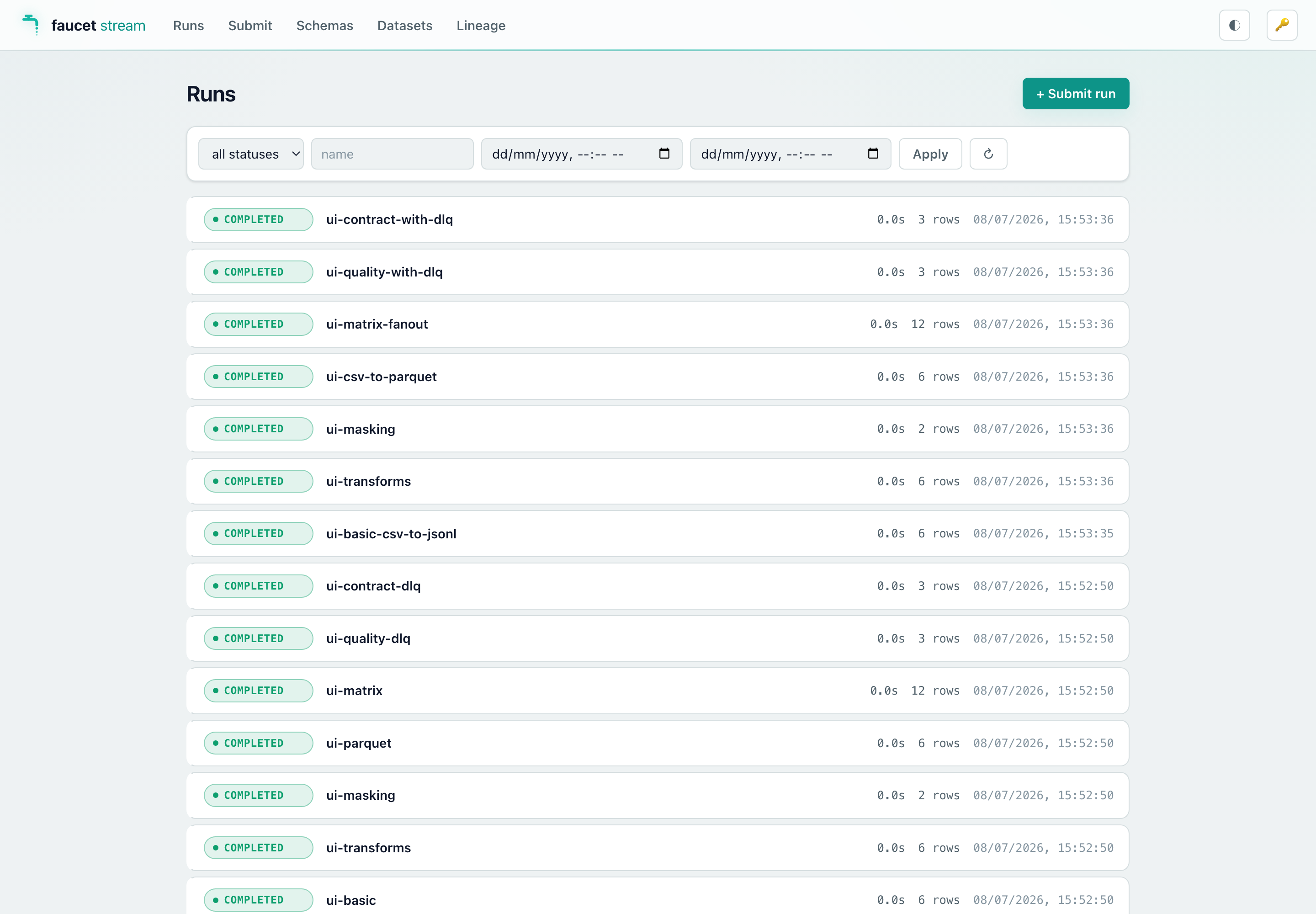
Run detail
Shows the full run record (status, timestamps, labels, config) plus every
invocation in the matrix. For in-flight runs it streams structured log events
live via SSE (the same GET /v1/runs/{id}/logs endpoint). You can cancel or
delete a run from this view.
It also embeds a dead-letter-queue panel — enter a server-local DLQ location
(a .jsonl file, a directory, or a glob), then Inspect it (grouped by
reason), Discard envelopes (optionally archiving first), or Replay
through a config — paste a pipeline config and re-feed the quarantined
payloads through its transforms / quality / contract / sink, with a dry-run
toggle. This is the DLQ replay workflow, in the browser (backed by
POST /v1/dlq/{inspect,replay,discard}).
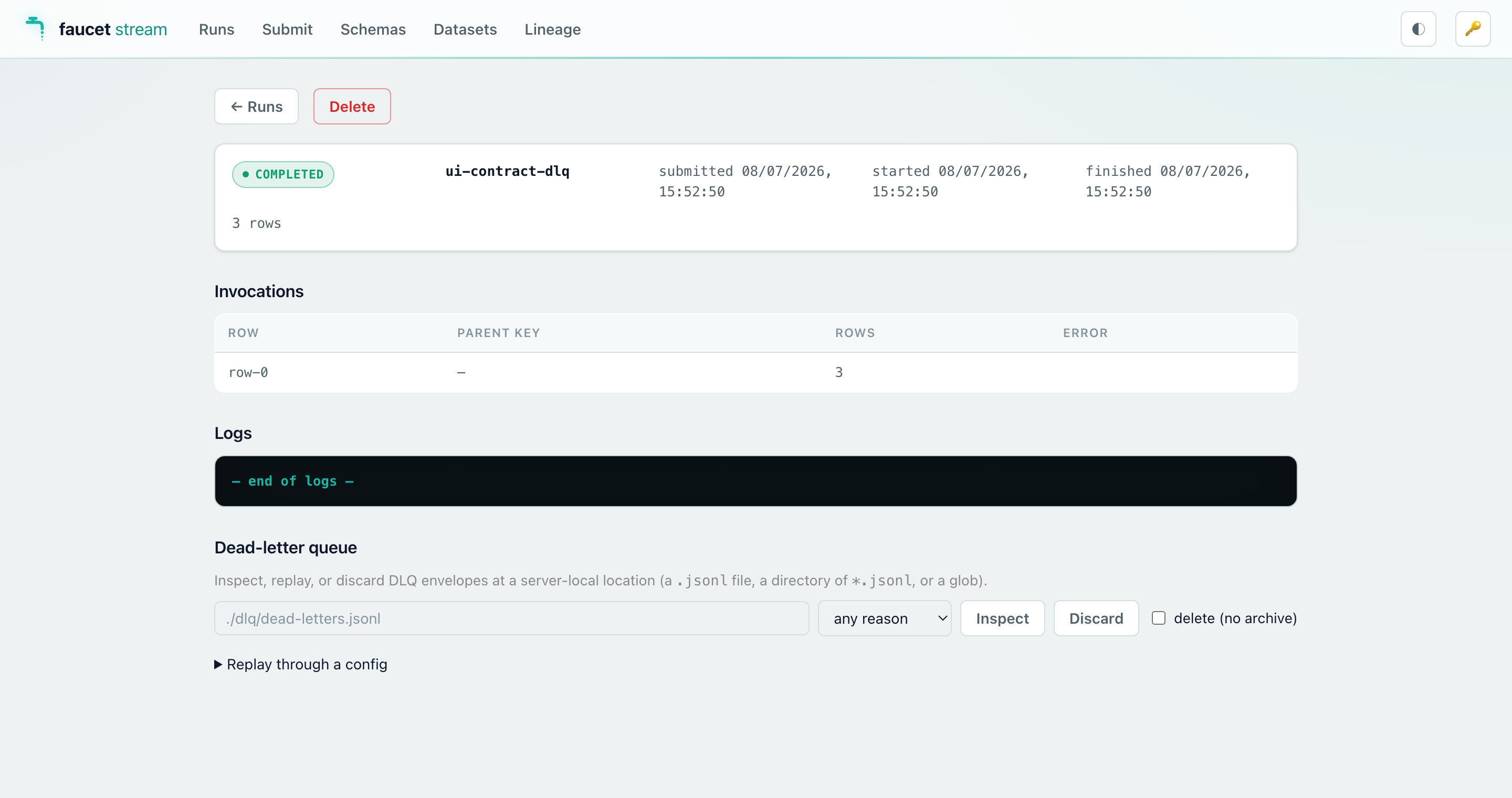
Submit
Two modes for submitting a new pipeline run:
- Raw editor — paste or type YAML/JSON directly into a text area. The same
format accepted by
POST /v1/runs. - Schema wizard — select a source and sink from the compiled connector list,
fill in the generated form fields, and the wizard assembles a valid config.
The form is derived from the same JSON Schemas returned by
GET /v1/schemas/{kind}/{name}.
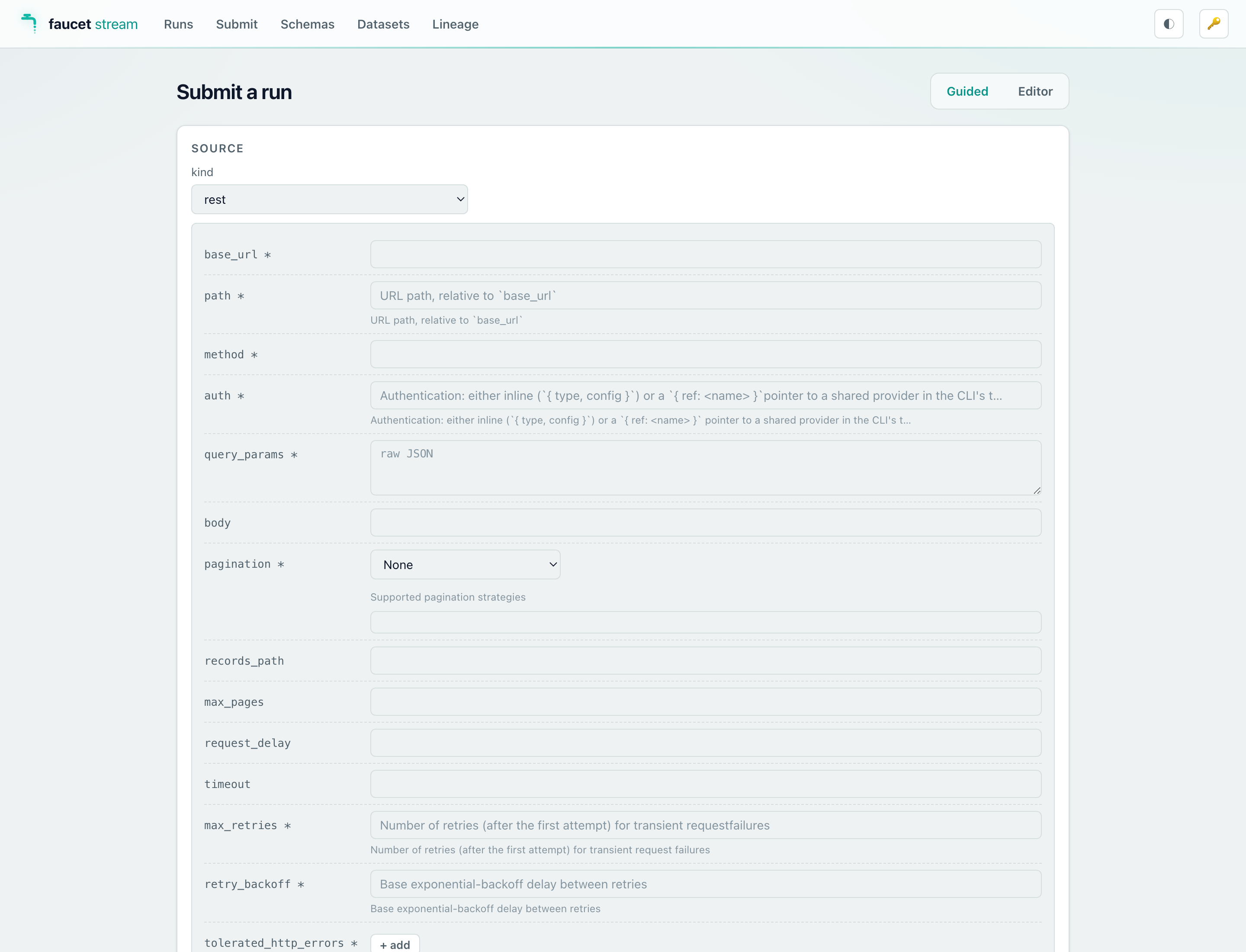
Schemas explorer
Browses the connector catalog compiled into the running server
(GET /v1/schemas). Click any source, sink, or transform to view its full
JSON Schema — useful for checking config field names and types without leaving
the browser.
Datasets & Lineage (Data Movement Catalog)
When the server is built with the catalog feature, two more views browse the
Data Movement Catalog accumulated in the --history backend:
-
Datasets — a filterable list (kind / URI search) of every dataset the server’s pipelines have touched. Clicking a dataset opens its detail: freshness and run counters, per-run volume bars, the deduplicated schema timeline with per-version diff badges, and its upstream/downstream edges.
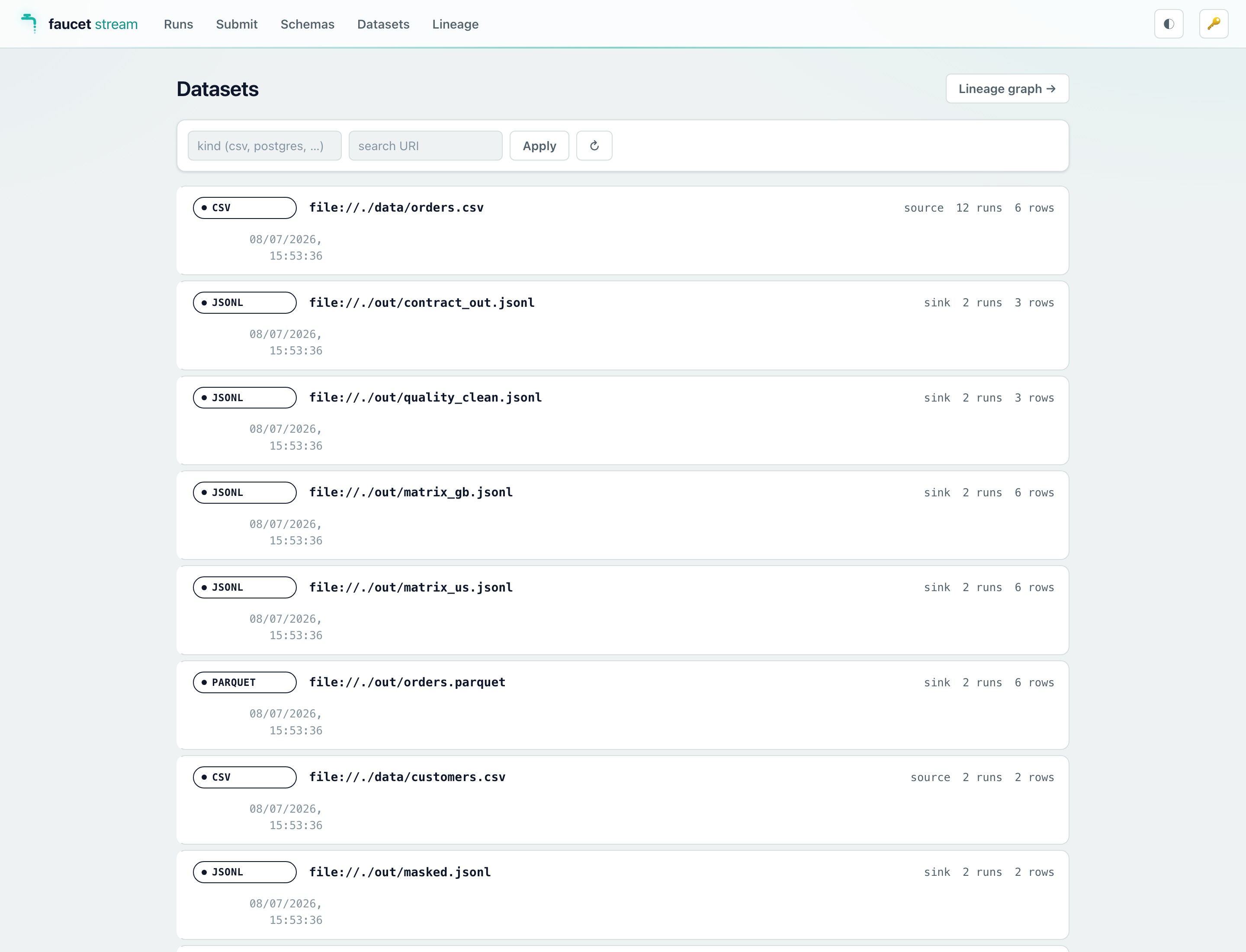
-
Lineage — the source→sink edge graph rendered as a layered SVG (sources left, sinks right). Hover an edge for the pipeline/run context; click a node to open its dataset detail; open a rooted, depth-bounded slice from any dataset’s detail page.
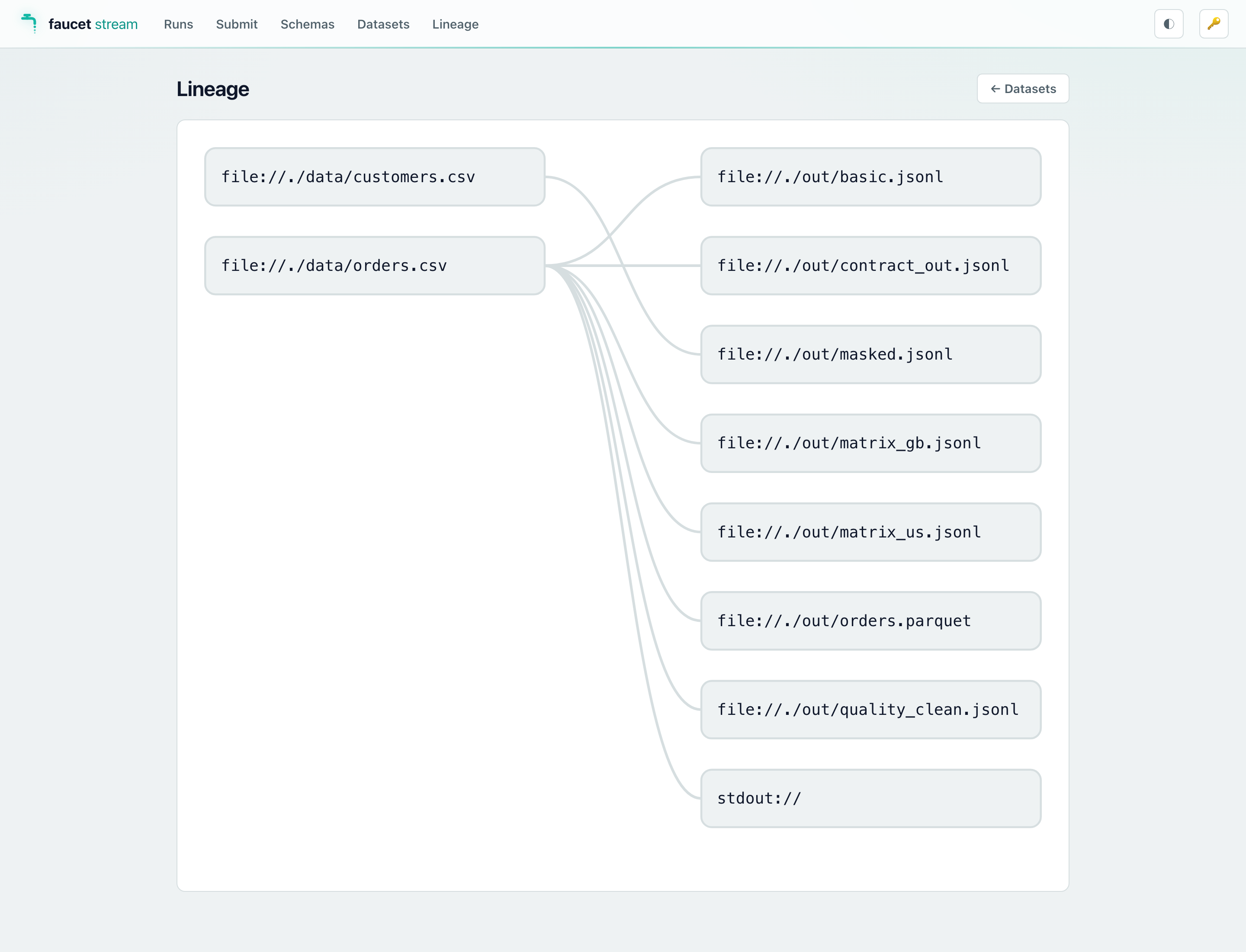
On a server built without the catalog feature both views show a short
“not available” notice (the endpoints are absent).
Disabling the console at runtime
If you built with serve-ui but want to serve only the API (no static assets),
pass --no-ui:
FAUCET_SERVE_AUTH_TOKEN=s3cret faucet serve --no-ui
/ and /assets/* return 404; the /v1 API and the unauthenticated probes
(/healthz, /readyz, /metrics) are unaffected.
New API endpoints
The serve-ui feature ships three new bearer-gated endpoints that the console
(and any other client) can call:
| Method | Path | Description |
|---|---|---|
GET | /v1/schemas | Catalog of all compiled sources, sinks, transforms, and state-store kinds. |
GET | /v1/schemas/{kind}/{name} | JSON Schema for one connector or transform (kind ∈ source/sink/transform). Returns 404 for unknown kind or name. |
POST | /v1/doctor | Validate and probe a submitted config without running it. Returns 200 (all probes pass) or 422 (any probe fails) with a probe report. Request body: { "config": "<yaml-or-json>", "config_format": "yaml" }. |
These endpoints require the serve feature and are available at runtime
regardless of whether --no-ui was passed.
Related pages
- Running faucet as a service — the full
faucet serveguide. - HTTP API reference — complete endpoint/schema reference.
faucet serveCLI flags — allfaucet serveflags.
Running a cluster
faucet serve --cluster turns a fleet of identical faucet serve processes
into a pull-balanced, self-healing cluster. Each instance monitors a shared
SQL history database for pending runs, claims them exclusively, and executes
them locally. When a node crashes, a survivor reclaims its runs and re-executes
them up to a configurable attempt cap.
This is Mode A — a simple, coordinator-free design where any node can run any submitted pipeline. Mode B (source-shard rebalancing, dedicated coordinator) is a future follow-up (#197).
Use clustered serve when: you have more concurrent pipeline runs than one node can handle, or when you need resilience against single-node failure. Single-node deployments do not need
--cluster— the defaultfaucet servealready handles orphan recovery on restart via the existing lease mechanism.
Requirements
1. Shared persistent SQL history backend
All cluster instances must point --history at the same database:
faucet serve --cluster --history 'postgres://user:pw@db/faucet' \
             --listen 0.0.0.0:8080

# Second instance (same DB, different port / host)
faucet serve --cluster --history 'postgres://user:pw@db/faucet' \
             --listen 0.0.0.0:8081
Cluster mode is rejected if --history is omitted (in-memory store) or
not a persistent SQL URL:
--cluster requires a persistent --history backend (postgres://… or sqlite:…); the in-memory store is single-process
Requires the matching SQL history feature:
cargo install faucet-cli --features "serve,serve-history-postgres"
# or
cargo install faucet-cli --features "serve,serve-history-sqlite"
2. Homogeneous deployment (shared env + secrets)
When a run is submitted, the config is stored verbatim (with ${env:…},
${secret:…}, ${vault:…} directives unresolved) in the shared DB. The
instance that claims the run re-resolves those directives with its own
environment and credential chain at execution time.
This means every cluster instance must have the same env vars, secrets-manager
access, and --default-config workspace defaults — the same container image,
the same .env file, the same IAM role, etc. An instance that cannot resolve a
directive will fail the run with a config error rather than silently producing
wrong results.
Flags
| Flag | Default | Description |
|---|---|---|
--cluster | (disabled) | Enable cluster mode. Requires a persistent --history backend. |
--cluster-poll-secs | 2 | How often (seconds) each instance polls for pending runs and propagates cross-instance cancels. Also the maximum cancel-propagation lag between instances. |
--cluster-max-attempts | 3 | Maximum number of times a run will be attempted across all instances. After max-attempts failures (including crash-failovers) the run is marked failed (poisoned). |
--lease-ttl-secs | 30 | Run-ownership lease TTL. An instance heartbeats its own in-flight runs at ~⅓ of this interval. A run whose owner’s lease expires is eligible for reclaim. Tune this above your worst-case GC/IO stall — a longer TTL is safer but increases the time before a dead node’s runs are requeued. |
Run lifecycle in cluster mode
Cluster mode adds one state before execution: pending. A run lives in
pending in the shared DB until an instance claims it.
submit → pending → [claim] → running → completed
                           ↘ failed
                           ↘ cancelled
Step by step:
- Submit (
POST /v1/runs) — any instance validates and interpolates the config synchronously, writes the run aspending(raw config stored), and kicks the local claim loop. Returns immediately withstatus: pending. - Claim — the claim loop on each instance polls every
--cluster-poll-secsseconds. It atomically claims up toavailable_capacitypending runs (Pending → Running, exclusive). Only one instance can claim a given run. - Execute — the claiming instance re-resolves
${env:…}/${secret:…}directives with its own credentials, then runs the pipeline via the same executor asfaucet run. The run record is heartbeated (lease renewed) while in flight. - Complete / fail — the run is marked
completedorfailed. The attempt count is incremented. - Failover — if the owner’s lease expires (the instance crashed or stopped
heartbeating), a survivor’s next lease tick calls
reclaim_orphans:- If
attempt_count < --cluster-max-attempts→ requeued back topending. - If
attempt_count >= --cluster-max-attempts→ markedfailed(poisoned).
- If
Cross-instance cancel
POST /v1/runs/{id}/cancel works correctly regardless of which instance receives
the request:
- Pending run (not yet claimed): the run is cancelled directly in the DB — no coordination needed.
- Running on the same instance: the local cancel token fires immediately; flush-completing cancel behaviour (page boundary + sink flush) applies as normal.
- Running on a peer instance: the cancel flag is written to the DB. The
peer’s claim loop picks it up on its next
pending_cancellationspoll (latency ≈--cluster-poll-secs, default 2 s) and fires the local cancel token.
Health check and metrics
/readyz body
In cluster mode, /readyz returns a JSON body with the cluster section
populated:
{
  "status": "ready",
  "history_ok": true,
  "queue_ok": true,
  "cluster": {
    "enabled": true,
    "instances": 3
  }
}
instances is the count of live cluster members (those whose membership
heartbeat has not yet expired). A single-instance deployment returns 1;
a node that loses its DB connection may report stale counts.
Prometheus metrics
| Metric | Type | Description |
|---|---|---|
faucet_serve_cluster_enabled | gauge | 1 if this instance started with --cluster, 0 otherwise. |
faucet_serve_cluster_instances | gauge | Count of live cluster members (from last membership heartbeat). Alert on faucet_serve_cluster_instances < expected_count. |
faucet_serve_runs_claimed_total | counter | Total runs claimed (transitioned from pending to running) by this instance. |
faucet_serve_runs_reclaimed_total{outcome="requeued"} | counter | Orphaned runs requeued by this instance after a peer’s lease expired. |
faucet_serve_runs_reclaimed_total{outcome="failed"} | counter | Orphaned runs poisoned after reaching --cluster-max-attempts. |
Useful alert expressions:
faucet_serve_cluster_instances < N— fewer nodes alive than expected.increase(faucet_serve_runs_reclaimed_total{outcome="failed"}[5m]) > 0— a run was poisoned; investigate the per-run error.faucet_serve_history_degraded == 1— history backend is down; cluster coordination is impaired (instances continue locally but cannot share runs).
Delivery guarantees and double-run boundary
What is guaranteed
- Claim exclusivity: at most one instance ever starts executing a given
pendingrun. The atomic SQL claim (UPDATE … WHERE status = 'pending' LIMIT N … RETURNING) ensures two instances never both transition the same run torunning. - Crash-failover is clean: if an instance crashes after claiming a run but before writing output, a survivor re-queues the run and a fresh instance executes it from scratch. No partial results from the crashed run pollute the destination (assuming the pipeline had not yet flushed a page to the sink).
What is NOT guaranteed without effectively-once delivery
An instance that was paused (e.g. a long GC pause, network partition, heavy
I/O stall) longer than --lease-ttl-secs may have its run stolen by a survivor
while the original instance is still alive. The original instance is
owner-fenced — it cannot update the run record after its lease expires —
but any sink writes already issued before the fencing cannot be recalled.
The survivor then re-runs the pipeline from the last persisted bookmark, which may overlap with writes the paused instance already made. This means a run can be executed twice (partial overlap) if the original instance was paused-not-crashed.
To fully close this window, pair the pipeline with
effectively-once delivery: a CDC source
(postgres-cdc, mysql-cdc, mongodb-cdc) plus an idempotent SQL or Iceberg
sink. The sink’s atomic commit token deduplicates replayed pages regardless of
how many instances attempted them.
Clustered runs are at-least-once. Both
--clusterfailover and Mode B shard reclaim can re-execute work, so an append-mode sink can end up with duplicate rows. When a run is submitted to a clustered or sharded server, faucet logs a warning recommendingwrite_mode: upsert(ordelivery: exactly_once) so any replay is idempotent. The run still proceeds — the warning is a reminder, not a gate.
Practical sizing advice: set --lease-ttl-secs comfortably above your
worst-case GC/IO stall. A 30-second default is appropriate for most JVM-free
workloads; bump to 60–120 s if you observe false-reclaim events in the metrics.
Two-instance example
Terminal 1 (node A):
export FAUCET_SERVE_AUTH_TOKEN=s3cret
faucet serve \
  --cluster \
  --history 'postgres://faucet:pw@db:5432/faucet' \
  --listen 0.0.0.0:8080 \
  --max-concurrent-runs 8
Terminal 2 (node B — same DB, different port/host):
export FAUCET_SERVE_AUTH_TOKEN=s3cret
faucet serve \
  --cluster \
  --history 'postgres://faucet:pw@db:5432/faucet' \
  --listen 0.0.0.0:8081 \
  --max-concurrent-runs 8
Both instances now compete to claim submitted runs. Submit a run to either endpoint — whichever instance has capacity first will pick it up:
curl -XPOST http://node-a:8080/v1/runs \
  -H "Authorization: Bearer s3cret" \
  -H 'content-type: application/json' \
  -d '{"config":"version: 1\npipeline:\n  source: {type: csv, config: {path: in.csv}}\n  sink: {type: jsonl, config: {path: out.jsonl}}\n","name":"my-pipeline"}'
Check cluster membership via /readyz:
curl http://node-a:8080/readyz | jq .cluster
# { "enabled": true, "instances": 2 }
Kubernetes / Helm deployment
Deploy N replicas behind a Service; all replicas share the same --history
connection string and the same environment (ConfigMap + Secret). The Service
load-balances submissions across replicas; each replica independently claims
from the shared DB.
See the operator/Helm chart for faucet — TBD (#197).
Distributing one big source across workers (Mode B)
Everything above is Mode A: whole runs pull-balance across instances, but a single large source still runs entirely on one worker. Mode B splits one source into shards that different workers process concurrently, so a single logical pipeline over a huge table or object prefix scales horizontally.
Enabling it
Add a top-level shard: block to the submitted config and run the cluster as
usual (Mode B requires --cluster + a SQL history backend — it builds on the
same lease/claim machinery):
version: 1
name: big-table-mirror
shard:
  count: 8            # split the source into ~8 shards
pipeline:
  source:
    type: postgres
    config:
      connection_url: ${env:PG_URL}
      query: "SELECT * FROM events"
      shard: { key: id }   # integer column to range-partition on
  sink:
    type: postgres
    config:
      connection_url: ${env:WAREHOUSE_URL}
      table: events
      write_mode: upsert
      key: [id]
  state: { type: postgres, config: { connection_url: ${env:PG_URL} } }
When a sharded run is submitted, the instance that claims it acts as an
(ephemeral) coordinator: it enumerates the shards and inserts them into the
shared faucet_serve_shards table (idempotently — no leader election). Every
instance’s claim loop then pulls shard rows up to its free capacity, narrows its
source to that shard, and runs it. The parent run is marked sharded and is
finalized to completed/failed once every shard is terminal.
Shardable sources
| Source | Strategy | How to enable |
|---|---|---|
postgres | primary-key range (WHERE key >= lo AND key < hi) | source.config.shard: { key: <int column> } |
mysql | primary-key range | source.config.shard: { key: <int column> } |
mssql | primary-key range | source.config.shard: { key: <int column> } |
sqlite | primary-key range | source.config.shard: { key: <int column> } |
s3 | hash-of-object-key modulo N | automatic (no config) |
gcs | hash-of-object-key modulo N | automatic (no config) |
parquet | hash-of-file-path modulo N | automatic (no config) |
kafka | native consumer-group membership | automatic (no config) |
NULL shard keys are not dropped. Rows whose
shardkey column isNULLfall outside every range predicate, so the SQL sharders assign them to exactly one shard (alongside its range) — they are mirrored once, never silently lost.
PK-range notes: the shard key must be an integer-typed column present in the
query’s output. On mssql, a sharded query must not end in a top-level
ORDER BY (T-SQL forbids it inside the derived table the shard predicate
wraps — and ordering across concurrent shards is meaningless anyway). Sharding
a sqlite source across workers requires every worker to reach the same
database file (e.g. a shared volume). On mssql with incremental replication,
shard bounds are computed over the not-yet-synced slice (the @bookmark
binding is honoured during enumeration).
A non-shardable source (or a matrix pipeline) ignores shard: and runs whole — Mode B is fully backward compatible.
Kafka: native consumer-group sharding
Kafka already solves work distribution inside the broker, so the kafka
source does not enumerate data slices like the sharders above
(#261). Each shard
is a membership slot: shard.count: N makes N workers each run one more
consumer with the pipeline’s group_id, and Kafka’s consumer-group protocol
assigns the topic’s partitions across them — killing a worker triggers a
broker-side rebalance onto the survivors immediately (well before the shard
lease even expires), and the reclaimed membership slot simply rejoins the
group on another worker.
version: 1
name: orders-fanin
shard:
  count: 4            # four cooperating members of the consumer group
pipeline:
  source:
    type: kafka
    config:
      brokers: broker-1:9092,broker-2:9092
      topics: [orders]
      group_id: faucet-orders     # ALL members share this group
      idle_timeout: 60
  sink:
    type: postgres
    config:
      connection_url: ${env:WAREHOUSE_URL}
      table_name: orders
      column_mapping: auto_map
      write_mode: upsert
      key: [id]
  state: { type: postgres, config: { connection_url: ${env:STATE_URL} } }
How it differs from the other sharders:
- The broker decides the split. Which member consumes which partition is Kafka’s choice, not faucet’s; the member count is capped at the subscription’s total partition count (an extra member would sit idle).
- Offset continuity is Kafka-managed. In member mode each consumer
commits offsets to the group at durable page boundaries (after the sink
confirmed the page and its bookmark persisted; plus a synchronous commit at
stream end). A partition that migrates to another member — rebalance,
worker death, shard reclaim — resumes from the last committed (= durable)
position instead of
auto.offset.reset. The per-shard state-store bookmark remains the safety net for the tiny durable-write→commit crash window: a member seeks to its bookmark only when it is ahead of the committed offset, never behind. - The boundary is at-least-once on membership change. A crash between a
durable page and its commit makes the partition’s next owner re-read that
page. Pair with
write_mode: upsertor an idempotent destination, as with every clustered run. - Termination: each member stops on its own
idle_timeout/max_messages(max_messagesis per member — N members consume up to N ×max_messagesin total).idle_timeoutis the natural terminator for shared consumption; a non-cluster Kafka run is completely unchanged.
Per-shard resume and rebalancing
- Per-shard bookmarks: each shard has its own state key (
{run}::{shard}), so a reassigned shard resumes where its dead owner left off, independent of its siblings. - Rebalancing: a shard whose owning instance’s lease expires is reclaimed by
the lease loop — requeued to another worker, or poisoned (failed) past
--cluster-max-attempts. New members pick up unassigned/reclaimed shards on their next claim tick. - Correctness boundary: the same paused-not-crashed double-processing window
as Mode A applies per shard. Pair with
write_mode: upsert(or effectively-once delivery) so a reassigned shard’s overlap is idempotent — as in the example above.
Mode B metrics: faucet_serve_shards_claimed_total,
faucet_serve_shards_reclaimed_total{outcome}.
Related pages
- Running faucet as a service —
faucet servefundamentals, security model, idempotency, concurrency, and the orphan-recovery lease mechanism that cluster mode extends. - Incremental replication and effectively-once delivery — use a CDC source + idempotent sink to close the double-run window.
- Observability — all
faucet_serve_*metrics.
Event-driven triggers
faucet serve --triggers <file> turns faucet serve into an event-driven
pipeline orchestrator: long-lived watcher tasks listen for external events and
automatically enqueue runs, reusing the full queue/idempotency/history
machinery as POST /v1/runs.
This cookbook walks through three trigger types with worked examples. See the
Triggers reference for the complete field reference,
${trigger.*} token table, idempotency-key shapes, and metrics.
All examples use the file at
cli/examples/triggers/triggers.yaml.
Walkthrough 1 — S3 object arrival → load pipeline
Use-case: a file lands in s3://my-bucket/incoming/. You want to load it
into Postgres using the key as a runtime parameter.
triggers.yaml
version: 1
triggers:
  - name: load-dropped-files
    type: object_arrival
    config: ./pipelines/s3_load.yaml   # or an inline pipeline doc
    store:
      type: s3
      bucket: my-bucket
      prefix: incoming/
      region: us-east-1
    poll_interval_secs: 30
    mode: per_object    # one run per new object (use `batch` for one run for all)
    start_at: now       # ignore objects already in the prefix at startup
    run:
      name: "load:{name}:{object_key}"
Pipeline template (pipelines/s3_load.yaml)
The trigger injects ${trigger.object_key} and ${trigger.bucket} into the
config at fire time. Use them as you would any ${…} token:
version: 1
name: s3-load
pipeline:
  source:
    type: s3
    config:
      bucket: "${trigger.bucket}"
      prefix: "${trigger.object_key}"   # exact key → single-object read
      region: us-east-1
      file_format: json_lines
  sink:
    type: postgres
    config:
      connection_url: "${env:PG_URL}"
      table_name: events_raw
      column_mapping: { type: jsonb, column: payload }
Start the server
FAUCET_SERVE_AUTH_TOKEN=s3cret \
cargo run -p faucet-cli --features "triggers,triggers-object-store" -- \
  serve --listen 0.0.0.0:8080 \
  --triggers ./triggers.yaml
Drop a file into the bucket (or use aws s3 cp) — within
poll_interval_secs the watcher detects it, creates a deterministic
idempotency key (trig:load-dropped-files:<bucket>:<key>:<last_modified>),
and enqueues a run. Re-listing the same object version never enqueues a
duplicate.
Check the run:
curl -s -H "Authorization: Bearer s3cret" \
     http://127.0.0.1:8080/v1/runs | jq '.runs[0]'
Walkthrough 2 — Webhook → sync pipeline
Use-case: a CI system, Shopify webhook, or GitHub Action calls your server to trigger a data sync. You want idempotent delivery and to pass request metadata into the pipeline.
triggers.yaml
version: 1
triggers:
  - name: sync-hook
    type: webhook
    config: ./pipelines/sync.yaml   # path relative to this triggers file
    methods: [POST]
    dedupe_header: Idempotency-Key
The dedupe_header field is optional but strongly recommended for external
callers. When set, the named header’s value becomes the idempotency key —
if the caller retries with the same key, they get back the original run_id
rather than a new run.
Security note: the dedupe key is trusted verbatim. Only use
dedupe_headerwhen callers are trusted or the header is verified upstream (e.g. HMAC-signed by GitHub/Shopify).
Fire the webhook
# No idempotency key — a fresh run is created each time
curl -XPOST http://127.0.0.1:8080/v1/triggers/sync-hook \
     -H "Authorization: Bearer s3cret" \
     -H "Content-Type: application/json" \
     -d '{}'

# With an idempotency key — idempotent delivery
curl -XPOST http://127.0.0.1:8080/v1/triggers/sync-hook \
     -H "Authorization: Bearer s3cret" \
     -H "Idempotency-Key: run-20260612-001" \
     -H "Content-Type: application/json" \
     -d '{"dataset":"orders"}'
The server returns 202 Accepted with a {run_id, status} body. A second
call with the same Idempotency-Key returns the same run_id.
Use request data in the pipeline
${trigger.body}, ${trigger.header.<name>}, and ${trigger.query.<name>} are
available in the pipeline config:
# pipeline that uses the request body as a REST source filter
pipeline:
  source:
    type: rest
    config:
      url: "https://api.example.com/orders?dataset=${trigger.query.dataset}"
      auth: { type: bearer, config: { token: "${env:API_TOKEN}" } }
  sink:
    type: jsonl
    config:
      path: "./out/${trigger.fired_at}.jsonl"
Disabling a trigger without restarting
Set enabled: false in the triggers file and restart faucet serve. The
trigger is listed in /readyz as healthy but its watcher is not spawned, so
the webhook path returns 404.
Walkthrough 3 — Redis queue depth → drain pipeline
Use-case: a Redis list accumulates tasks pushed by another process. When it crosses a threshold, you want to drain it with a pipeline.
triggers.yaml
version: 1
triggers:
  - name: drain-jobs
    type: queue_depth
    config: ./pipelines/drain.yaml   # path relative to this triggers file
    queue:
      type: redis
      url: redis://localhost:6379
      key: jobs
      kind: list
    threshold: 1        # fire when list length >= 1
    poll_interval_secs: 15
The watcher is edge-triggered: it fires once when LLEN jobs first
crosses 1. It will not fire again until the depth falls back below the
threshold and rises again. This prevents repeated fires while the drain
pipeline is still running.
The injected token ${trigger.depth} contains the observed length, and
${trigger.queue} contains the key name.
Start the server
FAUCET_SERVE_AUTH_TOKEN=s3cret \
cargo run -p faucet-cli --features "triggers,triggers-redis" -- \
  serve --no-auth \
  --triggers ./triggers.yaml
Push a job:
redis-cli RPUSH jobs '{"id":"1","task":"import"}'
Within poll_interval_secs the watcher fires, the pipeline drains the list
into SQLite, and /v1/runs shows the completed run.
Monitoring
Every trigger emits Prometheus metrics. To watch trigger health:
# Live metric scrape (or point Prometheus at /metrics)
curl -s http://127.0.0.1:8080/metrics | grep faucet_serve_trigger
Key signals:
| What | Metric |
|---|---|
| Fire rate | faucet_serve_triggers_fired_total{trigger,type} |
| Watcher health | faucet_serve_trigger_healthy{trigger} (0 = in backoff) |
| Coalesced fires | faucet_serve_trigger_runs_coalesced_total{trigger} (webhook debounce / idempotency-conflict no-op) |
| Dropped fires | faucet_serve_trigger_runs_dropped_total{trigger,reason} (run queue full, reason="queue_full") |
| Last fire time | faucet_serve_trigger_last_fire_unix_seconds{trigger} |
Set up an alert on faucet_serve_trigger_healthy == 0 or on
time() - faucet_serve_trigger_last_fire_unix_seconds > <expected_interval * 3>
to detect a stalled watcher.
See the reference page for the complete metric list and the observability guide for the full Prometheus/Grafana setup.
Lineage (OpenLineage)
faucet-stream can emit OpenLineage RunEvents for every pipeline run —
START, RUNNING, COMPLETE, ABORT, and FAIL — carrying job identity, input/output dataset URIs,
inferred dataset schemas, and column-level lineage derived from the transform chain.
Events are emitted asynchronously after each lifecycle transition and never fail a run: if the
transport is unreachable or returns an error, faucet logs a warning, increments the
faucet_lineage_dropped_total counter, and continues. The pipeline result is unaffected.
What is OpenLineage?
OpenLineage is a vendor-neutral open standard for data lineage metadata. It defines a common event format (JSON) that tools like Marquez, Apache Atlas, and OpenMetadata consume to build data-lineage graphs.
faucet-stream emits the OpenLineage spec version 2.0.2 (RunEvent schema).
Quick start with Marquez
# Start a local Marquez instance
docker run -p 5000:5000 -p 5001:5001 \
  -e MARQUEZ_CONFIG=/etc/marquez/marquez.yml \
  marquezproject/marquez:latest

# Run the bundled example (requires lineage + postgres + bigquery CLI features)
export MARQUEZ_URL=http://localhost:5000/api/v1/lineage
export GCP_KEY_JSON=$(cat service-account.json)
faucet run cli/examples/postgres_to_bigquery_with_lineage.yaml
Then open the Marquez UI at http://localhost:3000 to explore the emitted lineage graph.
The lineage: block
Add a lineage: block at the top level of your pipeline config:
version: 1
name: my_pipeline

lineage:
  namespace: prod.warehouse      # REQUIRED. Logical namespace for all jobs/datasets.
  transport:                     # REQUIRED. Where to send events.
    type: http
    config:
      url: http://marquez:5000/api/v1/lineage

pipeline:
  source: { type: postgres, config: { … } }
  sink:   { type: bigquery, config: { … } }
Full field reference
| Field | Type | Default | Description |
|---|---|---|---|
type | openlineage | openlineage | Lineage format. Only openlineage is supported in v1. |
namespace | string | required | OpenLineage namespace used for all jobs and datasets emitted by this config. |
transport | Transport | required | How events are delivered (see Transports). |
job_name | string | "${name}::${row_id}" | Job-name template. ${name} and ${row_id} are resolved per matrix row at run time; ${now.*} tokens are also supported. |
parent_job | ParentJob | null | Optional parent-job linkage for orchestration tools (Airflow, Dagster). |
include_schema_facet | bool | false | Emit dataset schema facets (inferred from a sample of records). Input schema from the pre-transform sample; output schema always inferred from the transformed sample. |
include_column_lineage | bool | false | Emit column-level lineage facets where the transform chain is deterministically mappable (see Column lineage). |
include_source_code_facet | bool | false | Emit the resolved config body as a sourceCode job facet. Off by default — the resolved config may contain secrets; enabling this field logs a one-time warning. |
emit_on | EmitOn | start+complete+fail+abort | Which lifecycle events to emit (see below). |
sample_records | integer | 100 | Maximum records sampled to infer schemas and column lineage. |
heartbeat_interval | integer (seconds) | 30 | RUNNING heartbeat interval; only relevant when emit_on.running: true. |
emit_on toggles
lineage:
  emit_on:
    start: true      # Emit START before the pipeline begins. Default true.
    running: false   # Emit periodic RUNNING heartbeats. Default false.
    complete: true   # Emit COMPLETE on success. Default true.
    fail: true       # Emit FAIL on pipeline error. Default true.
    abort: true      # Emit ABORT on cooperative cancellation / timeout. Default true.
parent_job — orchestrator linkage
lineage:
  parent_job:
    namespace: airflow.prod
    name: dag.etl_daily.extract_orders
    run_id: ${env:AIRFLOW_RUN_ID}   # optional; set by orchestrators
Transports
HTTP (Marquez / any OpenLineage-compatible endpoint)
lineage:
  namespace: prod
  transport:
    type: http
    config:
      url: https://lineage.example.com/api/v1/lineage
      timeout_secs: 10        # request timeout. Default 10.
      auth:                   # optional bearer auth
        type: bearer
        config:
          token: ${env:LINEAGE_TOKEN}
File (local JSON Lines)
Events are appended one-per-line to a local file. Parent directories are created automatically.
lineage:
  namespace: dev
  transport:
    type: file
    config:
      path: ./out/lineage.jsonl
Kafka (gated on lineage-kafka feature)
Each event is produced as a JSON message to a Kafka topic. Requires building with
--features lineage-kafka.
lineage:
  namespace: prod
  transport:
    type: kafka
    config:
      brokers: kafka.example.com:9092
      topic: openlineage.events
Schema facets
When include_schema_facet: true, faucet attaches DatasetFacets.schema to both the input
and output datasets:
- Output schema is always available — inferred from the post-transform sample written to
the sink (up to
sample_recordsrecords). - Input schema is inferred from the pre-transform sample (before any transforms run), so it reflects what the source actually produced.
Field types follow OpenLineage naming conventions (e.g. string, integer, number, boolean,
object, array, null).
Column lineage
When include_column_lineage: true, faucet derives per-field upstream→downstream mappings from
the declared transform chain. If the chain contains any transform that cannot be statically
analyzed, no column-lineage facet is emitted (never fabricated).
Supported transforms
These transforms produce exact column-lineage edges:
| Transform | Effect on lineage |
|---|---|
rename_field | Renames an output column; preserves the source field as the upstream edge. |
select | Retains only the listed fields; unlisted fields are removed from the lineage map. |
drop | Removes listed fields from the lineage map. |
set | Adds new literal fields with no upstream edge (empty input list). |
cast | Key unchanged; treated as identity (no rename). |
redact | Key unchanged; treated as identity. |
value_case | Key unchanged; treated as identity. |
spell_symbols | Key unchanged; treated as identity. |
Omitted transforms (column-lineage facet suppressed)
If the chain includes any of these, the column-lineage facet is not emitted for that run:
| Transform | Why |
|---|---|
flatten | Restructures keys — source-to-output mapping is not deterministic. |
explode | Expands arrays — 1:N relationship cannot be expressed as a column graph. |
keys_case | Rewrites all key names — rename map is not declared, only computed. |
rename_keys | Regex-based key renaming — not statically analyzable per-field. |
| Custom Rust closures | Unknown at config-parse time. |
Example: PostgreSQL → BigQuery with lineage
# cli/examples/postgres_to_bigquery_with_lineage.yaml
version: 1
name: postgres_to_bigquery_with_lineage

lineage:
  namespace: prod.warehouse
  job_name: ${name}::${row_id}
  include_schema_facet: true
  include_column_lineage: true
  transport:
    type: http
    config:
      url: ${env:MARQUEZ_URL}

pipeline:
  source:
    type: postgres
    config:
      connection_url: postgres://user:pass@localhost/app
      query: SELECT id, created_at, customer_email, payload FROM orders WHERE created_at > $1 AND status = $2
      params:
        - "2026-01-01T00:00:00Z"
        - completed
      max_connections: 16
      batch_size: 1000

  transforms:
    - type: rename_field
      config:
        fields:
          customer_email: contact_email
    - type: select
      config:
        fields:
          - id
          - created_at
          - contact_email

  sink:
    type: bigquery
    config:
      project_id: my-gcp-project
      dataset_id: warehouse
      table_id: orders
      auth:
        type: service_account_key
        config:
          json: ${env:GCP_KEY_JSON}
      batch_size: 1000
This config emits:
- START before the first page is fetched.
- COMPLETE after the sink flushes, with schema facets for both input (
postgres://localhost/app?query=…) and output (bigquery://my-gcp-project.warehouse.orders). - Column-lineage facet:
contact_email ← customer_email(rename_field),id ← id,created_at ← created_at(identity via select). - FAIL / ABORT on error or cancellation.
Metrics
All lineage metrics are automatically registered when lineage: is configured:
| Metric | Labels | Description |
|---|---|---|
faucet_lineage_events_total | event_type, outcome | Total events emitted (outcome = ok or err). |
faucet_lineage_emit_duration_seconds | event_type | Histogram of emission latency per event type. |
faucet_lineage_dropped_total | reason | Events dropped due to transport errors or serialization failures. |
event_type values: START, RUNNING, COMPLETE, FAIL, ABORT.
faucet validate and faucet doctor
faucet validate checks the lineage: block at parse time — bad transport config, unreachable
file paths, and schema errors all surface as config errors before any run starts.
faucet doctor probes the configured transport for reachability:
- HTTP — issues a
HEADrequest to the configured URL. - File — verifies the parent directory exists or can be created.
- Kafka — reports the brokers as configured (not probed; requires a live broker).
faucet schema lineage
faucet schema lineage
Prints the full JSON Schema for the lineage: block — the same schema used by faucet validate
and faucet init.
Dashboards & alerts
faucet ships ready-made Grafana dashboards and Prometheus alert rules
built on the metrics every pipeline emits automatically — production
observability without hand-building panels. The artifacts live in the repo
under observability/
and are kept honest by a CI lint that fails whenever they reference a metric
name that no longer exists in the code.
What ships
| Dashboard (uid) | Focus |
|---|---|
faucet-pipeline-overview | Run outcomes + duration percentiles, source/sink throughput and errors by connector, transform in/out, bookmark staleness, effectively-once page skips, state-store traffic. faucet_build_info annotates version rollouts. |
faucet-reliability | Retries / give-ups / circuit-breaker state, DLQ traffic, poison rows, quality quarantines, contract violations, schema drift, PII masking activity, SLA violations, backfill progress. |
faucet-schedule | Scheduled-run outcomes, heartbeat staleness, next-tick countdown, lateness p95, overlaps, consecutive-failure streak. |
faucet-serve | Control-plane request rate/latency, run queue, terminal statuses, history degradation, idempotency replays, cluster claims/reclaims, trigger health. |
Each dashboard carries a Data source picker and a Pipeline template variable, so they import cleanly into any Grafana ≥ 10.
Alert rules (observability/prometheus/alerts.yml):
| Alert | Fires when | Severity |
|---|---|---|
FaucetPipelineErrorRateSpike | >50% of a pipeline’s runs fail over 15 m | critical |
FaucetNoBookmarkProgress (+Critical) | no durable bookmark progress for 1 h / 6 h | warning / critical |
FaucetSlaViolations | any freshness/volume SLA violation in 1 h | warning |
FaucetCircuitBreakerOpen | the resilience breaker stays open 5 m | critical |
FaucetStuckScheduler | schedule heartbeat silent for 90 s | critical |
FaucetScheduleRunLateness | tick lateness p95 > 60 s for 15 m | warning |
FaucetConsecutiveScheduleFailures | ≥3 consecutive failed scheduled runs | critical |
FaucetServeHistoryDegraded | serve’s history backend degraded 5 m | critical |
FaucetOtelExportFailures / FaucetLineageEventsDropped | telemetry/lineage export failing | info |
Quick start with the example stack
The examples Docker stack provisions both automatically:
docker compose -f examples/docker-compose.yml up -d prometheus grafana
- Grafana: http://localhost:3000 (admin / admin) — the four dashboards are pre-loaded in the faucet folder.
- Prometheus: http://localhost:9095 — scrapes a faucet process on the host and evaluates the alert rules.
Point faucet’s exporter at it by enabling Prometheus exposition in your
config (the compose stack scrapes host port 9464, the default):
observability:
  prometheus:
    listen_addr: 0.0.0.0:9464
Importing into your own Grafana / Prometheus
- Grafana UI: Dashboards → New → Import → upload a JSON from
observability/grafana/. Pick your Prometheus data source when prompted. - Grafana provisioning: mount
observability/grafana/and add a file dashboard provider (seeexamples/infra/grafana/provisioning/). - Prometheus: copy
observability/prometheus/alerts.ymlnext to yourprometheus.ymland list it underrule_files:.
Staying in sync
cli/tests/observability_artifacts.rs extracts every faucet_* name the
dashboards and alerts reference (histogram _bucket/_sum/_count suffixes
normalized) and asserts each exists in the source tree. Renaming a metric
without updating the artifacts fails the required Test job. Panels group
only by the low-cardinality labels (pipeline, row, connector) — never
add record keys or run ids.
Data Movement Catalog
The Data Movement Catalog is faucet’s first-party, persistent record of everything your pipelines touch. Where a run’s logs and metrics describe one run, the catalog accumulates across runs:
- Datasets — every source and sink a pipeline has read or written, keyed by a canonical, credential-redacted dataset URI.
- Schema timelines — the observed record schema of each dataset, stored as a deduplicated timeline: a new version is appended only when the schema actually changes, together with a computed diff (added / widened / incompatible / removed columns).
- Volume & freshness — per-run record counts and the last-success timestamp for each dataset.
- Lineage edges — which dataset feeds which, with per-edge column lineage whenever the transform chain is expressible (the same derivation the OpenLineage emitter uses).
- Provenance — every catalog row is linked to the run that produced it
(the serve run id under
faucet serve, the invocation run id otherwise).
After a few weeks of runs the catalog answers the operational questions that otherwise require spelunking logs: what’s the schema history of this table?, what feeds it?, when did this pipeline last land data, and how much?
Recording is observational only: a catalog write never fails or slows a run — a broken store logs a warning and the pipeline continues.
Requires a build with the
catalogCargo feature (included in--features full), plusserve-history-sqlite/serve-history-postgresfor persistent stores.
Recording from faucet run / schedule / replicate
Add a top-level catalog: block naming the store:
# cli/examples/csv_to_jsonl_with_catalog.yaml
version: 1
name: csv_to_jsonl_with_catalog

catalog:
  url: sqlite:./faucet-catalog.db
  sample_records: 100        # schema-inference sample per side (default 100)

pipeline:
  source: { type: csv,   config: { path: ./data/input.csv } }
  sink:   { type: jsonl, config: { path: ./out/records.jsonl } }
url accepts sqlite:<path>, a postgres://… URL, or memory
(process-lifetime only — for tests). Every successful root invocation then
folds its observations into the store: dry runs, --limit runs, shard
executions, and cancelled runs are excluded so partial or synthetic volumes
never pollute the history.
Recording from faucet serve
faucet serve needs no config block: every run is recorded into the server’s
--history backend automatically, attributed to its serve run id. Use a
persistent history for a persistent catalog:
faucet serve --history sqlite:./faucet-catalog.db --auth-token "$TOKEN"
The run-record retention window does not purge the catalog — the accumulated history is the point. Only per-dataset volume points are capped (newest 500 kept).
Browsing: CLI
faucet catalog datasets --config pipeline.yaml            # list (newest first)
faucet catalog datasets --config pipeline.yaml --kind csv --q users
faucet catalog show 3f2a9c1e0b7d4a55 --config pipeline.yaml
faucet catalog lineage --config pipeline.yaml --root 3f2a9c1e0b7d4a55 --depth 3
show accepts a unique prefix of the dataset id. Every subcommand takes
--json for machine-readable output. faucet schema catalog prints the
catalog: block’s JSON Schema.
show renders the schema timeline with diff markers:
schema timeline (2 versions):
  v1  2026-07-01T02:00:04Z  2 column(s)  run 0197e6…
  v2  2026-07-06T02:00:03Z  3 column(s)  run 0197f1…  [+email]
Browsing: HTTP API + web console
Three read-only endpoints (viewer-readable under RBAC):
| Endpoint | Returns |
|---|---|
GET /v1/catalog/datasets | Paginated dataset list (kind, q, limit, cursor filters) |
GET /v1/catalog/datasets/{id} | Current schema, schema timeline (with diffs), recent volume points, upstream/downstream edges |
GET /v1/catalog/lineage | The edge graph (root + depth for a bounded slice) |
The embedded web console adds a Datasets browser (filterable list → per-dataset detail with the schema timeline and volume bars) and a Lineage graph view (layered SVG; click a node for its detail).
Dataset identity & cardinality
The catalog key is the connector’s dataset URI after two normalizations:
- Credentials are redacted (
postgres://user:***@host/db/table). ${now.*}-derived path segments are folded back to their tokens — a sink writing./out/dt=${now.date}/part.jsonlcatalogues as one dataset (…/dt=${now.date}/part.jsonl), not one per day.
Matrix rows that resolve to the same URI converge on one dataset with one provenance trail per run.
Schema observation
Schemas are inferred from a bounded sample of the records actually read
(source side, pre-transform) and written (sink side, post-transform) — the
same samplers the lineage emitter uses, capped by sample_records. The
timeline dedupes by a content hash, so re-running an unchanged pipeline never
grows it; a real change appends one version whose diff is computed with the
same engine as schema-drift handling.
Relationship to lineage emission
OpenLineage emission exports run events to an external backend (Marquez, DataHub, …); the catalog is the first-party store faucet keeps for itself. They compose — the catalog’s per-edge column lineage matches the OpenLineage column-lineage facet, and both can be active at once.
Troubleshooting with faucet doctor
faucet doctor answers “why won’t my pipeline run?” before you run it. It
probes every connector in a config — auth, network, permissions, reachability —
and prints a green/red checklist, exiting non-zero if anything fails. It is
non-mutating: no data is written, no rows inserted, no objects uploaded.
faucet doctor pipeline.yaml
✓ Config parses and interpolates                                 8 ms
✓ Matrix expands to 2 invocations                    0 skipped (children)

▸ Invocation default::us-east  (source=postgres, sink=bigquery)
  ✓ source [postgres] read                                      42 ms
  ✓ sink   [bigquery] auth                                     280 ms
  ✓ state  [redis] sentinel                                     14 ms

▸ Invocation default::eu-west  (source=postgres, sink=bigquery)
  ✓ source [postgres] read                                      39 ms
  ✗ sink   [bigquery] auth (dataset eu_west not found)         410 ms
        hint: check bigquery credentials and that the dataset exists

Summary: 5 passed, 1 failed, 0 skipped       total elapsed 0.5s
The exit code is the number of failed probes (clamped to 255), so doctor
drops straight into a CI gate or a deploy script:
faucet doctor pipeline.yaml || { echo "preflight failed"; exit 1; }
What gets probed
| Role | Probe |
|---|---|
| Source (most) | Pulls a single page via the real read path (DNS + TLS + auth + first request) and stops — never the full dataset. |
webhook source | The configured port is bindable. |
websocket source | TCP connect to the host (no WebSocket handshake). |
postgres-cdc source | The replication slot is reachable (missing slot → skip, since run can create it). |
kafka source / sink | A cluster metadata request (validates brokers + auth without consuming/producing). |
SQL sinks (postgres/mysql/sqlite) | SELECT 1 on the pool. |
s3 / gcs sinks | Bucket head / metadata list. |
bigquery / snowflake sinks | Token mint + a read-only metadata call / SELECT 1. |
redis / mongodb / elasticsearch / http sinks | PING / ping / cluster health / a HEAD request. |
File sinks (jsonl/csv/parquet/stdout) | Target directory is writable (stdout always passes). |
State stores (redis/postgres/file/memory) | A sentinel put/get/delete that leaves no residue. |
SLA (sla: block) | Read-only staleness / volume-baseline probes against the persisted run history — see SLA monitoring. |
Reading the result
✓ pass— the probe succeeded.✗ fail— unreachable / unauthenticated / misconfigured. The parenthesized reason and thehint:line tell you what to fix.• skip— not applicable: an optional target is absent (e.g. a CDC slot not yet created), a connector ships no probe, or an object-store path can’t be cheaply checked.
Flags
| Flag | Purpose |
|---|---|
--timeout-secs <N> | Per-probe timeout in seconds (default 10). Lower it to fail fast against dead hosts. |
--json | Emit a { config, invocations, summary } JSON document for tooling. |
--env-file <path> / --no-env-file | Same .env handling as run. |
The --json shape:
{
  "config": "pipeline.yaml",
  "invocations": [
    {
      "id": "default::eu-west",
      "probes": [
        { "role": "source", "connector": "postgres", "name": "read", "status": "pass", "elapsed_ms": 39 },
        { "role": "sink", "connector": "bigquery", "name": "auth", "status": "fail",
          "reason": "dataset eu_west not found", "elapsed_ms": 410,
          "hint": "check bigquery credentials and that the dataset exists" }
      ]
    }
  ],
  "summary": { "passed": 5, "failed": 1, "skipped": 0, "elapsed_ms": 500 }
}
Limitations
- Child invocations in a parent/child matrix are listed but not probed: their
configs depend on parent records that only exist at run time (same limitation
as
faucet preview). doctorneeds real credentials — it resolves secrets likerundoes. Usefaucet validate --no-secretsfor an offline grammar-only check.- Probe
reason/hinttext is scrubbed for resolved secrets, but don’t run withFAUCET_LOG=debugagainst a config holding live secrets (third-party connector logging is outside faucet’s redaction boundary).
Connector catalog
faucet-stream ships 25 sources and 20 sinks. Each is a Cargo feature
(source-<name> / sink-<name>) and an independently published crate. Full API
docs are on docs.rs.
Run faucet list to see what’s compiled into your binary, and
faucet schema source <name> / faucet schema sink <name> for a connector’s
exact config fields. Not sure which to pick? See
Choosing a connector.
Legend: ✓ supported · ✗ not applicable. Tier: T1 = passes the faucet-conformance battery in CI; T2 = not yet wired into the battery.
Sources
| Connector | Tier¹¹ | Feature | Streams¹ | Resumable² | Effectively-once³ | Compression | Discover¹⁰ | Underlying primitive |
|---|---|---|---|---|---|---|---|---|
| REST | T1 ✅ᵐ | source-rest | ✓ | ✓ | ✗ | ✗ | ✗ | HTTP + 6 pagination styles, JSONPath extraction |
| GraphQL | T1 ✅ᵐ | source-graphql | ✓ | ✗ | ✗ | ✗ | ✗ | cursor pagination, variable injection |
| XML / SOAP | T1 ✅ᵐ | source-xml | ✓ | ✗ | ✗ | ✗ | ✗ | streaming XML→JSON, dot-path extraction |
| gRPC | T1 ✅ | source-grpc | ✓⁴ | ✗ | ✗ | ✗ | ✗ | dynamic protobuf; unary + server-streaming |
| PostgreSQL | T1 ✅ | source-postgres | ✓ | ✗ | ✗ | ✗ | ✓ | SQL query, rows as JSON |
| PostgreSQL CDC | T1 ✅ | source-postgres-cdc | ✓ | ✓ | ✓ | ✗ | ✗ | logical replication (pgoutput), LSN bookmarks |
| MySQL | T1 ✅ | source-mysql | ✓ | ✗ | ✗ | ✗ | ✓ | SQL query, rows as JSON |
| MySQL CDC | T1 ✅ | source-mysql-cdc | ✓ | ✓ | ✓ | ✗ | ✗ | binlog row events, file/pos or GTID bookmarks |
| Microsoft SQL Server | T1 ✅ | source-mssql | ✓ | ✓⁸ | ✗ | ✗ | ✓ | SQL query (tiberius), rows as JSON |
| SQLite | T1 ✅ | source-sqlite | ✓ | ✗ | ✗ | ✗ | ✓ | SQL query, rows as JSON |
| AWS S3 | T1 ✅ | source-s3 | ✓⁵ | ✗ | ✗ | ✓ | ✓ | object reader: JSONL, JSON array, raw text |
| Google Cloud Storage | T2 | source-gcs | ✓⁵ | ✗ | ✗ | ✓ | ✓ | object reader: JSONL, JSON array, raw text |
| MongoDB | T1 ✅ | source-mongodb | ✓ | ✗ | ✗ | ✗ | ✓ | find() with filter/projection/sort |
| MongoDB CDC | T1 ✅ | source-mongodb-cdc | ✓ | ✓ | ✓ | ✗ | ✗ | Change Streams, resumeToken bookmarks; max_staged_records buffer cap |
| Redis | T1 ✅ | source-redis | ✓ | ✗ | ✗ | ✗ | ✗ | streams, lists, key patterns |
| Webhook | T2 | source-webhook | ✗⁶ | ✗ | ✗ | ✗ | ✗ | temporary HTTP server collecting POSTs |
| WebSocket | T1 ✅ | source-websocket | ✓ | ✗ | ✗ | ✗ | ✗ | live push feed; subscribe frames, reconnect, ping keepalive |
| CSV | T1 ✅ | source-csv | ✓ | ✗ | ✗ | ✓ | ✗ | CSV files as JSON; strict field count by default (flexible: true to tolerate ragged rows) |
| Elasticsearch | T1 ✅ᵐ | source-elasticsearch | ✓ | ✗ | ✗ | ✗ | ✓ | search/scroll API |
| Apache Kafka | T1 ✅ | source-kafka | ✓ | ✓ | ✓ | ✗ | ✗ | consumer; idle/max-messages termination, offset bookmarks |
| AWS Kinesis | T1 ✅ | source-kinesis | ✓ | ✓ | ✗ | ✗ | ✗ | per-shard GetRecords workers; sequence-number bookmarks, idle/max-messages termination |
| Apache Parquet | T1 ✅ | source-parquet | ✓ | ✗ | ✗ | ✗ | ✗ | local/glob/S3, vectorized Arrow reader, projection |
| Apache Delta Lake | T2 | source-delta | ✓ | ✗ | ✗ | ✗ | ✗ | local FS or S3/Azure/GCS; time travel (version/timestamp), projection pushdown, partition reconstruction |
| Databricks SQL | T3 | source-databricks | ✓ | ✓ | ✗ | ✗ | ✗ | Statement Execution API; async poll, chunk pagination, typed decode, incremental ${bookmark} |
| BigQuery | T1 ✅ᵐ | source-bigquery | ✓ | ✗ | ✗ | ✗ | ✓ | jobs.query + pageToken pagination |
| Snowflake | T1 ✅ᵐ | source-snowflake | ✓ | ✗ | ✗ | ✗ | ✓ | SQL REST API, server-side partitions |
| Cloud Spanner | T1 ✅ᵉ | source-spanner | ✓ | ✓⁸ | ✗ | ✗ | ✓ | streaming SQL (gRPC), incremental @bookmark replication, stale reads, PK-range sharding |
| Singer bridge ⚠️ | T2 ⚠️ | source-singer | ✓ | ✓⁹ | ✗ | ✗ | ✗ | runs an external Singer tap; NDJSON over stdout, STATE→bookmark. Tier-2 / experimental |
¹⁰ Discover = enumerates the datasets behind the connection for
faucet discover (tables / collections / indices /
prefixes with schemas + row estimates where the catalog provides them).
¹ Streams = yields records in bounded-memory batches rather than buffering the
whole result. ² Resumable = persists a bookmark to a state store
so re-runs continue where they left off (incremental replication / CDC / Kafka
offsets). ³ Effectively-once = the source emits a complete resume position on
every page and replaying from a bookmark continues the record stream at exactly
that position (immutable-log sources: CDC WAL/binlog/change streams, Kafka
partition offsets); required for the atomic-watermark mechanism behind
delivery: exactly_once — see
Effectively-once delivery.
⁴ gRPC streams natively in server-streaming mode; unary buffers the
single response. ⁵ S3/GCS stream in JSONL and raw-text modes; JSON-array mode
buffers one object. ⁶ Webhook is buffer-shaped by nature (it collects POSTs over
a window). ⁸ MSSQL is resumable only in replication: incremental mode (it
persists a tracking-column bookmark); in full mode it is not.
⁹ The Singer bridge is resumable via the tap’s STATE messages, but the
granularity of resume (and whether re-emitted rows overlap) depends on the
individual tap — pair it with a keyed/upsert sink for clean, effectively-once
(idempotent at-least-once) behavior.
Support tiers (the Tier column above). A connector is Tier-1 ✅ when it invokes and passes the
faucet-conformancebattery in CI against the connector’s real backend — config-schema validity, bounded-memory streaming, and (where applicable) bookmark round-trip, idempotent replay, truthful capabilities, and errors-not-panics (see the Faucet Connector Protocol spec,docs/spec/faucet-connector-spec-v0.md). Each Tier-1 connector wires the battery from its owntests/conformance.rs; that battery is the tiering mechanism — there is no separate scheme.ᵐ marks a connector whose battery runs in CI against a wiremock HTTP mock, not a live service instance — the
rest,graphql,xml,elasticsearch,bigquery, andsnowflakesources and thehttpsink. The mock faithfully drives the paging, schema, and error-handling behavior the checks assert, but it is not an end-to-end test against the real system (no credentialed cloud/service backend runs in CI). ᵉ marks the Cloud Spanner pair, whose battery runs against Google’s official Spanner emulator (Docker) — a real gRPC Spanner implementation, closer to end-to-end than a wiremock but still not the managed service.The connectors still marked Tier-2 are the ones whose full battery cannot run in CI (so they are not conformance-certified — Tier-2 means “not certified,” not “low quality”; they keep their own extensive wiremock/testcontainers tests): the BigQuery and Snowflake sinks and the Elasticsearch sink are cloud-only and tested against wiremock, which cannot validate real idempotent dedup; the GCS source’s bounded-memory check needs a real gRPC backend (the emulator is REST-only); the GCS sink cannot be durably counted against the emulator; the webhook source is buffer-shaped (no bounded-memory page check); and the Iceberg sink is append-only with a terminal
flushthat does not fit the effectively-once replay check on iceberg-rust 0.9.1. The Singer bridge ⚠️ passes the battery but is additionally experimental (v0, single-stream).
Sinks
Every sink exposes a batch_size knob for write-side re-chunking. For the
file/append sinks (jsonl, csv, stdout) it’s a no-op — they write per record.
| Connector | Tier¹¹ | Feature | batch_size | Compression | Upsert⁸ | Effectively-once⁷ | Write unit |
|---|---|---|---|---|---|---|---|
| BigQuery | T2 | sink-bigquery | ✓ | ✗ | ✓ | ✓ | tabledata.insertAll streaming; in-place MERGE for upsert + effectively-once |
| PostgreSQL | T1 ✅ | sink-postgres | ✓ | ✗ | ✓ | ✓ | multi-row INSERT (JSONB or mapped cols); COPY FROM STDIN fast-path for append (write_method: copy) |
| JSON Lines | T1 ✅ | sink-jsonl | no-op | ✓ | ✗ | ✗ | buffered file append |
| Snowflake | T2 | sink-snowflake | ✓ | ✗ | ✗ | ✓ | SQL REST API; multi-statement BEGIN;INSERT;MERGE;COMMIT transaction for effectively-once |
| MySQL | T1 ✅ | sink-mysql | ✓ | ✗ | ✓ | ✓ | multi-row INSERT |
| Microsoft SQL Server | T1 ✅ | sink-mssql | ✓ | ✗ | ✓ | ✓ | multi-row INSERT (2100-param auto-split, per-row DLQ) |
| SQLite | T1 ✅ | sink-sqlite | ✓ | ✗ | ✓ | ✓ | transaction-wrapped batch |
| AWS S3 | T1 ✅ | sink-s3 | ✓ | ✓ | ✗ | ✗ | JSONL objects, parallel uploads |
| Google Cloud Storage | T2 | sink-gcs | ✓ | ✓ | ✗ | ✗ | JSONL objects |
| MongoDB | T1 ✅ | sink-mongodb | ✓ | ✗ | ✓ | ✓ | insert_many; multi-document transaction for effectively-once (replica set required) |
| Redis | T1 ✅ | sink-redis | ✓ | ✗ | ✗ | ✓ | streams, lists, key-value (pipelined); MULTI/EXEC transaction for effectively-once |
| CSV | T1 ✅ | sink-csv | no-op | ✓ | ✗ | ✗ | buffered file rows; column set frozen from first batch (on_unknown_field: warn/error) |
| Elasticsearch | T2 | sink-elasticsearch | ✓ | ✗ | ✓ | ✗ | _bulk NDJSON (per-row DLQ) |
| HTTP | T1 ✅ᵐ | sink-http | ✓ | ✗ | ✗ | ✗ | POST, concurrent under a semaphore |
| Stdout | T1 ✅ | sink-stdout | no-op | ✗ | ✗ | ✗ | JSON Lines / pretty JSON / TSV |
| Apache Kafka | T1 ✅ | sink-kafka | ✓ | ✗ | ✗ | ✓ | producer, batched sends, multi-topic routing; transactional producer + compacted watermark side-topic for effectively-once |
| AWS Kinesis | T1 ✅ | sink-kinesis | ✓ | ✗ | ✗ | ✗ | batched PutRecords; partition-key routing, per-entry partial-failure retry (DLQ-routable) |
| Cloud Spanner | T1 ✅ᵉ | sink-spanner | ✓ | ✗ | ✓ | ✓ | batched mutations (insert / insert_or_update / delete), cell-budget chunking, commit-token transaction for effectively-once |
| Apache Parquet | T1 ✅ | sink-parquet | ✓ | ✗⁶ | ✗ | ✗ | local/S3, schema inference (re-inferred per file on rollover), row/byte rollover |
| Apache Delta Lake | T2 | sink-delta | ✓ | ✗⁶ | ✗ | ✗ | append-only; local FS or S3/Azure/GCS; schema-inferred table creation, partitioning, one commit per flush |
| Apache Iceberg | T2 | sink-iceberg | ✓ | ✗⁶ | ✗ | ✓ | REST/Glue/SQL/HMS catalog, local + cloud (S3/GCS) warehouses, fast_append snapshot, Parquet data files |
⁶ Parquet and Iceberg both handle compression internally at the Parquet column
level, so the file-level compression feature doesn’t apply to either.
⁷ Effectively-once = commits data and a watermark token atomically; required for
delivery: exactly_once. The BigQuery sink does this via a multi-statement
MERGE transaction (distinct from its default streaming insertAll path); the
Kafka sink uses a transactional producer that writes each page’s records plus a
commit-token record into a compacted side-topic in one Kafka transaction; the
Snowflake sink runs one multi-statement BEGIN;INSERT;MERGE;COMMIT request; the
Redis sink wraps the page plus a _faucet_commit_token:<scope> key in one
MULTI/EXEC; the MongoDB sink commits the page plus a watermark document in
one multi-document transaction (replica set required); the Cloud Spanner sink
buffers the page’s mutations plus a faucet_commit_token row in one
read-write transaction. Sinks configured with
write_mode: upsert + key also reach effectively-once via keyed dedup, with
any source. See
Effectively-once delivery.
⁸ Upsert = supports write_mode: upsert / delete (insert-or-update and
delete by key) in addition to plain append. The SQL sinks require
column-mapping mode (auto_map, or auto_columns for mssql) and a
UNIQUE/PRIMARY KEY on key; the
schemaless sinks (MongoDB, Elasticsearch) map key to a match filter / _id.
Iceberg upsert is not yet supported (a follow-up, blocked on iceberg-rust). See
Upsert / mirror tables.
Data-integrity notes
A few connectors enforce defaults that prevent silent data loss or corruption.
Inspect the exact fields with faucet schema source <name> / faucet schema sink <name>.
- CSV source — strict by default. A row whose field count differs from the
header raises an error naming the offending line. Set
flexible: trueto tolerate ragged rows (the pre-1.x behaviour). (Breaking default change.) - CSV sink — the column set is frozen from the first batch (the header cannot
be rewritten in place). A field that first appears in a later page is dropped;
on_unknown_field: warn(default) emits a one-shot warning naming the dropped field(s), whileon_unknown_field: erroraborts with a typed error. - Parquet sink — the Arrow schema is re-inferred per output file on rollover, so a file written after the source widens picks up the new schema. A Parquet file’s schema is immutable once opened, so a field appearing only later within a single file is dropped with a per-file one-shot warning.
- MongoDB CDC source —
max_staged_records(default unbounded) caps the in-memory change-event buffer (including underbatch_size: 0) and aborts with a typed error rather than risking OOM, mirroringpostgres-cdc/mysql-cdc.
Schema evolution
The pipeline-level schema: block detects when an
incoming page’s top-level shape diverges from the sink’s destination schema and
applies one policy (warn / ignore / fail / quarantine / evolve). Which
sinks can actually act on it varies:
| Sink | Schema evolution |
|---|---|
postgres, mysql, mssql, sqlite, bigquery | ✓ evolve — in-place additive/widening DDL |
elasticsearch | ✓ evolve — can add fields only (existing-field type change is incompatible) |
spanner | ✓ evolve — additive columns + NOT NULL relax; base-type widening is not supported by Spanner (use allow_type_widening: false) |
iceberg | detect-only — warn/ignore/fail/quarantine work; evolve blocked on upstream iceberg-rust (#255) |
jsonl, csv, stdout, mongodb, redis, http, kafka, s3, gcs, snowflake, parquet | — (schemaless; the schema: policy is inert) |
on_drift: evolve against a detect-only or schemaless sink is rejected at
config-load. See Schema drift for the per-sink
nuances (e.g. SQLite widening is a no-op; Elasticsearch can only add fields).
Authentication at a glance
| Family | Auth options |
|---|---|
| REST / GraphQL / XML | Bearer, Basic, ApiKey (header), ApiKeyQuery, OAuth2 (client-credentials), TokenEndpoint, Custom headers — see Auth cookbook |
| BigQuery | service-account key (path or inline JSON), application-default credentials |
| Snowflake | JWT key-pair, OAuth |
| Cloud Spanner | service-account key (path or inline JSON), application-default credentials |
| Kafka | SASL (PLAIN/SCRAM) + TLS |
| WebSocket | none, Bearer token, Custom headers |
| Elasticsearch | basic, API key, bearer, none |
| S3 / GCS | cloud SDK credential chains (env, profile, metadata) |
| SQL databases | connection URL (with embedded credentials / TLS params) |
Inspect any connector’s exact auth shape with faucet schema source <name> /
faucet schema sink <name>.
Batching
Default batch_size is 1000; max is 1,000,000. batch_size: 0 means “no
batching” — the source emits the whole result set in one page and the sink writes
it in one request (good for small lookup tables or load-job-style sinks). See
Performance tuning.
¹¹ Tier = conformance status. T1 ✅ means the connector adds a
tests/conformance.rs that invokes the reusable faucet-conformance battery
against the real connector and passes it in CI (valid config schema,
bounded-memory streaming, honest capabilities, and the further checks as they
land) — that battery is the single source of truth for the tier. T2 means
the connector is not yet wired into the battery; most still have their own
integration tests, so T2 does not mean low quality. See the
Faucet Connector Protocol (FCP v0) for the
full contract.
Choosing a connector
Several connectors overlap. This page resolves the common “which one?” questions. For the full feature grid see the connector catalog.
PostgreSQL: query source vs. CDC
source-postgresruns a SQL query and returns the rows. Use it for one-shot extracts, snapshots, or when you control anupdated_atcolumn and parameterize the query yourself. Simple, no special Postgres config.source-postgres-cdcstreams everyINSERT/UPDATE/DELETEfrom the write-ahead log via logical replication. Use it when you need every change (including deletes), low-latency capture, or resumability without a cursor column. Requireswal_level = logicaland a publication, and retains WAL between runs. See the CDC tutorial.
Rule of thumb: periodic snapshot → query source; continuous change feed → CDC.
MySQL: query source vs. CDC
source-mysqlruns a SQL query and returns the rows — one-shot extracts, snapshots, orupdated_at-driven incremental pulls you parameterize yourself. Simple, no special MySQL config.source-mysql-cdcstreams everyINSERT/UPDATE/DELETEfrom the binary log via row-based replication. Use it when you need every change (including deletes), low-latency capture, or resumability without a cursor column. Requiresbinlog_format=ROW,binlog_row_image=FULL,binlog_row_metadata=FULL(for column names), a uniqueserver_id, andREPLICATION SLAVE/REPLICATION CLIENTgrants; resumes from a{file,pos}(or GTID) bookmark. Targets transactional (InnoDB) tables. See the connector reference.
Rule of thumb (MySQL too): periodic snapshot → query source; continuous change feed → CDC.
MongoDB: query source vs. Change Streams (CDC)
source-mongodbruns afind()with filter/projection/sort — snapshots and bounded extracts.source-mongodb-cdctails MongoDB Change Streams for every document change, resumable via the opaqueresumeToken. Requires a replica set or sharded cluster. See the connector reference.
Object storage: S3/GCS source vs. Parquet source
source-s3/source-gcsread objects as JSONL, a JSON array, or raw text. Use them for line-delimited JSON, logs, or text dumps.source-parquetreads columnar Parquet (local, glob, or S3) with a vectorized Arrow reader and column projection. Use it for analytical datasets — it’s far faster and can skip columns you don’t need.
Rule of thumb: the file is .parquet → Parquet source; it’s JSON/text →
S3/GCS source. (The Parquet source reads from S3 directly, so you don’t need the
S3 source in front of it.)
Live feeds: WebSocket vs. Webhook vs. Kafka/Redis
source-websocket— connects out to a live push endpoint (ws:///wss://), optionally sends subscription frames, and streams each incoming message as a record. Use it for market data, chat feeds, telemetry, or any server that pushes over WebSocket. Live-only — no replay, no durable offset.source-webhook— opens a temporary HTTP server and receives inbound HTTP POSTs from external systems over a time window. Use it when the remote system pushes to you over HTTP rather than WebSocket.source-kafka/source-redis— broker-backed streaming with durable, replayable offsets and resumable bookmarks. Use these when you need guaranteed delivery and the ability to continue from where a previous run left off.
Rule of thumb: connecting out to a live WebSocket feed → source-websocket; receiving
inbound HTTP POST payloads → source-webhook; durable, replayable event stream →
source-kafka or source-redis.
Streaming: Redis vs. Kafka vs. Kinesis
source-redisreads streams, lists, or key patterns. Great when Redis is already in your stack and volumes are modest.source-kafkais a real consumer with consumer-group offsets and resumable bookmarks. Use it for high-throughput event pipelines and durable, replayable streams.source-kinesisconsumes AWS Kinesis Data Streams shard-by-shard with resumable per-shard sequence checkpoints. Use it when your event stream is already on AWS — same termination knobs as the Kafka source.
Rule of thumb: durable, high-volume event stream → Kafka (self-managed / Confluent) or Kinesis (AWS-native); lightweight queue/cache already on hand → Redis.
HTTP APIs: REST vs. GraphQL vs. XML vs. gRPC
source-rest— JSON REST APIs. The most full-featured source: six pagination styles, seven auth strategies, incremental replication, partitions.source-graphql— GraphQL endpoints with cursor pagination and variable injection.source-xml— XML/SOAP APIs; converts XML to JSON with dot-path extraction.source-grpc— gRPC services via dynamic protobuf (prost-reflect), unary or server-streaming.
Rule of thumb: match the protocol the API speaks. For incremental/resumable ingestion, REST has the richest support.
Warehouses: when to read with BigQuery / Snowflake sources
Use source-bigquery / source-snowflake to read out of a warehouse
(e.g. to move a query result elsewhere). To load into one, use the matching
sink. To transform data already inside the warehouse, reach for
dbt — that’s not faucet’s job.
Cloud Spanner: OLTP system of record
Use source-spanner to move data out of Spanner into a warehouse or lake
(the common direction — Spanner is an expensive OLTP system of record). It
streams arbitrary SQL over gRPC, supports incremental replication via a
monotonic column (@bookmark), stale reads to offload the leader, and PK-range
sharding. Use sink-spanner when Spanner is the destination — its
mutation API pairs naturally with write_mode: upsert (InsertOrUpdate keyed
on the primary key) and supports effectively-once delivery via a commit-token
read-write transaction.
Sinks: column-mapped vs. JSON blob (SQL databases)
The Postgres/MySQL/SQLite/SQL Server sinks can write either:
- a single JSON/JSONB column (
column_mapping: { type: jsonb, column: data }) — schemaless, no DDL coupling, easiest to start with; or - auto-mapped columns — one column per top-level field, for queryable relational tables.
Rule of thumb: exploratory / evolving schema → JSON column; stable schema you query with SQL → mapped columns.
File sinks: JSONL vs. CSV vs. Parquet vs. stdout
sink-stdout— debugging and pipelines (faucet previewuses it).sink-jsonl— line-delimited JSON; lossless, streaming-friendly, gzip/zstd-capable.sink-csv— flat tabular output for spreadsheets/BI; nested fields flatten.sink-parquet— columnar analytical output with built-in compression and schema inference; best for large datasets consumed by analytics engines.
Rule of thumb: machine-to-machine JSON → JSONL; tabular for humans → CSV; analytics at scale → Parquet.
Parquet sink vs. Iceberg sink
Both write columnar Parquet files, but they serve different use cases:
sink-parquet— writes raw Parquet files to a local path or S3 prefix. Simple, zero catalog dependency, compatible with any Parquet reader. Use it when you want portable files and don’t need schema evolution, time-travel, or ACID snapshot isolation.sink-iceberg— writes Parquet data files and registers them in an Iceberg catalog (REST, AWS Glue, SQL-backed, or Hive Metastore). The catalog tracks schema, partitioning, and snapshot history, enabling time-travel queries, schema evolution, and atomic reads across concurrent writers. Requires a running catalog service.
Rule of thumb: portable raw files with no catalog → sink-parquet; managed
lakehouse table with snapshots, time-travel, and catalog-aware readers → sink-iceberg.
Lakehouse tables: Delta Lake vs. Iceberg
Delta and Iceberg are the two open lakehouse table formats; faucet ships a sink (and source) for each. Pick by which format your query engines read:
sink-delta/source-delta— the Delta Lake format on object storage, read natively by Databricks (via Unity Catalog) as well as Spark, Trino, DuckDB, and Microsoft Fabric. No catalog service is required — the transaction log lives beside the data in the table directory — so a baretable_urion local FS or S3/Azure/GCS is enough. Append-only today; time-travel reads viaversion/timestamp.sink-iceberg— the Iceberg format, registered in a catalog (REST, Glue, SQL, or HMS). Choose it when your platform is Iceberg-native or you need a shared catalog across engines.
Rule of thumb: landing data for Databricks, or you want a catalog-free Delta
table → delta; an Iceberg-native platform or shared catalog → iceberg.
Reading from Databricks: Delta source vs. Databricks SQL source
Two ways to read from Databricks — pick by whether you want a table or a query result:
source-delta— scans a whole Delta table on object storage. Highest throughput, no running/billed compute, time travel, projection pushdown. Use it for full-table extracts and backfills.source-databricks— runs an arbitrary SQL query against a running Databricks SQL Warehouse via the Statement Execution API and streams the result rows (joins, aggregates, filtered slices). Use it when you need the output of a query rather than a raw table, and don’t mind that a warehouse must be running (and billed) for the duration.
Rule of thumb: whole table, cheapest + fastest → delta; the result of a
SQL query (joins/aggregates/filters) → databricks. There is deliberately no
Databricks sink over the SQL API — the write path is the Delta Lake sink (a
warehouse INSERT/MERGE sink would be slow, INSERT-bound, and force billed
compute).
Still unsure?
Run faucet list to see what’s installed, faucet schema source <name> to
inspect a connector’s config, and faucet preview <config> --limit 10 to try a
source without writing anywhere.
CLI commands
The faucet binary exposes these commands. Pass --log-level <level> (or set
FAUCET_LOG) to control logging.
| Command | What it does |
|---|---|
faucet run [config] | Run the pipeline(s) in a config file. |
faucet validate [config] | Parse, expand, and validate a config without running it. |
faucet preview [config] | Run only the source side and print records to stdout. |
faucet schema <target> | Print the JSON Schema for the whole config (config), a connector, a transform, or any block. |
faucet list | List every compiled-in source, sink, and transform with a one-line description. |
faucet init [name] | Scaffold a commented config skeleton from connector schemas. |
faucet new connector <name> --kind <source|sink> | Scaffold a ready-to-build connector crate. |
faucet search <term> | Search the connector registry for connectors by name/keyword. |
faucet install <name> | Print how to enable/obtain a connector from the registry. |
faucet conformance [name] | Score each connector against the SDK contract; print its maturity tier + capabilities. |
faucet plan [config] | Read-only preview of what a config would do — zero writes. |
faucet dev <config> --sample <f> | Watch + re-run a sample on save with a live diff (cli-dev). |
faucet doctor [config] | Probe every connector (auth/network/permissions) and print a checklist. |
faucet test <specs…> | Run fixture-based offline pipeline tests from one or more spec files. |
faucet replicate [config] | Bulk-snapshot a table, then hand off to CDC for a gap-free mirror. |
faucet schedule [config] | Run a pipeline on a cron schedule (long-running foreground process). |
faucet serve | Run a long-running HTTP control plane: submit / poll / cancel pipeline runs over REST. |
[config] is optional for run / validate / preview / doctor / replicate / schedule: if
omitted, faucet auto-discovers faucet.yaml → .yml → .json in the current directory.
run
faucet run pipeline.yaml
faucet run # auto-discover faucet.yaml in cwd
faucet run --from-env # build the pipeline entirely from FAUCET_* env vars
faucet run pipeline.yaml --env-file prod.env
faucet run pipeline.yaml --no-env-file
faucet run pipeline.yaml --clock 2026-03-01 # backfill: set ${now.*} clock to midnight UTC
faucet run pipeline.yaml --clock 2026-03-01T02:00:00-08:00 # backfill: precise RFC 3339 timestamp
Flags:
| Flag | Purpose |
|---|---|
--clock <value> | Override the clock used by ${now.*} tokens. Accepts an RFC 3339 timestamp (2026-03-01T00:00:00Z) or a bare date (2026-03-01, treated as midnight UTC). Default: process start time in UTC. Use this for backfills — run the same config with a different date without changing the file. |
--profile <name> | Select a named overlay from the config’s profiles: block (see Config composition). Overrides FAUCET_PROFILE. |
--env-file <path> / --no-env-file | Same .env handling as validate / preview. |
--from-env | Build the pipeline entirely from FAUCET_* environment variables; mutually exclusive with a positional config path. |
--tui | Show a live full-screen terminal UI while the pipeline runs: per-invocation source→sink route, records in/out, records/s, errors, DLQ counts, bookmark age, and a scrolling log pane. Press q (or Ctrl-C) to cancel cooperatively — in-flight invocations stop at their next page boundary and flush their sinks. Requires a binary built with the cli-tui feature (cargo install faucet-cli --features cli-tui); on a non-TTY stdout (CI, pipes) the flag logs a notice and runs normally. When the config has an observability.prometheus block, the /metrics endpoint stays up alongside the TUI; OTLP metrics export is skipped under --tui (traces are unaffected). |
validate
Reports one line per expanded matrix row. Use it in CI to catch config errors before deploying.
faucet validate pipeline.yaml
When the config contains secrets-manager directives (${vault:…}, ${aws-sm:…},
etc.), faucet validate resolves them as a real preflight and prints one
confirmation line per reference (never the value):
secret: vault:secret/data/faucet/api#token → resolved
ok: 'my-pipeline' rows=1 (roots=1, children=0) execution=(defaults)
- default [root] source=rest sink=jsonl delivery=at-least-once
Each row line ends with the derived end-to-end delivery guarantee for that
row’s source × sink × config — at-least-once,
effectively-once (atomic watermark), or effectively-once (keyed upsert) —
computed regardless of the requested delivery: mode, so an upsert-keyed row
is reported as effectively-once even without delivery: exactly_once. See
delivery.
Pass --no-secrets to validate grammar and structure only, skipping all secret
fetches. This is useful in CI environments that lack credentials, or in local
development before vault access is available:
faucet validate --no-secrets pipeline.yaml
Composition flags
When a config uses composition (extends: /
profiles: / !include), validate resolves it like run does:
faucet validate app.yaml --profile prod # select a named overlay
faucet validate app.yaml --show-composed # print the fully merged config
--profile <name>selects a named overlay fromprofiles:(also settable viaFAUCET_PROFILE; the flag wins). An undeclared name is a clear load-time error.--show-composedprints the fully composed document — bases merged, the selected profile applied,!includefragments substituted, and theextends:/profiles:metadata stripped — before${...}interpolation. It’s the fastest way to confirm a multi-file setup resolves to what you expect.
discover
faucet discover conn.yaml # print a generated config to stdout
faucet discover conn.yaml -o pipeline.yaml # write it to a file (--force to overwrite)
faucet discover conn.yaml --include 'public.*' --exclude '*.tmp_*'
faucet discover conn.yaml --source warehouse # introspect a named pipeline.sources template
faucet discover conn.yaml --json # machine-readable dataset list
Connects to the config’s source, enumerates the datasets behind it (tables /
collections / indices / object-store prefixes), and emits a ready-to-run config
with one matrix row per dataset — the input document with its matrix:
block replaced, secrets echoed as raw ${…} references. The generated config
passes faucet validate. Supported sources: postgres, mysql, mssql,
sqlite, mongodb, elasticsearch, bigquery, snowflake, s3, gcs.
| Flag | Purpose |
|---|---|
--source <name> | Which pipeline.sources template to introspect (default default, the singular pipeline.source). |
--include <glob> / --exclude <glob> | Repeatable *-wildcard filters on dataset names (no includes = everything; excludes win). |
-o, --output <file> / --force | Write the generated config to a file instead of stdout; --force overwrites. |
--json | Emit the discovered DatasetDescriptor list as JSON instead of a config. |
--profile / --env-file / --no-env-file | Same semantics as run / validate. |
See the source discovery cookbook.
preview
Runs the first root row’s source and prints records (via the stdout sink).
Children aren’t previewed because they need parent records to resolve
${parent.path} tokens.
faucet preview pipeline.yaml --limit 10
faucet preview app.yaml --profile dev --limit 5 # preview with a named profile overlay
--profile <name> / FAUCET_PROFILE selects a named overlay from profiles: before
previewing. Same semantics as run and validate.
plan
A read-only “what would this config change” preview — it runs the sink’s
non-mutating check() probe and pure schema/lineage analysis but never writes
to any sink.
faucet plan pipeline.yaml
faucet plan pipeline.yaml --sample fixtures.jsonl # preview output schema/volume offline
faucet plan pipeline.yaml --live --limit 20 --json # capped read-only source pull, JSON out
Reports, for the selected row (--row, default the first root): the resolved
source/sink/write-mode/delivery guarantee, the transform chain in lifecycle
order, which quality/contract/masking/drift policies are in effect, and the
lineage column ops. Given a sample (--sample <fixture> offline, or --live --limit N for a capped read-only source pull), it also reports the inferred
output schema, the sink schema delta (adds / widenings / incompatible via
diff_schema when the sink exposes current_schema(); “schemaless — no delta”
otherwise), and a volume estimate. The data pass runs through the offline
harness, so no sink is ever written. Offline by default; --resolve-secrets
opts into the real secrets path.
dev
A watch-and-diff authoring loop (requires the cli-dev build feature). Re-runs
a sample through the offline harness on every config save and prints the schema,
DLQ count, errors, and a diff vs the previous run.
faucet dev pipeline.yaml --sample fixtures.jsonl
Watches the config file’s directory and the directories of any extends: /
!include fragments, so editing an included fragment re-triggers a run. In a
non-TTY (CI) or with --once it runs a single pass and exits. Debounce the
watcher with --debounce-ms.
schema
faucet schema config # the WHOLE config document (top-level grammar)
faucet schema source rest
faucet schema sink bigquery
faucet schema transform keys_case
faucet schema dlq
faucet schema execution
faucet schema contract
faucet schema masking
faucet schema sla
faucet schema notifications
faucet schema secrets
faucet schema triggers
faucet schema catalog
faucet schema config prints a composed JSON Schema for the entire
faucet.yaml / faucet.json document — the top-level grammar (version,
name, vars, auth, pipeline, matrix, execution, and every optional
block such as schedule / lineage / quality / dlq / resilience that is
compiled into your binary) plus per-connector type discrimination: the
source / sink positions become a oneOf over the connector kinds your
binary knows, each branch embedding that connector’s own config schema. Point an
editor at it for autocomplete and validation as you type — see
Editor setup.
faucet schema transform <name> prints the inline config schema for a
transform (e.g. keys_case lists the valid mode: values). Run
faucet list to see which transforms are compiled into your binary.
faucet schema execution prints the schema for the top-level execution:
block, including concurrency, error handling, and adaptive batch sizing.
faucet schema masking prints the JSON Schema for the pipeline.masking:
(PII detection + column-masking) block — see masking.
faucet schema sla prints the schema for the top-level sla:
(freshness/volume SLA) block — see SLA monitoring.
faucet schema secrets prints the directive grammar and auth requirements for
all four secrets-manager backends in machine-readable JSON — useful for tooling
that needs to understand the interpolation syntax without reading the docs.
faucet schema triggers prints the JSON Schema for the --triggers file format
(the TriggersFile / TriggerSpec / TriggerKind types). Requires the
triggers Cargo feature.
faucet schema catalog prints the JSON Schema for the top-level catalog:
(Data Movement Catalog store) block — see
the catalog cookbook. Requires the catalog Cargo
feature.
init
faucet init my_pipeline --source postgres --sink bigquery
Required fields are surfaced with a typed placeholder and a # REQUIRED marker;
optional fields are commented out so connector defaults apply. The interactive
mode (--interactive) is gated behind the cli-interactive feature.
Singer discovery. For the Singer bridge source, add
--discover --executable <tap> to run the tap’s --discover, write the returned
catalog to catalog.json, and scaffold a config that inlines the catalog and
lists the discovered streams (with stream: left empty for you to choose):
faucet init --source singer --discover --executable tap-github -o pipeline.yaml
faucet doctor then verifies the tap resolves on PATH and that the selected
stream exists in the catalog.
new
Scaffold a new connector crate (not a config) that follows every repo
convention — ready to cargo build and publish:
faucet new connector acme --kind source # → faucet-source-acme/
faucet new connector acme --kind sink --common # + a faucet-common-acme/ crate
faucet new connector acme --kind source -o crates/ # write into crates/
The generated crate has the standard module layout (config.rs, stream.rs or
sink.rs), a JsonSchema-deriving config, config_schema() / connector_name()
overrides, the #![cfg_attr(docsrs, feature(doc_cfg))] crate-root line, the
[package.metadata.docs.rs] block, system-name-first crates.io keywords, a
README, and a passing unit test — so cargo test is green out of the box with a
trivial passthrough. Fill in the TODOs, then publish. See
Authoring a connector.
search / install / list --available
Discover connectors from the connector registry —
a curated, feature-independent index of every built-in connector plus community
faucet-source-* / faucet-sink-* crates.
faucet search kafka # matches on name, description, keywords, crate
faucet search cdc --json # machine-readable
faucet list --available # the whole registry; ● = in this binary, ○ = installable
faucet install bigquery --kind sink
faucet install my-connector --index ./my-registry.json
faucet install <name> never runs anything — it prints the recipe:
- a built-in already compiled in → “already available”;
- a built-in not compiled in →
cargo install faucet-cli --features <kind>-<name>; - a community connector → a copy-pasteable custom-binary snippet (see Custom binaries).
--index <path> points any of these at a custom/mirror index instead of the
built-in one. Ambiguous names (a connector that is both a source and a sink,
e.g. postgres) need --kind source|sink.
conformance
Score every compiled-in connector against the faucet SDK contract and print its
maturity tier — 🟢 Stable, 🟡 Experimental, 🟠 Beta, ⚪ Draft — plus its
capability badges (exactly-once, discover, upsert, schema-evolution).
faucet conformance # score every connector, highest first
faucet conformance --kind sink # sinks only
faucet conformance postgres # a detailed scorecard for one connector
faucet conformance --json # machine-readable scorecards
The score (0–100) is computed from authoritative, instantiation-free signals: a
verified cli/connectors/registry.json entry (40) + a real config schema (30)
form the Stable gate at 70; documentation, exactly-once delivery, and the
kind-specific capability (source discovery / sink upsert + schema evolution) are
bonuses on top. Every conforming built-in is Stable with capability badges; an
incomplete third-party connector (missing a verified entry or a schema) lands at
Experimental / Beta.
doctor
faucet doctor pipeline.yaml # checklist; exit code = # of failed probes
faucet doctor pipeline.yaml --timeout-secs 5 # per-probe timeout (default 10)
faucet doctor pipeline.yaml --json # machine-readable, for CI gating
faucet doctor app.yaml --profile prod # probe with a named profile overlay applied
Runs a fast, non-mutating preflight against every connector in the config so misconfiguration surfaces before a real run. For each root invocation it probes the source, sink, and state store and prints a green/red checklist with elapsed times; the exit code equals the number of failed probes (clamped to 255).
- Sources reuse the real read path — the probe pulls a single page and stops
(never the full dataset). Sources whose first page would block or mutate use a
targeted probe instead:
webhook(port bindable),websocket(TCP connect),postgres-cdc(slot reachable),kafka(cluster metadata). - Sinks run a read-only connect/auth/metadata call —
SELECT 1,HeadBucket,PING,tables.get, cluster health,fetch_metadata, or a directory-writable check for file sinks. Never a real write. - State stores do a sentinel
put/get/deletethat leaves no residue. - SLA (when a top-level
sla:block is configured) reads the persisted run history and reports staleness of the last successful run vsmax_staleness_secsand volume-baseline warm-up state — read-only.
Child invocations (parent/child matrix rows) are listed but not probed — their configs depend on parent records that only exist at run time. Probe messages are scrubbed for resolved secrets before printing.
--profile <name> / FAUCET_PROFILE selects a named overlay from profiles: before
probing (same semantics as run and validate).
See the Troubleshooting cookbook page for reading the output and common failures.
test
faucet test tests/*.yaml # run every case; exit code = # of failed cases
faucet test tests/orders.yaml --filter null # only cases whose name contains "null"
faucet test tests/*.yaml --json # machine-readable { total, passed, failed, tests }
faucet test tests/*.yaml --clock 2026-03-01 # default ${now.*} clock for cases without clock:
Runs fixture-based, fully-offline pipeline tests. Each case in a spec file feeds sample records through the real transform → quality → contract path with an in-memory source, sink, and DLQ — the configured source and sink are never built or contacted — and asserts the output records, DLQ routing, counts, or an expected failure. The exit code equals the number of failed cases (clamped to 255), so CI gates on it directly.
Flags:
| Flag | Purpose |
|---|---|
--filter <substring> | Run only cases whose name contains the substring. |
--json | Emit the JSON report instead of the human checklist. |
--clock <value> | Default ${now.*} clock for cases without clock: (RFC 3339 or YYYY-MM-DD). |
--profile <name> | Profile overlay applied to referenced configs (same semantics as run). |
--resolve-secrets | Resolve secrets-manager directives in referenced configs. Default: offline, directives stay unresolved. |
--env-file <path> / --no-env-file | Same .env handling as run / validate. |
faucet schema test prints the spec file’s JSON Schema. See the
Testing pipelines cookbook page for the spec grammar,
matching semantics, and a CI recipe.
dlq
Inspect, replay, and discard the dead-letter-queue envelopes a pipeline’s dlq:
sink wrote. A DLQ location is a local .jsonl file, a directory of *.jsonl
files, or a glob.
faucet dlq inspect ./dlq/breaches.jsonl # breakdown + sample
faucet dlq replay pipeline.yaml --from ./dlq/breaches.jsonl --dry-run
faucet dlq replay pipeline.yaml --from ./dlq/breaches.jsonl # re-feed through the pipeline
faucet dlq discard ./dlq/breaches.jsonl --reason contract --before 7d
faucet dlq inspect <location> — group envelopes by reason and error kind
with a sample.
| Flag | Effect |
|---|---|
--reason <r> | Only include envelopes with this reason (partial / dlq_all / quality / schema_drift / contract). |
--limit <n> | Sample size. Default: 5. |
--encryption-key <k> | Key for a DLQ sealed at rest by the jsonl sink’s encryption block; repeat for rotated keys. Sealed lines without a matching key are counted as encrypted, never mistaken for malformed. Requires an encryption-feature build. |
--json | Emit a JSON summary. |
faucet dlq replay <config> --from <location> — re-feed the quarantined
payloads through the config’s transforms → quality → contract → sink. Rows that
fail again go to a fresh DLQ, never back to the source.
| Flag | Effect |
|---|---|
--from <location> | DLQ location to replay from (required). |
--reason <r> | Replay only envelopes with this reason. |
--encryption-key <k> | Key for a sealed DLQ (repeatable). When omitted, the config’s own dlq: jsonl encryption block is used automatically. |
--failed-dlq <path> | Where re-failed rows go. Default: a replay-failed.jsonl sibling of the source. |
--row <id> | Which root of the config to replay through. Default: the first root. |
--dry-run | Report what would be replayed without writing. |
--json | Emit a JSON result. |
--env-file <path> / --no-env-file / --profile <name> | Same config-load handling as run. |
faucet dlq discard <location> — remove processed envelopes.
| Flag | Effect |
|---|---|
--reason <r> | Only discard envelopes with this reason. |
--before <when> | Only discard envelopes older than an RFC 3339 timestamp or a relative age (7d / 24h / 30m). |
--delete | Permanently delete instead of archiving to a <file>.archived.jsonl sibling. |
--encryption-key <k> | Key for a sealed DLQ (repeatable). Kept/archived lines stay sealed verbatim; decryption happens only in memory for filtering. |
--json | Emit a JSON result. |
See the Dead-letter queues cookbook page for the envelope shape and the inspect → fix → replay → discard workflow.
contract
faucet contract pipeline.yaml # validate + human summary
faucet contract pipeline.yaml --export contract # canonical contract JSON
faucet contract pipeline.yaml --export json-schema # standalone JSON Schema
faucet contract pipeline.yaml --export openlineage # OpenLineage schema facet
Validates the config’s pipeline.contract: block (a malformed contract exits
non-zero with the compile error) and prints a summary of the promised fields,
constraints, and breach policy — or, with --export, a machine-readable
artifact for downstream consumers. Offline-safe: secrets are never fetched.
Requires the contract Cargo feature (in the default build). See the
Data contracts cookbook page.
masking
faucet masking pipeline.yaml # validate + per-destination rule breakdown
faucet masking # auto-discover faucet.yaml in cwd
Validates the config’s pipeline.masking: block (a malformed policy exits
non-zero with the compile error) and prints, per destination sink, which rules
apply — the fast way to confirm applies_to scoping. Offline-safe: secrets are
never fetched. Requires the masking Cargo feature (in the default build). See
the masking cookbook page.
catalog
(requires the catalog build feature — included in full)
faucet catalog datasets --config pipeline.yaml # list catalogued datasets
faucet catalog datasets --config pipeline.yaml --kind csv --q users --json
faucet catalog show 3f2a9c1e0b7d4a55 --config pipeline.yaml # detail (id prefix ok)
faucet catalog lineage --config pipeline.yaml --root 3f2a9c1e0b7d4a55 --depth 3
Browses the Data Movement Catalog named by the
config’s catalog: block: the dataset list (newest activity first, --kind /
--q filters), one dataset’s detail (schema timeline with diffs, recent
volume, upstream/downstream edges), and the lineage graph. All subcommands
accept --json; --config auto-discovers faucet.yaml in cwd when omitted.
Read-only — it never mutates the store.
notify
(requires the notify build feature)
faucet notify test pipeline.yaml --event run_failure
faucet notify test --event circuit_open # auto-discover faucet.yaml
Fires one synthetic event through the config’s notifications: rules using
the real delivery path (no pipeline runs) — the fast way to confirm a Slack /
PagerDuty / webhook channel is wired correctly. --event accepts any event
kind (run_failure, run_success, sla_breach, circuit_open,
contract_abort, dlq_threshold, scheduler_stuck). See the
Notifications cookbook page.
replicate
faucet replicate pipeline.yaml # bulk snapshot, then stream CDC; Ctrl-C to stop
faucet replicate # auto-discover faucet.yaml in cwd
faucet replicate pipeline.yaml --env-file prod.env
faucet replicate pipeline.yaml --no-env-file
faucet replicate app.yaml --profile prod # apply a named profile overlay
Bulk-snapshots a database table and then hands off to change-data-capture from
a position captured before the snapshot, producing a true mirror (no gap, no
duplicate rows) when paired with write_mode: upsert. The config must contain a
top-level replication: block (see config reference);
faucet run ignores that block, exactly as it ignores schedule:.
It runs two phases in order:
- Bulk snapshot — the
replication.snapshot.source(a non-CDC query reader) back-fills the destination through the same sink and pipeline-level transforms. - CDC handoff — the
pipeline.sourceCDC connector streams every change committed after the captured position over the snapshot baseline.
When replication.continuous is true (the default) the CDC phase is a
long-running foreground process — stop it with Ctrl-C or SIGTERM; the
in-flight page flushes at the next page boundary before the process exits. With
continuous: false it drains CDC once and exits. A durable state
backend (file / redis / postgres, not
memory) is required so an interrupted run resumes correctly.
Flags:
| Flag | Purpose |
|---|---|
--profile <name> | Select a named overlay from profiles: (also settable via FAUCET_PROFILE; the flag wins). Same semantics as run / validate. |
--env-file <path> / --no-env-file | Same .env handling as run / validate. |
See the replication cookbook for the correctness model, the resume behaviour, and the per-database retention caveats.
backfill
faucet backfill pipeline.yaml --from 2026-06-01 --to 2026-07-01 --window 1d
faucet backfill pipeline.yaml --from 2026-06-01 --to 2026-07-01 --window 1d --dry-run
faucet backfill pipeline.yaml --from 2026-06-01 --to 2026-07-01 --window 1d --resume
faucet backfill pipeline.yaml --from-bookmark '42' --to-bookmark '99' --bookmark-field seq
Replays a bounded historical window: chunks [from, to) into contiguous
half-open window units, runs each through the normal pipeline path with its
${backfill.*} tokens substituted and the ${now.*} clock set to the window
start, and records durable, resumable progress in the config’s state: store.
Unit state keys are namespaced ({name}::backfill::{unit}) so the forward-sync
bookmark is never touched; delivery is forced to at-least-once (pair with
write_mode: upsert). Exits non-zero with the failed-unit count.
| Flag | Purpose |
|---|---|
--from / --to | Wall-clock range: RFC3339 or YYYY-MM-DD (midnight in --timezone). Half-open. |
--window <dur> | Chunk size (45s, 30m, 6h, 1d, 1w). Default: the config’s backfill.window; omitted = one unit. |
--from-bookmark <v> | Bookmark mode: seed the scoped state key with this value (JSON or bare string) and run one unit. Requires a state: block. |
--to-bookmark <v> / --bookmark-field <f> | Upper bookmark bound: drop records whose field orders after the bound. |
--concurrency <n> | Max window units in flight. Default: backfill.concurrency, else 1. |
--timezone <IANA> | Date-boundary / ${now.*} timezone. Default: backfill.timezone, else UTC. |
--row <id> | Which root row to backfill (required when the config has several). |
--into <sink> | Redirect writes to a named pipeline.sinks template (staging-first). |
--dry-run | Print the planned units without executing. |
--resume / --restart | Continue a prior backfill of the same range / discard its marker and start over. |
--json | Machine-readable plan/report. |
--profile / --env-file / --no-env-file | Same semantics as run / validate. |
See the backfill cookbook and the
backfill: config block.
schedule
faucet schedule pipeline.yaml # run on cron schedule, foreground; Ctrl-C to stop
faucet schedule pipeline.yaml --once # run exactly once now, then exit
faucet schedule pipeline.yaml --env-file prod.env
faucet schedule pipeline.yaml --no-env-file
faucet schedule app.yaml --profile prod # schedule with a named profile overlay applied
Runs a pipeline on a recurring cron schedule in a long-running foreground process. The config
must contain a top-level schedule: block (without one, faucet errors and suggests faucet run).
Requires the schedule Cargo feature (included in full).
- Stop with Ctrl-C or SIGTERM; the in-flight run drains for up to
shutdown_grace_secs(default 30) before the process exits. --onceignores cron timing and runs the pipeline exactly once immediately — handy for testing a scheduled config or for one-shot container invocations.- Missed ticks are skipped, not backfilled. A run that starts late emits
faucet_schedule_run_lateness_secondsfor monitoring.
Flags:
| Flag | Purpose |
|---|---|
--once | Run exactly once now, then exit. Ignores cron timing. |
--profile <name> | Select a named overlay from profiles: (also settable via FAUCET_PROFILE; the flag wins). Same semantics as run / validate. |
--env-file <path> / --no-env-file | Same .env handling as run / validate. |
See the scheduling cookbook for worked examples, the overlap-policy decision tree, the resilience/supervisor model, and the full metric set to scrape.
serve
FAUCET_SERVE_AUTH_TOKEN=s3cret faucet serve --listen 0.0.0.0:8080
faucet serve --no-auth # explicit opt-in; required if no token
faucet serve --history sqlite:/var/lib/faucet/runs.db --default-config defaults.yaml
Runs a long-running HTTP control plane that accepts pipeline configs over REST, executes them
under bounded concurrency (reusing the same executor as faucet run), and exposes status / cancel /
list / SSE-logs endpoints plus /healthz, /readyz, and /metrics. Requires the serve Cargo
feature (included in full).
Unlike the other commands, serve takes no config file — configs arrive per request. Auth is
mandatory: pass --auth-token/FAUCET_SERVE_AUTH_TOKEN, or --no-auth to explicitly disable it
(absent both, startup fails).
Selected flags (faucet serve --help for the full list):
| Flag | Purpose |
|---|---|
--listen <addr> | Bind address (default 127.0.0.1:8080; env FAUCET_SERVE_LISTEN). |
--auth-token <t> / --no-auth | Bearer token (prefer the env var) or explicit no-auth opt-in. |
--auth-config <path> | RBAC principals file ({ name, token, role }; roles viewer/operator/admin) — enables role enforcement + the GET /v1/audit log. Mutually exclusive with --auth-token/--no-auth. |
--max-concurrent-runs <n> / --max-queued-runs <n> | Concurrency + queue caps (429 past the queue). |
--history <url> | postgres://… / sqlite:… for durable run history (feature-gated; default in-memory). |
--default-config <path> | Workspace defaults merged under every submitted run. |
--cors-origin <origin> | Allow-list a browser origin (repeatable; CORS off by default). |
--lease-ttl-secs <n> | Run-ownership lease TTL (default 30) for multi-instance orphan fencing on a shared persistent backend — set above worst-case stalls. See the serve cookbook. |
--cluster | Enable cluster mode: instances pull-balance pending runs from the shared --history DB and provide crash-failover. Requires a persistent --history backend (postgres or sqlite). See Running a cluster. |
--cluster-poll-secs <n> | Claim-loop poll interval in seconds (default 2). Also the maximum lag before a cross-instance cancel is propagated to the executing instance. |
--cluster-max-attempts <n> | Maximum total attempts (including crash-failovers) before a run is poisoned and marked failed (default 3). |
--body-limit-bytes / --shutdown-grace-secs / --retain-terminal-runs-secs / --idempotency-retention-secs | Tuning knobs. |
--no-ui | Disable the embedded web console at runtime even when the binary was built with serve-ui. |
--triggers <path> | Path to a YAML triggers file that defines event-driven watchers (object-arrival / webhook / queue-depth). Requires the triggers Cargo feature. See Triggers reference. |
Optional embedded web console (serve-ui)
When built with the serve-ui Cargo feature, faucet serve also serves a
browser-based web console at / (and static assets at /assets/*):
cargo install faucet-cli --features serve-ui
FAUCET_SERVE_AUTH_TOKEN=s3cret faucet serve --listen 127.0.0.1:8080
# Open http://127.0.0.1:8080/ in a browser.
The static shell is public; all /v1 data is bearer-gated as usual. The
browser is prompted for the token on first load; it is stored in localStorage
and sent on every /v1 call. Pass --no-ui to disable the console at runtime
without rebuilding.
serve-ui implies serve and is included in the full aggregate. It ships
three additional bearer-gated endpoints:
| Method | Path | Description |
|---|---|---|
GET | /v1/schemas | Catalog of compiled sources, sinks, transforms, and state-store kinds. |
GET | /v1/schemas/{kind}/{name} | JSON Schema for one connector or transform (kind ∈ source/sink/transform). 404 for unknown. |
POST | /v1/doctor | Validate + probe a submitted config without running it. 200 (pass) / 422 (fail). Body: { "config": "…", "config_format": "yaml" }. |
These endpoints require serve and are available regardless of --no-ui. See
the web console guide for the full walkthrough and
the HTTP API reference for the complete endpoint/schema
reference.
⚠️
serveexecutes arbitrary client-supplied configs with the server’s identity (secrets, files, network egress). Run single-tenant, authenticated, behind egress controls. See the serve cookbook for the security model and the HTTP API reference for endpoints.
Environment-only mode
faucet run --from-env assembles a pipeline from a FAUCET_* snapshot
(FAUCET_SOURCE_*, FAUCET_SINK_*, FAUCET_STATE_*, FAUCET_TRANSFORM_<N>_*),
which is handy for containerized deployments where everything comes from the
environment. Nested/tagged-enum fields use a *_JSON suffix.
The complete config grammar (matrix, templates, vars, execution) lives in
cli/README.md.
Configuration file format
A faucet config is a YAML or JSON document with this top-level shape:
version: 1 # required, must be 1
name: my_pipeline # optional; used in state keys and metrics
vars: {} # optional; reusable values referenced as ${vars.X}
auth: {} # optional; named shared auth providers (see below)
schedule: {} # optional; cron schedule for faucet schedule (see below)
pipeline: # required
source: { type: …, config: { … } }
transforms: [] # optional list
sink: { type: …, config: { … } }
state: { type: …, config: { … } } # optional
dlq: { … } # optional dead-letter queue
matrix: [] # optional per-row overrides / DAG
execution: # optional
max_concurrent: 4
on_error: continue # continue | stop
Unknown keys are rejected. The structural blocks (
pipeline, eachsource/sink/transform/statespec,matrixrows,execution) reject unrecognized fields, so a typo liketransorms:orparnet:is a load-time error rather than a silently-ignored field. A connector’s ownconfig: { … }object is still passed through verbatim to that connector.
pipeline
source and sink each take a type (the connector name) and a config
object whose fields are that connector’s schema — see faucet schema source <name>. transforms is an ordered list applied to every record. state
attaches a state store; dlq attaches a
dead-letter queue.
Transforms layering
Transforms can be declared at three layers and are resolved additively per matrix row in lifecycle order:
final = T_pipeline ++ T_source ++ T_row
pipeline.transforms— cross-cutting policy, runs first on every row.pipeline.sources.<name>.transforms— bound to a source template; runs for every row that resolves to this source.matrix[i].transforms— row-specific extras, runs last.
Each declaring layer (source template, matrix row) carries an
inherit_transforms: bool (default true); setting it false drops every
upstream layer for that scope.
Sinks reject both transforms: and inherit_transforms: at expand time —
destination shaping belongs at the pipeline or row layer. See the
transforms cookbook for the full model and
worked examples.
Available transforms
The full catalogue (with shapes and worked examples) lives in the
transforms cookbook; faucet list prints the
same set, and faucet schema transform <name> returns the JSON schema for
each. Highlights:
filter— keep records where a JSONPath predicate is true. See the cookbook for the operator set and path syntax.explode— expand an array field into one record per element. See the cookbook for the merge rule andon_missingsemantics.
Config composition
Three top-level mechanisms let a config be assembled from reusable pieces.
They are resolved when the file is read, before any ${...} interpolation.
| Mechanism | Form | Effect |
|---|---|---|
extends: | extends: ./base.yaml or a list | Inherit one or more base files; the child deep-merges on top. |
profiles: | profiles: { dev: {…}, prod: {…} } | Named overlays, selected at run time with --profile NAME / FAUCET_PROFILE. |
!include | key: !include ./frag.yaml | Substitute a YAML fragment at any node (YAML only). |
# app.yaml — inherits a base and pulls in a transform fragment.
extends: ./base.yaml # single path, or a list (merged left-to-right)
pipeline:
transforms: !include ./transforms.yaml
# base.yaml — shared connection + sink, with named per-environment overlays.
version: 1
name: composed-pipeline
pipeline:
source: { type: csv, config: { path: ./data/input.csv } }
sink: { type: jsonl, config: { path: ./out/dev.jsonl } }
profiles:
dev: { pipeline: { sink: { config: { path: ./out/dev.jsonl } } } }
prod: { pipeline: { sink: { config: { path: ./out/prod.jsonl } } } }
extends— relative paths resolve against the directory of the file that declares them. A list of bases merges left-to-right; the child document overrides them all. Bases may themselvesextends:further files (depth-capped, cycle-detected).profiles— nothing is applied unless a profile is selected. Select with--profile prodorFAUCET_PROFILE=prod; the flag overrides the env var. An undeclared name is a load-time error.!include— a YAML tag (no JSON equivalent) that replaces the tagged node with the parsed contents of another YAML file (sequence, mapping, or scalar). Paths resolve against the including file’s directory.
Merge rule and precedence. Everything composes with the same deep-merge used
by matrix rows (objects merge recursively, arrays replace wholesale, scalars
replace). Lowest-to-highest priority (last wins):
extended base(s) → child document → selected profile → matrix row
Load-time ordering. Composition runs first, then interpolation:
- Composition —
extends/!includestitched, then the selectedprofileoverlaid; theextends:/profiles:metadata keys are stripped. ${env:…}/${file:…}/${secret:…}, then${vars.X}and${sources.X}/${sinks.X}(see Interpolation).- Secrets-manager directives (
${vault:…}etc.). matrixexpansion.
Inspect the result with faucet validate --show-composed — it prints the
fully composed document (bases merged, profile applied, fragments substituted,
metadata stripped) before interpolation.
Composition is file-loads-only.
extends/profiles/!includeapply to configs faucet reads from disk (run,validate,preview,doctor,schedule). They are not honored for configs submitted tofaucet serveover HTTP — a submitted body is a single self-contained document with no filesystem access. See the config-composition cookbook.
Interpolation
Three stages resolve placeholders:
- Load time:
${env:VAR},${file:PATH},${secret:VAR}are resolved when the file is read.${vars.X}resolves against the top-levelvars:block;${sources.NAME.PATH}/${sinks.NAME.PATH}resolve against named templates. Secret-manager directives (see below) run as the final load-time stage. - Runtime:
${row_id.dotted.path}tokens are resolved per parent record in DAG runs.${now.*}tokens are resolved per invocation at run time (see below).
Reference cycles surface as a clear InterpolationCycle error.
${now.*} — run-clock interpolation
${now.*} tokens inject the current wall time into source and sink config
values. Each invocation evaluates them once at run time:
| Token | Example output | Notes |
|---|---|---|
${now.date} | 2026-03-08 | YYYY-MM-DD |
${now.datetime} | 2026-03-08T14:05:09+00:00 | RFC 3339; alias: ${now.iso} |
${now.iso} | 2026-03-08T14:05:09+00:00 | Alias for ${now.datetime} |
${now.year} | 2026 | Zero-padded 4-digit year |
${now.month} | 03 | Zero-padded month (01–12) |
${now.day} | 08 | Zero-padded day (01–31) |
${now.hour} | 14 | Zero-padded hour (00–23) |
${now.minute} | 05 | Zero-padded minute (00–59) |
${now.second} | 09 | Zero-padded second (00–59) |
${now.unix} | 1741442709 | Unix epoch seconds |
${now.strftime.<fmt>} | 2026/03/08/14 | Arbitrary chrono strftime — e.g. ${now.strftime.%Y/%m/%d/%H} |
An unknown token (e.g. ${now.foo}) is a config error at run time. An invalid
strftime format produces a clean config error rather than a panic.
Clock source:
faucet run— the process start time in UTC. Override with--clock <value>for backfills: an RFC 3339 timestamp (2026-03-01T00:00:00Z) or a bare date (2026-03-01, treated as midnight UTC). See theruncommand reference.faucet schedule— the tick’s scheduled time, rendered in the schedule’stimezone.${now.date}therefore reflects the date in the timezone the cron fires in (e.g.America/Los_Angeles), not UTC. Queued runs use their original scheduled time;--onceuses the current wall clock.
Scope: ${now.*} tokens (and ${row_id.path} parent-record references) are
resolved only in source and sink config values. Using one in a state:,
dlq:, or transforms: config is a config error at validate/expand time —
it is rejected rather than silently passed to the connector as a literal
${…} string. (${env:…} / ${vars.X} / ${sources.X} still resolve
everywhere.)
Reserved id: now is a reserved matrix row id — a matrix row cannot be
named now.
SQL caveat: ${now.*} substitutes as plain text into config values — the
same semantics as ${row_id.path} tokens. For SQL sources that interpolate
${now.*} into a query string, prefer the connector’s bind-parameter path
(substitute_context_bind_params) over raw text substitution to avoid
injection risk.
Secrets-manager directives
Four additional load-time schemes pull values from external secrets managers.
Each requires the matching build feature (--features secrets-vault, etc.;
--features secrets enables all four). Values are fetched concurrently and
de-duplicated; they are never written to disk.
| Directive | Backend | Auth |
|---|---|---|
${vault:<path>[#field]} | HashiCorp Vault KV v2 | VAULT_ADDR + VAULT_TOKEN (+ optional VAULT_NAMESPACE) |
${aws-sm:<name-or-ARN>[#field]} | AWS Secrets Manager | aws-config default chain (env / profile / instance / web-identity) |
${gcp-sm:projects/<p>/secrets/<s>/versions/<v>} | GCP Secret Manager (versions/latest ok) | Application Default Credentials |
${azure-kv:<vault>/<secret>[/<version>]} | Azure Key Vault | AZURE_* env / managed identity / az login |
The #field selector (Vault and AWS only) parses the secret body as a JSON
object and extracts a single key. Use faucet schema secrets for the machine-readable
grammar reference and faucet validate --no-secrets to check grammar offline.
See the secrets cookbook for full examples, the
redaction guarantee, and the known limitation around the auth: catalog.
matrix
Each row is deep-merged onto pipeline (scalars replace, objects merge, arrays
replace). A row with parent: runs once per parent record. See the
matrix DAG tutorial. For DRY configs with many
rows, define named templates under pipeline.sources / pipeline.sinks and
select them per row with ref:.
depends_on — completion ordering between rows
A row with depends_on: [row_id, …] starts only after every listed row’s
invocations finish successfully. Unlike parent:, no records are consumed
and there is no per-record fan-out — it is pure run ordering (“load
dimensions, then facts”), typically paired with a downstream row whose source
reads what the upstream row’s sink wrote.
matrix:
- id: dims
source: { config: { query: "SELECT * FROM src_dims" } }
sink: { config: { table_name: dims } }
- id: facts
depends_on: [dims] # starts only after `dims` succeeds
source: { config: { query: "SELECT * FROM src_facts" } }
sink: { config: { table_name: facts } }
Semantics:
- Rows whose dependencies are all satisfied run concurrently under the usual
execution.max_concurrentbudget. - A failed or skipped dependency skips the dependent row (and its own children and dependents in turn); the run’s exit code reflects the original failure.
- Waiting on a row waits for that row’s own invocations only. To also wait for its per-record children, list them explicitly.
parent:anddepends_on:compose on the same row (the parent edge is an implicit dependency).- Unknown ids, self-dependencies, and cycles through any mix of
parent:/depends_on:edges are rejected at load time byfaucet validate. - Ordering works identically under
faucet run,schedule, andserve— they all execute the same expanded plan.
auth
A map of named auth providers, each { type, config } (type ∈ static /
oauth2 / oauth2_refresh / token_endpoint). A connector references one with
auth: { ref: <name> } instead of inline auth; faucet builds each provider once
and shares it across every connector that references it (one token, single-flight
refresh). See the authentication cookbook.
auth:
api:
type: oauth2_refresh
config:
token_url: ${env:API_TOKEN_URL}
client_id: ${secret:API_CLIENT_ID}
client_secret: ${secret:API_CLIENT_SECRET}
refresh_token: ${secret:API_REFRESH_TOKEN}
delivery
Controls the delivery guarantee for every pipeline row.
delivery: at_least_once # default — no behaviour change
# or:
delivery: exactly_once
| Value | Behaviour |
|---|---|
at_least_once | Default. A crash between the sink write and the bookmark persist causes the page to be re-delivered on the next run. Downstream must tolerate duplicates. |
exactly_once | Require at least effectively-once. Two mechanisms qualify: the atomic watermark (the sink durably records a per-page commit token — which embeds the page’s resume bookmark — atomically with the data; on resume the pipeline recovers the exact stream position from the sink’s watermark, or skips already-committed pages for legacy tokens), and keyed upsert (write_mode: upsert + key on an upsert-capable sink, any source). faucet validate prints which mechanism each row derives. |
Per-row override: set delivery: directly on a matrix row to override the top-level value for that row.
delivery: at_least_once # top-level default
matrix:
- id: critical_row
delivery: exactly_once # this row uses effectively-once
- id: best_effort_row
# inherits top-level at_least_once
Requirements for exactly_once
The config is accepted when either effectively-once mechanism is achievable and
rejected otherwise, at config-load time (faucet validate and faucet run). A
violation is a hard config error naming the limiting side — no run is started.
Keyed-upsert path (any source): the sink must be upsert-capable
(postgres, sqlite, mysql, mssql, mongodb, elasticsearch,
bigquery) and configured with write_mode: upsert (or delete) and a
non-empty key. No other requirement — no watermark is used.
Atomic-watermark path, all four conditions:
- Positional-replay source — the source must be one of:
postgres-cdc,mysql-cdc,mongodb-cdc,kafka. These emit a complete resume position on every page over an immutable log. Query-based sources are rejected because different data on replay would cause the pipeline to silently skip records it never wrote. - Idempotent sink — the sink must be one of:
sqlite,postgres,mysql,mssql,iceberg,bigquery,kafka,snowflake,redis,mongodb(MongoDB requires a replica set at run time). These sinks atomically commit both the data and a watermark token inside the same transaction or snapshot. - Durable state store — a
state:block is required, and it must be a durable backend (file,redis, orpostgres) —memoryis rejected. The pipeline stores the per-page sequence number alongside the bookmark; the watermark must survive a restart, so an in-memory store (lost on process exit) would silently re-deliver an already-committed page on resume. - No DLQ — a
dlq:block is incompatible with the atomic-watermark path in this version. (The keyed-upsert path permits a DLQ.)
See the Effectively-once delivery cookbook for a worked example and the full rationale.
schema
Optional pipeline-level block (a sibling of source / sink / transforms
/ state inside pipeline:) that declares one uniform policy for schema
drift — when an incoming page’s top-level shape diverges from the sink’s live
destination schema. Fully opt-in: with no block, sinks keep their existing
per-connector behaviour. See the Schema drift cookbook
for the full model, sink-support matrix, and per-sink nuances.
pipeline:
schema:
on_drift: warn # warn | evolve | ignore | quarantine | fail
allow_type_widening: true # default true; only consulted by `evolve`
on_incompatible: fail # fail | quarantine — `evolve` only (default fail)
relax_nullability_on_missing: false # default false; `evolve` only
source: { ... }
sink: { ... }
| Field | Default | Purpose |
|---|---|---|
on_drift | warn | Policy applied when drift is detected: warn (metric + log, write unchanged), ignore (drop unknown fields), fail (abort with a SchemaDrift error), quarantine (route drift-exhibiting rows to the DLQ, write the rest), evolve (apply additive/widening DDL, then write). |
allow_type_widening | true | Whether a lossless widening (integer → number, gaining nullability) counts as evolvable rather than incompatible. Only consulted by evolve. |
on_incompatible | fail | evolve only — action for an incompatible residue (narrowing / type swap): fail aborts, quarantine routes the offending rows to the DLQ. |
relax_nullability_on_missing | false | evolve only — whether a NOT NULL destination column absent from a page may have its NOT NULL constraint dropped. Default false: an omitted column is not evidence of optionality, so the constraint is left untouched (a genuinely-missing required value then fails at write time). Set true only to deliberately let omission relax nullability. Relaxation from an observed null in a present column (a widening) is unaffected. |
Detection is top-level only — a nested object is one column, so changes inside it are invisible.
Gates (validated at config-load time)
A violation is a hard config error naming the offending row; no run is started.
evolveneeds an evolution-capable sink — one ofpostgres,mysql,mssql,sqlite,bigquery,elasticsearch.icebergsupports detection but notevolve(blocked on upstreamiceberg-rust, #255); schemaless sinks have nothing to evolve. Both are rejected foron_drift: evolve.quarantineneeds adlq:block —on_drift: quarantine, orevolvewithon_incompatible: quarantine.quarantineis incompatible withdelivery: exactly_once(effectively-once forbids a DLQ).evolve/ignore/fail/warnall compose with effectively-once and withwrite_mode: upsert.
Against a schemaless sink (jsonl, csv, stdout, mongodb, redis, http, kafka,
s3, gcs, snowflake, parquet) any non-evolve policy is inert — the sink reports
no schema to diverge from.
contract
Optional pipeline-level block (a sibling of source / sink /
transforms inside pipeline:; no matrix-row override in v1) declaring a
data contract: a versioned promise about the pipeline’s output shape,
enforced per page after transforms and quality checks and before the sink
write. Requires the contract Cargo feature (in the default build). See the
Data contracts cookbook for the full model and
faucet schema contract for the block’s JSON Schema.
pipeline:
contract:
version: "1.0.0" # required, non-empty
description: Orders feed. # optional metadata
owner: data-platform # optional metadata
on_breach: fail # fail (default) | quarantine | warn
allow_extra_fields: true # default true
fields: # required, non-empty; names unique
- name: order_id
type: string # string | integer | number | boolean | object | array
required: true # default true
nullable: false # default false
min_length: 1 # string-only (with max_length)
- name: status
type: string
enum: [open, shipped, cancelled]
- name: amount
type: number
min: 0 # numeric-only (with max)
| Field | Default | Purpose |
|---|---|---|
version | — | Carried into breach errors, DLQ envelopes, and exports. Semver recommended (major = breaking, minor = additive). |
on_breach | fail | fail aborts on the first breach (nothing from the page is written); quarantine routes breaching records to the DLQ and writes the rest (requires a dlq: block — validated at load time); warn logs + counts but writes everything. |
allow_extra_fields | true | When false, an undeclared top-level key is a breach (extra_field). |
fields[] | — | Per-field type + constraints: required, nullable, enum, pattern (string), min/max (numeric, inclusive), min_length/max_length (string, inclusive), description. |
A malformed contract (empty version, duplicate fields, invalid regex, empty or
type-mismatched enum, constraints on the wrong type, min > max) is a
config-load error — faucet validate catches it. fail/warn compose with
delivery: exactly_once; quarantine does not (effectively-once forbids a DLQ).
Inspect or export the contract with faucet contract.
masking
Optional pipeline-level block (a sibling of source / sink /
transforms inside pipeline:) declaring a PII detection + column-masking
policy. The masking pass runs first — before the quality, contract, and
schema-drift passes and before every sink write, the DLQ, and lineage sampling
— so PII never reaches a sink (including the DLQ) or an OpenLineage facet
unmasked. Masking is value-only and key-preserving: it never fails a run or
quarantines (no dlq: required). Requires the masking Cargo feature (in the
default build). See the masking cookbook for the full
model and faucet schema masking for the block’s JSON Schema.
pipeline:
masking:
description: Mask customer PII. # optional metadata
key: ${vault:secret/faucet#mask_key} # optional — keyed HMAC-SHA256 for hash/tokenize
rules: # required, non-empty; first match per field wins
- name: emails # optional label (logs + metric); default rule_<n>
match: # at least one of the three must be set
value_detector: email # email | credit_card | ssn | phone | ipv4
action: { type: redact } # replace with `mask` (default "***")
- match: { field_pattern: '(?i)^ssn$' } # regex over the field dot-path
action: { type: hash } # HMAC-SHA256 (keyed) / SHA-256 (unkeyed) hex
- match: { fields: [card] } # explicit dot-paths
action: { type: partial, keep_last: 4 } # reveal only the last N chars
applies_to: [warehouse] # scope to sink template name(s) / connector kind(s)
| Field | Default | Purpose |
|---|---|---|
description | — | Documentation metadata. |
key | — | Secret for keyed HMAC-SHA256 hash/tokenize (deterministic + irreversible). Absent → unkeyed SHA-256 (deterministic but recomputable). Resolved after secrets, so ${vault:...} etc. work. |
rules[] | — | Required, non-empty. Each rule = name (optional label) + match + action + optional applies_to. Evaluated in order; the first rule that matches a field wins. |
rules[].match | — | At least one of field_pattern (regex over the dot-path), value_detector (email/credit_card/ssn/phone/ipv4, run over string values), fields (explicit dot-paths). A match on a container masks the whole subtree. |
rules[].action | — | Tagged by type: redact (mask, default "***"; mask: null nulls the field), hash, tokenize (prefix), partial (keep_last default 4, mask_char default *; keep_last >= len masks everything). |
rules[].applies_to | [] (all sinks) | Scope the rule to specific sinks by template name (under pipeline.sinks:) or connector kind (e.g. bigquery). |
Detectors are conservative (fully anchored; credit_card requires a valid
Luhn checksum; ssn excludes never-issued ranges) so false positives stay
rare. hash/tokenize are deterministic → masked values stay joinable across
pipelines that share a key. A malformed policy (empty rules, an empty
match, an invalid regex, an empty tokenize prefix) is a config-load error —
faucet validate and faucet masking catch it.
faucet_masking_fields_total{pipeline,row,rule,action,detector}— one increment per masked field (detectorempty for name-based matches).
execution
max_concurrent— one shared concurrency budget across roots and child fan-outs.on_error—continue(siblings finish; failed subtree skipped) orstop(abort pending and in-flight work on first failure).
Adaptive batch sizing
The optional adaptive_batch_size: sub-block enables the AIMD controller that
auto-tunes the effective write batch size from observed sink latency and error
rate. Default enabled: false (opt-in).
execution:
adaptive_batch_size:
enabled: true # master switch
controller: aimd # only "aimd" is supported in v1
min: 100 # lower bound (rows)
max: 50000 # upper bound; inert above the source page size
increase_step: 250 # additive growth per clean batch
decrease_factor: 0.5 # multiplicative shrink on error/high latency (0, 1)
cooldown_batches: 5 # batches to skip after a shrink
target_latency_ms: null # optional write-latency target (ms)
latency_window: 10 # rolling window size for p50 latency
error_threshold: 0.01 # per-batch error rate that triggers a shrink
respect_source_max: true # cap at source page size (see Caveats)
log_every: 50 # tracing::info every N adjustments
Key caveats:
- Error-driven shrink requires a
dlq:block. Without one the controller sees no per-row errors; onlytarget_latency_mscan drive shrinks. - Effective ceiling = source page size. In v1 the controller reslices pages
in-memory — it cannot buffer across pages. Setting
maxhigher than the sourcebatch_sizeis harmless but inert. Raise the sourcebatch_sizeto allow bigger write batches. - No-op for per-record sinks.
jsonl,csv, andstdoutwrite one record at a time; the controller adjusts normally but the write granularity is unchanged.
See the Adaptive batching cookbook for a
full worked example, the AIMD trajectory, and the four Prometheus metrics
(faucet_pipeline_adaptive_batch_*).
resilience
Optional top-level block giving the pipeline one declarative place to configure
retry, a circuit breaker, and per-row poison-pill handling. Fully opt-in: with
no resilience: block, sink writes are not retried and source connectors keep
their built-in retry defaults. See the
Resilience cookbook for the full model, composition
notes, and metrics.
resilience:
retry:
max_attempts: 5 # total tries including the first (1 = no retry)
backoff: exponential # none | fixed | exponential
base_ms: 200
max_ms: 30000 # per-sleep cap, before jitter
jitter: true
retry_on: [http_5xx, rate_limited, connection, timeout]
circuit_breaker:
consecutive_failures: 5
cooldown_secs: 60
poison:
max_row_attempts: 3
action: dlq # dlq | drop | fail
retry—max_attempts(default5;1disables retry),backoff(none/fixed/exponential, defaultexponential),base_ms(default200),max_ms(per-sleep cap, default30000),jitter(defaulttrue, applies[0.5, 1.5)decorrelated jitter).retry_on— the transient error classes that are retried:http_5xx(HTTP 5xx),rate_limited(HTTP 429 / rate-limit signals),connection(DNS / refused / reset),timeout(request timeouts). Omit for all four; an empty list is rejected at config load.circuit_breaker—consecutive_failuresconsecutive fully-failed pages open the breaker and fail the run with aCircuitOpenerror;cooldown_secsis advisory forfaucet schedule(delays the next cron tick).poison— per-row DLQ-path handling:max_row_attemptsre-submits a still-failing retriable row before the terminalaction—dlq(requires adlq:block),drop, orfail.
The rest source’s legacy max_retries / retry_backoff fields win when set
explicitly; otherwise the injected policy’s max_attempts + base apply (its
retry_on / max / jitter are inert on REST, honored on xml / graphql
and on every sink-side write).
sla
Optional top-level block declaring a freshness/volume SLA for the pipeline
(evaluated after every root invocation by faucet run / schedule / serve /
replicate). Fully opt-in and never fails a run: violations emit the
faucet_pipeline_sla_violations_total{pipeline,row,kind} counter and a
structured warning, and faucet doctor reports staleness / baseline health.
See the SLA monitoring cookbook.
sla:
max_staleness_secs: 7200 # stale when no successful run within 2h
min_rows_per_run: 1 # a successful run writing fewer records violates
volume_anomaly: # learned-baseline anomaly detection
method: zscore # zscore | iqr
sensitivity: 3.0 # zscore default 3.0; iqr default 1.5
min_history: 5 # successful runs before detection starts
window: 20 # rolling baseline size
| Field | Type | Default | Description |
|---|---|---|---|
max_staleness_secs | int | — | Maximum seconds since the last successful run. Evaluated when a run fails (against the previous success) and by faucet doctor. Requires a state: block. |
min_rows_per_run | int | — | Static volume floor for a successful run (catches a source silently returning nothing). Stateless — works without a state: block. |
volume_anomaly.method | zscore | iqr | zscore | How a successful run’s volume is compared against the rolling baseline of recent successful runs. |
volume_anomaly.sensitivity | float | 3.0 / 1.5 | zscore: max |x − mean| / std. iqr: Tukey fence multiplier. Defaults per method. |
volume_anomaly.min_history | int | 5 | Cold-start guard: successful runs of history required before detection fires (min 2). |
volume_anomaly.window | int | 20 | Rolling window of successful-run volumes kept as the baseline (≥ min_history). |
At least one of the three checks must be set. max_staleness_secs /
volume_anomaly require a state: block (enforced at config load); the
history is persisted next to the pipeline’s bookmarks under
{name}::{row}::__sla__. With a memory state store the history only
persists within a single faucet schedule / serve process. Schema:
faucet schema sla.
notifications
(requires the notify build feature)
A list of rules that fan pipeline lifecycle / health events out to Slack,
PagerDuty, or a signed webhook. Events: run_failure, run_success,
sla_breach, circuit_open, contract_abort, dlq_threshold,
scheduler_stuck. Fires from every runtime; delivery never fails a run.
notifications:
- name: oncall
on: [run_failure, circuit_open, contract_abort]
dedupe_window_secs: 300 # optional leading-edge coalesce
min_severity: error # optional floor: info|warning|error|critical
channel:
type: pagerduty # slack | pagerduty | webhook — {type, config}
config:
routing_key: "${env:PAGERDUTY_ROUTING_KEY}"
Per-rule fields: name (unique), on (event kinds; empty = all),
min_severity, dedupe_window_secs, dlq_threshold (min DLQ rows for the
dlq_threshold event), and channel ({ type, config }). Channel secrets
should come from ${env:...} / ${secret:...} so they are log-redacted. See
the Notifications cookbook for channel details,
metrics, and faucet notify test. Schema: faucet schema notifications.
replication
Present only when you run faucet replicate. It turns the
main pipeline (whose source is a CDC connector) into a snapshot→CDC mirror by
adding a one-time bulk-read snapshot source. faucet run ignores this block, the
same way it ignores schedule:.
replication:
mode: snapshot_then_cdc # REQUIRED. Only mode in v1.
continuous: true # After the snapshot, keep streaming CDC until SIGTERM. Default true.
snapshot: # REQUIRED. The one-time bulk-read source.
source:
type: postgres # A non-CDC query reader of the same upstream DB.
config:
connection_url: ${env:SOURCE_PG_URL}
query: "SELECT * FROM public.orders"
| Field | Type | Default | Description |
|---|---|---|---|
mode | snapshot_then_cdc | required | Replication strategy. Only snapshot_then_cdc exists in v1: capture the CDC position, bulk-snapshot the table, then stream CDC from that position. |
snapshot.source | connector | required | A non-CDC bulk-read source (e.g. postgres / mysql / mongodb running a query) pointing at the same upstream database. Back-fills the destination through pipeline.sink before CDC starts. |
continuous | bool | true | When true, keep streaming CDC after the snapshot completes until Ctrl-C / SIGTERM; a transient CDC-phase failure is logged, backed off (capped, reset on success), and resumed from the persisted bookmark rather than crash-exiting. When false, drain CDC once and exit (surfacing a transient error as a non-zero exit). |
Requirements (enforced at config-load time, also reported by faucet validate):
pipeline.sourcemust be a CDC connector —postgres-cdc,mysql-cdc, ormongodb-cdc(the capture-capable set).pipeline.sinkshould usewrite_mode: upsertwith akeyfor a true mirror; an append sink validates with a warning (boundary duplicates are possible).- A durable
state:backend is required (file/redis/postgres) —memoryis rejected, since the snapshot→CDC handoff and resume depend on the persisted phase marker and bookmark. - No
matrix:— replication is a single pipeline in v1. - For
postgres-cdc, a permanent replication slot (slot_type: permanent, the default) is required so WAL is retained across the snapshot.
See the replication cookbook for the correctness model (capture-before-snapshot + upsert idempotency), the resume behaviour, and the per-database log-retention caveats.
backfill
Optional defaults for faucet backfill — the range
itself always comes from the command line. faucet run ignores this block, the
same way it ignores schedule: / replication:. Whenever the block is
present, faucet validate also checks that at least one root source references
a ${backfill.*} / ${now.*} scoping token (an unscoped source would replay
identical data into every window).
backfill:
window: 1d # default --window: 45s / 30m / 6h / 1d / 1w
concurrency: 4 # default --concurrency (max units in flight); default 1
timezone: America/New_York # default --timezone (IANA); default UTC
| Field | Type | Default | Description |
|---|---|---|---|
window | string | — (whole range as one unit) | Chunk duration for the requested range. |
concurrency | int ≥ 1 | 1 | Max concurrently-running window units. |
timezone | string | UTC | IANA zone for date boundaries and ${now.*} rendering. |
faucet schema backfill prints the JSON Schema. See the
backfill cookbook for the token table, resume
semantics, and the HTTP endpoint.
schedule
Present only when you run faucet schedule. Absent configs are rejected by that
command with a hint to use faucet run instead. All fields except cron are
optional.
schedule:
cron: "0 2 * * *" # REQUIRED. Standard 5-field cron, or 6-field with leading seconds.
timezone: "UTC" # IANA timezone name. Default UTC.
overlap_policy: skip # skip | queue | forbid. Default skip.
max_runs: null # null = run forever; N = exit 0 after N successful runs.
max_consecutive_failures: null # null = never exit on failure; N = exit non-zero after N straight failures.
on_failure: continue # continue | stop. Default continue.
start_immediately: false # Run once on startup before waiting for the first tick. Default false.
run_timeout_secs: null # Per-run wall-clock kill switch (seconds). Timed-out runs count as failed.
shutdown_grace_secs: 30 # SIGTERM: wait this long for the in-flight run before aborting. Default 30.
| Field | Type | Default | Description |
|---|---|---|---|
cron | string | required | 5-field standard Unix cron (MIN HOUR DOM MON DOW) or 6-field with a leading seconds field (SEC MIN HOUR DOM MON DOW). Validated at load time. |
timezone | string | "UTC" | IANA timezone name (e.g. "America/Los_Angeles", "Europe/Berlin"). Affects how the cron expression is interpreted. |
overlap_policy | skip | queue | forbid | skip | What to do when a tick fires while a run is already in flight. skip drops the tick; queue buffers one missed tick (in-memory only, lost on restart); forbid exits non-zero. |
max_runs | integer | null | null | Stop the scheduler cleanly (exit 0) after this many successful runs. null means run forever. 0 is rejected as a config error. |
max_consecutive_failures | integer | null | null | Exit non-zero after this many consecutive failed runs without a success in between. A successful run resets the counter. null means never exit on failures alone. |
on_failure | continue | stop | continue | stop exits non-zero immediately after the first failed run. continue keeps scheduling; use max_consecutive_failures to bound sustained outages. |
start_immediately | bool | false | When true, the first run fires right on startup before the cron clock reaches its first tick. |
run_timeout_secs | integer | null | null | Per-run time limit in seconds. A run that exceeds this is killed and counts as a failure. null means no timeout. |
shutdown_grace_secs | integer | 30 | On SIGTERM/SIGINT, wait this many seconds for the in-flight run to finish before forcibly aborting it. |
Validation: faucet validate pipeline.yaml checks the schedule: block at parse time — bad cron
syntax, unknown timezone names, max_runs: 0, and a cron expression that can never fire all produce
a clear config error: schedule: … message before any run starts.
See the scheduling cookbook for worked examples, the DST/timezone details, the overlap-policy decision tree, and the full Prometheus metric set.
lineage
Optional. When present, every pipeline run emits OpenLineage RunEvents
describing the job, its input/output datasets, inferred schemas, and column-level lineage. Emission
never fails a run — transport errors are logged and counted but do not propagate.
lineage:
namespace: prod.warehouse # REQUIRED. Logical namespace for all jobs and datasets.
transport: # REQUIRED. Where to send events.
type: http # http | file | kafka (kafka requires lineage-kafka feature)
config:
url: ${env:MARQUEZ_URL}
job_name: ${name}::${row_id} # Default. Resolved per matrix row at run time.
include_schema_facet: false # Emit DatasetFacets.schema (inferred from a sample).
include_column_lineage: false # Emit column-level lineage where statically derivable.
include_source_code_facet: false # Emit resolved config as a sourceCode job facet (warns; may expose secrets).
emit_on:
start: true
running: false # RUNNING heartbeats; see heartbeat_interval.
complete: true
fail: true
abort: true
sample_records: 100 # Max records sampled for schema/column facets.
heartbeat_interval: 30 # Seconds between RUNNING heartbeats (when emit_on.running is true).
See the Lineage cookbook for the full field reference, the three
transports (HTTP, file, Kafka), the column-lineage support matrix, schema-facet behavior, and
the Prometheus metrics (faucet_lineage_events_total, etc.).
catalog
Optional. When present, faucet run / schedule / replicate record every
successful root invocation into the Data Movement Catalog —
the persistent, cross-run store of datasets, schema timelines, volume/freshness
stats, and lineage edges. Recording never fails a run. faucet serve
ignores this block: it records into its --history backend automatically.
Requires a build with the catalog feature (in --features full).
catalog:
url: sqlite:./faucet-catalog.db # REQUIRED. sqlite:<path> | postgres://… | memory
sample_records: 100 # Records sampled per side for schema inference.
SQL stores additionally require the matching serve-history-sqlite /
serve-history-postgres build feature. Browse the store with
faucet catalog, the /v1/catalog/*
HTTP endpoints, or the web console’s Datasets / Lineage views.
Schema: faucet schema catalog.
observability
Optional top-level block that enables runtime observability backends. All
sub-blocks are independently optional; omitting the entire observability: key
leaves the defaults (no Prometheus server, no OTLP export).
otel:
Pushes traces and metrics to any OTLP-compatible collector. Requires building
the CLI with --features otel (included in full).
observability:
otel:
endpoint: "http://localhost:4317"
protocol: grpc
headers: {}
sample_ratio: 1.0
export: [traces, metrics]
service_name: faucet
timeout_secs: 10
metric_interval_secs: 60
| Field | Type | Default | Description |
|---|---|---|---|
endpoint | string | http://localhost:4317 (grpc) / http://localhost:4318 (http) | OTLP collector URL. For http, if the URL does not already contain a per-signal path (/v1/traces, /v1/metrics), faucet appends it automatically. |
protocol | grpc | http | grpc | Transport protocol. grpc uses tonic; http uses HTTP/Protobuf. The faucet CLI always runs inside a tokio runtime, so both work without extra setup. |
headers | map<string, string> | {} | Extra headers sent on every export request — auth tokens, team keys, etc. Values are secret-interpolated the same as any config value (e.g. "${env:HONEYCOMB_KEY}"). |
sample_ratio | float | 1.0 | Head-based trace sampling probability, 0.0–1.0. 1.0 exports every trace; 0.1 keeps ~10%. Does not affect metric export. |
export | list | [traces, metrics] | Which signals to push. Each element is traces or metrics. Omit a signal to disable it entirely. |
service_name | string | faucet | Value of the OpenTelemetry resource attribute service.name attached to every span and metric point. |
timeout_secs | integer | 10 | Per-export timeout in seconds. Timed-out exports are counted in faucet_otel_export_failures_total but do not fail the run. |
metric_interval_secs | integer | 60 | How often (in seconds) accumulated metric points are pushed to the collector. |
Coexistence: observability.otel: and observability.prometheus: are
fully independent; both can be active at the same time and metrics fan out to
both exporters. Export failures are never propagated to the pipeline — they
increment faucet_otel_export_failures_total{signal} and are logged.
Discovery & env files
run / validate / preview / schedule auto-discover faucet.yaml → .yml → .json in
the current directory, and load a sibling .env unless --no-env-file is given
(--env-file PATH points elsewhere).
The authoritative, exhaustive grammar — including every matrix and template edge case — is in
cli/README.md.
Editor setup (autocomplete & validation)
faucet ships a JSON Schema for the whole config document, so a YAML-aware editor
can give you autocomplete, inline documentation, and validation as you type
while authoring a faucet.yaml.
Get the schema
Generate it from your own binary (so it reflects exactly the connectors and blocks you compiled in):
faucet schema config > faucet.schema.json
A prebuilt, comprehensive copy (generated under --all-features) is also
committed to the repository at
schemas/faucet.schema.json.
VS Code (YAML extension)
Install the Red Hat YAML extension, then either add a modeline to the top of each config:
# yaml-language-server: $schema=./faucet.schema.json
version: 1
name: my-pipeline
pipeline:
source:
type: rest # ← autocompletes; picking a type narrows `config:`
config: { ... }
or map it globally in .vscode/settings.json:
{
"yaml.schemas": {
"./faucet.schema.json": ["faucet.yaml", "faucet.yml", "**/pipelines/*.yaml"]
}
}
JetBrains IDEs
Settings → Languages & Frameworks → Schemas and DTDs → JSON Schema Mappings.
Add a mapping from faucet.schema.json to your config file(s) or a glob.
What you get
- Top-level grammar — every block (
pipeline,matrix,execution,schedule,lineage,quality,dlq,resilience, …) with its fields and descriptions; unknown top-level keys are flagged. - Connector discrimination — the
source:/sink:type:field autocompletes to the connector kinds your binary knows, and picking one narrows theconfig:block to that connector’s fields. - Interpolation-tolerant — a
${env:…}/${vars:…}/${now.*}placeholder is accepted anywhere a typed value is expected, so an interpolated config never shows spurious type errors.
The schema is regenerated and diff-checked in CI, so it never drifts from the connectors and config blocks the code actually accepts.
HTTP API reference (faucet serve)
faucet serve exposes a JSON REST control plane for submitting, polling,
listing, cancelling, and streaming the logs of pipeline runs, plus
unauthenticated health and Prometheus endpoints. A machine-readable
docs/openapi.yaml
spec ships alongside this page and is kept in sync with the router by a CI test.
See the serve cookbook for a guided quickstart, the security model, and operational guidance. This page is the endpoint reference.
Authentication
All /v1/* endpoints require Authorization: Bearer <token> unless the server
was started with --no-auth. The token is compared in constant time; the
Authorization header is the only accepted credential (no query-string auth).
/healthz, /readyz, and /metrics are always unauthenticated (probes /
scrapers). OPTIONS preflight bypasses auth so browsers behind a CORS policy
work.
RBAC & the audit log (--auth-config)
A single --auth-token is one implicit admin principal. For a team
deployment, --auth-config <file> promotes the server to role-based access
control: a YAML/JSON file of principals, each a { name, token, role }. Three
built-in roles form a ladder:
| Role | Permitted |
|---|---|
viewer | read-only: GET /v1/runs*, GET /v1/schemas* |
operator | everything a viewer can do plus submit / cancel / delete runs, POST /v1/doctor, and firing triggers |
admin | everything, including GET /v1/audit |
# auth.yaml
principals:
- { name: alice, token: "${env:ALICE_TOKEN}", role: admin }
- { name: ci, token: "${env:CI_TOKEN}", role: operator }
- { name: dash, token: "${env:DASH_TOKEN}", role: viewer }
faucet serve --auth-config auth.yaml
A request whose role lacks the route’s required permission gets 403 forbidden
(and a denied audit record). --auth-config is mutually exclusive with
--auth-token / --no-auth. Every token is registered for log redaction at
startup.
Audit log. Every mutating action (run.submit / run.cancel / run.delete)
and every denied attempt is recorded with principal, role, action, run id,
config fingerprint (submit), source IP, timestamp, and result. Admins read it via
GET /v1/audit. Records persist in the run-history backend (faucet_serve_audit
for the SQL backends; an in-memory ring otherwise) and expire with the
--retain-terminal-runs-secs window.
Endpoints
| Method | Path | Success | Notes |
|---|---|---|---|
POST | /v1/runs | 202 | Submit a run; config validated synchronously |
GET | /v1/runs | 200 | List runs (filters below) |
GET | /v1/runs/{id} | 200 | Get one run record |
DELETE | /v1/runs/{id} | 204 | Remove a terminal run from history |
POST | /v1/runs/{id}/cancel | 202 / 200 | Request cancel (202) or no-op if terminal (200) |
GET | /v1/runs/{id}/logs | 200 | Stream the run’s logs as text/event-stream |
POST | /v1/backfill | 202 | Submit a windowed backfill: one tracked run per window unit (operator) |
GET | /v1/audit | 200 | Read the audit log — admin only (RBAC). Filters: principal, action, since, until, limit |
POST | /v1/reload | 200 / 422 | Hot-reload the --default-config merge base — admin only (RBAC). No-op (reloaded:false) if no default-config; 422 (old config kept) if the new one is invalid |
GET | /v1/catalog/datasets | 200 | List catalogued datasets (kind, q, limit, cursor) — requires the catalog build feature |
GET | /v1/catalog/datasets/{id} | 200 | One dataset’s detail: schema timeline, volume, edges |
GET | /v1/catalog/lineage | 200 | The lineage edge graph (root, depth) |
GET | /healthz | 200 | Liveness (unauthenticated) |
GET | /readyz | 200/503 | Readiness (unauthenticated) |
GET | /metrics | 200 | Prometheus exposition (unauthenticated) |
POST /v1/runs
Request body:
{
"config": "version: 1\npipeline:\n source: {...}\n sink: {...}\n",
"config_format": "yaml",
"name": "nightly-rollup",
"labels": {"requester": "airflow"},
"timeout_secs": 3600,
"doctor_first": true,
"idempotency_key": "airflow-task-123-attempt-2",
"clock": "2026-05-29T00:00:00Z"
}
config(required) — the YAML or JSON pipeline body.config_format—yaml(default) orjson.name— metadata; also drives the state-key and metric identity (see the cookbook’s cardinality note). Two submissions sharing anameshare replication bookmarks.labels— arbitrary string metadata, stored on the run record only.timeout_secs— wall-clock cap; on expiry the run is marked failed.doctor_first— run preflight probes before executing; on any failure the submit returns422with the doctor report inerror.details.idempotency_key— replay protection (see cookbook).clock— overrides the${now.*}clock for backfills (default: submit time).
Response (202):
{ "run_id": "0192…", "status": "queued", "submitted_at": "2026-05-29T12:00:00Z" }
A --default-config (if the server was started with one) is merged under the
submitted config (submitted values win).
GET /v1/runs
Query parameters: status, name, since, until (RFC3339), limit (default
50, max 500), cursor. Ordering is (submitted_at DESC, run_id DESC); cursor
is the last run_id from the previous page.
{ "runs": [ { "run_id": "…", "status": "completed", … } ], "next_cursor": "0192…" }
GET /v1/runs/{id} → RunRecord
{
"run_id": "0192…",
"name": "nightly-rollup",
"labels": {"requester": "airflow"},
"status": "completed",
"submitted_at": "…", "started_at": "…", "finished_at": "…",
"elapsed_secs": 12.4,
"records_written": 4096,
"invocations": [
{"row_id": "default", "parent_record_key": null, "records_written": 4096, "error": null}
],
"error": null,
"idempotency_key": "airflow-task-123-attempt-2",
"doctor_report": null
}
status is one of queued, running, completed, failed, cancelled.
elapsed_secs is filled live for running runs.
Bookmarks: run records carry record counts + per-row outcomes, not replication bookmarks. Bookmark state is per-row/per-state-key and lives in the configured state backend, not in the run record.
GET /v1/runs/{id}/logs (SSE)
text/event-stream. The server replays the run’s bounded ring buffer, then
streams the live tail. Event types:
event: log— one captured log line (subject to the server’sFAUCET_LOGlevel; secrets are redacted).event: truncated— the reader fell behind and lines were dropped; rely on the centralized log sink for the full history.event: end— the run reached a terminal state; the stream closes.
Log buffers are ephemeral: they survive a short drain window after the run
finishes (independent of run-record retention), then are dropped. A known run
whose buffer has expired yields a single end.
curl -N -H "Authorization: Bearer $TOKEN" \
http://127.0.0.1:8080/v1/runs/0192…/logs
GET /v1/catalog/* (Data Movement Catalog)
Read-only browsing of the Data Movement Catalog
accumulated in the server’s --history backend (every serve run records into
it automatically). Viewer-readable under RBAC; requires a build with the
catalog feature.
GET /v1/catalog/datasets?kind=&q=&limit=&cursor=— paginated dataset list, ordered(last_seen DESC, id DESC);qis a case-insensitive URI substring.GET /v1/catalog/datasets/{id}— the dataset plus its deduplicated schema timeline (each version with adiffvs the previous), recent per-run volume points, and upstream/downstream lineage edges.404for an unknown id.GET /v1/catalog/lineage?root=&depth=— the source→sink edge graph; withroot(a dataset id), a BFS slice bounded bydepthhops.
curl -H "Authorization: Bearer $TOKEN" \
"http://127.0.0.1:8080/v1/catalog/datasets?kind=postgres&limit=20"
POST /v1/backfill
Plans a [from, to) range into window units (chunked by window) and submits
one tracked run per unit — see the backfill
cookbook for the model.
{
"config": "version: 1\nname: orders\npipeline: {...}\n",
"config_format": "yaml",
"from": "2026-06-01",
"to": "2026-07-01",
"window": "1d",
"timezone": "UTC",
"name": "orders",
"labels": {"requester": "airflow"},
"timeout_secs": 3600
}
config(required) — every root source must reference a${backfill.*}or${now.*}scoping token (400 otherwise). Bookmark-range backfills are CLI-only.from/to(required) — RFC3339 orYYYY-MM-DD(midnight intimezone), half-open.window/timezone— default to the config’sbackfill:block.name— base run name; unit runs are{name}-backfill-{unit}(the pipelinenameis rewritten per unit so state keys never touch the live bookmark).deliveryis forced toat_least_once;timeout_secsapplies per unit.
202 response: {backfill, descriptor, planned, submitted, units: [{unit, start, end, status, run_id?, error?}]} where backfill is the stable range
hash carried as the backfill label on every unit run (plus a backfill_unit
label). Each unit is submitted with the deterministic idempotency key
backfill:{hash}:{unit}, so re-POSTing the same body is replay-safe —
already-submitted units replay their existing run, the rest submit (a full
queue marks the remainder not_submitted; re-POST to continue). A config
carrying shard: {count} makes each unit a sharded run tracked via shard
progress. Requires RunWrite (operator); audited as backfill.submit.
Error envelope
Every error is a JSON ApiError:
{ "error": { "code": "unprocessable", "message": "…", "details": { } } }
| Status | When |
|---|---|
400 | Malformed body / parse / interpolation failure; a schedule: block in the config |
401 | Missing/invalid bearer token |
403 | Authenticated, but the principal’s role lacks the required permission (RBAC) |
404 | Unknown run_id |
409 | DELETE on a running run; idempotency key reused with a different payload |
413 | Body exceeds --body-limit-bytes |
422 | Expand/validation failure; doctor_first failed (report in details) |
429 | Run queue full (carries Retry-After) |
500 | Internal error |
Metrics
/metrics serves the standard faucet_* pipeline metrics plus serve-specific
series: faucet_serve_requests_total{method,path,status},
faucet_serve_request_duration_seconds{method,path}, faucet_serve_runs_queued,
faucet_serve_runs_in_flight, faucet_serve_runs_total{status,reason},
faucet_serve_idempotency_hits_total, and faucet_serve_history_degraded. See
Observability.
Event-driven triggers (faucet serve)
faucet serve --triggers <file> loads a static triggers file at startup and
spawns long-lived watcher tasks. When a watcher fires, it enqueues a run
through the same runner::submit pipeline as a normal POST /v1/runs,
inheriting the full queue/semaphore/idempotency/history machinery.
Requires the triggers Cargo feature (included in full):
cargo install faucet-cli --features triggers # framework + webhook only
cargo install faucet-cli --features "triggers,triggers-object-store" # + S3/GCS
cargo install faucet-cli --features "triggers,triggers-redis" # + Redis queue-depth
cargo install faucet-cli --features full # everything
Triggers file grammar
version: 1 # required; must be 1
triggers:
- name: <string> # unique; used in metrics, idempotency keys, webhook path
enabled: true # optional; default true — set false to disable without deleting
config: <path|inline> # pipeline config: a file path string OR an inline pipeline doc
run: # optional run-shaping
name: <template> # run name; supports {name}, {object_key}, {bucket}, etc.
labels: {} # static labels merged with the auto-derived trigger labels
timeout_secs: null # per-run timeout in seconds
type: <trigger type> # required; one of object_arrival, webhook, queue_depth
# … type-specific fields below
The config: field accepts either a path string (resolved relative to the
triggers file, not the process CWD) or an inline pipeline document
({ pipeline: … }).
The triggers file is validated strictly at load time: an unknown or
misspelled field on a trigger entry (e.g. debounce_sec for debounce_secs) or
inside its nested store: / queue: block fails fast with an error naming the
field and the trigger, rather than being silently dropped. Keys inside an inline
config: pipeline document are validated by the pipeline loader, not here.
Trigger types
object_arrival
Polls an object store (S3 or GCS) for new objects under a prefix.
Requires the triggers-object-store Cargo feature.
type: object_arrival
store:
type: s3 # s3 | gcs
bucket: my-bucket # required
prefix: incoming/ # key prefix to watch (optional; defaults to root)
region: us-east-1 # S3 only (optional)
endpoint: null # S3 only — override endpoint URL for S3-compatible stores
poll_interval_secs: 30 # how often to list the prefix (default 30)
mode: per_object # per_object (one run per new object) | batch (one run for all new objects)
start_at: now # now (only objects seen after startup) | beginning (all objects, incl. existing)
${trigger.*} tokens injected into the run config:
mode: per_object — one token set per object:
| Token | Value |
|---|---|
${trigger.name} | The trigger’s name field |
${trigger.type} | object_arrival |
${trigger.fired_at} | ISO 8601 timestamp when the trigger fired |
${trigger.object_key} | The S3/GCS object key |
${trigger.bucket} | The S3/GCS bucket name |
${trigger.size} | Object size in bytes |
${trigger.last_modified} | RFC 3339 last-modified timestamp of the object |
mode: batch — one token set for the entire batch of new objects:
| Token | Value |
|---|---|
${trigger.name} | The trigger’s name field |
${trigger.type} | object_arrival |
${trigger.fired_at} | ISO 8601 timestamp when the trigger fired |
${trigger.bucket} | The S3/GCS bucket name |
${trigger.object_count} | Number of new objects in the batch |
${trigger.object_key},${trigger.size}, and${trigger.last_modified}are not available inmode: batch(they are per-object fields).
Idempotency key:
mode: per_object:trig:<name>:<bucket>:<object_key>:<last_modified>— deterministic per object version; re-listing a processed object does not enqueue a duplicate run.mode: batch:trig:<name>:<watermark>where<watermark>is the maximumlast_modifiedtimestamp across the batch.
start_at: now behaviour: on first startup the watcher records the current set of keys as
its cursor; only keys seen in subsequent polls are treated as new. Set start_at: beginning to
fire for all objects currently in the prefix (use mode: batch to coalesce them into one run).
webhook
Exposes POST /v1/triggers/{name} on the faucet serve listener. The
endpoint is bearer-authenticated (same token as /v1/runs). Returns 202 on
success, 404 for an unknown trigger name, and 400 when the HTTP method is not
in the configured methods list.
No additional Cargo features are required (the route is part of the base
triggers feature, which implies serve).
type: webhook
methods: [POST] # allowed HTTP methods (default [POST]); PUT also supported
dedupe_header: null # header used as idempotency key (optional; else a per-request UUID)
debounce_secs: 0 # leading-edge debounce window in seconds (default 0 = off)
Leading-edge debounce: when
debounce_secs > 0, the first request is accepted and any further requests that arrive withindebounce_secsof that accepted fire are coalesced — they return200 { "status": "coalesced" }and enqueue no run. The window re-arms oncedebounce_secshave fully elapsed since the last accepted fire. Debounce is webhook-only; polling triggers (object_arrival,queue_depth) pace themselves viapoll_interval_secs.
dedupe_headertrust boundary: the caller-supplied header value is used verbatim as the run’s idempotency key. A caller who controls this value can suppress a legitimate run by reusing a key from a prior run. Only setdedupe_headerwhen callers are trusted or the header value is verified upstream (e.g. by a gateway signing scheme or HMAC validation).
Disallowed methods: a request whose HTTP method is not in
methodsreturns 400 in v1 (not 405). This is intentional: the route itself exists for all methods; the 400 carries a descriptive message.
${trigger.*} tokens:
| Token | Value |
|---|---|
${trigger.name} | The trigger’s name field |
${trigger.type} | webhook |
${trigger.fired_at} | ISO 8601 timestamp when the trigger fired |
${trigger.method} | HTTP method of the request (POST, PUT, …) |
${trigger.body} | Raw request body (string) |
${trigger.header.<name>} | Value of HTTP request header <name> |
${trigger.query.<name>} | Value of query parameter <name> |
Idempotency key: the raw value of the dedupe_header when configured and
present in the request (no prefix or name segment — the header value is used
verbatim); otherwise a fresh per-request UUID (also bare, no prefix).
Fire the webhook with curl:
curl -XPOST http://127.0.0.1:8080/v1/triggers/sync-hook \
-H "Authorization: Bearer s3cret" \
-H "Idempotency-Key: run-20260612-001" \
-H "Content-Type: application/json" \
-d '{}'
queue_depth
Polls a Redis list/stream or a Kafka consumer group lag metric. When the
observed depth crosses threshold, the watcher fires once (edge-triggered).
It will not fire again until the depth drops below the threshold and rises back.
type: queue_depth
queue:
type: redis # redis | kafka
# Redis fields:
url: redis://localhost:6379
key: jobs # list key or stream name
kind: list # list | stream (default list)
# Kafka fields:
# brokers: localhost:9092
# topic: events
# group: my-consumer-group
threshold: 1 # fire when depth >= threshold (default 1)
poll_interval_secs: 30 # polling interval (default 30)
Redis requires the triggers-redis feature; Kafka requires triggers-kafka.
${trigger.*} tokens:
| Token | Value |
|---|---|
${trigger.name} | The trigger’s name field |
${trigger.type} | queue_depth |
${trigger.fired_at} | ISO 8601 timestamp when the trigger fired |
${trigger.queue} | The queue key / topic name |
${trigger.depth} | Observed depth (as a string) that crossed the threshold |
Idempotency key: trig:<name>:edge:<monotonic_edge_ordinal> — the
ordinal increments on each rising edge, producing a unique key per fire.
Labels on enqueued runs
Every trigger-fired run receives these automatic labels (visible in
GET /v1/runs responses and Prometheus metrics):
| Label | Value |
|---|---|
faucet.trigger.name | Trigger name |
faucet.trigger.type | Trigger type (object_arrival, webhook, queue_depth) |
Additional labels can be added per trigger via run.labels:.
/readyz — trigger health
GET /readyz includes a triggers array when --triggers is active:
{
"status": "ready",
"history_ok": true,
"queue_ok": true,
"cluster": { "enabled": false, "instances": 0 },
"triggers": [
{ "name": "load-dropped-files", "healthy": true },
{ "name": "sync-hook", "healthy": true },
{ "name": "drain-jobs", "healthy": true }
]
}
A degraded watcher (crashed and backing off) sets its healthy flag to false
but does not flip the top-level status to not_ready — the server keeps
accepting runs from the other trigger paths.
Schema introspection
faucet schema triggers # print the JSON Schema for the triggers file
Metrics
| Metric | Type | Labels | Description |
|---|---|---|---|
faucet_serve_triggers_active | Gauge | — | Number of enabled, running trigger watchers |
faucet_serve_trigger_healthy | Gauge | trigger | 1 = healthy, 0 = in error backoff |
faucet_serve_trigger_last_fire_unix_seconds | Gauge | trigger | Unix timestamp of last fire |
faucet_serve_triggers_fired_total | Counter | trigger, type | Total trigger fires |
faucet_serve_trigger_runs_enqueued_total | Counter | trigger | Runs successfully enqueued |
faucet_serve_trigger_runs_coalesced_total | Counter | trigger | Fires coalesced — webhook debounce, or an idempotency-conflict no-op |
faucet_serve_trigger_runs_dropped_total | Counter | trigger, reason | Fires dropped because the run queue was full (reason="queue_full") |
faucet_serve_trigger_errors_total | Counter | trigger, type | Watcher errors (poll failures, etc.) |
Cluster note
When running a cluster (--cluster + shared --history DB), every instance
loads the same --triggers file and spawns independent watchers. Idempotency
keys are deterministic (derived from object key + last_modified, the
dedupe header value, or a rising-edge ordinal), so concurrent fires from
multiple instances resolve to a single run via the shared idempotency claim.
No additional coordination is required.
Feature flags
| Feature | Contents |
|---|---|
triggers | Framework, supervisor, webhook trigger (implies serve) |
triggers-object-store | object_arrival watcher (S3/GCS listing) |
triggers-redis | queue_depth watcher backed by Redis |
triggers-kafka | queue_depth watcher backed by Kafka consumer-group lag |
All four are included in full and none are in default.
How faucet-stream compares
An honest look at where faucet-stream fits among data-movement tools — including where the others are the better choice.
Reflects the general shape of each tool as of 2026-07. These ecosystems move fast — check each project for current details, and hold faucet to its published benchmarks.
There are many good data-movement tools. faucet-stream’s niche is a specific one: a single fast native binary and an embeddable Rust library — config-driven, with no Python runtime, no platform to operate, and data governance built into the movement path.
You’d reach for faucet-stream when throughput, operational simplicity, or in-flight governance (quality, contracts, masking, lineage, SLAs) matter more than raw connector count.
At a glance
| faucet-stream | Meltano (Singer) | Airbyte | Benthos / Redpanda Connect | Vector | Fivetran | |
|---|---|---|---|---|---|---|
| Runtime | Rust, native binary | Python | Java/Python on Docker | Go, native binary | Rust, native binary | Hosted SaaS |
| Single static binary | ✓ | ✗ | ✗ | ✓ | ✓ | n/a |
| Config-driven (YAML/JSON) | ✓ | ✓ | via UI/API | ✓ | ✓ | via UI |
| Embeddable as a library | ✓ (Rust) | ✗ | ✗ | ✓ (Go) | ✗ | ✗ |
| Connector count | 49, growing | 600+ taps | 350+ | dozens | dozens | 500+ |
| Change data capture | ✓ Postgres / MySQL / Mongo | partial¹ | ✓ | partial | ✗ | ✓ |
| Incremental + resumable state | ✓ | ✓ | ✓ | partial | n/a | ✓ |
| Effectively-once delivery³ | ✓ (SQL / Iceberg / BigQuery) | ✗ | partial | ✗ | ✗ | ✓ |
| Governance in-path (quality / contracts / masking / lineage / SLA) | ✓ native | assemble | partial / paywalled | ✗ | ✗ | partial / paywalled |
| Built-in metrics + tracing | ✓ Prometheus + tracing | partial | ✓ (platform) | ✓ | ✓ | ✓ (hosted) |
| Self-hosted, no daemon | ✓ run-to-completion | ✓ | ✗ needs platform | usually a service | agent | ✗ SaaS |
| License | MIT / Apache-2.0 | MIT | ELv2 + MIT | Apache-2.0 / source-available² | MPL-2.0 | Proprietary |
¹ Singer CDC depends on the individual tap. ² Original Benthos is Apache-2.0; Redpanda Connect’s maintained build is source-available. ³ “Effectively-once” = idempotent at-least-once: per-page commit tokens commit atomically with the data, so a resumed run drops duplicates — not distributed-consensus exactly-once (see delivery guarantees).
Deep dives
- faucet-stream vs. Meltano (Singer) — the Python-runtime comparison most people are weighing.
- faucet-stream vs. Airbyte — binary-and-library vs. a platform you operate.
- faucet-stream vs. Singer — native connectors vs. the tap/target spec.
dbt is complementary, not a competitor
dbt models transformations in the warehouse on data already loaded (the “T” of ELT, at warehouse scale). faucet-stream extracts, transforms in flight, and loads. Pair the two when you need heavy in-warehouse modeling on top of what faucet moves.
See for yourself
- Try it in 60 seconds — a no-infrastructure local demo.
- Benchmarks — methodology, the sink-bound scenario, and honest caveats.
- Connector catalog — check your sources and sinks.
faucet-stream vs. Meltano (Singer)
Running Meltano today, or evaluating it? Here’s an honest, specific comparison — no strawmen.
Reflects each tool as of 2026-07. Meltano is actively developed; check meltano.com for its current state, and hold us to our benchmarks.
The short version
Meltano is the most popular open-source runtime for the Singer spec — a mature, Python-based EL(T) platform with a 600+ tap ecosystem and a large community. If tap breadth is your first requirement, Meltano is hard to beat.
faucet-stream makes a different bet: one native Rust binary (or an embeddable library), roughly an order of magnitude faster, with data governance built into the movement path — no Python environment to manage, no plugins to assemble for quality, contracts, masking, or lineage.
Move to faucet-stream when throughput, operational simplicity, or in-flight governance matter more than raw connector count.
Where faucet-stream is different
- Speed you can measure. On a reproducible 1M-row CSV→JSONL move, faucet does 712k rows/s in 11.8 MiB vs Meltano’s 7.4k rows/s in 724 MiB — ~96× faster, ~62× less memory, output identical row-for-row. Sink-bound moves (e.g. Postgres→Postgres) narrow the gap — the benchmarks show that scenario too, honestly. The difference is structural: no per-row Python overhead, native streaming with bounded memory.
- No Python runtime. faucet is a single static binary —
brew install, drop it on a box, done. No virtualenv, no plugin resolution, no Python-version matrix to keep green in CI and prod. - Governance in the movement path, not bolted on. Data-quality checks, versioned data contracts, PII masking (applied before any sink sees a row), schema-drift policy, column-level lineage (OpenLineage) + a data-movement catalog, and freshness/volume SLAs are native and zero-config. In the Singer world these are separate concerns you assemble (mappers, dbt tests, external tooling).
- Effectively-once delivery. Per-page commit tokens commit atomically with the data, so a resumed run drops duplicates — on SQL, Iceberg, and BigQuery sinks.
- Embeddable. Compile the same engine into your own Rust service via the typed
Source/Sinktraits — not just a CLI.
Where Meltano is the better choice
Straight with you, because it’s what makes the rest credible:
- Connector breadth. 600+ Singer taps vs faucet’s 49 built-in connectors. Need a long-tail SaaS source today? Meltano (or a Singer tap) probably already has it.
- A mature ecosystem & community. Years of taps, docs, Meltano Hub, and an active community. faucet is younger.
- You’re already invested in Singer/dbt. If your stack is Singer taps + dbt and it’s working, switching only pays off where the wins above are things you actually feel.
Side-by-side
| faucet-stream | Meltano (Singer) | |
|---|---|---|
| Runtime | Rust, single native binary | Python |
| Install | one binary / brew / cargo | Python env + plugins |
| Connectors | 49 (28 sources, 21 sinks), growing | 600+ taps |
| Throughput (1M-row CSV→JSONL) | 712k rows/s, 11.8 MiB | 7.4k rows/s, 724 MiB |
| In-flight transforms | ✓ 13 record transforms + embedded-DuckDB sql | mappers; dbt post-load |
| Data quality / contracts / masking | ✓ native, in-path | assemble (mappers, dbt tests) |
| Lineage + catalog | ✓ OpenLineage, native | external |
| Effectively-once delivery | ✓ (SQL / Iceberg / BigQuery) | ✗ |
| Embeddable as a library | ✓ (Rust) | ✗ |
| License | MIT / Apache-2.0 | MIT |
Migrating from Meltano
The mental model maps cleanly:
| Meltano / Singer | faucet-stream |
|---|---|
| extractor (tap) | a source |
| loader (target) | a sink |
meltano.yml | a faucet.yaml pipeline: block |
Singer STATE | a resumable state: bookmark |
| stream maps / mappers | transforms: (incl. the sql transform) |
Start from your first pipeline and the connector catalog.
See for yourself
- Benchmarks — full methodology and honest caveats.
- Try it in 60 seconds — no infrastructure needed.
- Choosing a connector — confirm your sources and sinks are covered.
faucet-stream vs. Airbyte
Binary-and-library vs. a platform you operate. Here’s the honest trade-off.
Reflects each tool as of 2026-07. Airbyte evolves quickly (OSS + Cloud); check airbyte.com for current details.
The short version
Airbyte is a data-integration platform with a 350+ connector catalog, a web UI, an API, a scheduler, and a managed Cloud option. Each connector runs as its own container; you operate the platform (Docker/Kubernetes) or pay for Cloud. It’s a strong fit when non-engineers need a UI and connector breadth is paramount.
faucet-stream is the opposite shape: a single binary (or an embeddable library) you run to completion — no platform to stand up, no per-connector containers, no daemon to babysit — with governance built into the movement path.
Where faucet-stream is different
- Nothing to operate.
brew install, run a YAML file, done. No control-plane deployment, no container registry per connector, no orchestrator to keep alive. A pipeline is a process that starts, moves data, and exits. - Footprint & throughput. A native Rust binary streams with bounded memory (a 1M-row move in 11.8 MiB); there’s no container-per-connector overhead or JSON hand-off between processes. See the benchmarks.
- Governance in-path. Quality checks, versioned contracts, PII masking before any sink sees a row, schema-drift policy, OpenLineage lineage + catalog, and SLAs are native — not a separate enterprise tier.
- Embeddable. Compile the engine into your own Rust service via typed traits; Airbyte is a platform you call, not a library you link.
Where Airbyte is the better choice
- Connector catalog. 350+ connectors, plus a low-code connector builder. faucet has 49 first-party connectors.
- A UI for non-engineers. Analysts can configure and monitor syncs without touching YAML or a terminal. faucet is engineer-facing (config + CLI + API).
- Managed Cloud. If you’d rather not run anything yourself, Airbyte Cloud is a turnkey option. faucet is self-hosted by design.
- Maturity & normalization. A large user base and built-in normalization patterns.
Side-by-side
| faucet-stream | Airbyte | |
|---|---|---|
| Shape | single binary + library | platform (Docker/K8s) or Cloud |
| To run one pipeline | a process that exits | a deployed control plane |
| Connectors | 49, growing | 350+ |
| Per-connector runtime | compiled in | a container each |
| UI for non-engineers | ✗ (config + API) | ✓ |
| Governance in-path | ✓ native | partial / paywalled |
| Embeddable as a library | ✓ (Rust) | ✗ |
| License | MIT / Apache-2.0 | ELv2 + MIT |
When to choose which
- Choose faucet-stream for engineer-owned pipelines where performance, a tiny footprint, self-hosting simplicity, embedding, or in-flight governance matter — and your sources/sinks are covered.
- Choose Airbyte when many non-engineers need a UI, you need the long-tail connector catalog, or you want a managed Cloud.
See for yourself
- Try it in 60 seconds — a no-infrastructure local demo (no Docker).
- Connector catalog — check coverage first.
- Benchmarks — methodology and honest caveats.
faucet-stream vs. Singer
Native connectors vs. the tap/target spec. What you gain, and what you give up.
Reflects the ecosystem as of 2026-07. Singer is an open spec with many runtimes (Meltano is the most common — see that comparison too).
The short version
Singer isn’t a tool — it’s an open specification: taps (extractors) and targets (loaders) exchange SCHEMA / RECORD / STATE messages as JSON over stdout. Its strength is a huge, language-agnostic ecosystem of taps and near-universal recognition.
faucet-stream takes the opposite approach: native connectors compiled into one binary, exchanging typed records in-process — no per-tap subprocess, no JSON serialization between stages, no Python. Third parties extend it through faucet’s own connector protocol (FCP) and SDK, not the Singer spec.
Be clear on one thing: faucet does not run Singer taps directly. This is native connectors vs. the tap model — you use faucet’s built-in connectors (or write an FCP one), not an existing Singer tap.
Where faucet-stream is different
- No inter-process serialization tax. Singer pipes JSON between a tap process and a target process; faucet moves typed records inside one binary. That, plus native Rust and no Python, is why a 1M-row move runs at 712k rows/s in 11.8 MiB (benchmarks).
- One artifact, not a pipeline of processes. A single static binary vs. a tap + target (+ a runner + Python envs).
- Governance & delivery guarantees in-path. Quality, contracts, masking, drift, lineage, SLAs, and effectively-once delivery are part of the engine — the Singer spec covers extract/load messaging, not these.
- A typed connector contract. faucet’s FCP protocol + SDK give connector authors a documented, versioned surface.
Where Singer is the better choice
- Ecosystem breadth. Hundreds of taps across many vendors and languages. If a specific long-tail source only exists as a Singer tap, that’s a real reason to use Singer (via Meltano or another runner).
- A known, open, language-agnostic spec. Write a tap in any language; huge prior art and community familiarity.
- You already run Singer taps and they work — inertia is a legitimate cost to weigh.
Side-by-side
| faucet-stream | Singer | |
|---|---|---|
| What it is | a runtime + native connectors | a message spec (taps/targets) |
| Process model | one binary, in-process records | tap process → JSON → target process |
| Language | Rust (connectors compiled in) | any (commonly Python) |
| Extensibility | FCP protocol + Rust SDK | the Singer spec |
| Runs existing Singer taps | ✗ (native connectors instead) | ✓ (that’s the point) |
| Governance / effectively-once | ✓ native | out of scope for the spec |
When to choose which
- Choose faucet-stream when performance, a single artifact, and in-flight governance matter, and your sources/sinks are covered by native connectors (or worth writing as an FCP connector).
- Stay with Singer (via Meltano or another runner) when you depend on a tap that only exists in the Singer ecosystem, or breadth trumps everything.
See for yourself
- faucet-stream vs. Meltano — the concrete runtime comparison.
- Connector catalog — what ships natively today.
- Authoring a connector — the FCP + SDK path.
Deploying faucet
faucet runs pipelines to completion — it’s not a long-running daemon. That makes deployment simple: schedule the binary, point it at a config, and let it exit. Durable state (bookmarks) lets the next run pick up where the last left off.
Patterns
Cron / scheduled jobs
The most common deployment. Run on an interval; incremental replication + a durable state store mean each run only fetches what’s new.
# crontab: every 15 minutes
*/15 * * * * faucet run /etc/faucet/events.yaml >> /var/log/faucet.log 2>&1
Containers
Build a slim image with only the connectors you need, and supply config via a mounted file or entirely from the environment:
FROM rust:slim AS build
RUN cargo install faucet-cli --no-default-features \
--features "source-rest,sink-bigquery,state-postgres,observability"
FROM debian:stable-slim
COPY --from=build /usr/local/cargo/bin/faucet /usr/local/bin/faucet
ENTRYPOINT ["faucet", "run"]
With faucet run --from-env you can drive the whole pipeline from FAUCET_*
environment variables — no config file in the image. See the
CLI reference.
Kubernetes CronJob
Wrap the container above in a CronJob. Use the postgres or redis state
backend so bookmarks survive pod restarts, and scrape the metrics endpoint (see
Observability).
Secrets
Never commit secrets. Use ${env:VAR} / ${file:PATH} in the config and inject
real values through your platform’s secret mechanism (Kubernetes secrets, Docker
secrets, a mounted .env, etc.).
Exit codes & retries
faucet run exits non-zero when a pipeline fails (subject to the
execution.on_error policy and any DLQ). Let your scheduler’s retry/alert
mechanism react to a non-zero exit; because bookmarks only advance after the sink
confirms, a retried run resumes safely.
Observability
Every source, sink, transform, and state-store operation is automatically wrapped
to emit tracing spans and metrics counters/histograms. Connector authors
write no observability code — they only override connector_name() for a
friendly label.
Enabling the Prometheus endpoint
The CLI’s observability feature (on by default in the full build) installs a
Prometheus exporter. Configure it from the pipeline config or environment; once
running, scrape the listen address with Prometheus.
Common labels
pipeline, row (matrix row id; empty for non-matrix runs), and connector
(from connector_name()). run_id is a span attribute only — it’s high
cardinality and never a Prometheus label.
Key metrics
- Source:
faucet_source_records_total,faucet_source_errors_total{kind},faucet_source_page_duration_seconds,faucet_source_in_flight. - Sink:
faucet_sink_records_total,faucet_sink_writes_total,faucet_sink_errors_total,faucet_sink_write_duration_seconds,faucet_sink_flush_duration_seconds,faucet_sink_in_flight. - Transform:
faucet_transform_records_in_total,faucet_transform_records_out_total(use theout/inratio for filter drop rate or explode fan-out),faucet_transform_errors_total{kind},faucet_transform_duration_seconds. - State:
faucet_state_{get,put,delete}_total(get carriesoutcome=hit|miss),faucet_state_errors_total{op,kind}, plus duration histograms. - Pipeline:
faucet_pipeline_runs_total{status=ok|err,kind},faucet_pipeline_run_duration_seconds,faucet_pipeline_in_flight,faucet_pipeline_seconds_since_last_bookmark,faucet_pipeline_last_bookmark_unix_seconds. - Build:
faucet_build_info{version}is set to1—group_leftit onto other metrics to annotate dashboards with the running version.
Reliability properties
- Drop-guard timers sample durations even when a task is cancelled.
- Panic isolation — a panicking connector surfaces as a
Panicerror kind rather than crashing the process. - Idempotent install — installing the recorder/subscriber twice warns rather than panics.
Cardinality rules
Never use high-cardinality values (record ids, URLs, query strings) as metric
labels. parent_record_key in a DAG is a span attribute only. Connector authors
must return a non-empty &'static str from connector_name().
Tracing
Spans carry run_id, pipeline, row, and per-operation timing. Point a
tracing subscriber at your logging/trace backend; control verbosity with
--log-level or FAUCET_LOG.
Full design:
docs/superpowers/specs/2026-05-23-observability-otel-prometheus-design.md.
OTLP / OpenTelemetry export
The otel feature pushes traces and metrics to any OTLP-compatible
collector (Jaeger, Grafana Tempo, Honeycomb, Datadog, the OpenTelemetry
Collector, etc.) alongside — not instead of — the Prometheus endpoint. Build
the CLI with cargo install faucet-cli --features otel; the feature is
included in the full aggregate. Enable it in your pipeline config with an
otel: sub-block under the existing observability: key:
observability:
prometheus:
listen: "0.0.0.0:9090"
otel:
endpoint: "https://api.honeycomb.io"
protocol: grpc # grpc (default) | http
headers:
x-honeycomb-team: "${env:HONEYCOMB_KEY}"
sample_ratio: 0.1 # head-based; 1.0 = keep all traces
export: [traces, metrics] # which signals to push
service_name: faucet # OTel resource service.name
timeout_secs: 10
metric_interval_secs: 60
The observability.prometheus: and observability.otel: blocks coexist
independently — both can be active in the same run and metrics are fanned out
to both exporters.
Protocol notes:
grpcusestonic(the default). ThefaucetCLI always runs inside a tokio runtime, so gRPC works without any extra setup.httpuses HTTP/Protobuf. Whenendpointdoes not already end in a per-signal path (/v1/traces,/v1/metrics), faucet appends it automatically — pointendpointat the base URL of the collector (e.g.http://localhost:4318) and the right path is added per signal.
Reliability: export is best-effort. An unreachable or slow collector
never fails or delays a pipeline run. Export failures increment
faucet_otel_export_failures_total{signal} so you can alert on a broken
pipeline to your observability backend.
See examples/infra/otel-collector.yaml for a minimal local collector config
you can run with otelcol --config examples/infra/otel-collector.yaml.
OTLP metrics
| Metric | Labels | Description |
|---|---|---|
faucet_otel_export_failures_total | signal (traces/metrics/export) | OTLP export attempts that failed. Failures are non-fatal; the pipeline continues. |
Performance tuning
faucet is built to be fast by default, but a few knobs let you trade memory for throughput on a given pipeline.
batch_size
The single most important knob. It bounds how many records are buffered and sets
each sink’s natural write unit (multi-row INSERT, _bulk body, insertAll
request, Redis pipeline, …).
- Default: 1000. Max: 1,000,000.
- Larger = fewer, bigger requests = more throughput, more memory per batch.
batch_size: 0= “no batching”: the source emits the whole result set in one page and the sink writes it in one request. Use it for small lookup tables, or for sinks that prefer one large request (load-job-style ingestion).
Set it on the sink (authoritative) and/or source. Streaming keeps memory at O(batch_size) on both sides regardless of total volume.
Connection pooling
Database connectors use configurable pools — max_connections defaults to 10 for
sources and 5 for sinks. Raise it for highly concurrent workloads; keep it under
your database’s connection limit.
Concurrency
- The REST source can process partitions concurrently (
partition_concurrency). - S3/GCS sources and sinks read/write objects in parallel
(
buffer_unordered-style concurrency). - The HTTP sink sends per-record requests concurrently under a semaphore.
- Kafka sink uses
FuturesUnorderedbatched sends with QueueFull retry. - At the pipeline level,
execution.max_concurrentbounds how many matrix rows run at once.
Retries
HTTP-based sources retry with exponential backoff + jitter on retriable failures.
The backoff is capped at 60s and its jitter is decorrelated across concurrent
retries (so a fleet of matrix rows doesn’t re-align into a thundering herd). The
REST source additionally honors 429 / Retry-After (delta-seconds or an
RFC 7231 HTTP-date). Tune max_retries and retry_backoff per connector. A
permanently throttled endpoint surfaces a RateLimited error rather than hanging.
Choosing values
- Many small rows, row-oriented sink (Postgres/MySQL): larger
batch_size(5k–50k) for fat multi-row INSERTs. - Large objects (Parquet/S3): moderate
batch_size; lean on parallel I/O. - Tiny lookup tables / COPY-style loads:
batch_size: 0. - Memory-constrained host: smaller
batch_sizeto cap per-batch footprint.
Measure with the metrics — faucet_sink_write_duration_seconds
and faucet_source_page_duration_seconds tell you where time goes.
Benchmarks
faucet-core ships a criterion
benchmark of the observability hot path, and CI guards it against a 5% regression
on every PR. Run it locally with:
cargo bench -p faucet-core --bench observability
Numbers are hardware-dependent, so run the benchmark on your target machine rather than relying on published figures.
Troubleshooting & FAQ
My config won’t parse / validate
Run faucet validate <config> — it reports one line per expanded row. Common
causes:
versionmissing or not1— the top-levelversion: 1is required.- Old top-level
source:/sink:— these must live underpipeline:. faucet rejects the pre-pipeline:shape with a hint. - Unknown connector
type— runfaucet listto see what’s compiled in; you may have a slim build without that feature. InterpolationCycle— a${vars.X}/ template reference forms a loop.
A ${env:VAR} isn’t being substituted
Load-time interpolation reads the environment and a sibling .env. If the value
is empty, the var isn’t set (or --no-env-file disabled the .env). Use
--env-file PATH to point at a specific file.
“feature not enabled” / connector missing
Your binary was built without that connector. Reinstall with the feature:
cargo install faucet-cli --features "source-foo,sink-bar", or use the full
build (the default cargo install faucet-cli).
docs.rs shows fewer APIs than I expected
It shouldn’t anymore — every crate is configured to build with all features. If you’re looking at an old version, check the latest release.
Kafka connector fails to build
The Kafka crates build librdkafka, which needs cmake and a C toolchain. Make
sure those are installed in your build environment (CI installs
libsasl2-dev libssl-dev libcurl4-openssl-dev cmake build-essential).
Postgres CDC retains a lot of WAL
A CDC replication slot retains WAL until a run advances the bookmark. If you
created a permanent slot and stopped running the pipeline, Postgres keeps WAL
forever. Either run the pipeline regularly, drop the slot
(PostgresCdcSource::drop_slot() or SELECT pg_drop_replication_slot(...)), or
use slot_type: temporary for experiments. See the
CDC tutorial.
Some records failed but I don’t want the run to abort
Attach a dead-letter queue so failing rows are captured and the rest commit.
Run is slower / using more memory than expected
Tune batch_size and concurrency — see Performance tuning. Use
the metrics to find the bottleneck.
Where do I report a bug or request a connector?
Open an issue at github.com/PawanSikawat/faucet-stream/issues.
Authoring a connector
faucet-stream is designed as an ecosystem: third parties can publish their own
faucet-source-* / faucet-sink-* crates with minimal friction. faucet-core
is the only required dependency — it re-exports everything a connector author
needs (async_trait, serde_json, schemars).
Scaffold it in one command
Don’t hand-assemble the crate — generate one that already follows every convention below:
faucet new connector acme --kind source # → faucet-source-acme/
faucet new connector acme --kind sink --common # also emit faucet-common-acme/
The generated crate has the standard module layout (config.rs, stream.rs /
sink.rs), a JsonSchema-deriving config, the config_schema() /
connector_name() overrides, the #![cfg_attr(docsrs, feature(doc_cfg))]
crate-root line, the [package.metadata.docs.rs] block, system-name-first
crates.io keywords, a README, and a passing unit test — so cargo test is green
immediately with a trivial passthrough. Replace the TODOs with your real
config fields and I/O, then publish. The rest of this page explains what the
scaffold sets up.
To make your published connector usable from a faucet.yaml config (not just
from Rust), see
Custom binaries with third-party connectors.
The traits
Implement Source or Sink. Both are object-safe (Box<dyn Source> works) and
all newer methods have defaults, so a minimal connector is small.
use faucet_core::{async_trait, Source, Sink, FaucetError, Value};
struct MySource { /* reusable client/pool created in new() */ }
#[async_trait]
impl Source for MySource {
// Primary entry point. (`fetch_all()` is a provided convenience.)
async fn fetch_with_context(&self) -> Result<Vec<Value>, FaucetError> {
todo!("fetch records from your system")
}
}
struct MySink { /* reusable client/pool */ }
#[async_trait]
impl Sink for MySink {
async fn write_batch(&self, records: &[Value]) -> Result<usize, FaucetError> {
todo!("write records to your system")
}
}Your connector now works with the Pipeline and every other connector:
Pipeline::new(&MySource { .. }, &MySink { .. }).run().await?.
Crate layout
Follow the same module layout as the built-in connectors:
lib.rs— re-export the config + theSource/Sinktype. First line:#.config.rs— the config struct + sub-enums, derivingSerialize + Deserialize + JsonSchema. No I/O here.stream.rs(source) /sink.rs(sink) — the one place that performs I/O. Create reusable clients/pools innew()and store them; never reconnect per call.
Make it fast
Performance is the project’s first principle. Reuse clients and connections,
pool database connections, use multi-row inserts and bulk APIs, and prefer
parallel I/O. Where it makes sense, override stream_pages to stream natively
from your source’s paging primitive so memory stays bounded.
Config schema introspection
Implement config_schema() so faucet schema and faucet init work:
fn config_schema(&self) -> Value {
faucet_core::schema_for!(MyConfig).into()
}Derive JsonSchema on the config struct and all sub-types, and add
#[schemars(with = "String")] for any custom-serde fields.
Errors
Map every failure to a FaucetError variant. Third-party error types wrap into
FaucetError::Custom(Box<dyn Error + Send + Sync>) without losing the chain.
Never .unwrap() on anything that can fail at runtime.
Self-certify with the conformance battery
A connector becomes Tier-1 / conformant by adding a tests/conformance.rs
that invokes the reusable faucet-conformance battery against the real
connector and passing it in CI. That battery is the tiering mechanism —
there is no separate scheme. Anything not yet wired into it is Tier-2 (still
useful, usually with its own integration tests — Tier-2 does not mean low
quality).
Add the battery as a dev-dependency (it is a path-only workspace crate, so it does not need to be published first):
[dev-dependencies]
faucet-conformance.workspace = true
For a source, drive the checks against a live connector:
// crates/source/foo/tests/conformance.rs
use faucet_source_foo::{FooSource, FooSourceConfig};
#[test]
fn conformance_config_schema_valid() {
let source = FooSource::new(FooSourceConfig::new(/* … */));
faucet_conformance::assert_config_schema_valid(&source);
}
#[tokio::test]
async fn conformance_bounded_memory() {
// drive a source that yields `total` records in pages of `batch`
faucet_conformance::assert_bounded_memory(&source, batch, total).await;
}
#[tokio::test]
async fn conformance_errors_not_panics() {
// a source configured to fail must return Err, not panic
faucet_conformance::assert_errors_not_panics(&broken_source).await;
}Resumable sources also add assert_bookmark_roundtrip (persist a bookmark,
re-run, confirm the stream resumes at exactly that position). For a sink,
use assert_idempotent_replay and assert_capabilities_truthful — both take a
distinct_count closure that returns the destination’s current row count (for a
real sink, a SELECT count(*) against the target table).
Assert the honest branch. Where a connector legitimately can’t satisfy a
check — an append-only sink has no idempotency mechanism, for instance — don’t
skip it: assert the honest behaviour instead. The capability method returns
false and the pipeline refuses delivery: exactly_once. A passing conformance
run that documents what a connector cannot do is exactly the point.
The full contract is the Faucet Connector Protocol (FCP v0).
docs.rs setup
So docs.rs renders your full API with per-feature badges, add to Cargo.toml:
[package.metadata.docs.rs]
all-features = true
rustdoc-args = ["--cfg", "docsrs"]
and make the first line of lib.rs #![cfg_attr(docsrs, feature(doc_cfg))].
Naming & publishing
Name crates faucet-source-<name> / faucet-sink-<name>. If you ship both a
source and a sink for the same system, put shared types (auth, formats) in a
faucet-common-<name> crate that both depend on and re-export.
See any built-in connector (e.g.
faucet-source-rest) for a reference implementation.
Faucet Connector Protocol (FCP) — v0
Status: draft · Version: 0 · Audience: connector authors
FCP is the contract every faucet-source-* / faucet-sink-* crate upholds. It
is deliberately small: two object-safe async traits, one error type, one config
convention. A connector that satisfies this contract composes with any other
connector, streams with bounded memory, resumes safely, and reports its
capabilities honestly.
The contract is executable. Everything normative below is checked by the reusable
faucet-conformancebattery. A connector is Tier-1 / conformant exactly when it invokes and passes that battery in CI — there is no separate certification. See Authoring a connector.
1. Scope & terminology
- MUST / SHOULD / MAY follow RFC 2119.
- A record is a
serde_json::Value(conventionally a JSON object). - A page is a
StreamPage { records: Vec<Value>, bookmark: Option<Value> }. - A bookmark is an opaque
Valuea source emits to mark replication progress; the pipeline persists it and hands it back on the next run. - A commit token is a monotonic, fixed-width string a sink stores atomically alongside a page to support effectively-once delivery.
The only crate a connector MUST depend on is faucet-core. It re-exports the
common third-party types authors need (async_trait, serde_json, schemars).
2. Source contract
#![allow(unused)]
fn main() {
#[async_trait]
pub trait Source: Send + Sync {
async fn fetch_with_context(&self, ctx: &HashMap<String, Value>)
-> Result<Vec<Value>, FaucetError>;
// + defaulted: fetch_all, *_incremental, stream_pages, state_key,
// apply_start_bookmark, capture_resume_position, supports_exactly_once,
// is_shardable/enumerate_shards/apply_shard, supports_discover/discover,
// config_schema, connector_name, dataset_uri, check
}
}A source MUST:
- Fetch. Implement
fetch_with_context, returning records or a typedFaucetError. It MUST NOT panic on bad input, an unreachable endpoint, a malformed response, or an empty result — every failure path returnsErr. (conformance check 6) - Stream with bounded memory. Either rely on the default
stream_pages(which chunksfetch_*bybatch_size) or override it to stream natively. A source that can page MUST NOT buffer the whole dataset into one page when a positivebatch_sizeis given.batch_size == 0is the explicit “no batching” sentinel (emit one page). (check 2) - Expose a valid config schema.
config_schema()MUST return a structurally valid JSON Schema (schemars::schema_for!(MyConfig)). (check 1) - Report capabilities truthfully.
supports_exactly_once(),supports_discover(),is_shardable()MUST betrueonly if the corresponding methods genuinely work. (check 5, and the CLI capability gates)
A source SHOULD, when it has a natural cursor:
- Be resumable. Return
Some(key)fromstate_key(), attach abookmarkto the final (or per-transaction) page, and honour a bookmark handed back viaapply_start_bookmark()so a resumed run does not replay committed records. (check 3)
A source MAY additionally implement discovery (discover()), sharding
(enumerate_shards/apply_shard), CDC position capture
(capture_resume_position), and a custom preflight check().
3. Sink contract
#![allow(unused)]
fn main() {
#[async_trait]
pub trait Sink: Send + Sync {
async fn write_batch(&self, records: &[Value]) -> Result<usize, FaucetError>;
// + defaulted: flush, write_batch_partial, supported_write_modes,
// supports_idempotent_writes/write_batch_idempotent/last_committed_token,
// dedups_by_key, current_schema/supports_schema_evolution/evolve_schema,
// config_schema, connector_name, dataset_uri, check
}
}A sink MUST:
- Write & count. Implement
write_batch, returning the number of records written or a typedFaucetError. It MUST NOT panic on a partial failure. - Expose a valid config schema. As for sources. (check 1)
- Report capabilities truthfully. (check 5) Specifically:
supported_write_modes()lists only modes it really applies (default[Append]); the CLI rejects a configured mode not in this set.supports_idempotent_writes()istrueonly ifwrite_batch_idempotent()commits the records and the commit token atomically, andlast_committed_token()reads that token back durably.dedups_by_key()reflects the live config (upsert/delete with a non-empty key).supports_schema_evolution()istrueonly ifevolve_schema()applies idempotent additive DDL (ADD COLUMN IF NOT EXISTSsemantics).
A sink SHOULD override write_batch_partial when its API exposes per-row
results (so the DLQ router can quarantine only the failed rows), and MAY
implement upsert (supported_write_modes), the atomic-watermark idempotent path,
and schema evolution.
3.1 Delivery guarantee — say “effectively-once”
faucet delivers effectively-once, not distributed-consensus exactly-once. The guarantee is: no duplicate and no lost records at the destination across retries/resumes, achieved by one of two mechanisms —
- Atomic watermark — a CDC-style deterministic source + a sink that commits records and a monotonic commit token in one transaction; on resume the pipeline skips already-committed pages. Requires durable state and no DLQ.
- Keyed upsert — any source + an upsert-capable sink configured with a
non-empty
key; re-applying a record converges instead of duplicating.
Both are verified by conformance check 4 (assert_idempotent_replay). It is
not the two-phase-commit “exactly-once” of a consensus system, and connector
docs MUST NOT claim otherwise.
4. Errors
Every fallible path returns faucet_core::FaucetError. Third-party error types
wrap into the Custom(Box<dyn Error + Send + Sync>) variant. Connectors MUST
NOT unwrap() / expect() on values that can fail at runtime (only on
invariants established at construction). Panics are contract violations —
conformance check 6 catches an unwinding source.
5. Config
Config structs derive Serialize + Deserialize + JsonSchema. Auth/credentials
serialize with the project-wide adjacently-tagged shape
{ type: <method>, config: { … } }. Non-serializable fields use
#[serde(skip)]; custom-serde fields carry #[schemars(with = "…")].
6. Naming & packaging
- Crate name:
faucet-source-<name>/faucet-sink-<name>. - New crates start at
version = "1.0.0". lib.rsstarts with#![cfg_attr(docsrs, feature(doc_cfg))].connector_name()returns a short, non-empty, stable snake_case label.
7. Conformance (normative)
A connector claims Tier-1 / conformant by adding a tests/conformance.rs
that invokes the applicable faucet-conformance
checks against the real connector and passing them in CI:
| # | Check | Applies to |
|---|---|---|
| 1 | assert_config_schema_valid | every source & sink |
| 2 | assert_bounded_memory | every pageable source |
| 3 | assert_bookmark_roundtrip | resumable sources |
| 4 | assert_idempotent_replay | idempotent / keyed-upsert sinks |
| 5 | assert_capabilities_truthful | every sink |
| 6 | assert_errors_not_panics | every source |
Where a connector legitimately cannot satisfy a check (e.g. an append-only sink
has no idempotency mechanism), it asserts the honest branch instead — the
capability returns false and the pipeline refuses delivery: exactly_once.
8. Versioning of this spec
v0 is pre-stability: it may change as the trait surface evolves (additively).
Breaking changes bump the spec version. The authoritative, always-current
contract is the faucet-conformance battery — if this prose and the battery ever
disagree, the battery wins.
Connector marketplace
faucet-stream is a connector marketplace: alongside the built-in connectors,
anyone can publish a faucet-source-* / faucet-sink-* crate and have it
discovered and consumed by others. Three commands power this:
| Command | Purpose |
|---|---|
faucet search <term> | Find connectors in the registry index by name / description / keyword / crate. |
faucet list --available | List the whole registry, marking which connectors are compiled into your binary. |
faucet install <name> | Print exactly how to enable/obtain a connector (never executes). |
The registry index
The index is a committed JSON file,
cli/connectors/registry.json,
embedded into the binary so search / install work offline and independently
of which connectors you compiled in. Each entry:
{
"name": "kafka",
"kind": "source",
"verified": true,
"description": "Apache Kafka consumer with idle/max-messages termination"
}
cratedefaults tofaucet-<kind>-<name>;featuredefaults to<kind>-<name>.verified: truemarks a first-party built-in; community connectors setfalseand give an explicitcrate.- Point at a custom or mirror index with
--index <path>on any of the three commands.
Installing a connector
faucet install inspects the entry and your binary and prints the right recipe:
- Built-in, already compiled in → use it directly (
type: <name>). - Built-in, not compiled in →
cargo install faucet-cli --features <kind>-<name>. - Community → a custom-binary snippet that
cargo adds the crate and registers it viaPluginRegistry(see Custom binaries with third-party connectors).
Trust is explicit: community connectors are marked, and install only ever
prints instructions — it never downloads or runs code.
Publishing your connector
- Scaffold it:
faucet new connector <name> --kind source|sink(see Authoring a connector). - Publish to crates.io with system-name-first keywords.
- Open a PR adding an entry to
cli/connectors/registry.jsonwithverified: falsesofaucet searchsurfaces it.